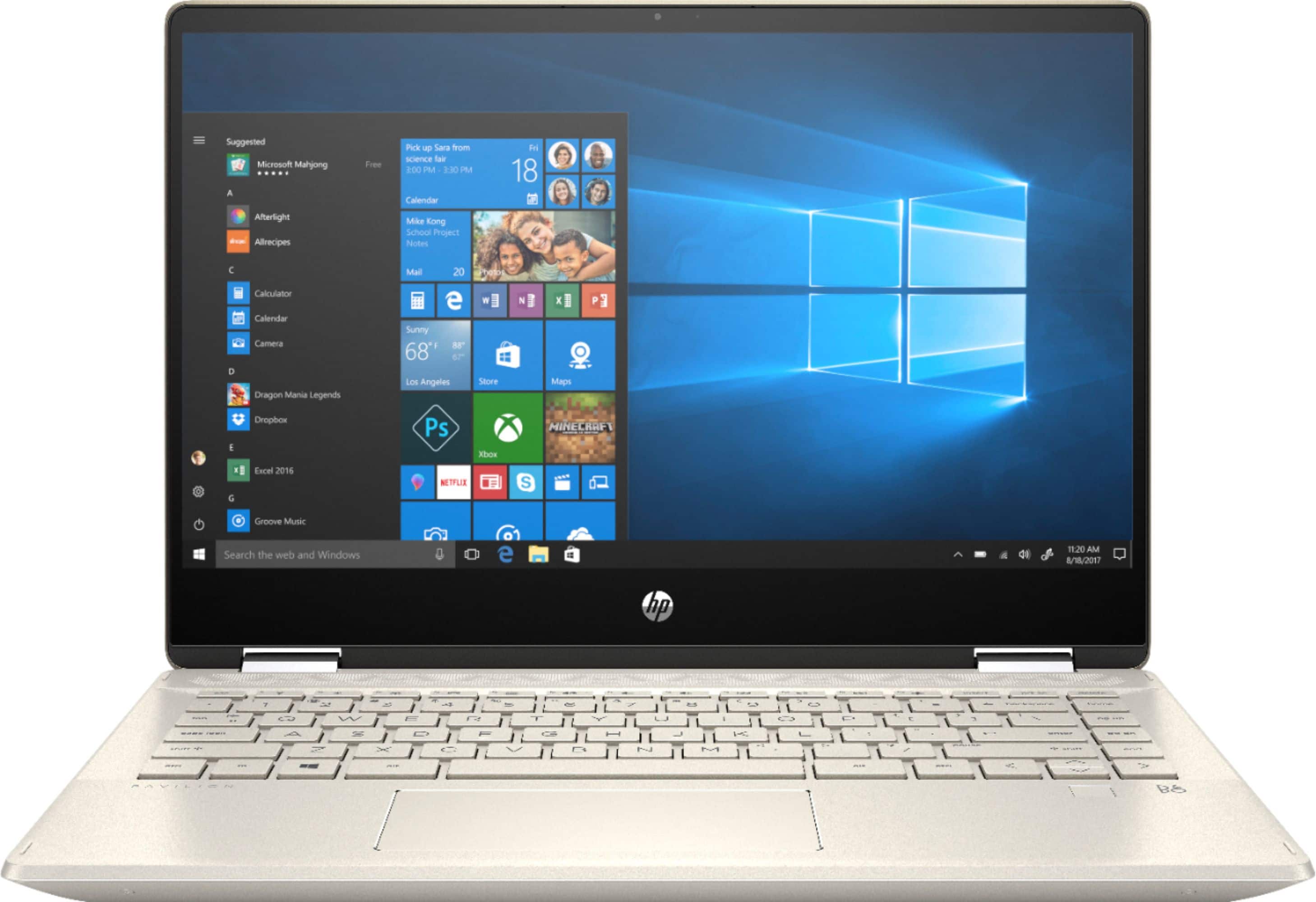
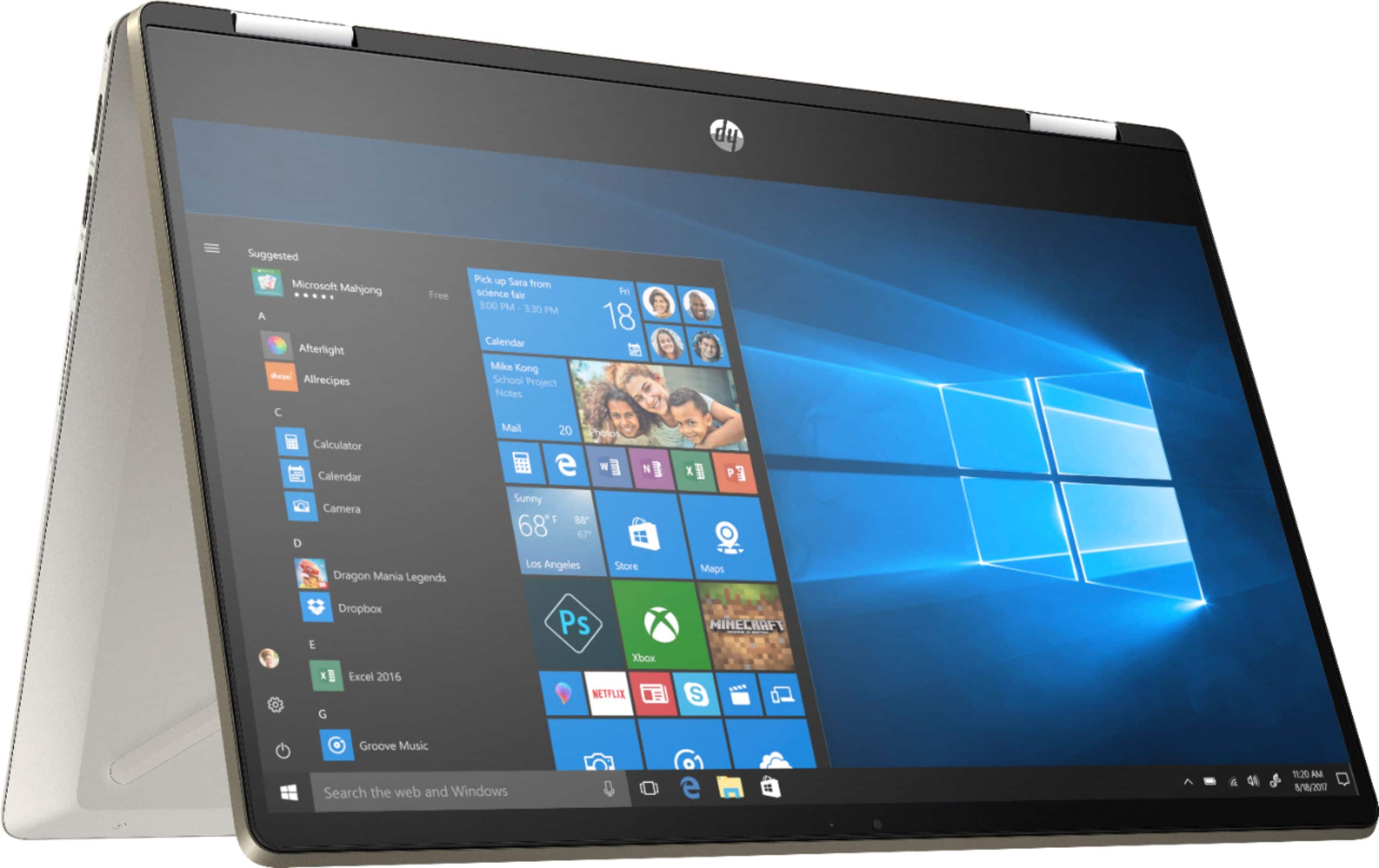
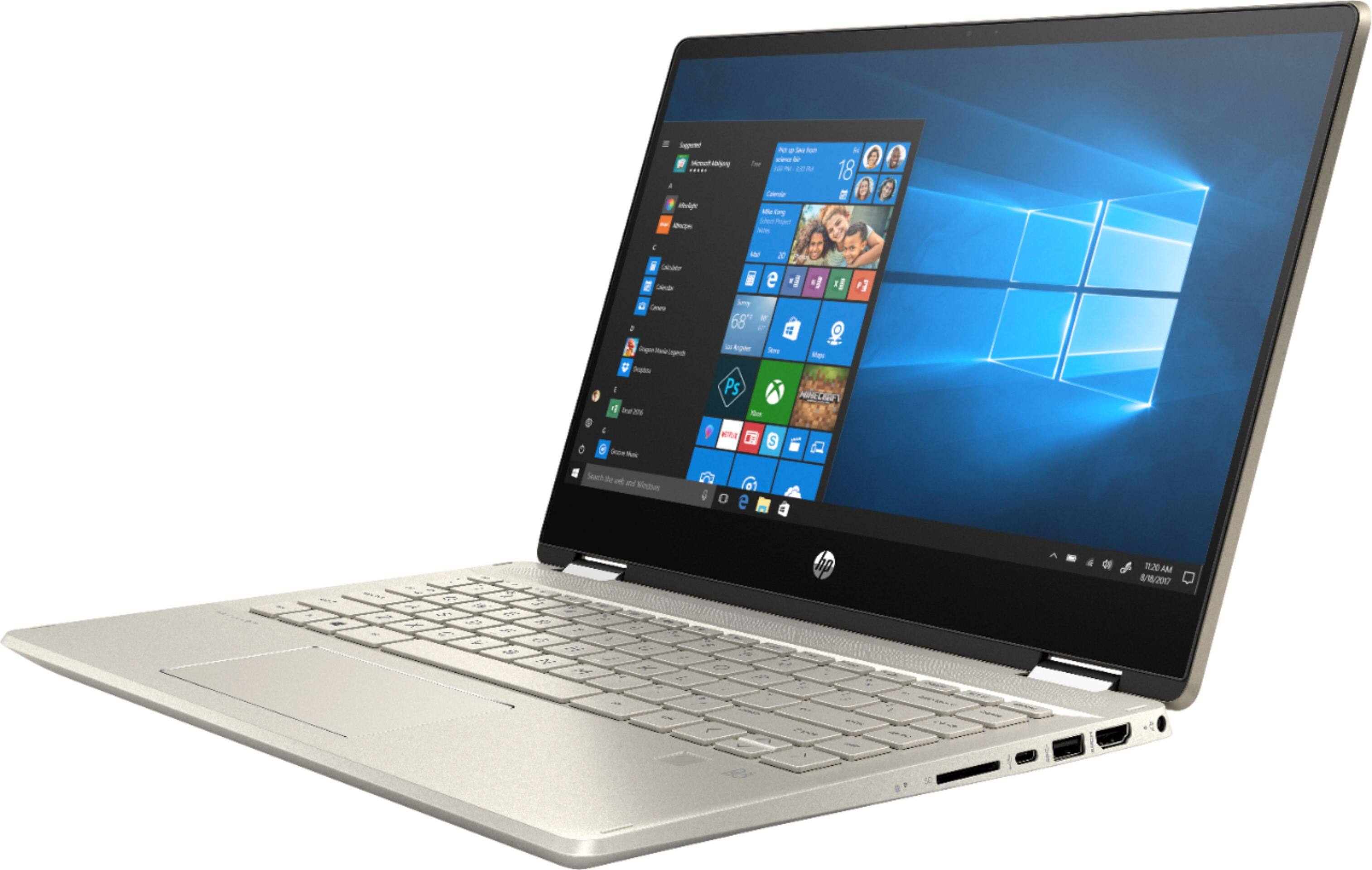
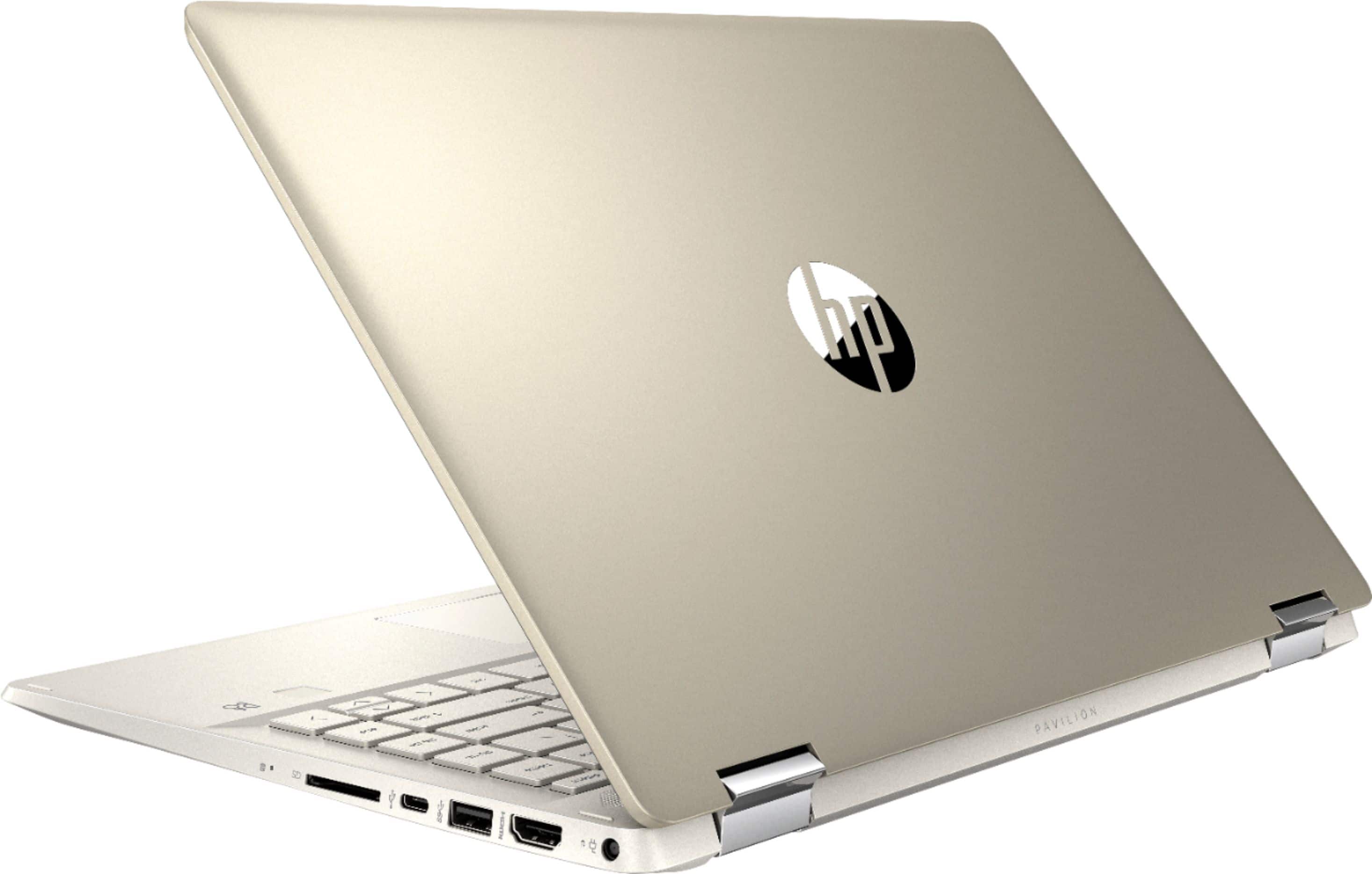
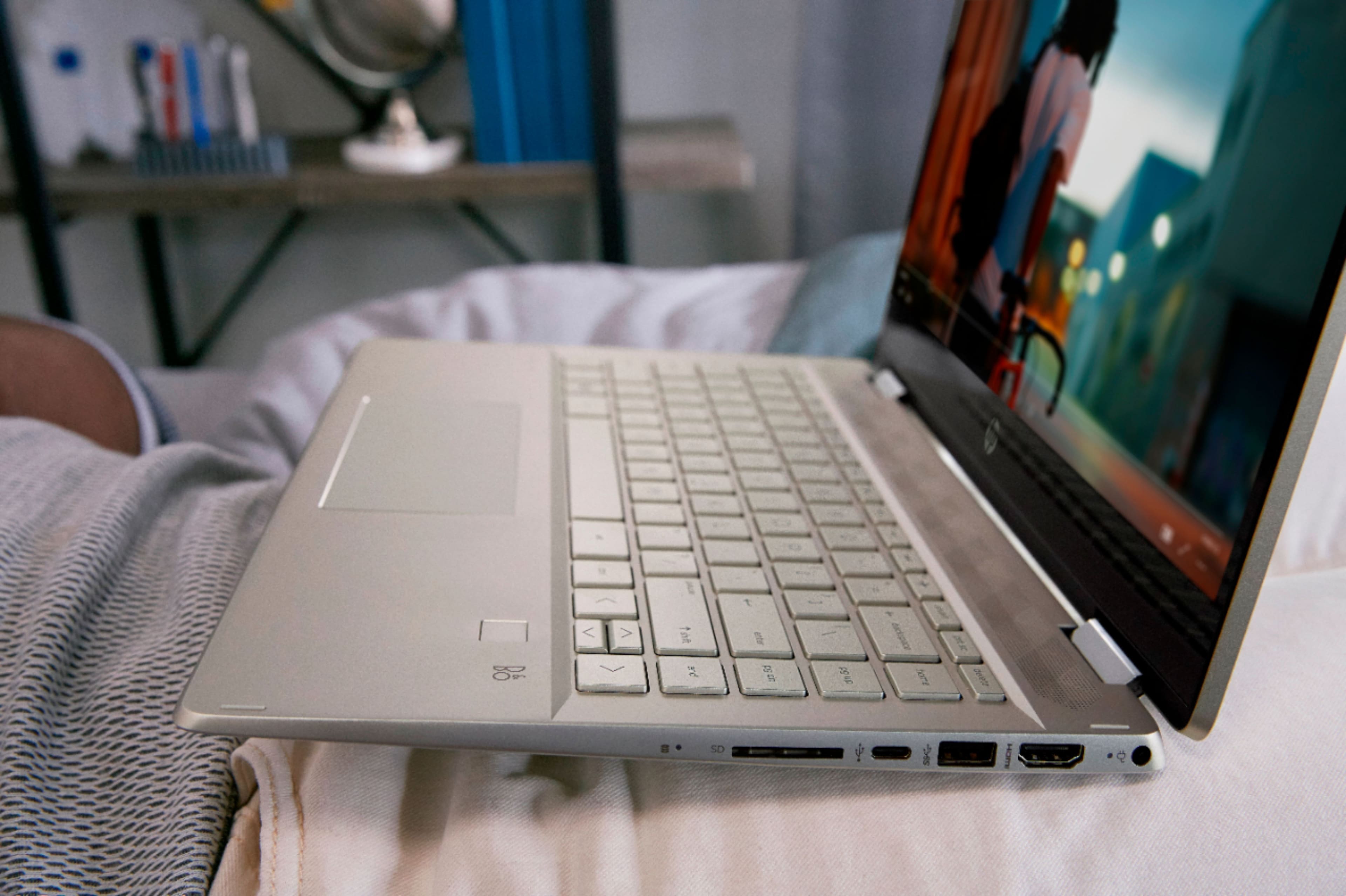
A:AnswerThis laptop has the following ports:
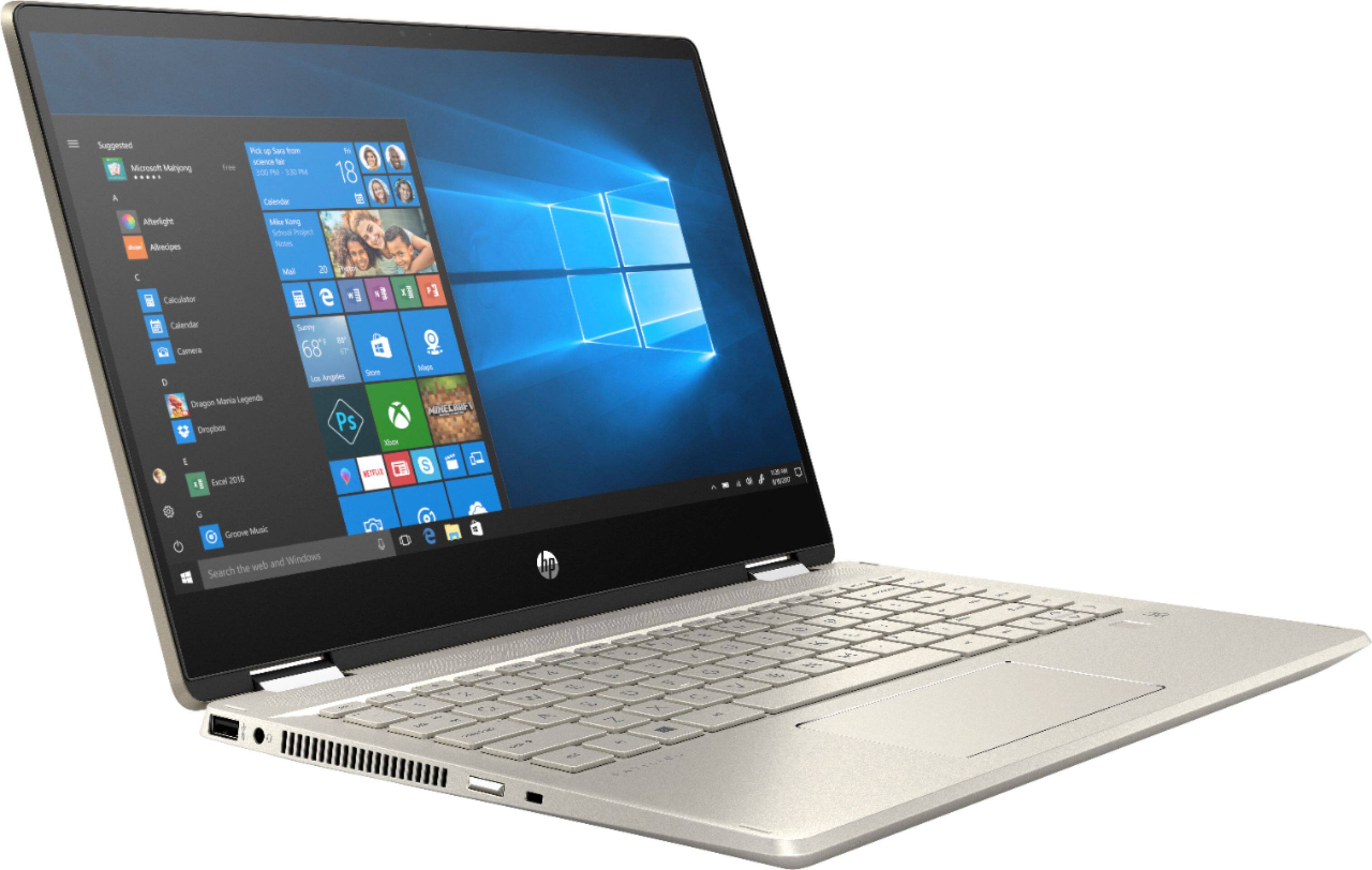
1 USB 3.1 Gen 1 Type-C™ (Data Transfer Only, 5 Gb/s signaling rate); 2 USB 3.1 Gen 1 Type-A (Data Transfer Only); 1 AC smart pin; 1 HDMI 1.4; 1 headphone/microphone combo
A:AnswerI'd say so. It's easy to use and navigate. I don't think it's suited for the games with a lot of GB you have to download. It would slow it down tremendously
A:AnswerThe 14M-DH1001DX has a compatible pen and that is the HP Pen (1MR94AA#ABL). Here is the pen at Best Buy: https://www.bestbuy.com/site/hp-stylus-pen/5902029.p?skuId=5902029
A:AnswerThis laptop will come with Windows 10 in S Mode. You can switch it out of S Mode at no additional charge. Here is how: https://support.microsoft.com/en-us/help/4456067/windows-10-switch-out-of-s-mode
A:AnswerYou can extend displays. I use my laptop and a monitor for dual screens. I haven’t tried running 2 screens yet, but with a display port, I’m sure it’s possible.
A:AnswerYou can upgrade the memory, but unless you have experience opening a laptop and removing and then replacing components, I suggest you check with an expert like the GeekSquad on costs to upgrade/replace the memory.
A:AnswerHere is the wireless details for the 14-dh1001dx laptop: Realtek RTL8821CE 802.11b/g/n/ac (1x1) and Bluetooth 4.2 Combo MU-MIMO supported and it is Miracast compatible.