A:Answer Yes.
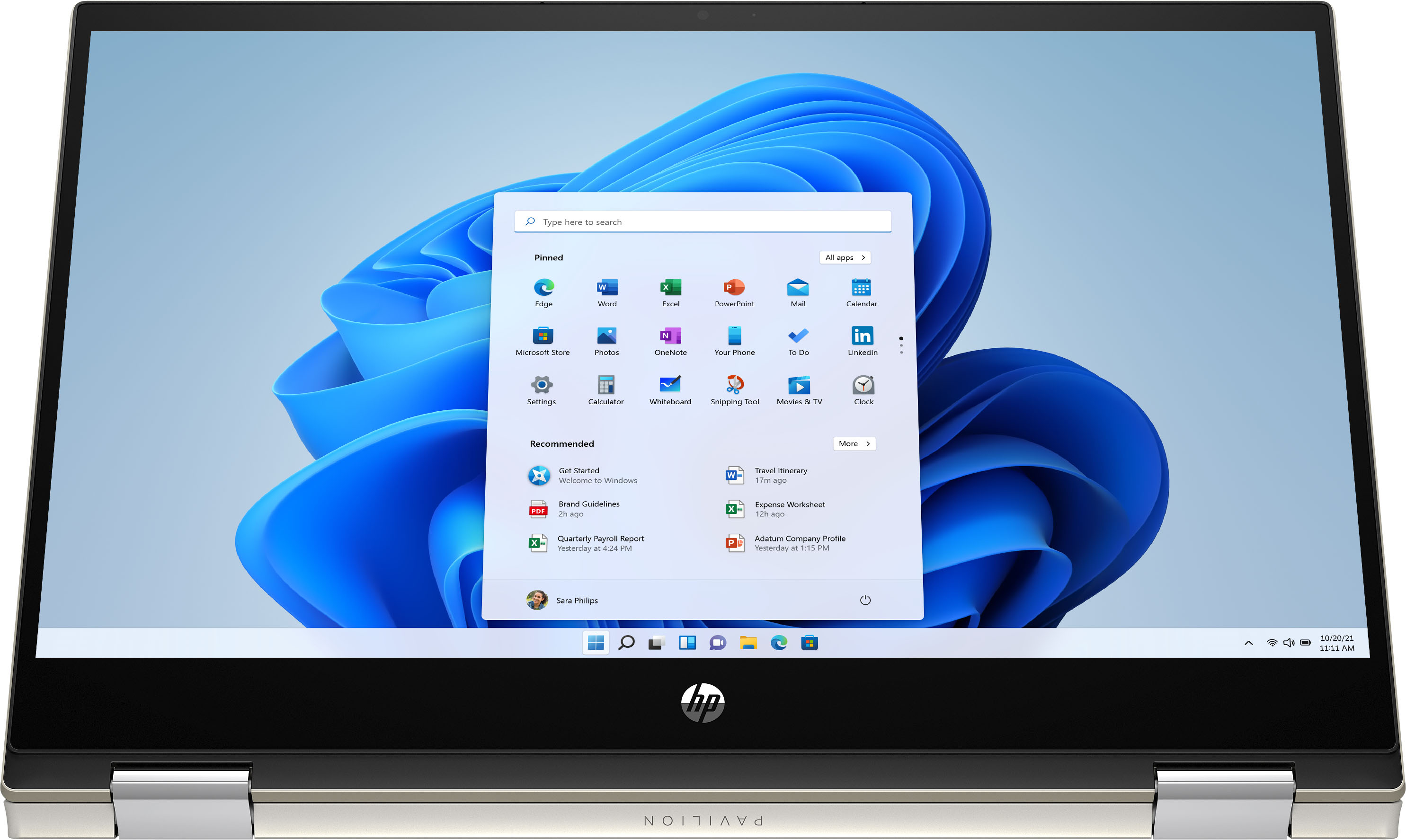
1. Type CONTROL PANEL in the SEARCH BAR at the lower, left corner of your screen.
2. Click on USER ACCOUNTS.
NOTE: If you don't this option, try clicking on SETTINGS and then USER ACCOUNTS.
3. Select MANAGE ANOTHER ACCOUNT.
4. Click on the link that says, ADD A NEW USER IN PC SETTINGS, located under the large box on your screen.
5. Select ADD A FAMILY MEMBER or you can choose to ADD SOMEONE ELSE TO THIS PC...
Good luck!!
*As the Administrator, whatever you do don't forget your password. And I recommend not giving other users administrative rights to your PC.