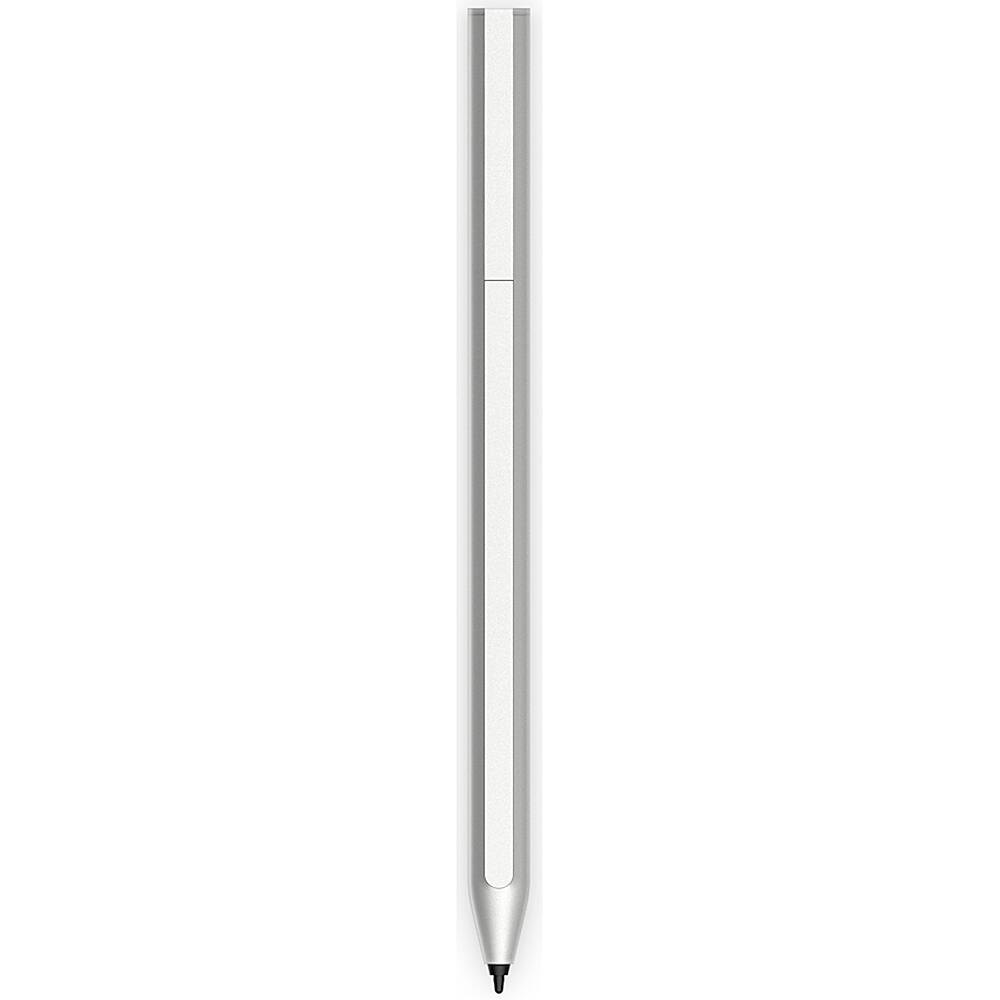
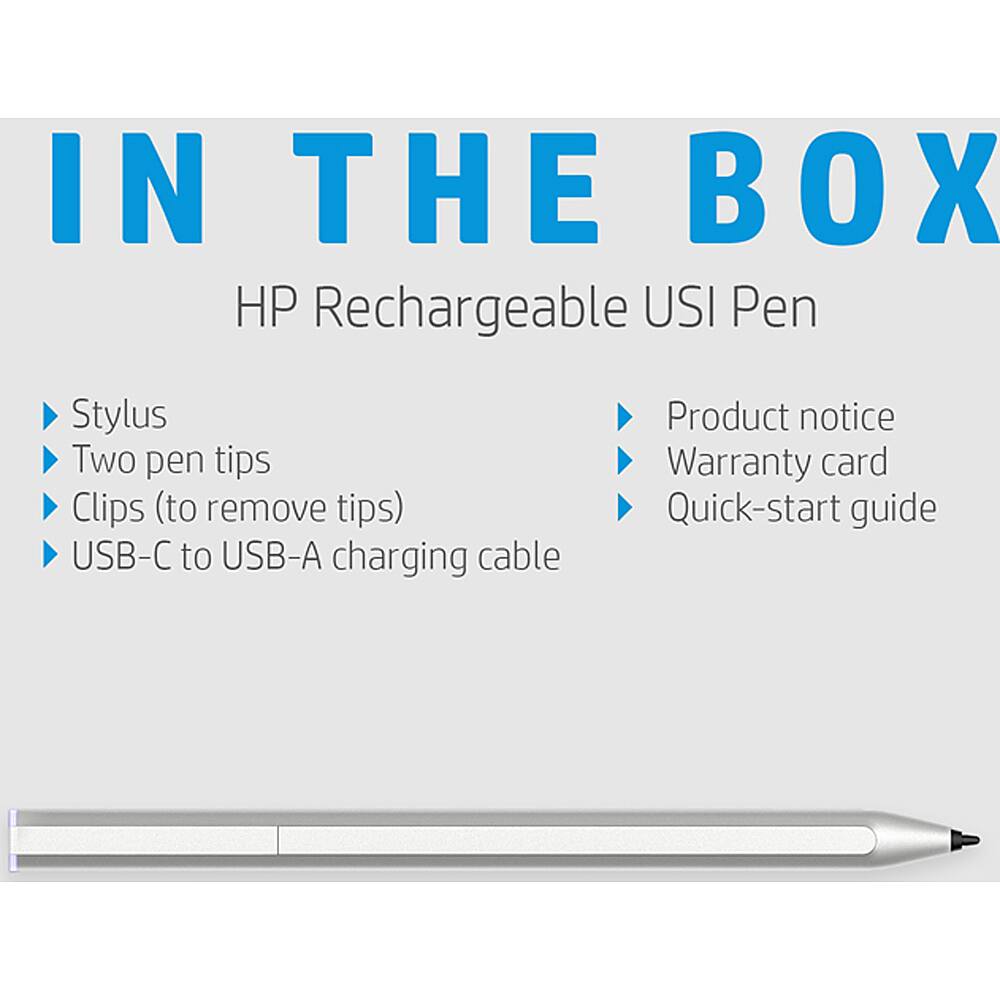
A:AnswerHello. Thanks for your question. No. That HP - 11" Tablet - Intel Pentium - 4GB Memory - 128GB SSD, Model:11m-be0013dx, SKU:6492318 is compatible with the HP Rechargeable MPP 2.0 Tilt Pen or HP MPP 1.51 Pen.
A:AnswerHello, the USI pens are designed for the Chromebook devices. The HP Stylus Pen and the HP Digital Pen are compatible with the x360 laptops. Thank you for being an HP customer!
A:AnswerThank you for reaching out, apologies for what you're experiencing. Yes, the HP Rechargeable USI pen should work with your 14b-cb0013dx Chromebook. If your stylus stopped working on Chromebook, first check your pen, and make sure it's fully charged. Then ensure the tip is positioned correctly. If the issue persists, update Chrome OS, and reset your hardware. If you can't use your digital pen with specific apps, reinstall them. If these tips don't work or don't apply, please contact Support.HP.com for assistance, or call 800-474-6836.
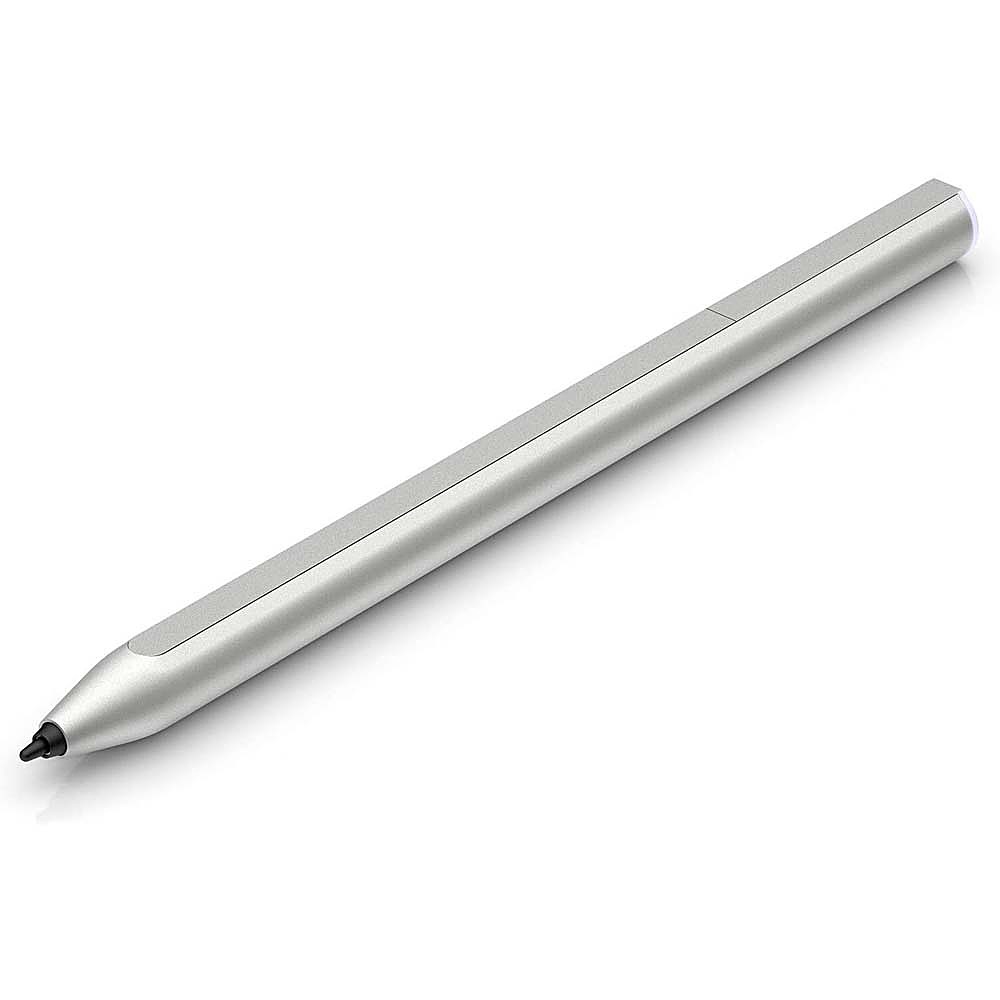
A:AnswerTo be certain your HP is Windows Ink compatible go to Settings, click on Bluetooth and Devices, you should see Pen and Windows Ink, click there and you should see options to add a pen to your device. If not, then this device will not be compatible with Windows Ink devices.
A:AnswerThank you for your question! The HP USI Pen was designed for newer HP Chromebooks and will not work with our Windows laptops. Please reach out to HP Support for the part you need for your specific model number: https://support.hp.com
A:AnswerHello, the model number you provided is not specific enough to know if it is touchscreen. Please provide the complete model number and the compatible pen can be located for you. If the laptop is not a touchscreen an HP Stylus will not be an option to use. Thank you for being an HP customer!
A:AnswerThank you for your question! This pen will not work with HP Envy laptops. I recommend contacting HP Support to find out which type of stylus will work with your exact model: https://support.hp.com
A:AnswerHello. Thanks for your question. No, this HP USI pen will not work with the HP 24 All-in-One-PC (24-F1047C) computer. You can use a passive stylus with the computer.
A:AnswerDepends on the model you have. My Lenovo Duet (tablet Chromebook) is compatible and it works great with it. However, my Lenovo X1 Yoga has a Wacom version digitizer and this pen is **NOT** compatible with it. Look at your specs, if it uses USI, then this should work fine for you.
A:AnswerHi Chad and thanks for your question. This HP Rechargeable USI pen should word perfectly with the HP 14B-CA0013DC as they both meet the USI standards.
A:AnswerThanks for your question! The HP® HP1MR94AA digital stylus pen in silver color is compatible with HP ENVY x360, Pavilion x360, and Spectre x360 laptop computers. It has a precision and pressure-sensitive tip that provides complete control as if its pen to paper.
A:AnswerThanks for your question! The HP® HP1MR94AA digital stylus pen in silver color is compatible with HP ENVY x360, Pavilion x360, and Spectre x360 laptop computers. It has a precision and pressure-sensitive tip that provides complete control as if its pen to paper. This is the recommended pen for HP Envy laptops.
A:AnswerHi Conner, thank you for the question. Yes, this Chromebook is USI stylus compatible. You'll need to enable recognition of the stylus by going to clock>setting>search stylus tools.