Last-Minute SavingsLimited quantities.Shop now

Skip to content
Gift Ideas
Main Content

Questions & Answers

Your price for this item is $69.99
Page Showing 41-46 of 46 questions
  • QuestionHow do you know if your pen is charging? Also, where do you place it on your chromebook 360 to charge?

    Asked by taylor.

    • Answer Hello, Taylor. Thanks for your question. We recommend looking at the Quick Setup Guide under the Manuals tab on this webpage: https://support.hp.com/us-en/product/hp-rechargable-usi-pen/31984072/model/31984073?sku=8NN78AA If you need further assistance, we recommend reaching out to HP Support: https://support.hp.com

      Answered by HP Team

  • QuestionI got this pen, and I'm trying to use it with my HP Pavilion x360 laptop. I can't figure out how to connect it so the pen works.

    Asked by Gary.

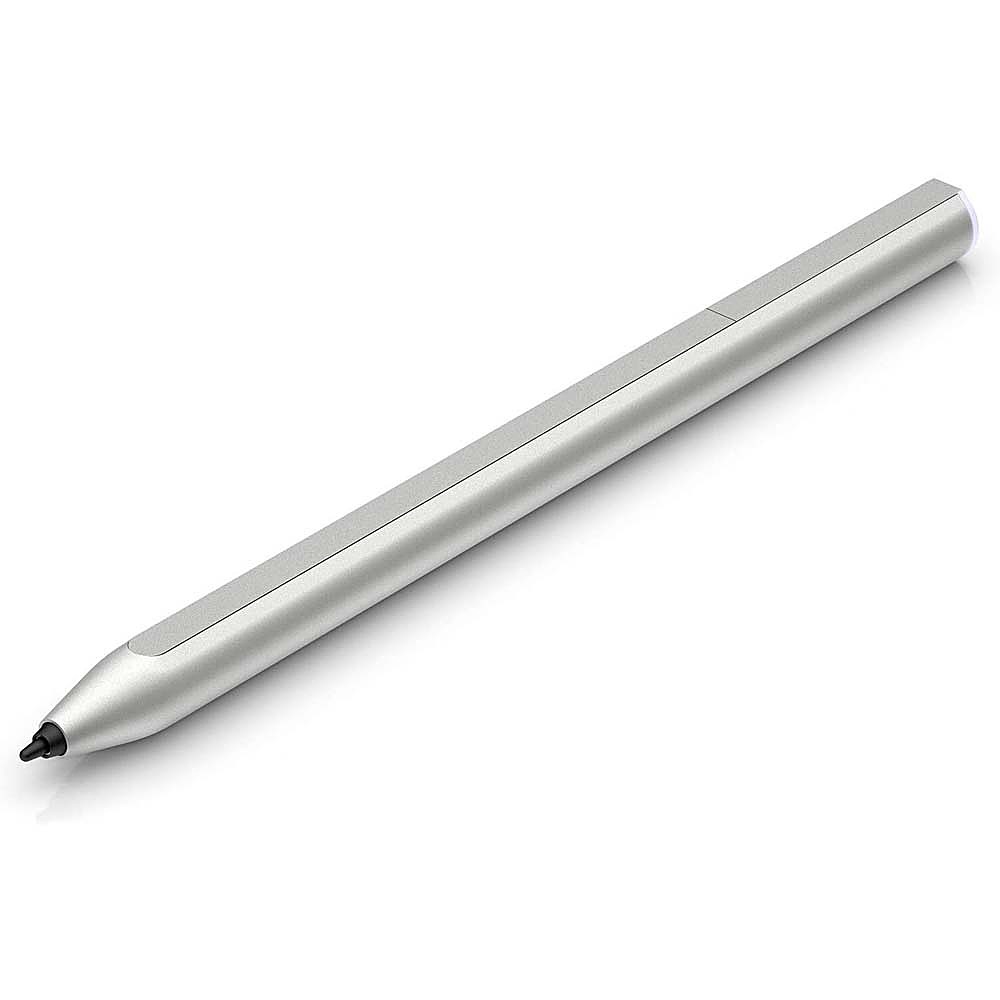
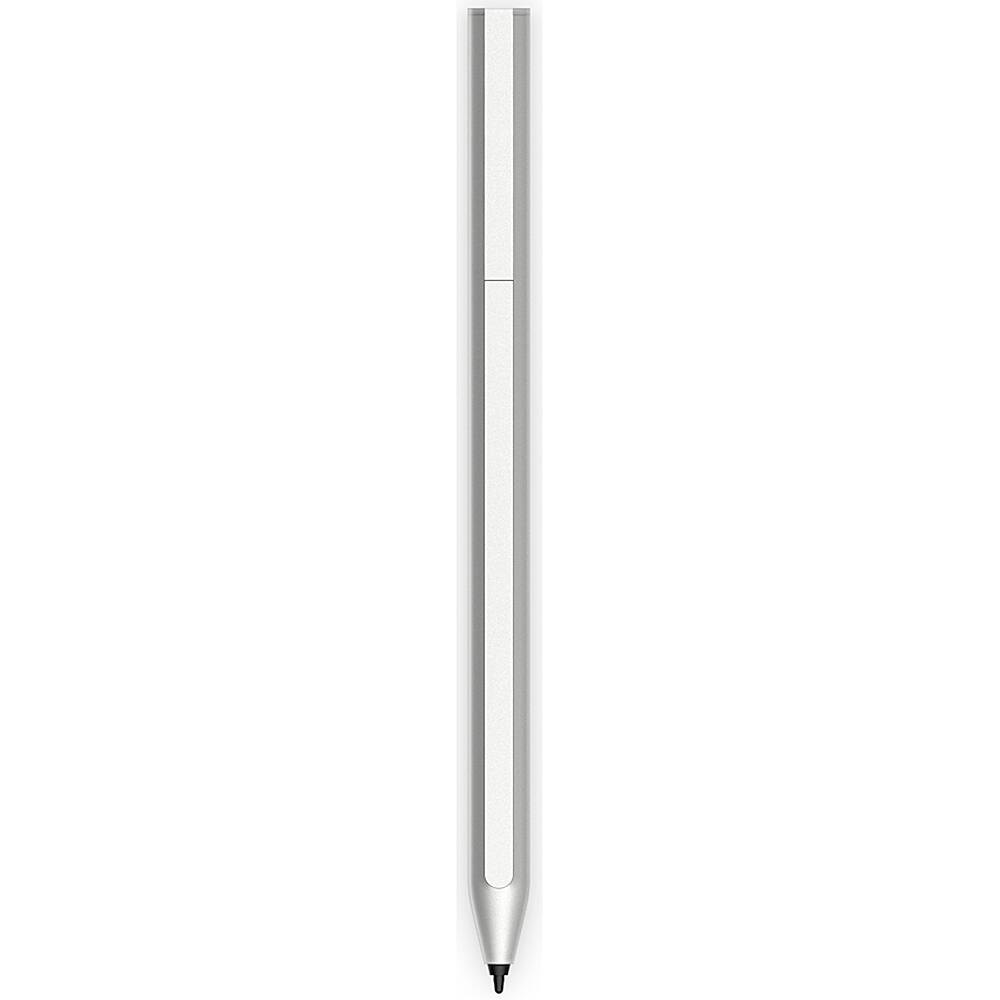
    • Answer Hello HP, unfortunately the YouTube link provided in your response does not answer Gary's question. The video shows how to charge the battery and insert the replacement tip but it stops short of actually showing the pen functional immediately following inserting the pen tip. Also there appears to be absolutely no support information on setup. I spent over 1 1/2 hours on the phone with tech support to setup this pen to no avail. Their assumption after deferring the setup problem to a manager concluded the pen is either defective or not compatible with my new HP Envy x360 HP ENVY x360 Convertible Laptop PC 13.3. Also, one of your posts advises to download the HP Pen Support App from the Microsoft Store. I downloaded the app but setup came to a full stop when the app required assigning task to the pen buttons. The problem is, there are no buttons on this pen model. HP, please review your own solutions prior to advisement. Respectfully and looking forward to better support for this pen. I am reassured however because HP warrantied out the pen and will be shipping a new one which we will use to determine compatibility.
      Answered by ApolloBch

  • QuestionWould this pen work on an HP Elitebook?

    Asked by Clara.

    • Answer Not sure have not had the opportunity to try it.

      Answered by TimH

  • Questionthis optical pencil is compatible with the hp envy x360? model: hp 13 bd0023dx since this laptop does not come with a pencil I attach a picture of the laptop

    Asked by Mikehpenvy1112.

    • Answer Hello, Mike. This HP USI pen will not work with your HP Envy x360 laptop. But the Sunwoda active pen stylus in natural silver finish, part number 910942-001; and the Zenvo pen in natural silver finish, part number L95614-001 will work with your HP Envy x360 laptop.

      Answered by HP Team

  • QuestionWill this work with the 360x Pavilion 2 in 1 convertible?

    Asked by Pp24740.

    • Answer As long as it has a USB-C port that accepts power it absolutely will. I have a Lenovo IdeaPad 7 that this adapter works on too. It's not an Apple proprietary charger, it's just an apple branded charger. It works on everything.

      Answered by mantis011

  • QuestionDoes this pen work for the HP chromebook x360 11 G3 Education Edition? If not, do you know if you carry one that does?

    Asked by Karen.

    • Answer Hi Karen and thanks for your question! Without knowing the exact model number of your Education Edition Chromebook makes it near impossible to guarantee that this USI Pen will be compatible with your Chromebook. That being said most of our Education Edition Chromebooks are USI Pen compatible and this would be the perfect product for it.

      Answered by HP Team