Questions & Answers
- Model:
- 4500-REFURBISHED
- |
- SKU:
- 5506772
Highly rated by customers for: Ease of use, Print Quality, Price
Page Showing 1-17 of 17 questions
Q: Questionwill it print with black ink only if the color ink is out?
Asked by PamK.
- A:Answer The printer will print things in black if the color cartridges is out.
Answered by CommunityAnswer
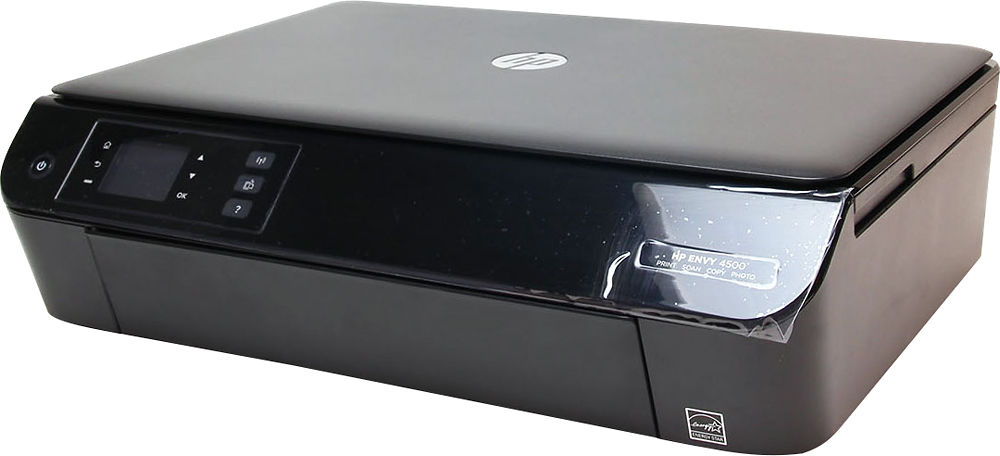
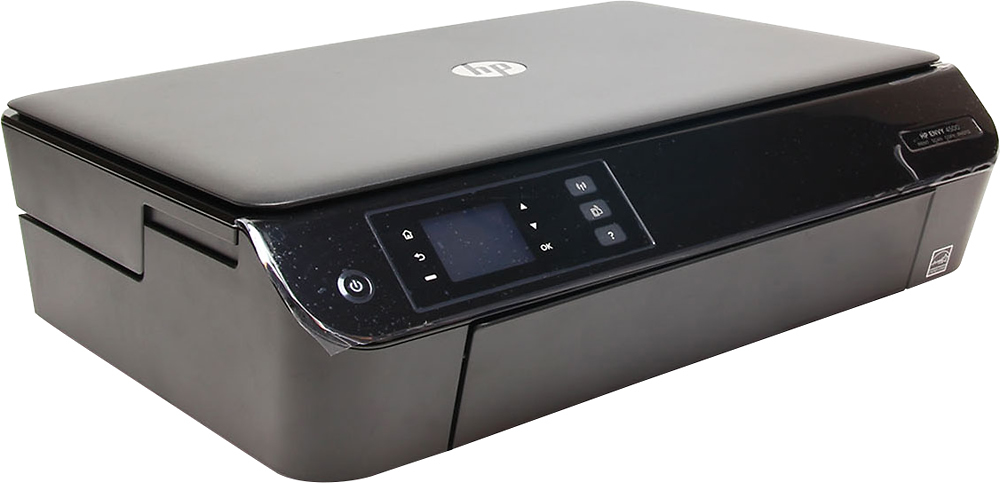
Q: QuestionIs this printer the 4502 model (as indicated by the title) or the 4500 model? The image shows 4500 on the printer.
Asked by Kate.
- A:Answer Good question. The 4500 and the 4502 are the same printer. They look exactly the same and have the same specs. The model number is the only difference. Some model numbers are made for specific retailers even though they are the same printer. I hope this helps.
Answered by HP Team

Q: QuestionIs this printer cloud ready?
Asked by Sheri.
- A:Answer Yes. You just have to turn on wireless direct from the menu (and view password from the wireless direct menu), and leave the printer on (it goes to sleep when not in use).
Answered by HaleyL
Q: QuestionCan you print labels and business cards with this printer?
Asked by Maciaryn.
- A:Answer Color is not consistent.. It begins to fade and color is not true reds are more pink.
Answered by easymoney
Q: Questionis this printer compatible with windows 10 operating system
Asked by cheryl.
- A:Answer Yes
Answered by Vici
Q: Questiondoes this have Bluetooth? does it only print/scan/copy/fax pics?
Asked by britt.
- A:Answer This printer does not feature Bluetooth. This product can print, scan to file, scan to email, recreate copies, but it cannot fax.
Answered by CommunityAnswer
Q: Questionis this compatible with W10
Asked by Mary.
- A:Answer Yes. We run windows 10 and 8.1 on our laptops, and print from our phones and tablets as well.
Answered by HaleyL
Q: QuestionCan you print from your iPhone (without having wifi) using this printer?
Asked by Justme.
- A:Answer You have to be hooked to a wireless network for the wireless options to work.
Answered by HaleyL
Q: QuestionCan you use a 62 ink cartridge in this one? Or only use a 61?
Asked by Tdawg99.
- A:Answer This only uses a type 61 cartridge.
Answered by CommunityAnswer
Q: QuestionWhat ink number does it use
Asked by Anonymous.
- A:Answer HP61 for both color & black.
Answered by Victor
Q: QuestionCan printer be run with USB cable from Personal Computer or wireless as an option?
Asked by DoubleNP.
- A:Answer http://h10032.www1.hp.com/ctg/Manual/c03784120.pdf (copy and paste for the Manual) USB connection (non-network connection) The HP ENVY 4500 series supports a rear USB 2.0 High Speed port for connection to a computer. NOTE: Web services will not be available with a USB direct connection. To connect the printer with the USB cable 1. Insert the printer software CD in the computer CD-ROM drive. NOTE: Do not connect the USB cable to the printer until you are prompted to do so. 2. Follow the on-screen instructions. When you are prompted, connect the printer to the computer by selecting USB on the Connection Options screen. 3. Follow the on-screen instructions. If the printer software has been installed, the printer will operate as a plug-and-play printer. If the software has not been installed, insert the CD that came with the printer and follow the on-screen instructions
Answered by HopeThisHelps
Q: QuestionDoes this printer work with the HP Instant Ink program?
Asked by Anonymous.
- A:Answer Yes
Answered by Kenny
Q: QuestionDoes the printer include ink?
Asked by Anonymous.
- A:Answer Yes, it does. Both black & color. Ready to use.
Answered by Victor
Page 1, Showing 1-17 of 17 questions
Most-viewed items
- $499.99$499.99The price was $899.99
- $329.99$329.99The price was $469.99
- $99.99$99.99The price was $129.99
- $299.00$299.00The price was $349.00
- $449.99$449.99The price was $649.99
- $1,149.00$1,149.00The price was $1,299.00