A:AnswerSound is very good and fans are non-issue. The only time I heard the fans was during start up, so I opened the Task Manager and disabled programs running in the background. I also did not give permissions during the set up process for software such as google analytics and microsoft to do tracking. I uninstalled the HP Support Center and disabled Cortana. In the Start up menu, located in the Task Manager, I disabled everything that didn't need to run during start up, only leaving about 2 processes going. So now it is super silent. Even when the fans run, they are quiet and momentary. This is after I have loaded it up with 3D Design software and heavy use Graphic Design software, including Adobe full graphics suite, CorelDraw 2019, MS Office Home & Student, Camtasia, Catia 5 and MatLab full version. The webcam is excellent, super clear, and can be shut off with a slide button on the side when not in use. The only drawback I have seen is the SSD not being upgradeable, so solved that with an external drive for saving files when / if I max out on internal space. But after loading all that software, I still have over 300 gb of the 512 gb SSD available, which surprised me. I haven't had a chance yet to run these programs simultaneously, but running each individually was a breeze. Also I purchased the new HP external gaming monitor to connect it to, and that is truly fantastic. 1 ms and 144hz refresh rate -- great for working and zoom calls and has great ratings for gaming, though I haven't tried that yet. When connecting to the monitor, it switched the sound to the monitor which has no speakers and would need headphones connected. No problem. Just click on the sound icon on your task bar and put the sound source back to your Realtek speakers. I did have one time where the screen went dim and would not brighten. I rebooted and it was fine again, so something to watch while the return period is still open. Overall, it is a great little workhorse.
A:AnswerHello, Steve. The HP Spectre is the higher subbrand above the HP Envy series. If the images that you see from Zoom are grainy. Then, the image issue is on the participant's side. They may need a better webcam. If your self-image is grainy, we recommend reaching out to https://support.hp.com or the Geek Squad at Best Buy for further assistance.
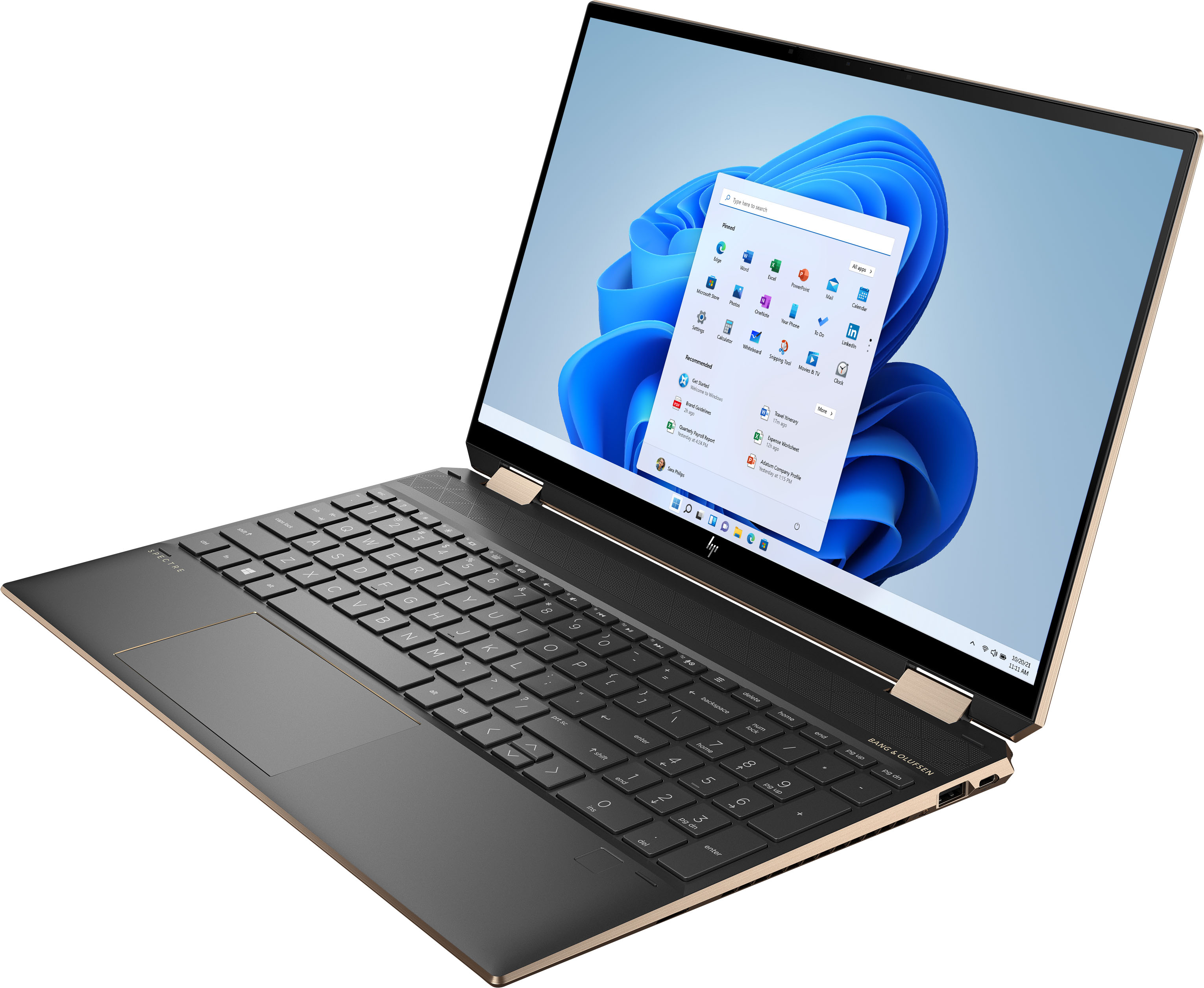
A:AnswerNo it does not run hot. This Spectre x360 Laptop has Enhanced Thermals: Enlarged air inlet & outlet vents, added opening on rear vent and keyboard inlet holes, increased fan size and added more graphite/insulation to disperse heat.
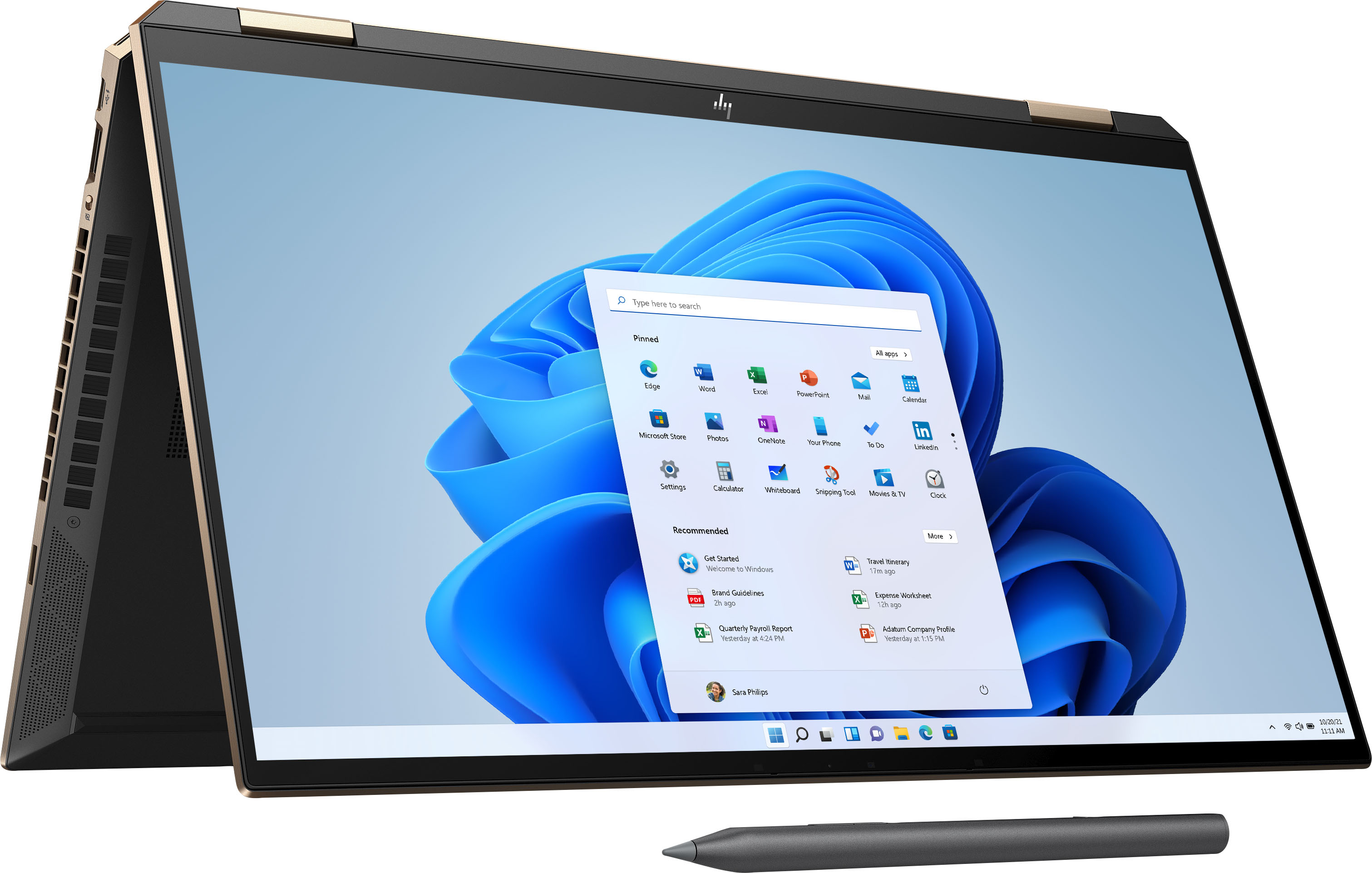
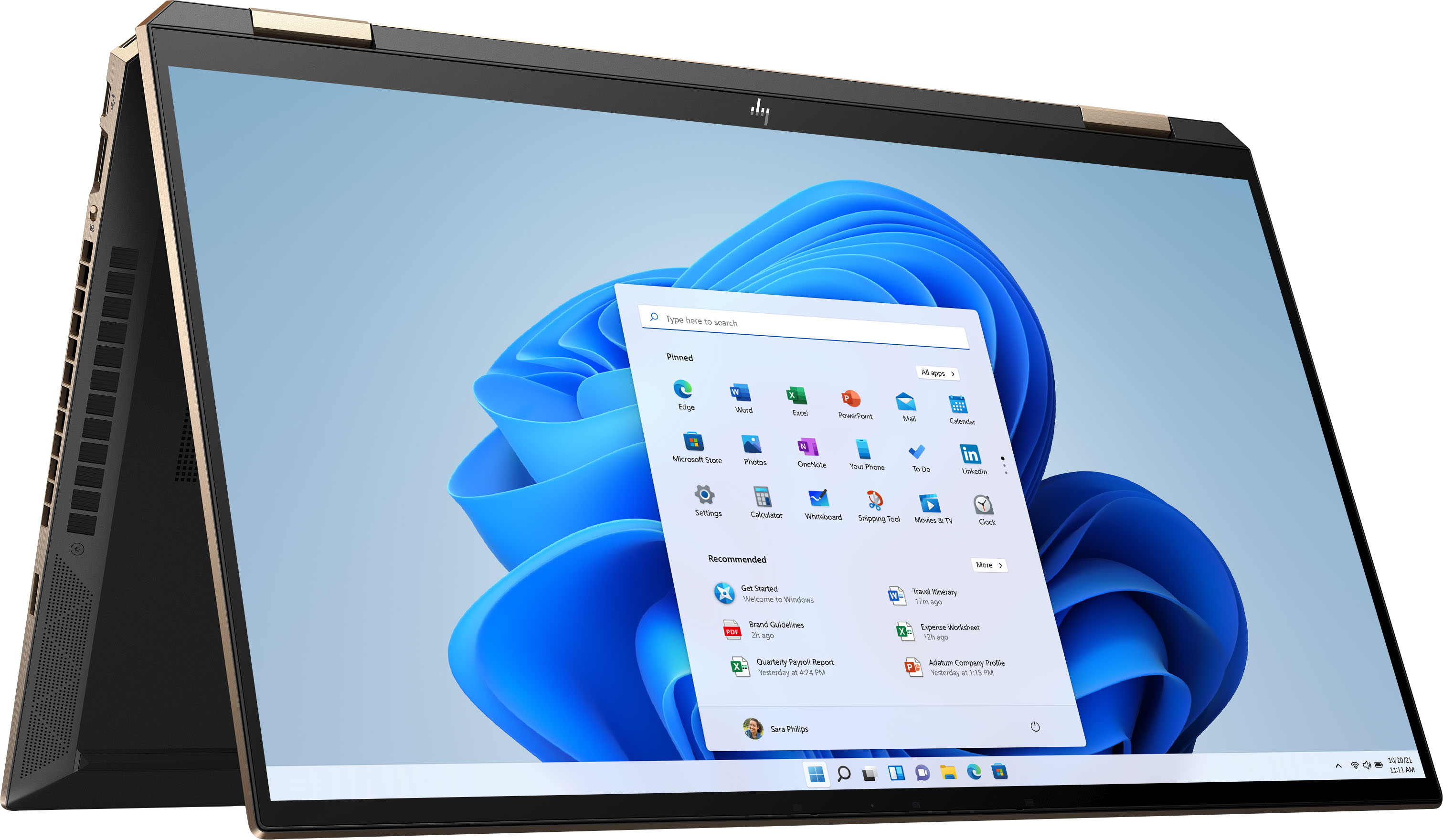
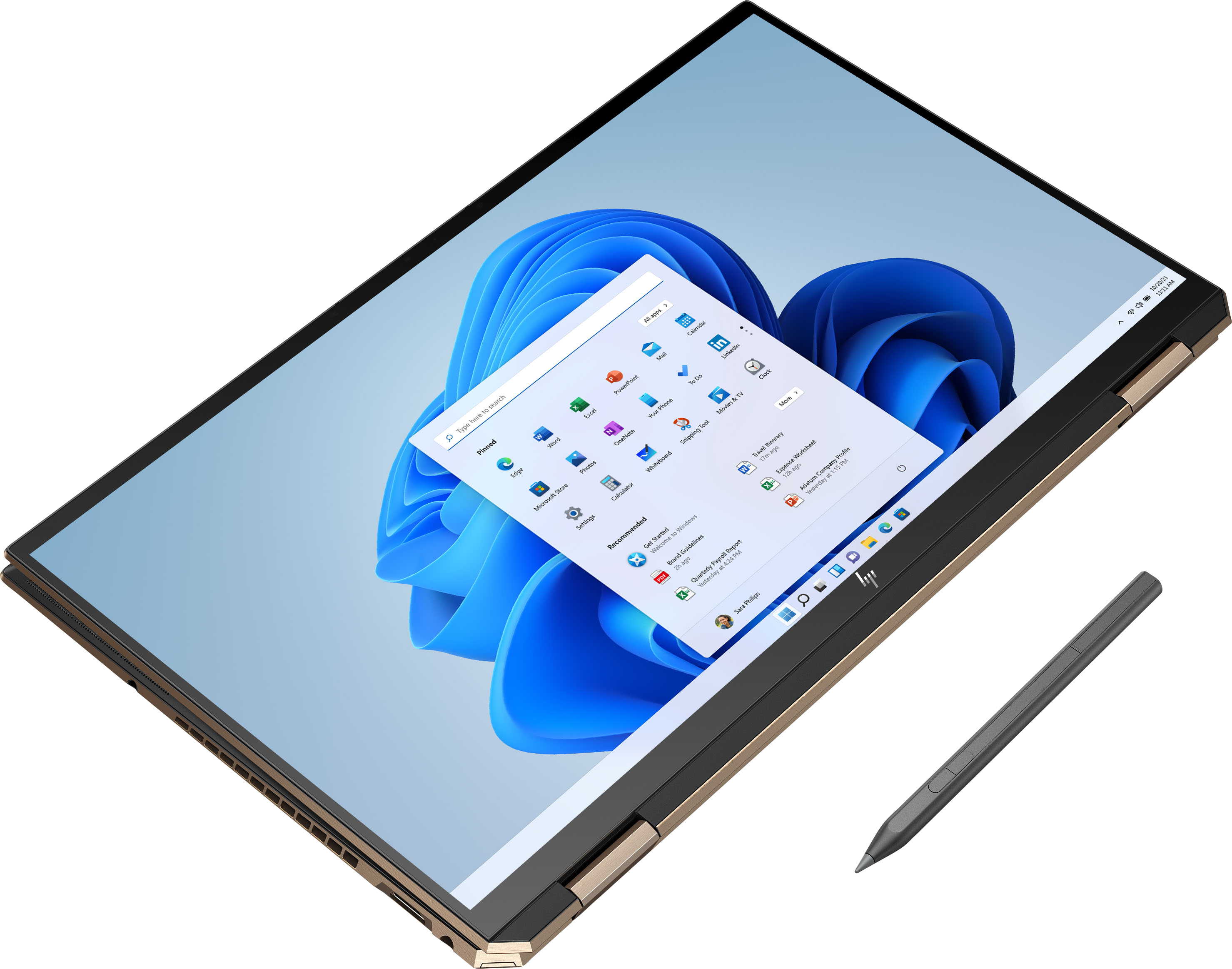
A:AnswerHi thanks for the question. If I understand you, when you flip the screen 360 degrees and go into tablet mode, you don't see an onscreen touchscreen keyboard. There should me an indicator in the task bar to turn on a keyboard or a notebook indicator to put the laptop in tablet mode.
A:AnswerThe link provided in the previous response is for a different screen size, and a storage capacity twice as large as this.
But the linked item indeed has an OLED screen.
A:AnswerIf compressed air isn't working, the only things I can suggest would be a piece of tape to see if it will pull up the dust, or brushing with an artists paintbrush to try and dislodge the dust
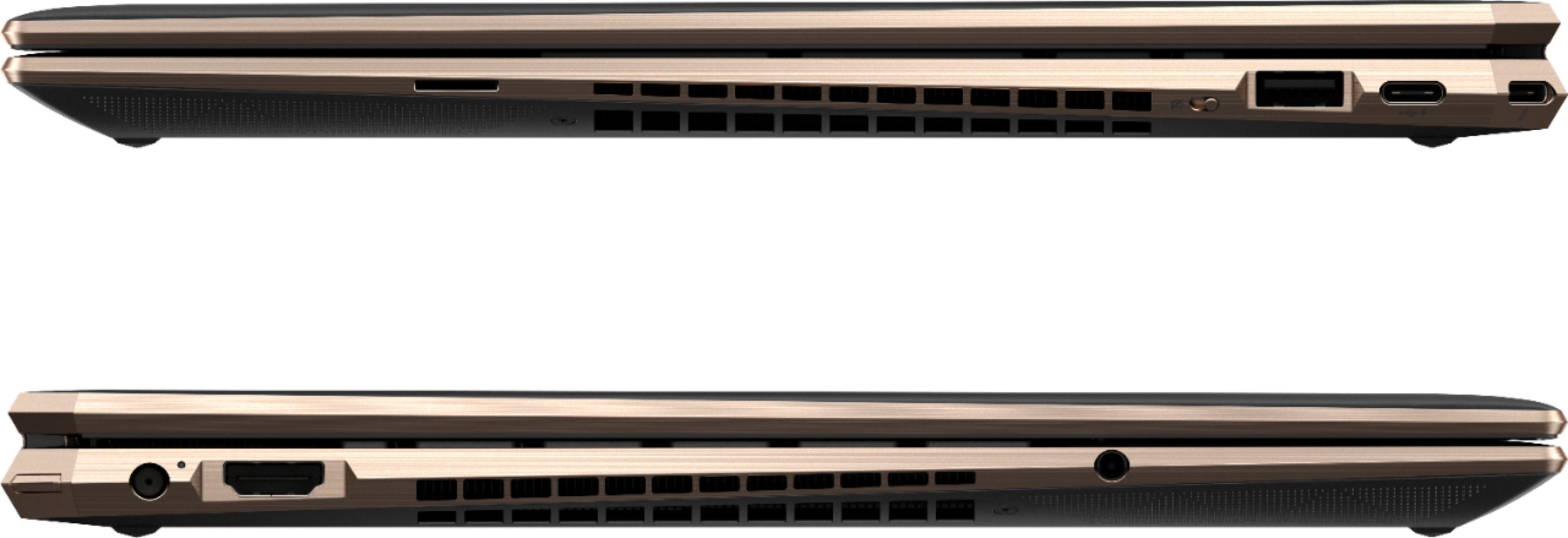
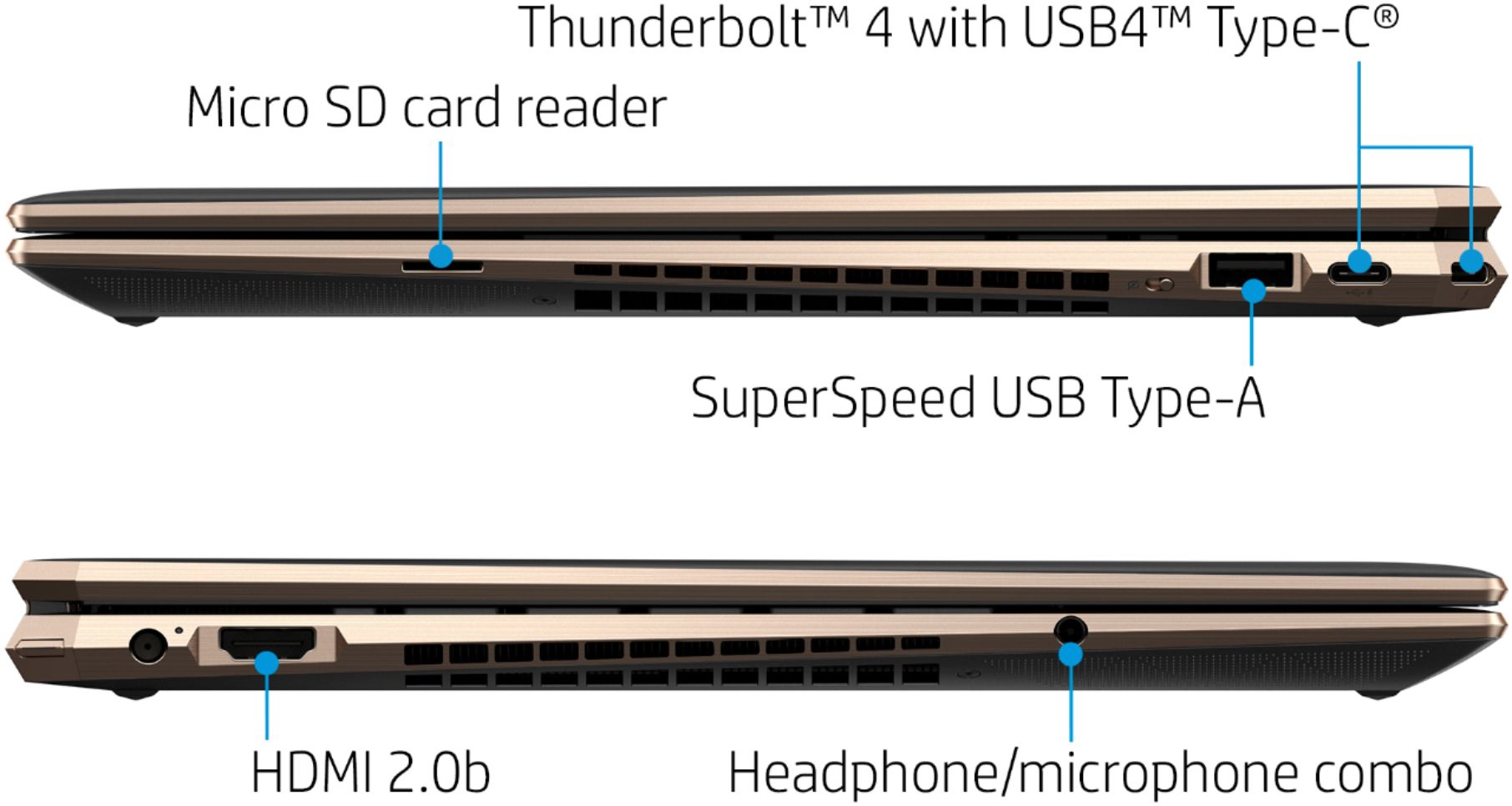
A:AnswerYes, I use those ports charge my laptop regularly, if not exclusively! You can use it with just a usb-c cable and wall adapter, but they need to be equipped for 60 watts PD (power delivery). You can also use it with a simple powered usb-c hub (e.g. Anker, Aukey, CableMatters, etc.) or even a full thunderbolt dock. I currently use a Toshiba dock at home; I was able to buy it used on amazon for really cheap. While on the go, I use this power block and cable:
https://www.aukey.com/collections/omnia-series/products/omnia-duo-65w-dual-port-pd-charger-with-dynamic-detect
https://www.aukey.com/collections/cable/products/aukey-cb-cd31
And this is the hub I use to give me huge expansion:
https://smile.amazon.com/Anker-Upgraded-Delivery-Pixelbook-A83460A2/dp/B07ZVKTP53/ref=sr_1_4?ascsubtag=1ba00-01000-org00-win10-dsk00-smile-us000-gatwy-feature-SEARC&dchild=1&keywords=anker+usb+c+hub&qid=1628106539&sr=8-4
Hope this helps!
Warmly,
Nathan
A:AnswerThanks for your question! This HP Spectre x360 can not connect directly to Verizon wireless cell towers. You can connect to Verizon products with wifi hotspots enabled.