Questions & Answers
- Model:
- 15-eb1043dx
- |
- SKU:
- 6428658
Highly rated by customers for: Fast, Touch screen, Design
Page Showing 141-147 of 147 questions
Q: QuestionI just bought this pc but keyboard backlight turns off after a few seconds of no activity. I would like backlight the backlight to stay on until I turn it off. Is this possible with this pc?
Asked by anonymous.
- A:Answer The function keys have a backlite key, but it is a lower level. Just tuch the mouse pas and the light comes on.
Answered by Douglas
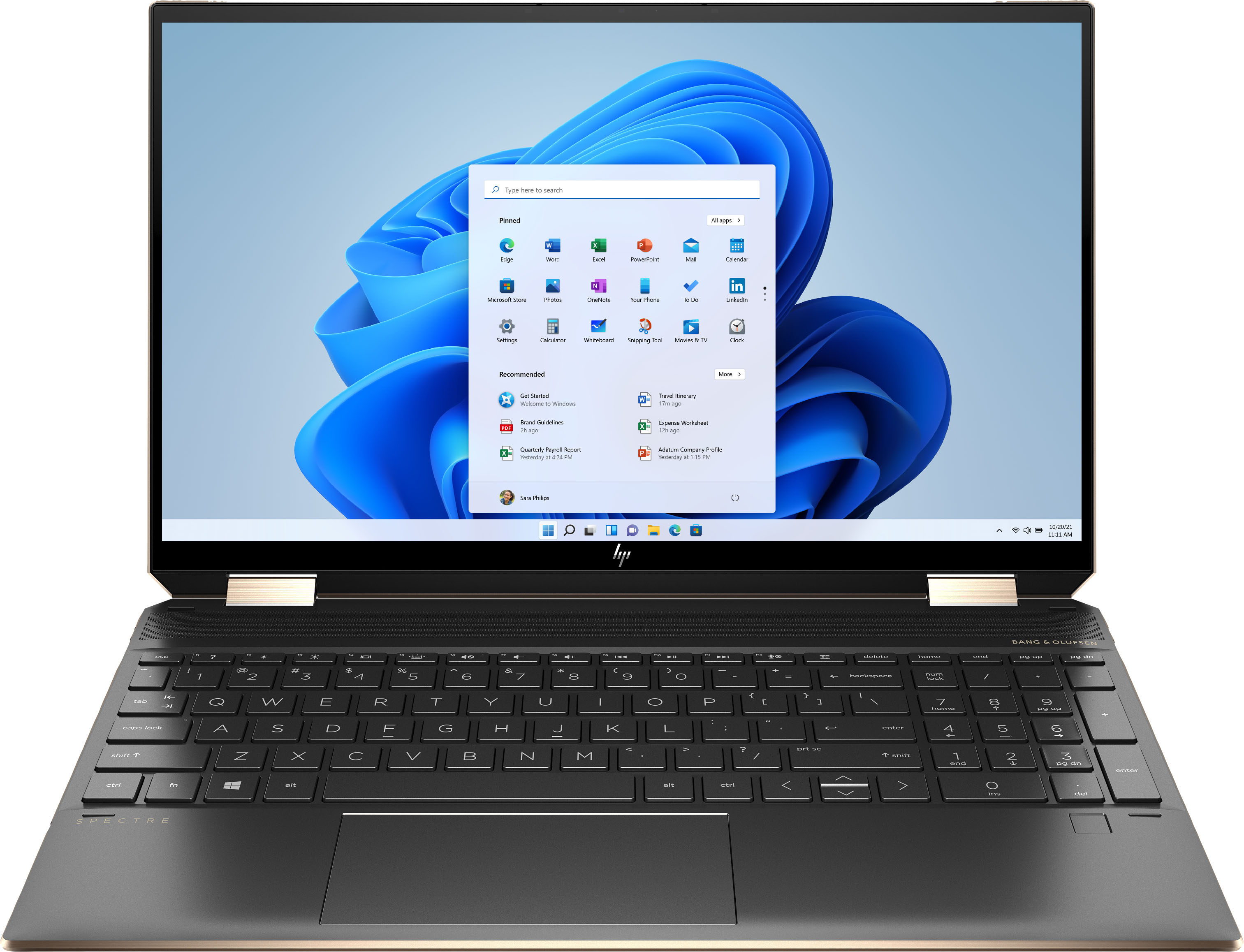
Q: QuestionHow do you turn on the keyboard lighting? Where is it located to turn on and adjust the brightness?
Asked by Ebony.
- A:Answer Hi Ebony. The keyboard on/off function is controlled by FN + F5 key.
Answered by HP Team

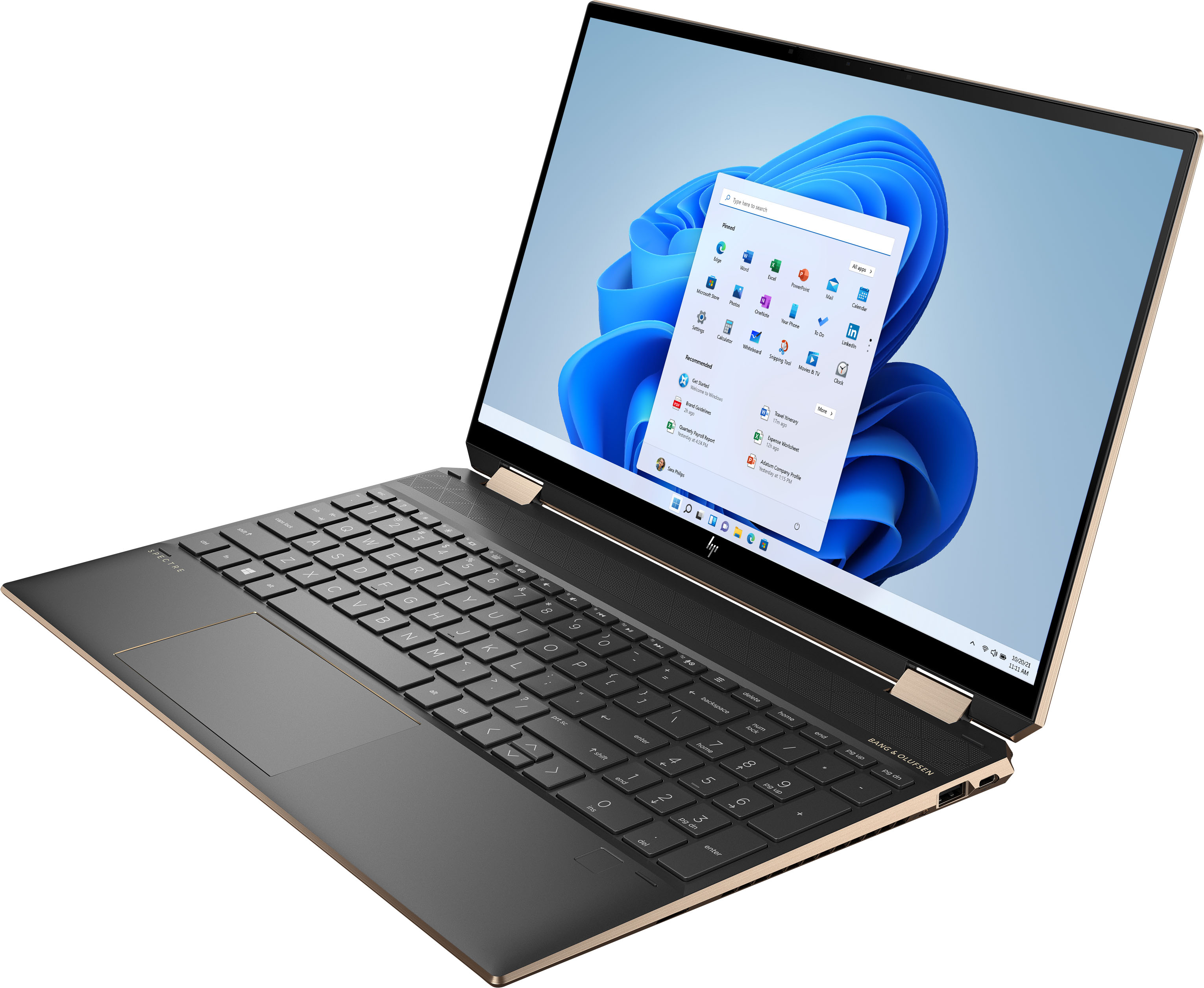
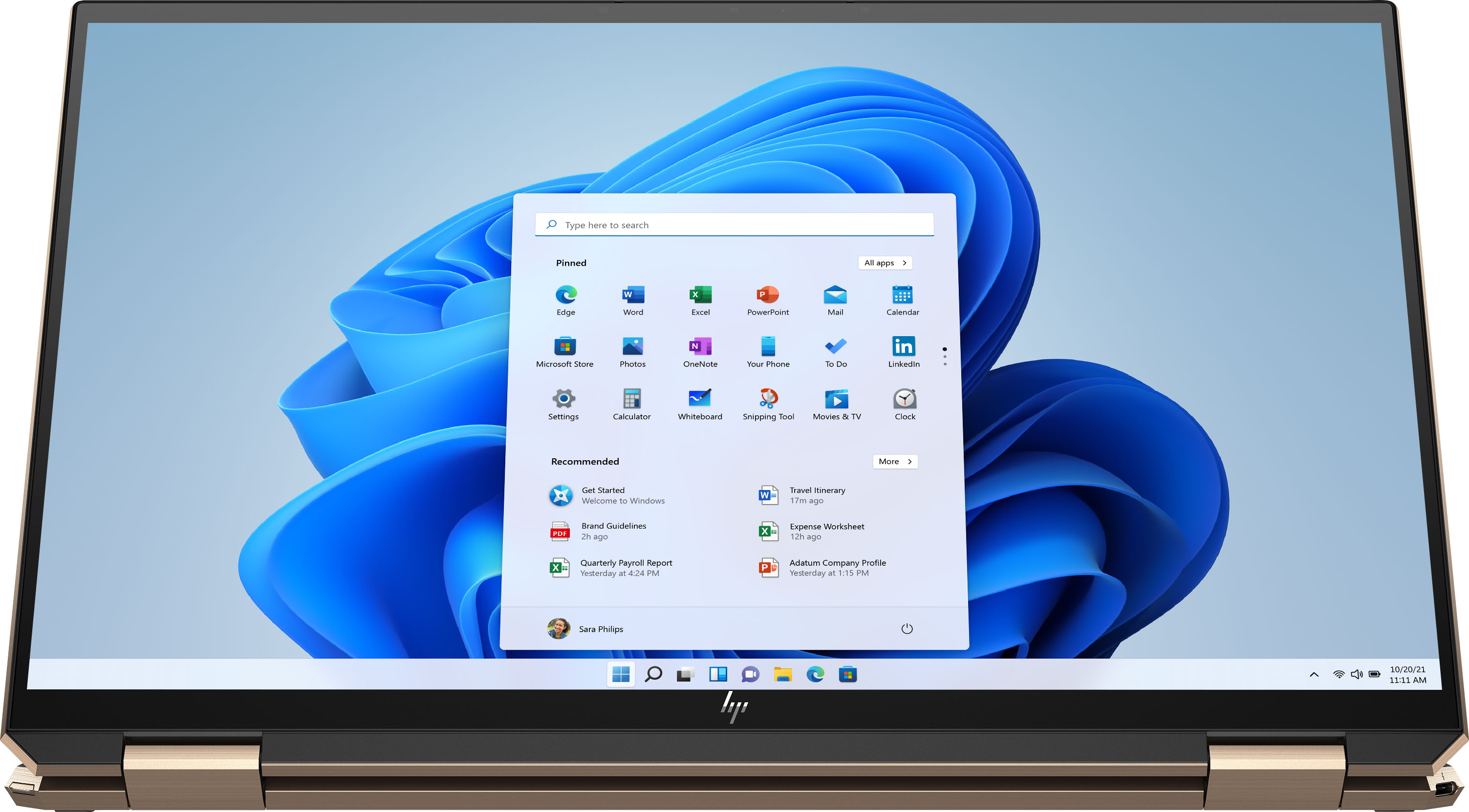
Q: QuestionI understand the NIT rating is at 340 for this unit, what is the color gamut rating and SRGB rating?
Asked by Bob.
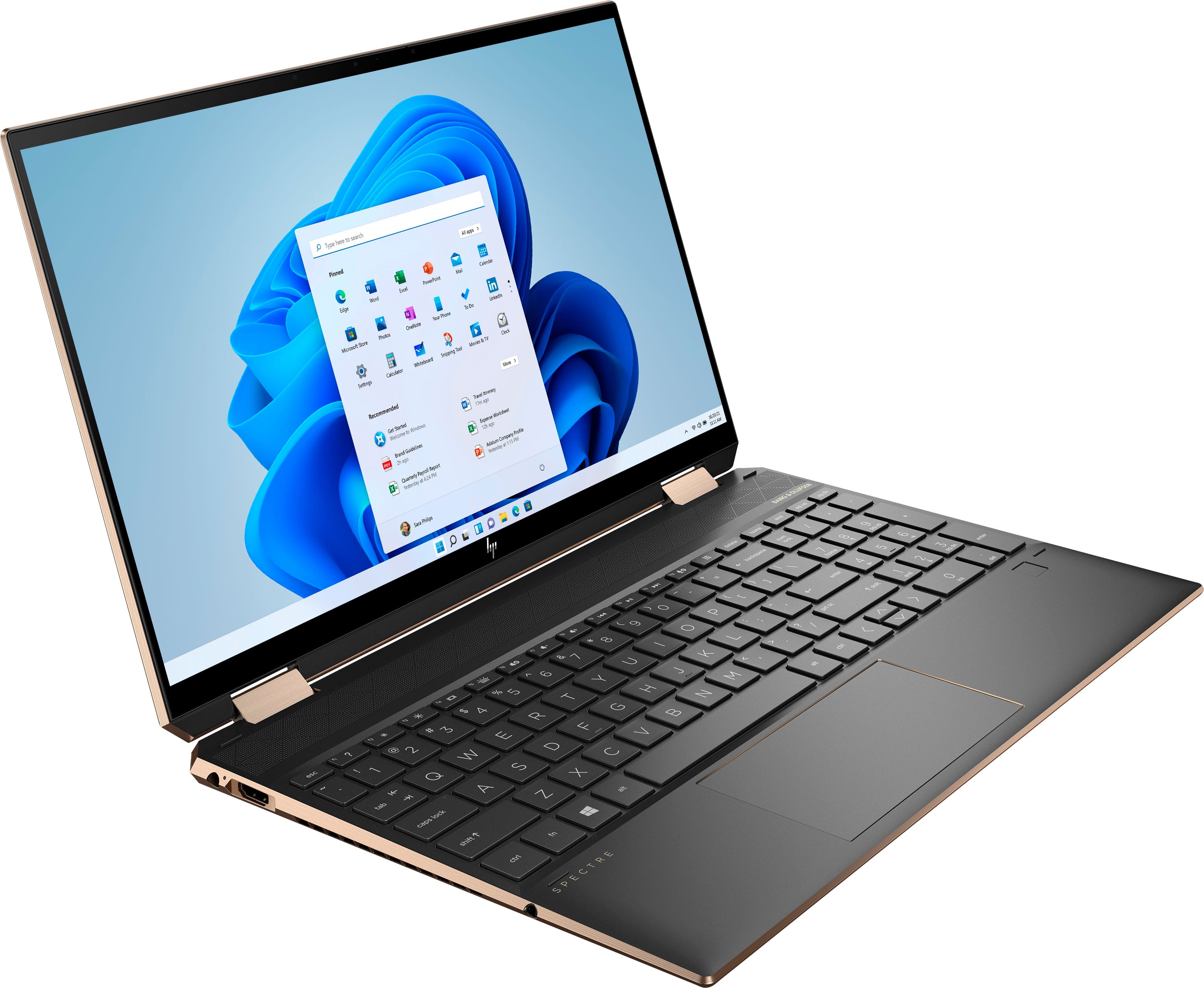
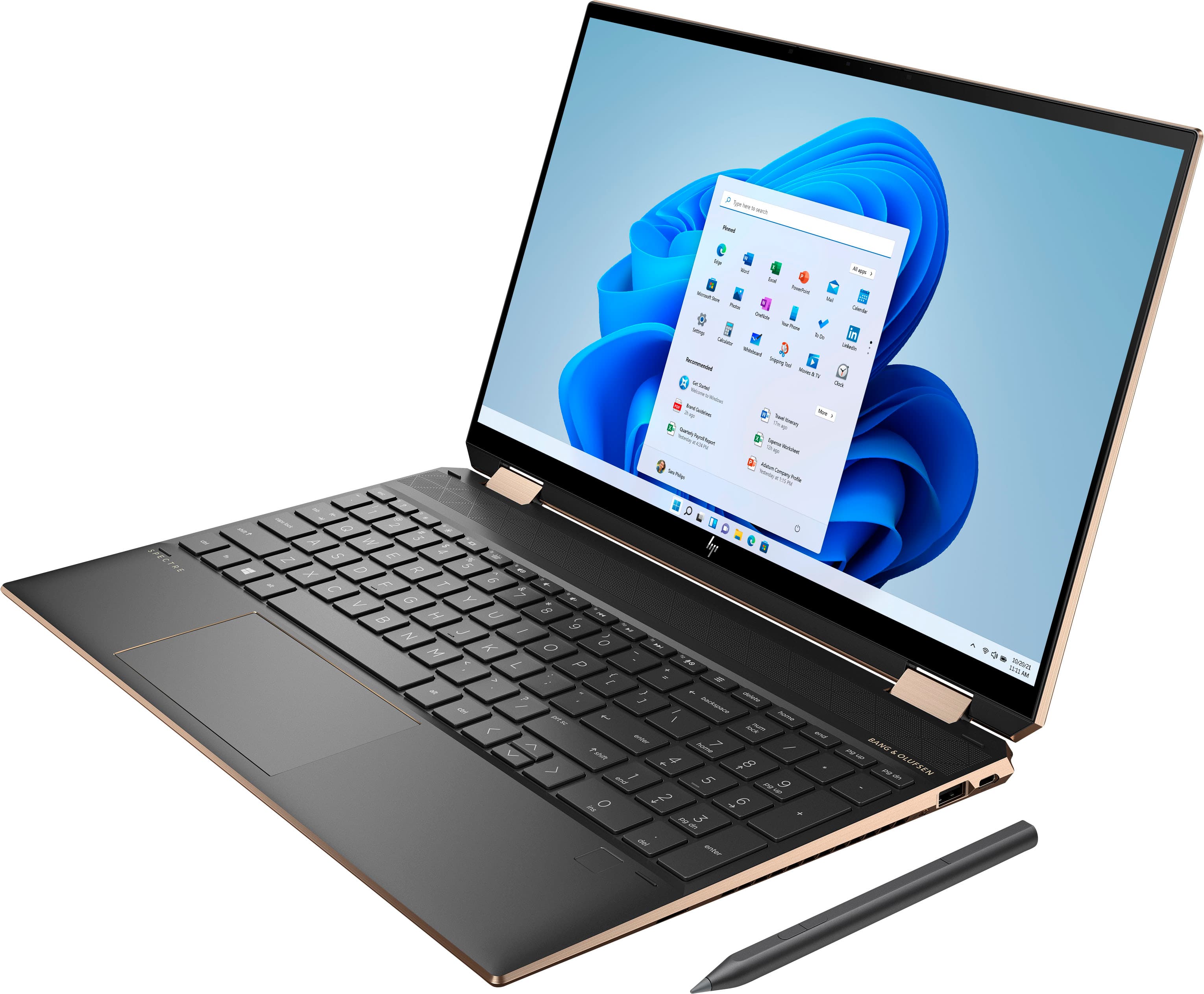
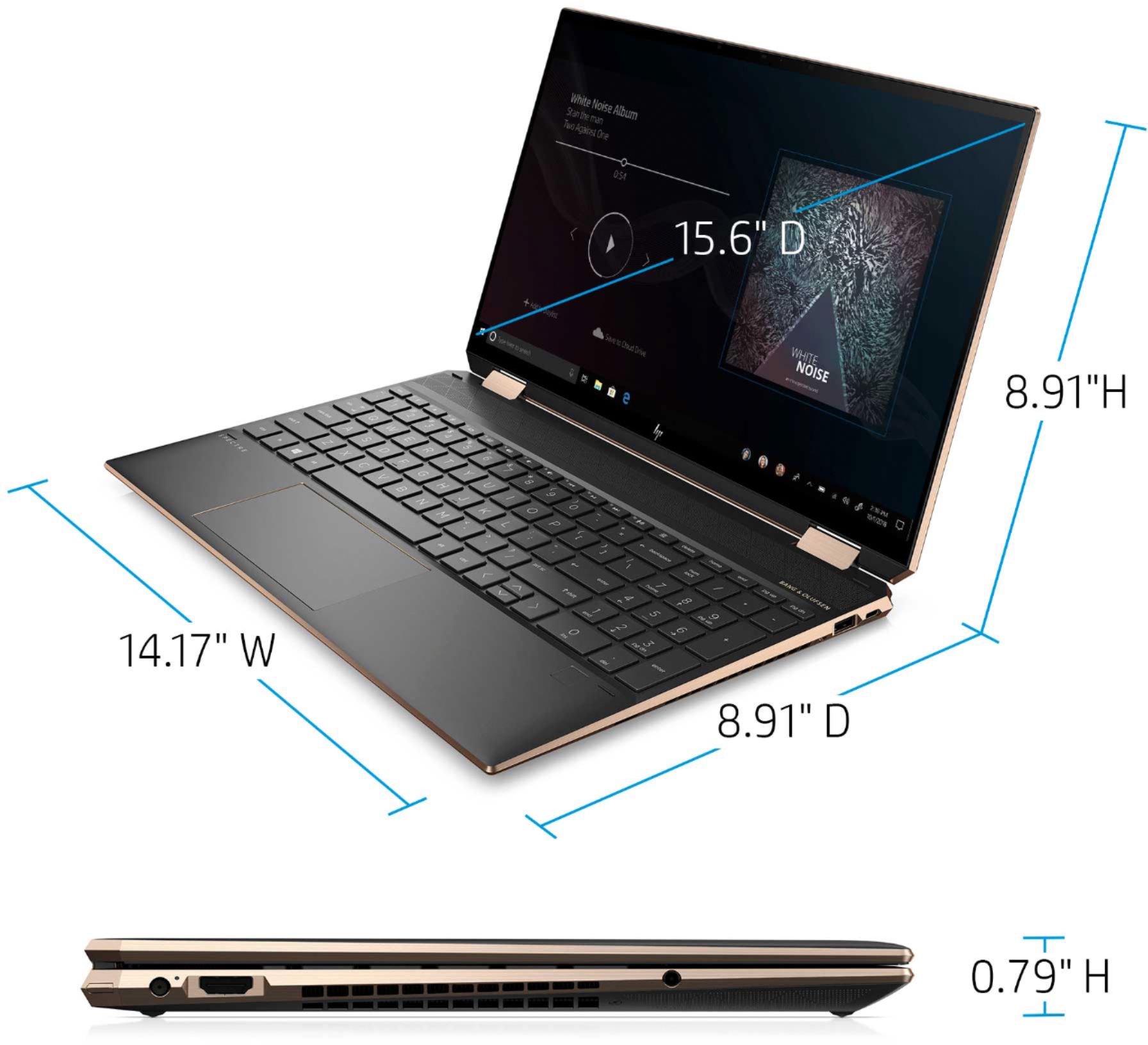
- A:Answer Hi Bob! Here are the details that we have for the display on this HP Spectre Laptop: 15.6" diagonal, 4K UHD (3840 x 2160), multitouch-enabled, IPS, edge-to-edge glass, micro-edge, Corning® Gorilla® Glass NBT™, 340 nits, 72% NTSC
Answered by HP Team

Q: QuestionDoes this display come with an anti-reflective coating?
Asked by Anonymous.
- A:Answer No it is hard to see anything when outside and lights can cause a glare.
Answered by ralanj
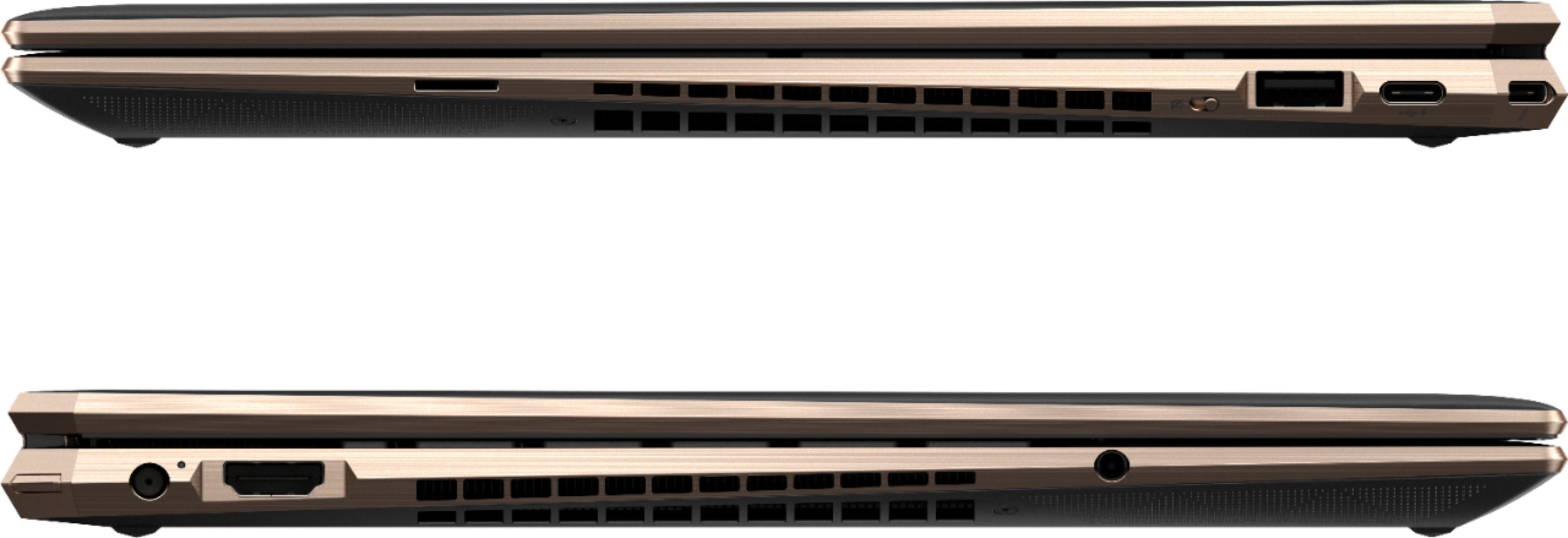
Q: QuestionIs this laptop good for home music recording through a recording interface? Does it take USB 2 and 3? I want to ensure capability with a Focusrite 8 Pre Recording Interface.
Asked by Heathen.
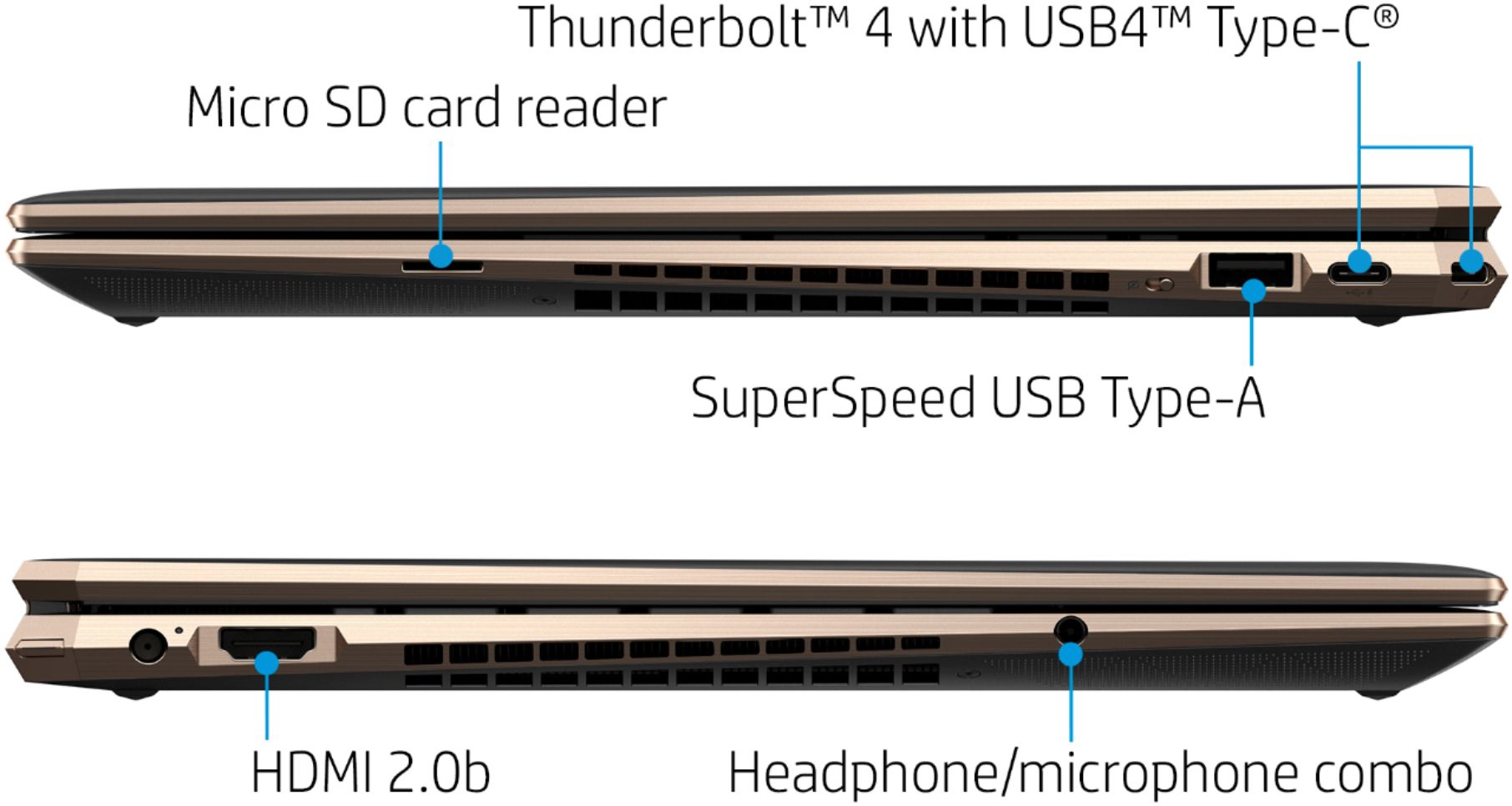
- A:Answer Yes it does. You may want to use a thunderbolt or USB-C docking station to ensure that you have plenty of ports since you will be using a couple of them for recording.
Answered by HP Team

Q: Questionis there a way to keep the keyboard backlights from turning off after a few seconds or allowing them to stay on until turned off?
Asked by anonymous.
- A:Answer Hello. Thanks for your question. Yes, you can turn on or off the backlit lit by pressing the alt and F5 button.
Answered by HP Team

Q: QuestionCan the 512gb ssd be replaced with something larger like 1 or 2 Tb ? Thanks
Asked by gabe.
- A:Answer Yes you can upgrade the SSD to a bigger one. Although you may have to troubleshoot a bit to get it working. https://support.hp.com/us-en/document/c06983517
Answered by MrGat1842
Best-selling Best Buy
- $299.00$299.00The price was $349.00
- $99.00$99.00The price was $129.00
- $13.99$13.99The price was $19.00
- $199.99$199.99The price was $299.99
- $24.99$24.99The price was $29.99
- $249.99$249.99The price was $379.99
- $14.99$14.99The price was $19.00
- $79.00$79.00The price was $99.99