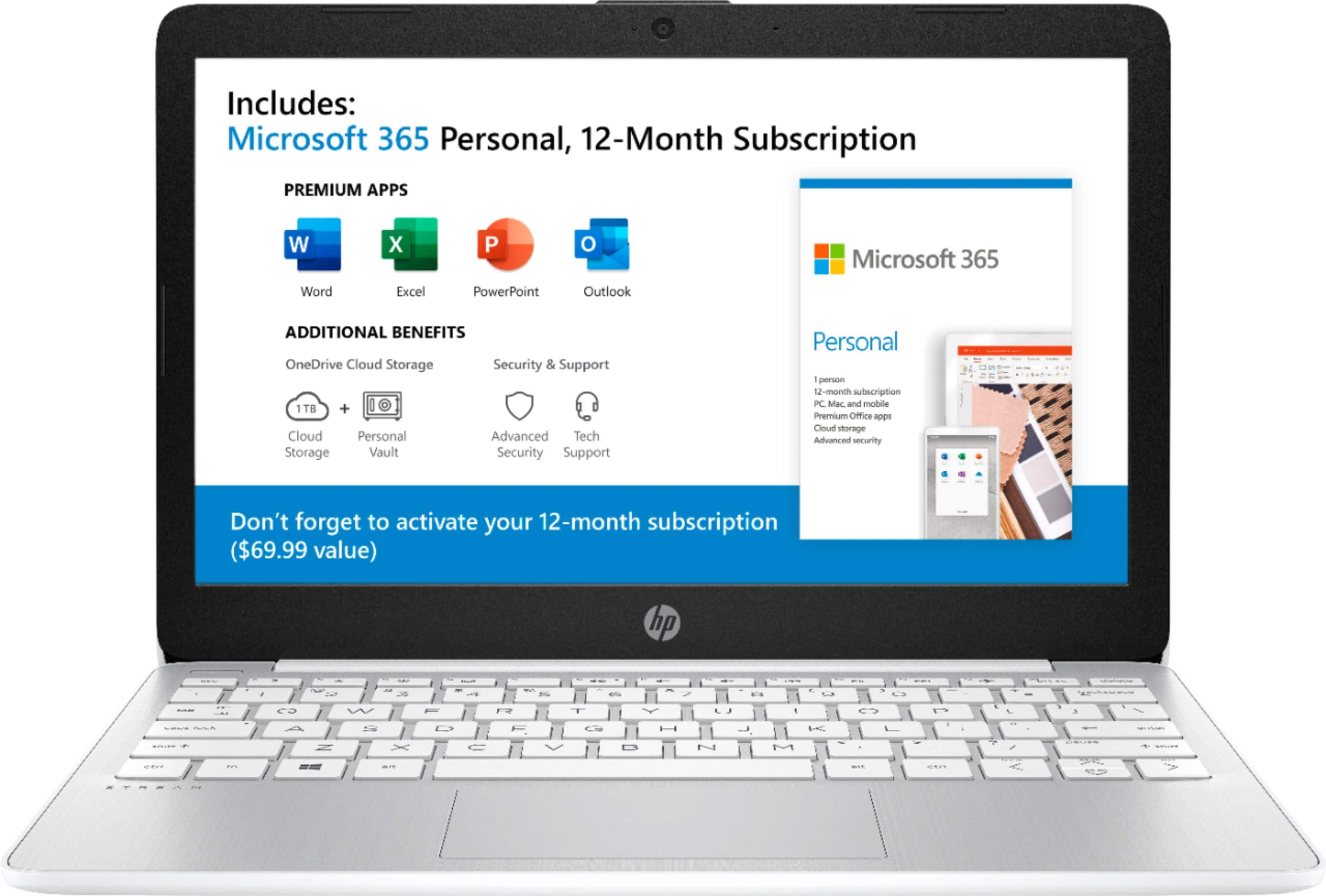
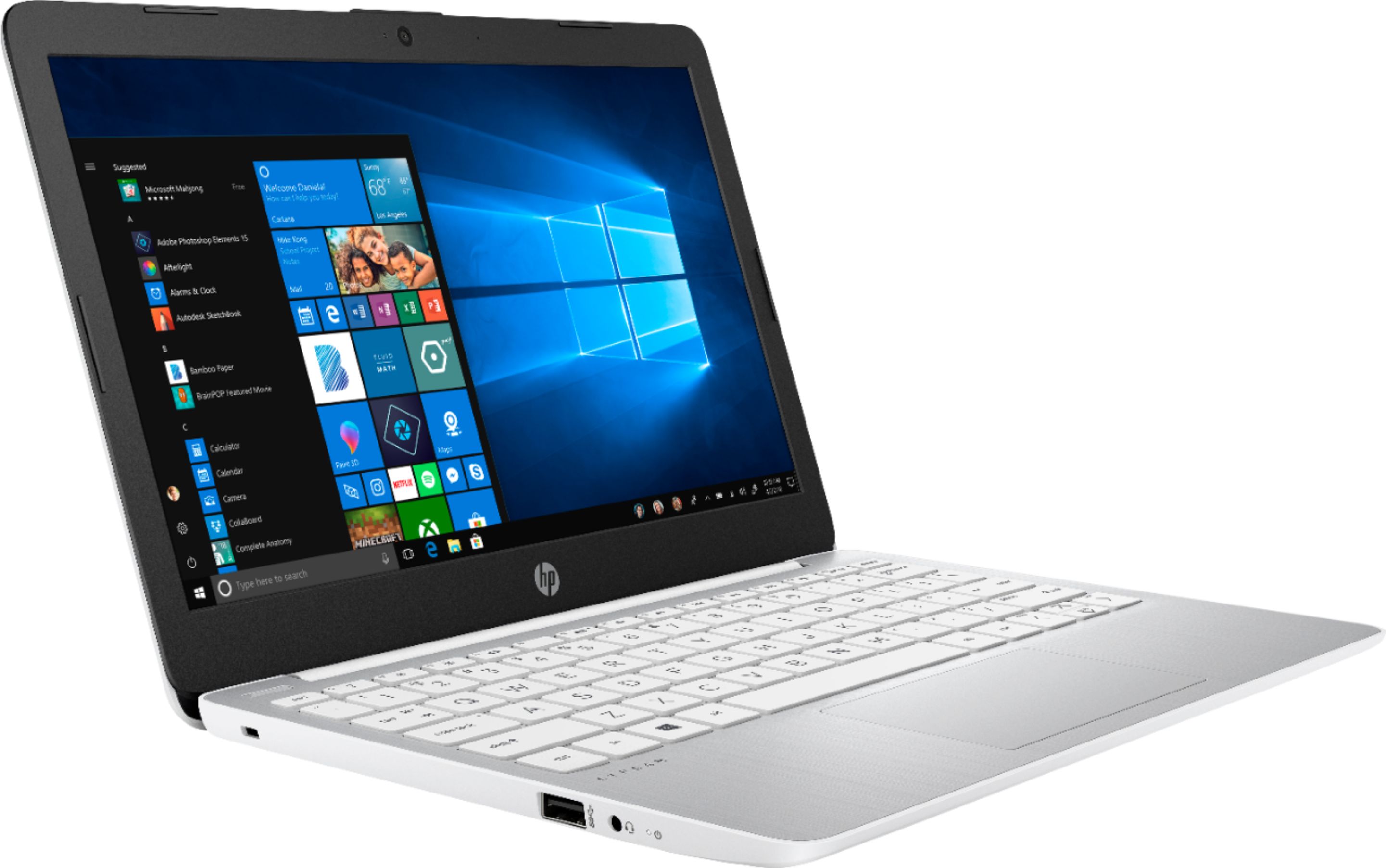
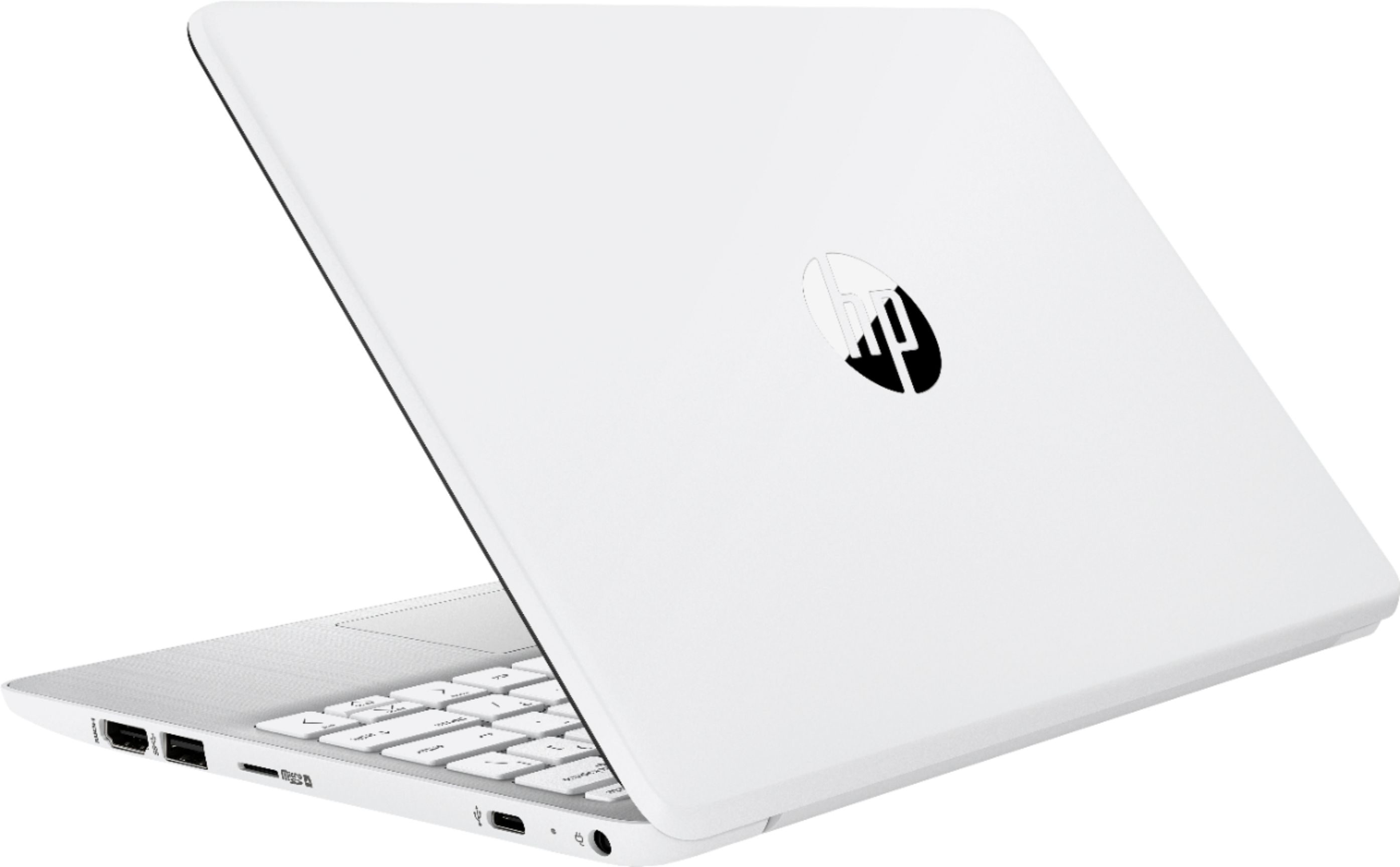
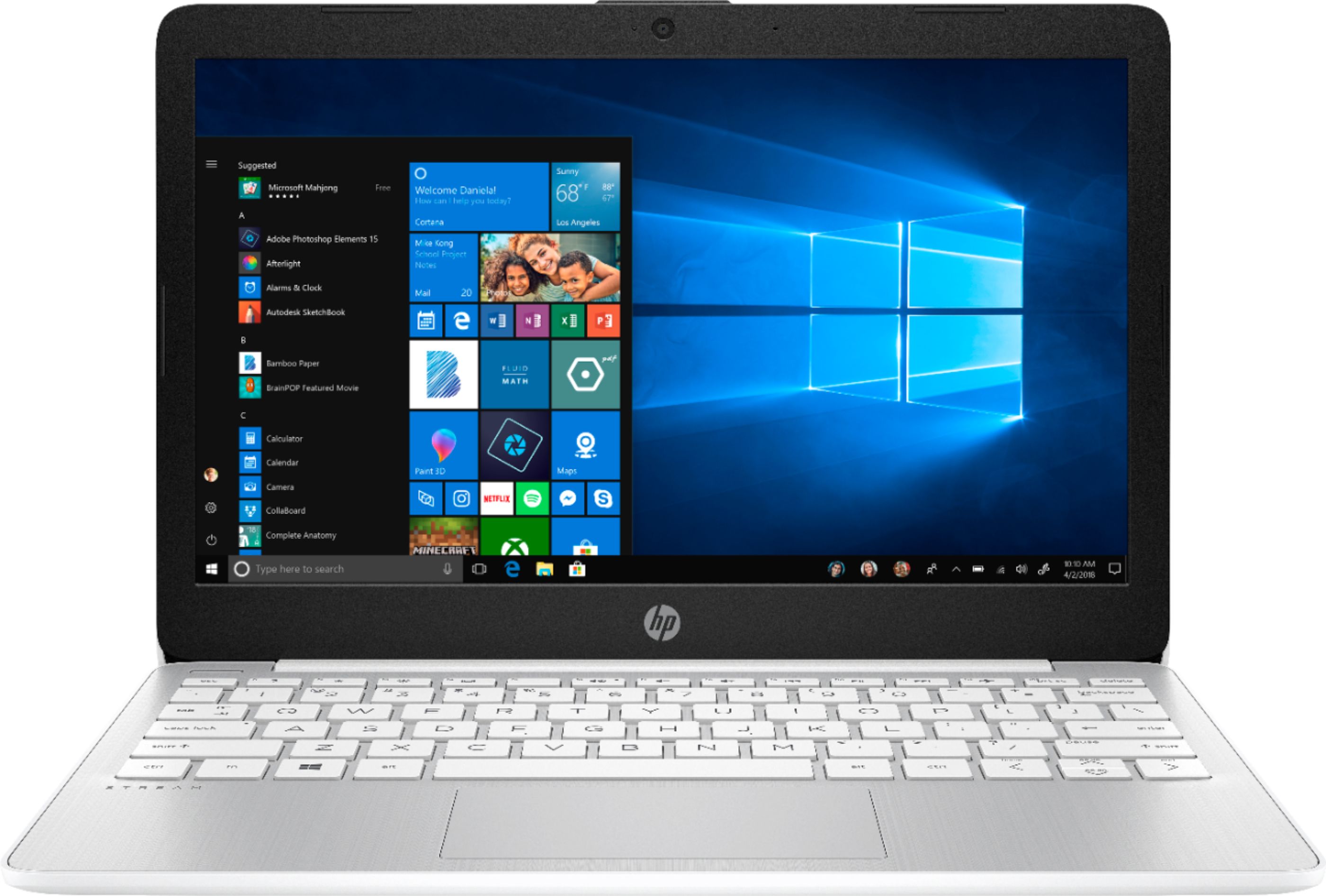
A:AnswerYes it has a webcam and can support a lockdown browser. I would recommend something like this to give you better performance:
https://www.bestbuy.com/site/hp-14-laptop-amd-a9-series-4gb-memory-amd-radeon-r5-graphics-128gb-solid-state-drive-ash-silver/6352587.p?skuId=6352587
It is $299 but is much faster than the model you were looking at.
A:AnswerNo you cannot. Based on their system requirements Windows 10 in S mode is not supported. https://help.cricut.com/hc/en-us/articles/360009556033-System-Requirements-Design-Space
A:AnswerActually, the Stream laptops come with Microsoft's new Edge browser. It does not appear that you can download Internet Explorer (which has been discontinued).
A:AnswerYou cannot use GoPro Studio on this laptop. You need Windows 10 Home with at least Intel Core i3 or Ryzen 3 or the recommended processor: Intel Quad Core i7 or better. Recommended for 4K editing and playback: Intel HD Graphics 4000 or better (or similar class graphics card)
Recommended Video RAM: 512 MB RAM or greater for video playback under 4K, 1GB RAM or greater for 4K playback. You also need at least 4 gigabytes of RAM.
A:AnswerNo, this would note be able to handle software for a DJ. This laptop comes in Windows 10 S Mode, which means you can only download apps from the Microsoft store or use the Microsoft Edge browser. I would recommend looking at the system requirements for the software you intend to use.