A:AnswerNope, Beware i bought it for travel printing and its a major pain to configure the initial time much less every time your network changes... F this product
A:AnswerYes, you should have no problem printing shipping labels with the Tango. Just make sure you're using labels designed to work with an inkjet printer.
A:AnswerNot normal if you purchased insurance i suggest taking it in, sadly that happened to my old tango black ink was going everywhere and purchased guarantee expired so i had to buy a new one, if you are still under it they will trade it for a new one
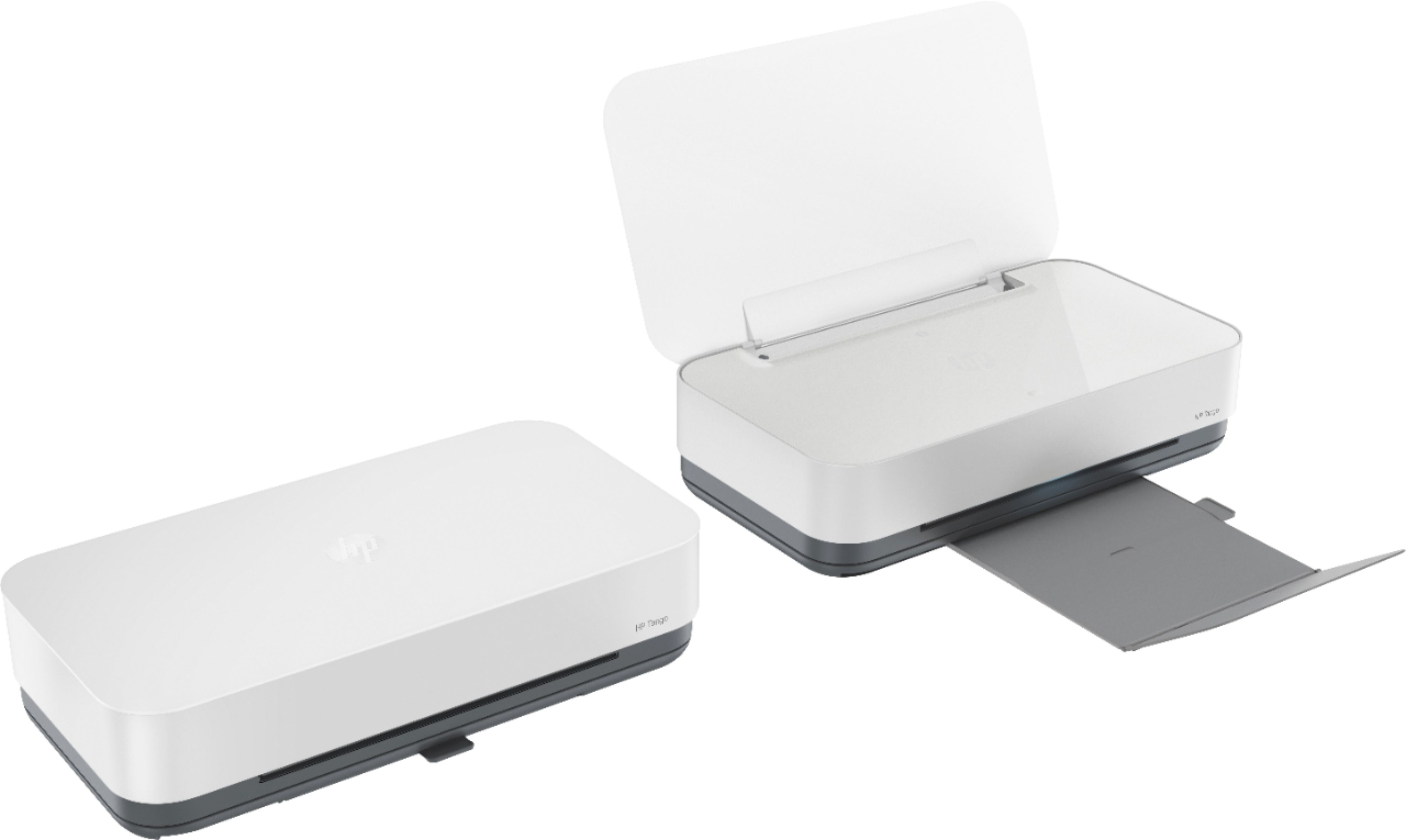
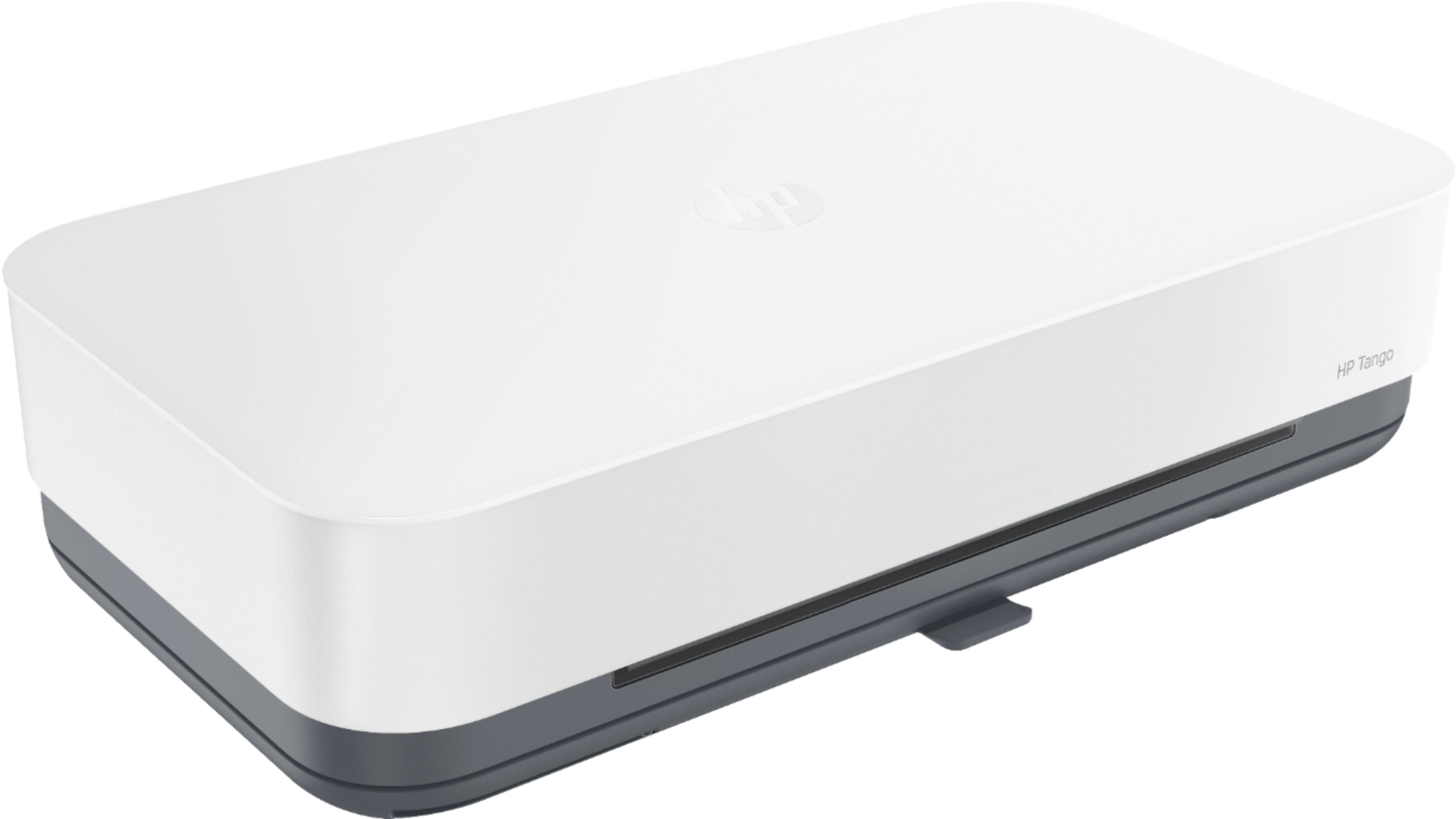
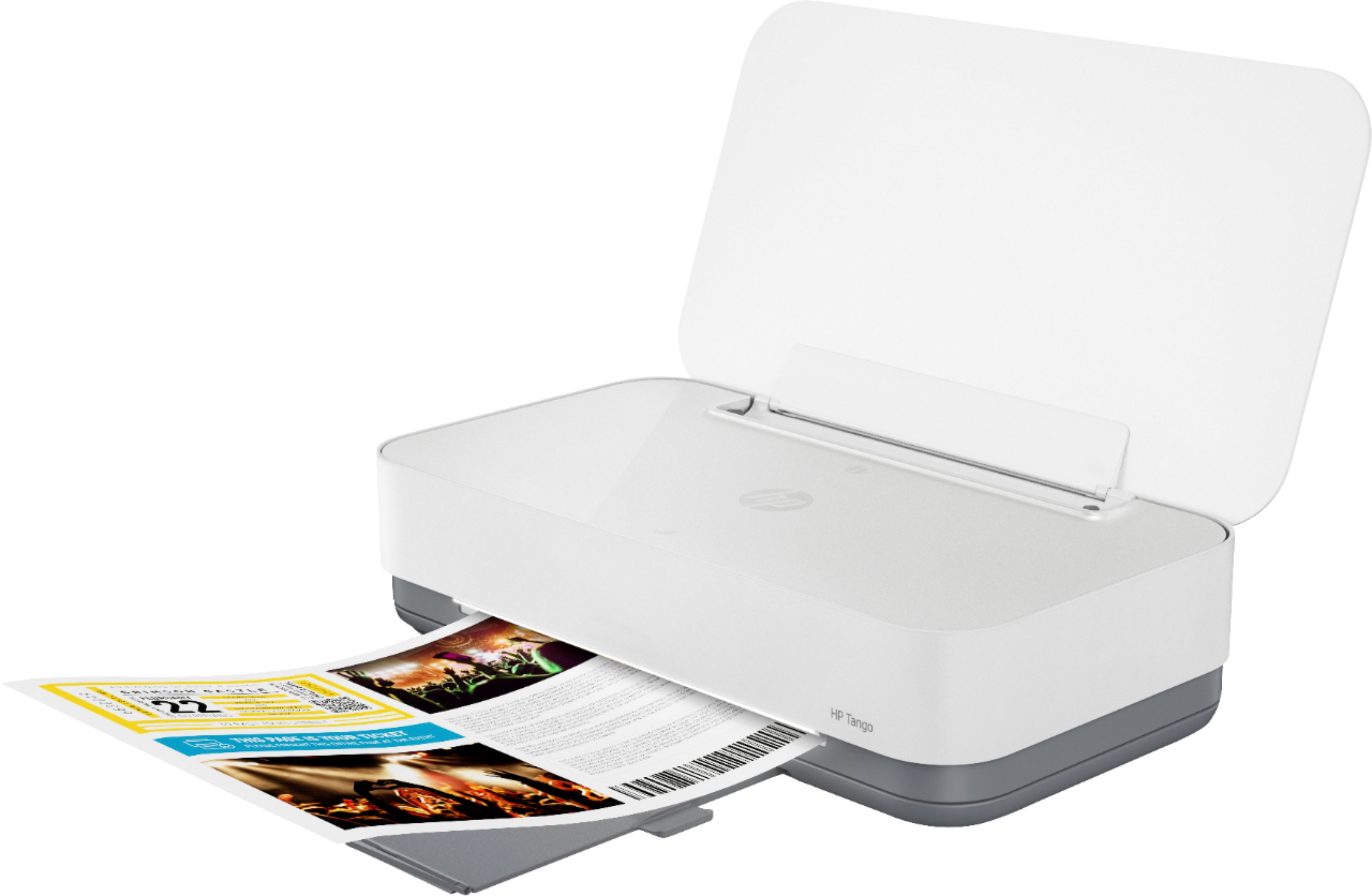
A:AnswerI purchased this printer last month because I got tired of looking at the big HP Envy 5642 I have taking up space and guzzling ink. I was leery at first, but got it home and everything connected smoothly without a glitch! I needed to print a few return labels and scan a driver license. Everything came out amazing! I have a Galaxy Note 20 Ultra 5g and a HP All-in-one desktop and everything synced beautifully! It basically set itself up. I love this little printer. It's no bigger than my purse! I read where people have had problems getting it to work. I think that is due to user reading comprehension and impatience. Just take your time and follow the setup (prompts) instructions. I don't think you will be disappointed.
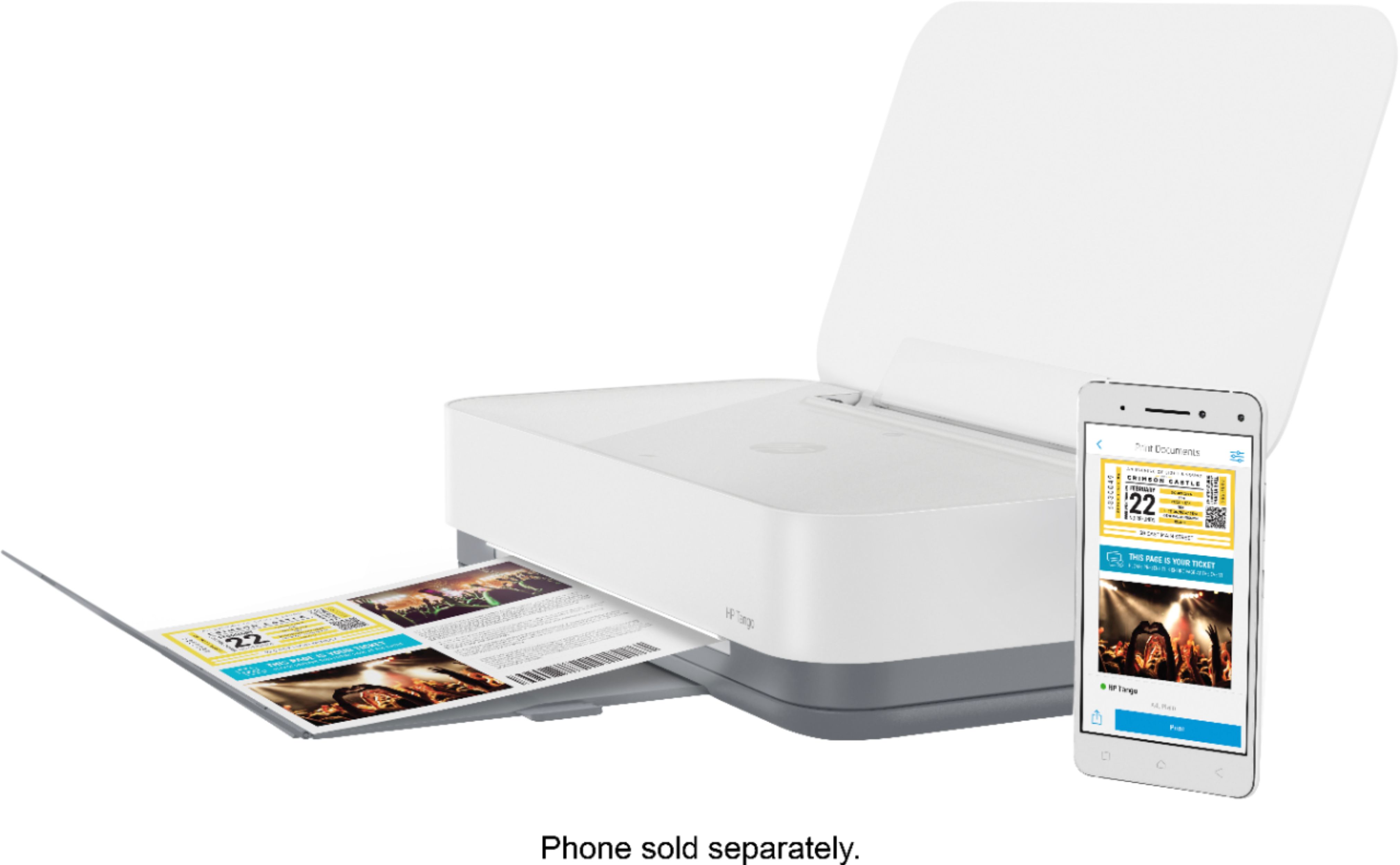
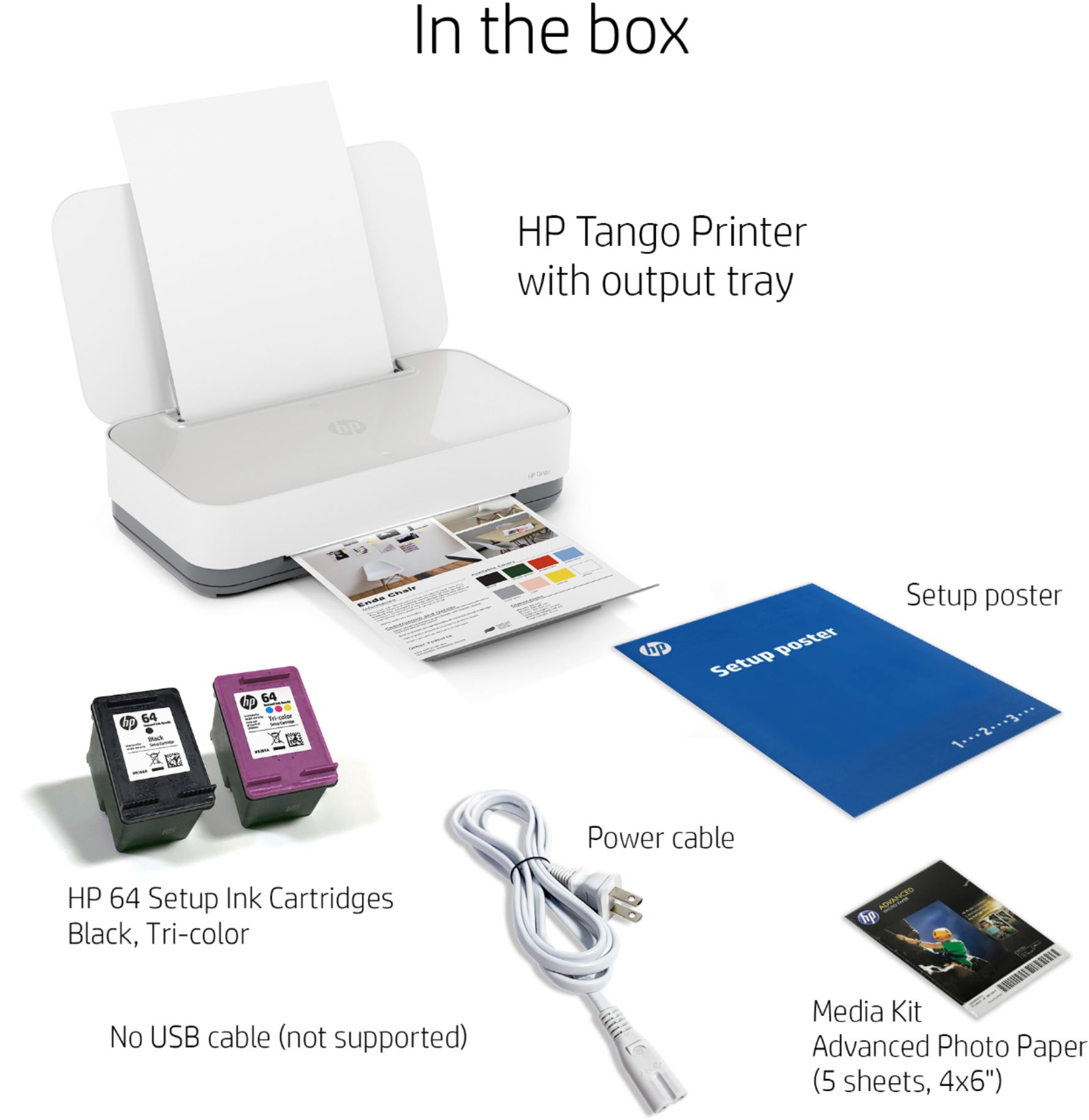
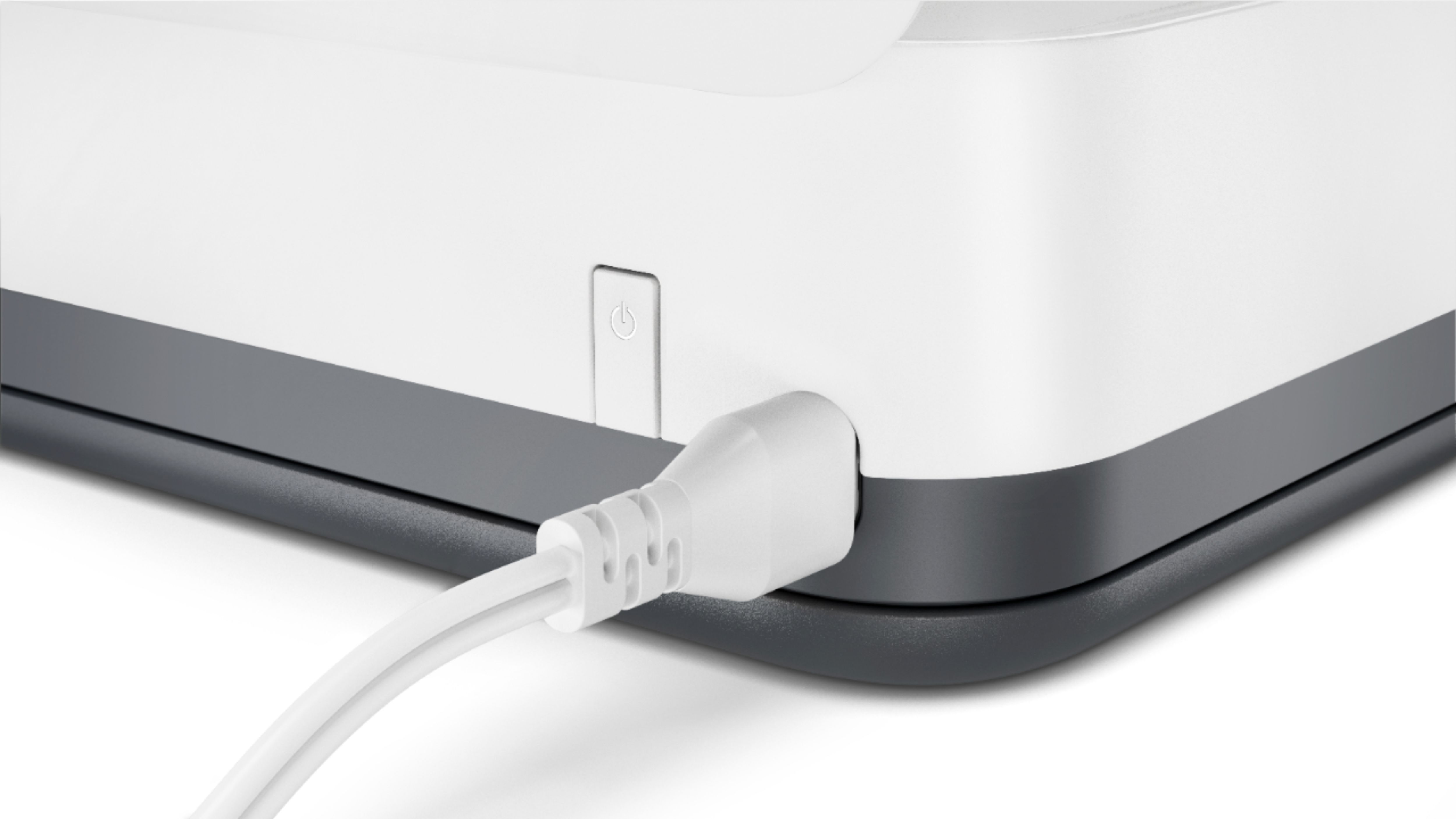
A:AnswerAs far as getting it to power on yes regular outlet but if your wondering if there is a cable to connect your computer to it. No, the only way to communicate wit the printer is wifi
A:AnswerHello, any of the HP printers have the ability to print only in black. The Tango is a terrific printer which is also eligible for Instant Ink so you pay per page and not per amount of ink you use! Go to InstantInk.com and see the plan options! Thank you for being an HP customer!
A:AnswerThe HP app has a printable section, where i’m sure you could find a label template, and if you put the correct label paper in there it would print sheets of labels!
A:AnswerMy Tango did not come with a travel case. It can be purchased with the case for an additional $50. Since I will leave it in one place I did not find value in the case.
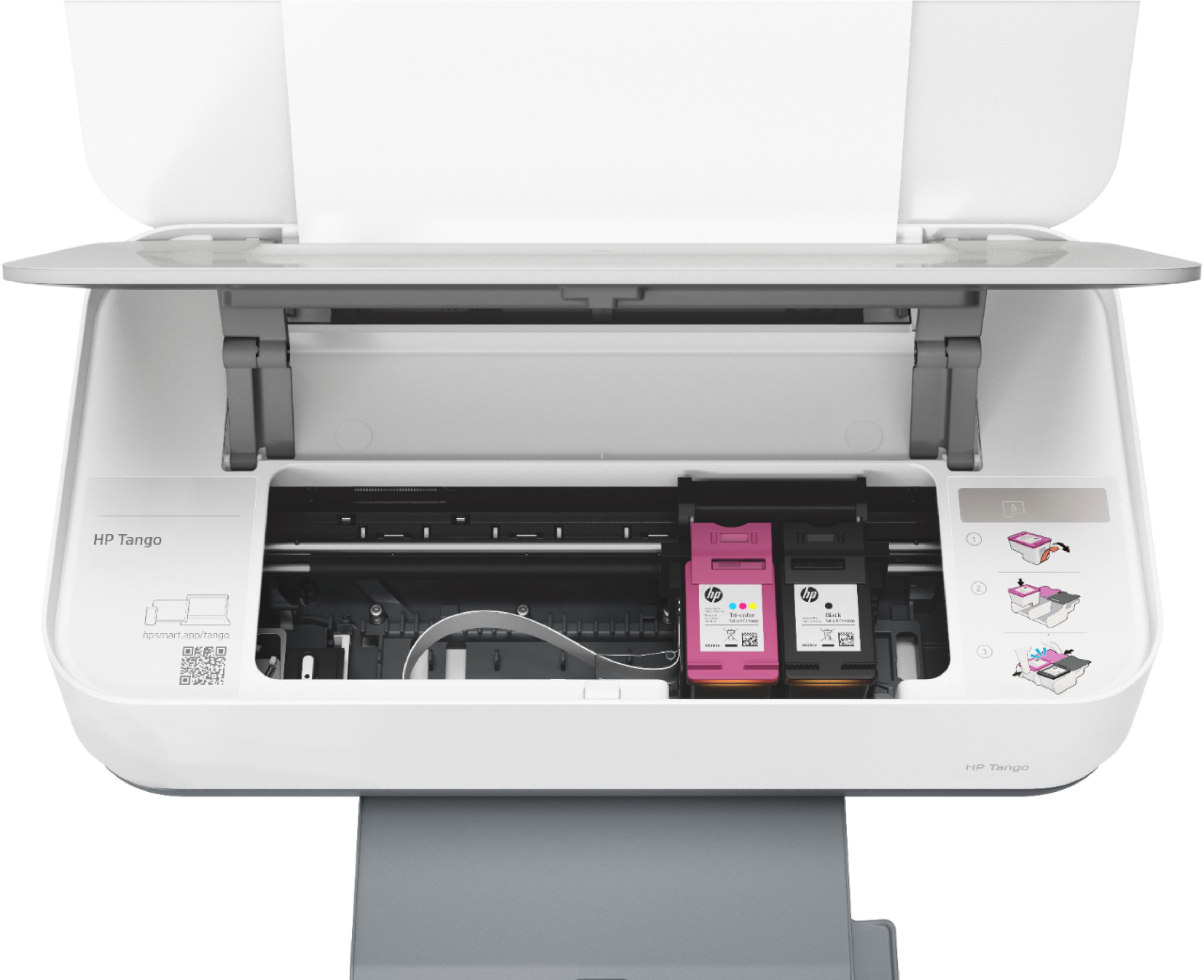
A:AnswerThey will work, at least theoretically. However, HP never recommends it, because we have no control over either the amount or quality of ink you'll be getting.