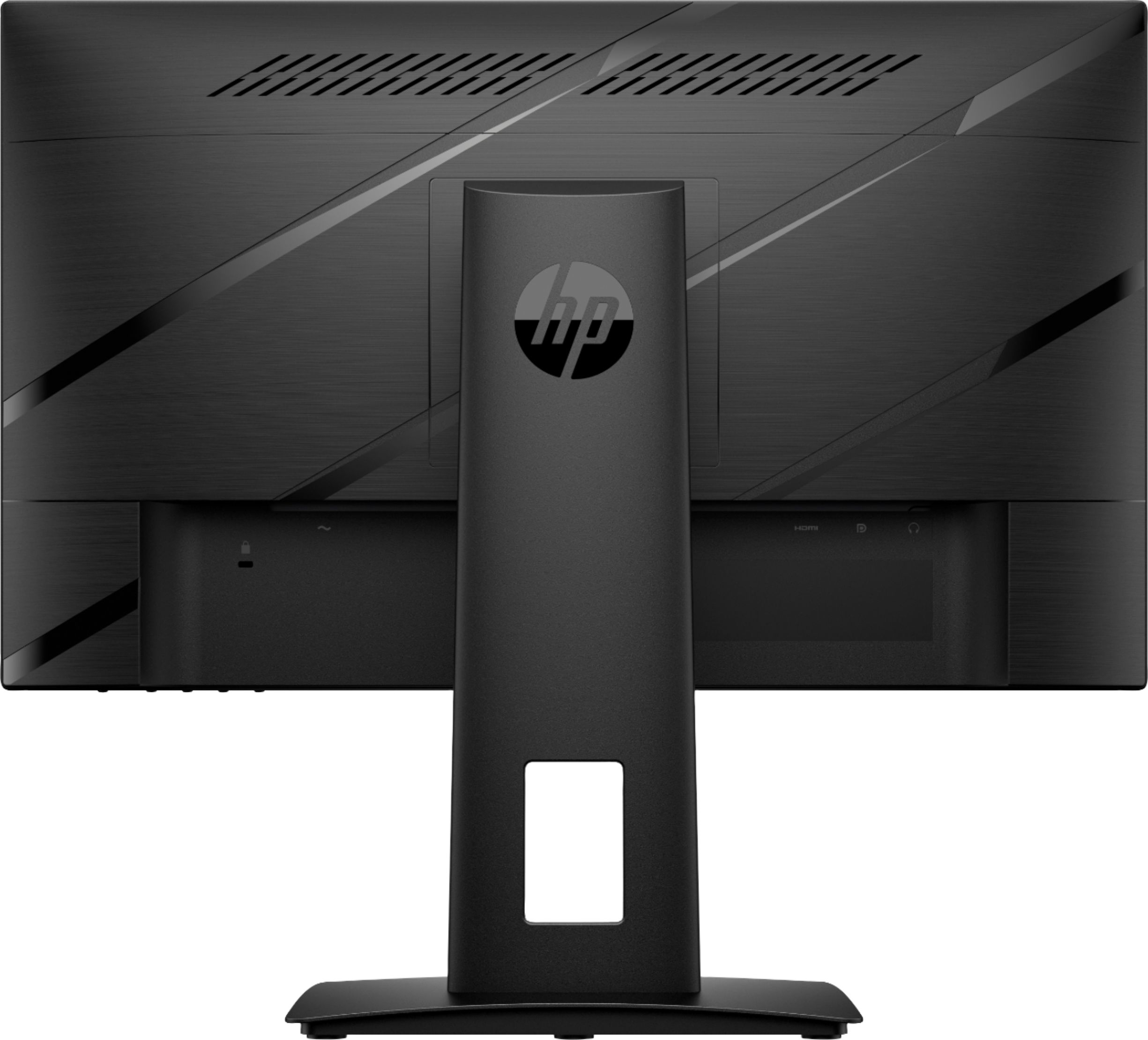
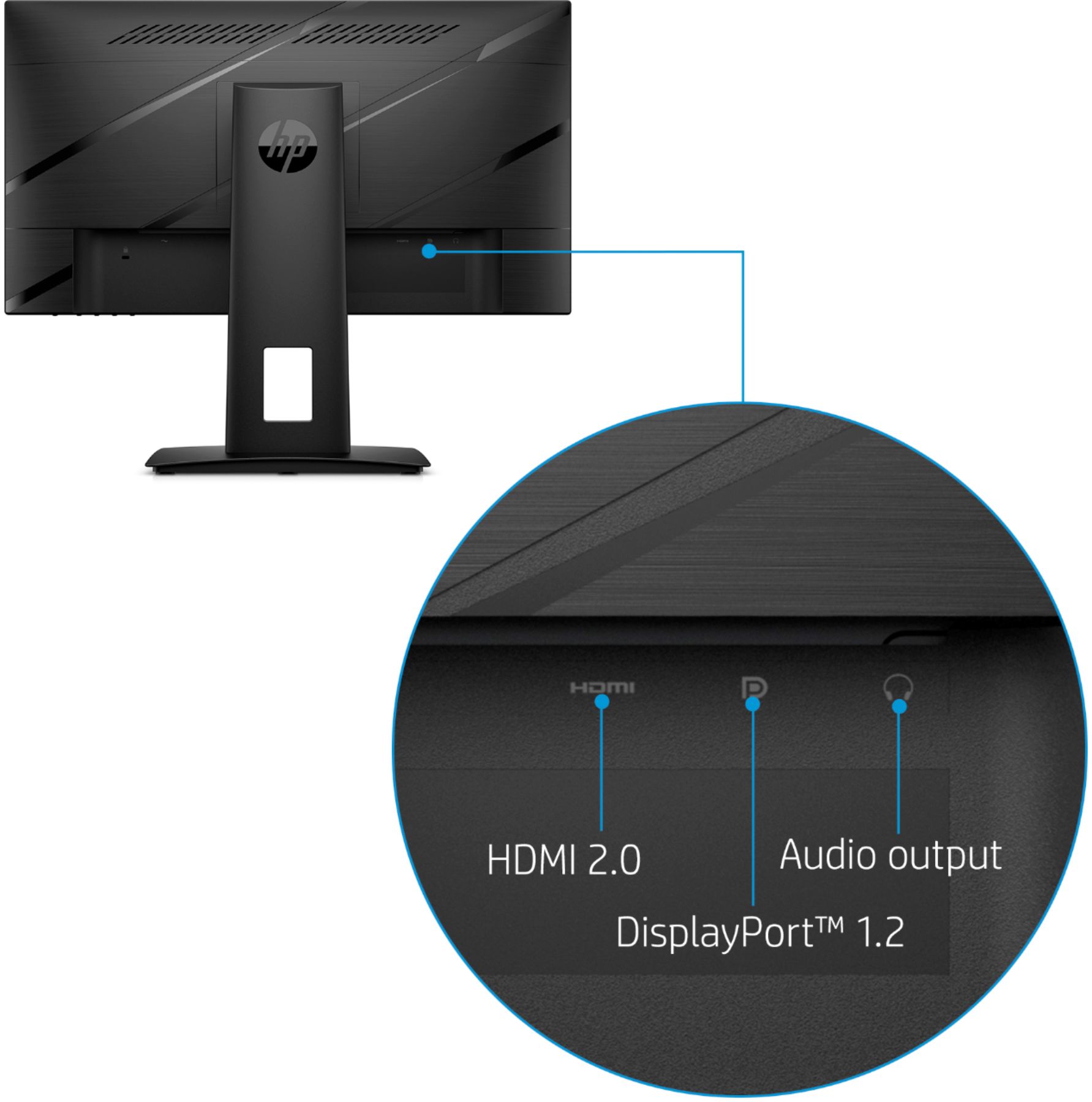
A:AnswerIt's going to depend on the ports on the laptop and docking station. If it won't connect directly, you'll need to get adapters for the parts that don't fit.
A:AnswerApologies for what you're experiencing. We are unable to diagnose the problem in this forum. Please reach out to HP Tech Support for assistance: 800-474-6836.
A:AnswerWhen the monitor is first connected to the computer, it installs a piece of software (I don't remember the name, but it had HP in the name). Uninstall this and it will solve the problem.
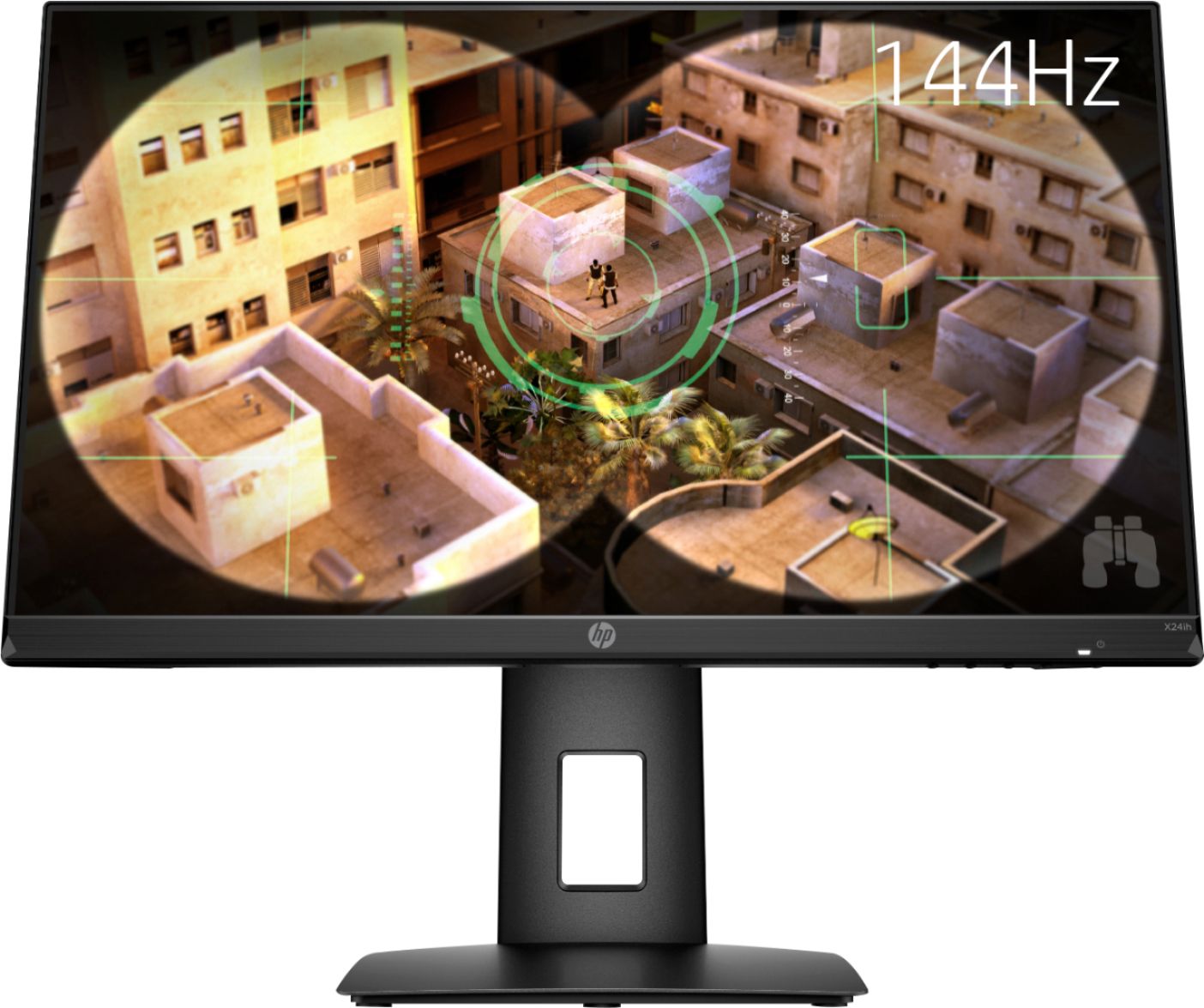
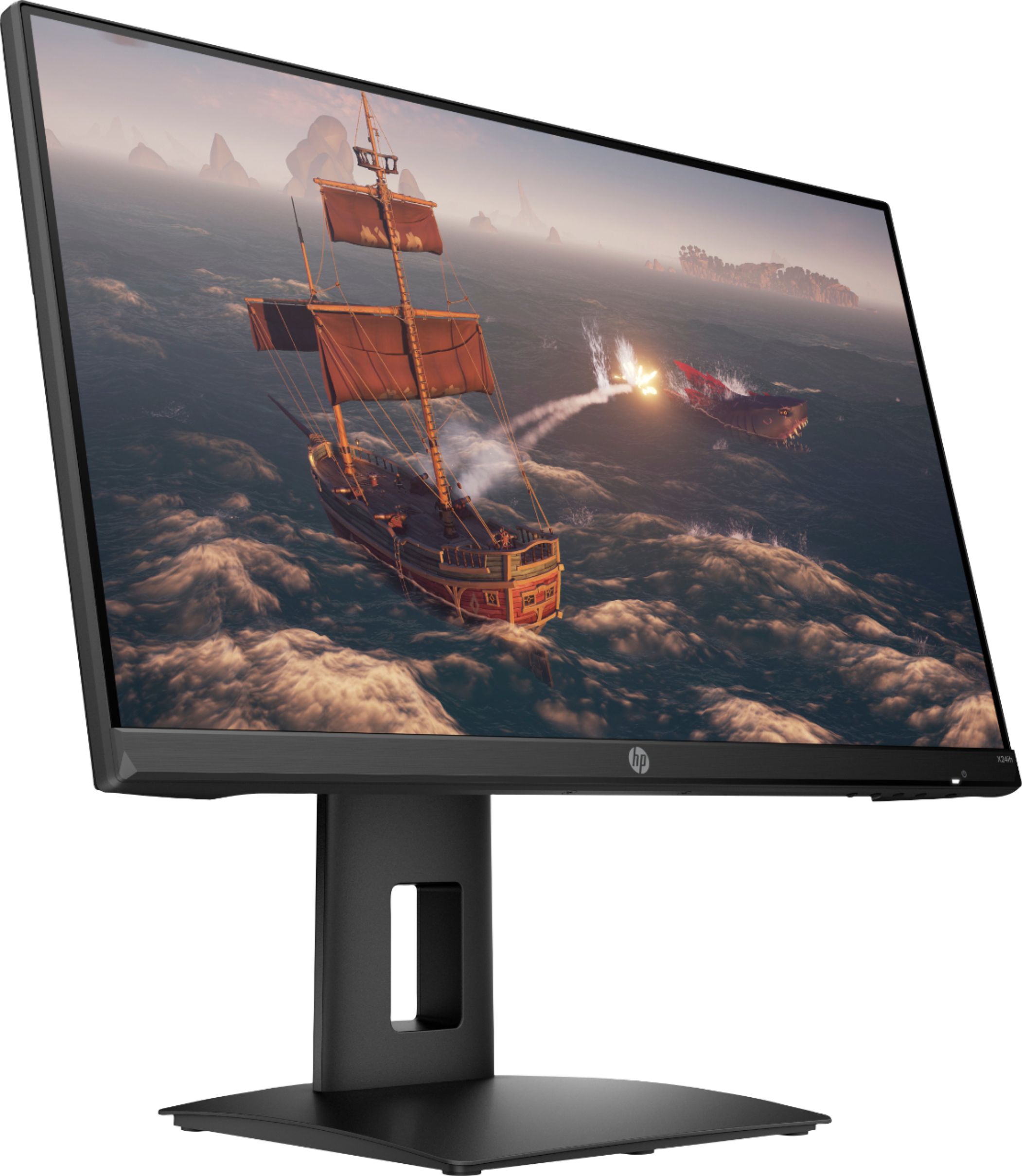
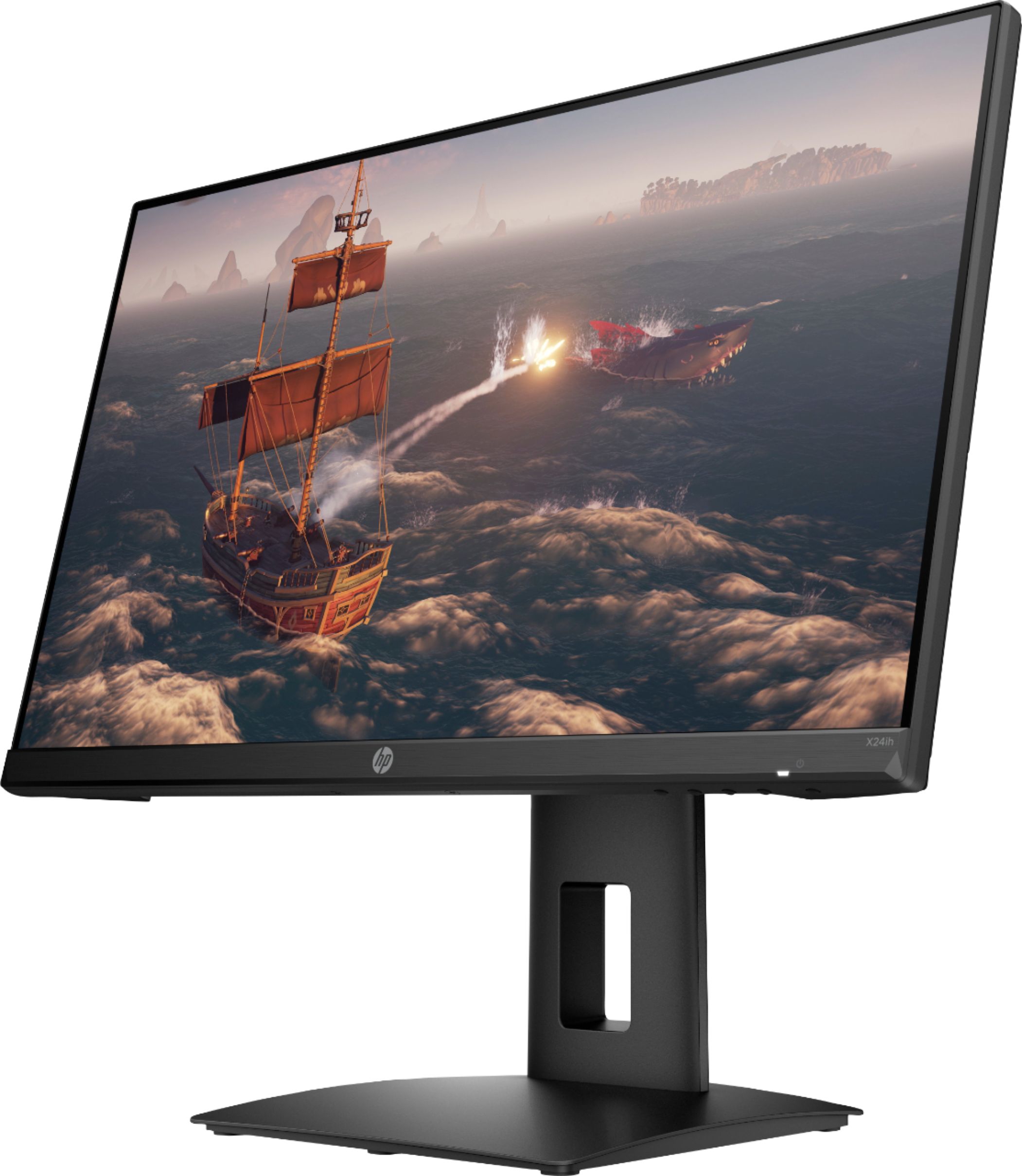
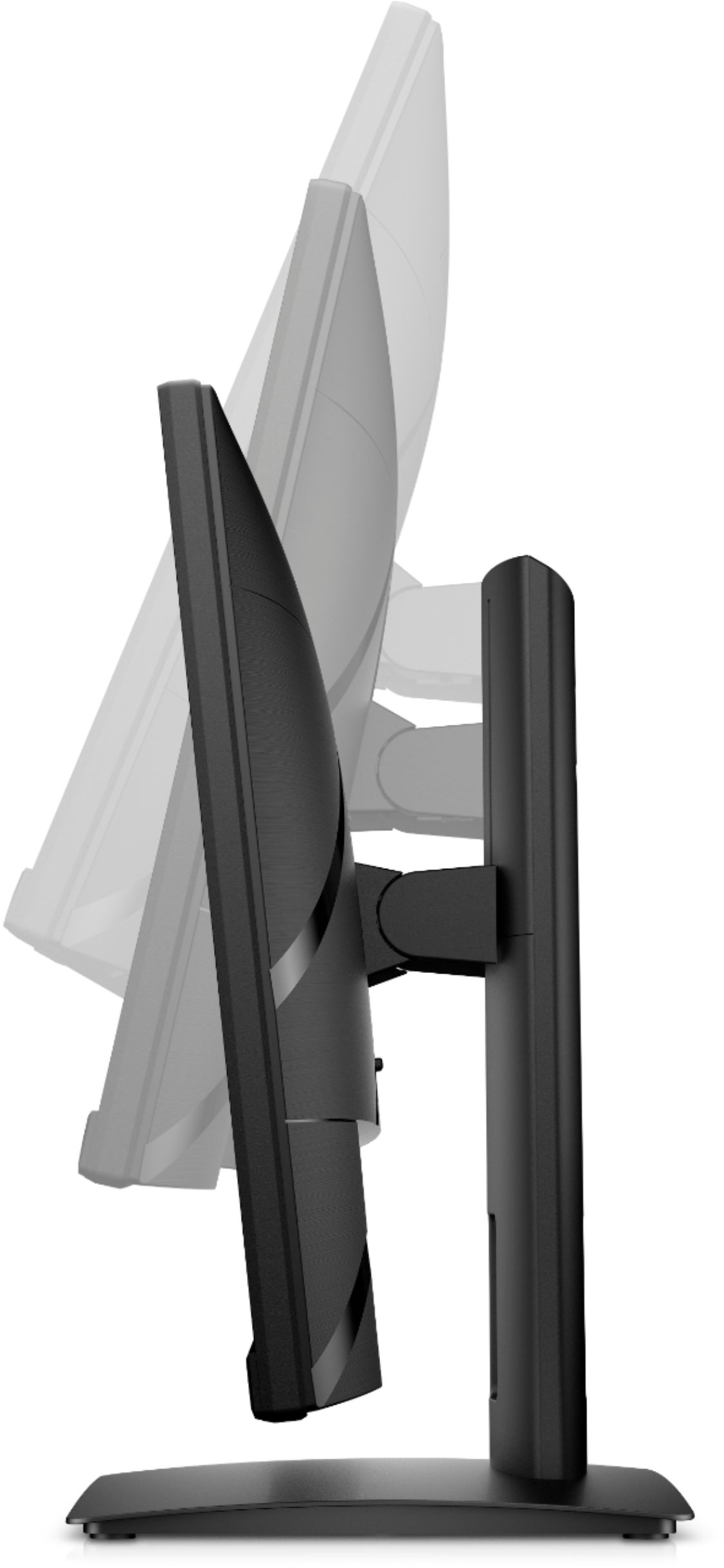
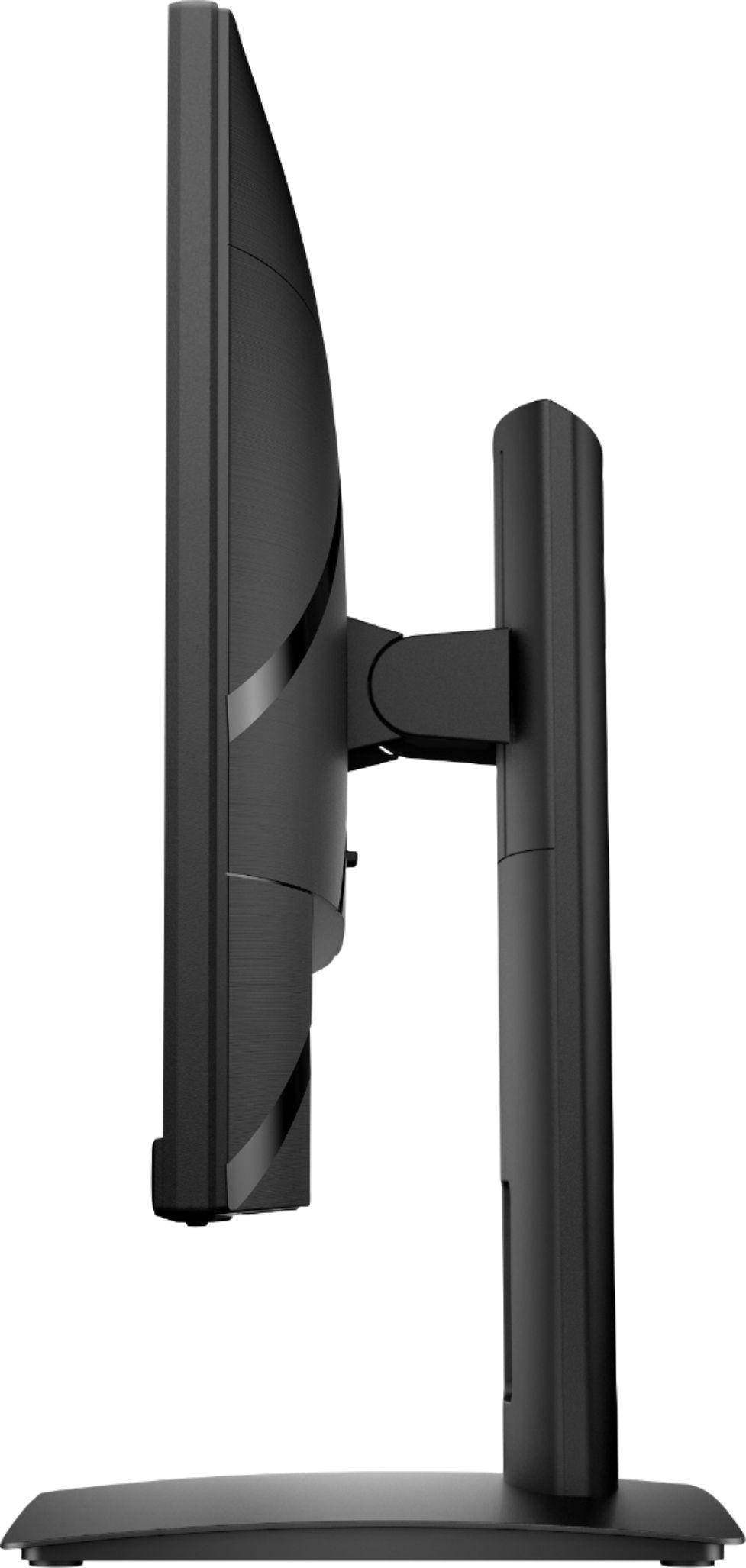
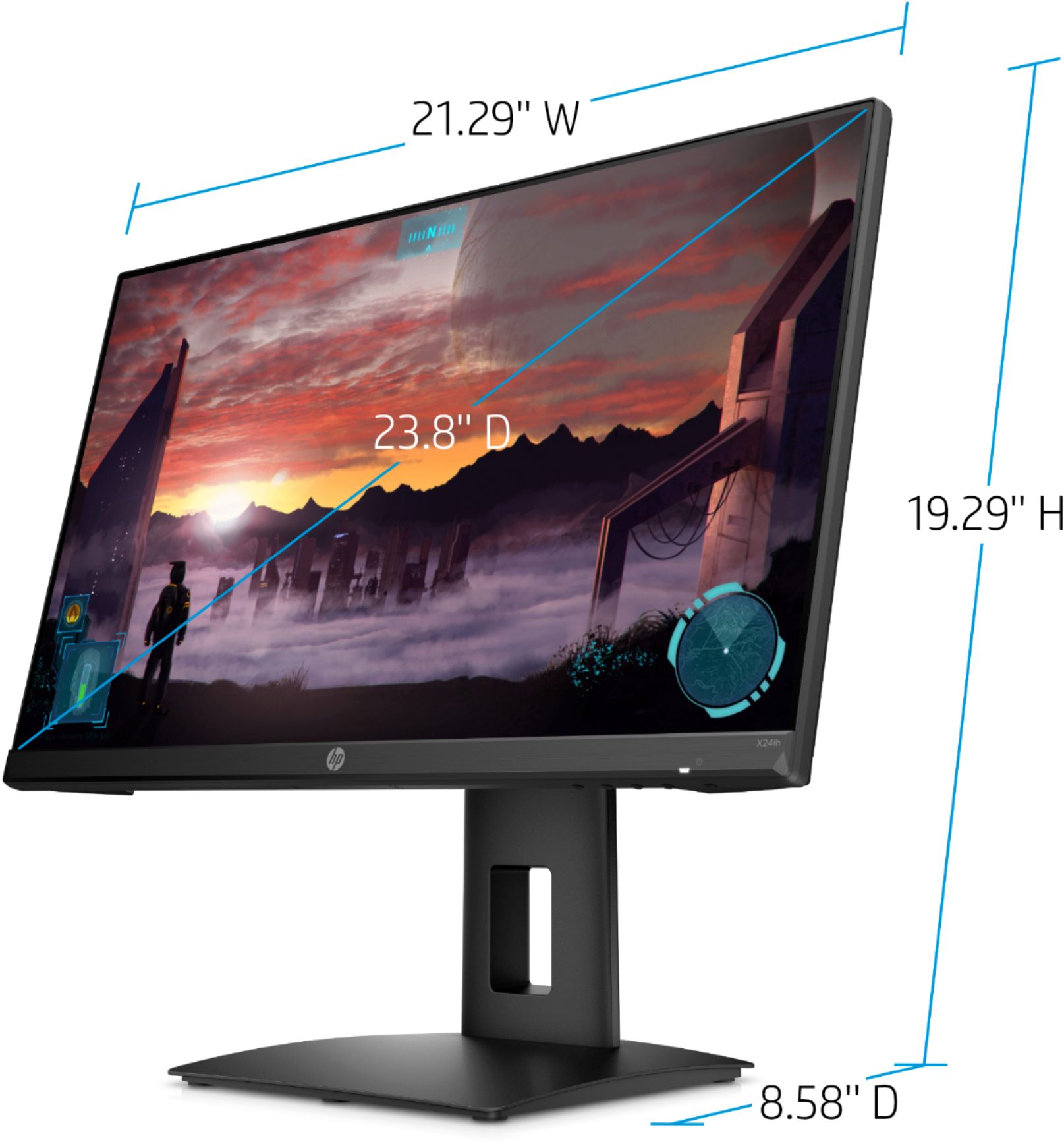
A:AnswerHello! Thank you for your question! The monitor is 14.96in tall when configured to the lowest position and 19.29in when at its highest. At the lowest positioning, the monitor is only about 3in from the base. You may then further adjust it by tilting -6 to +23 degrees until there is a perfect lineup based on your needs.