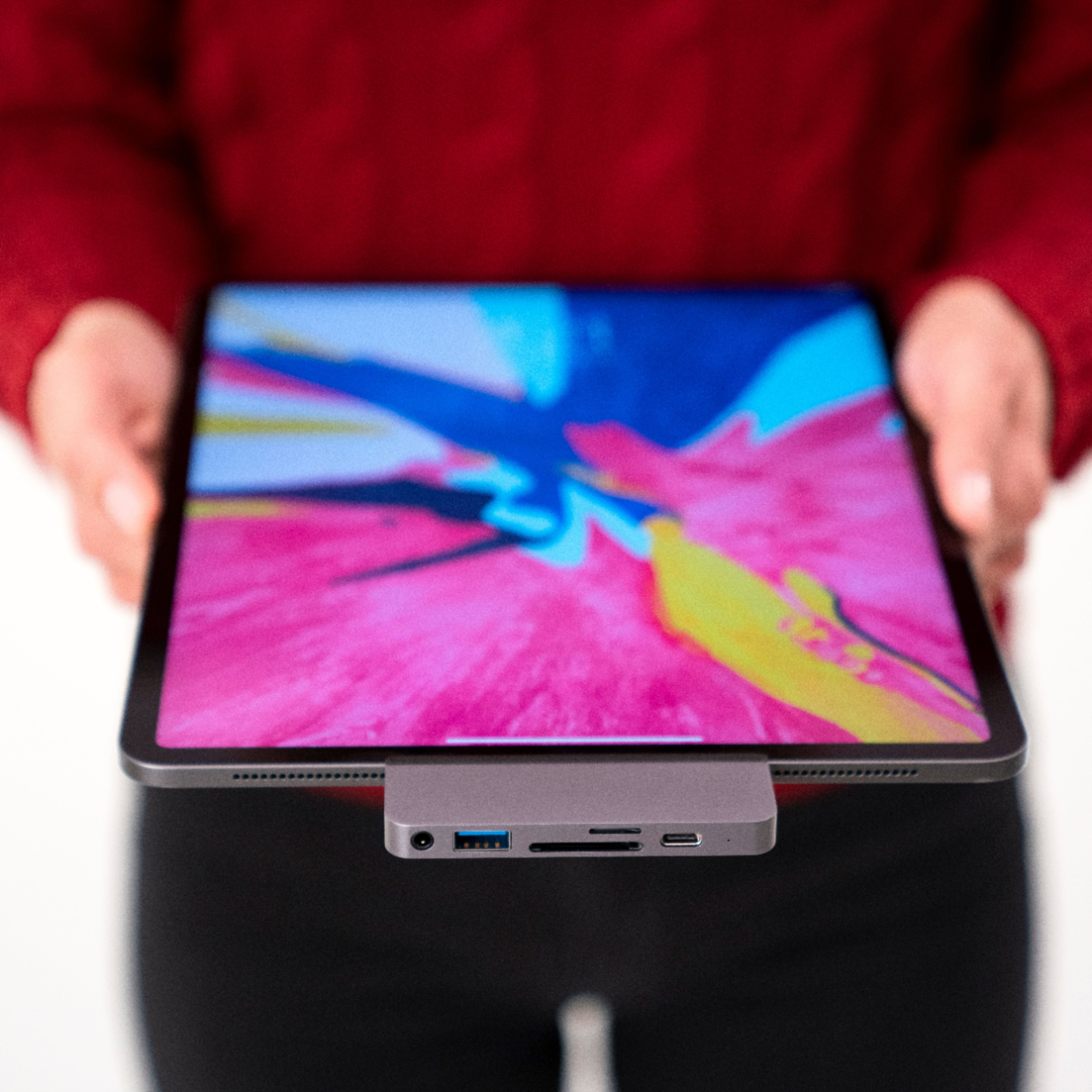
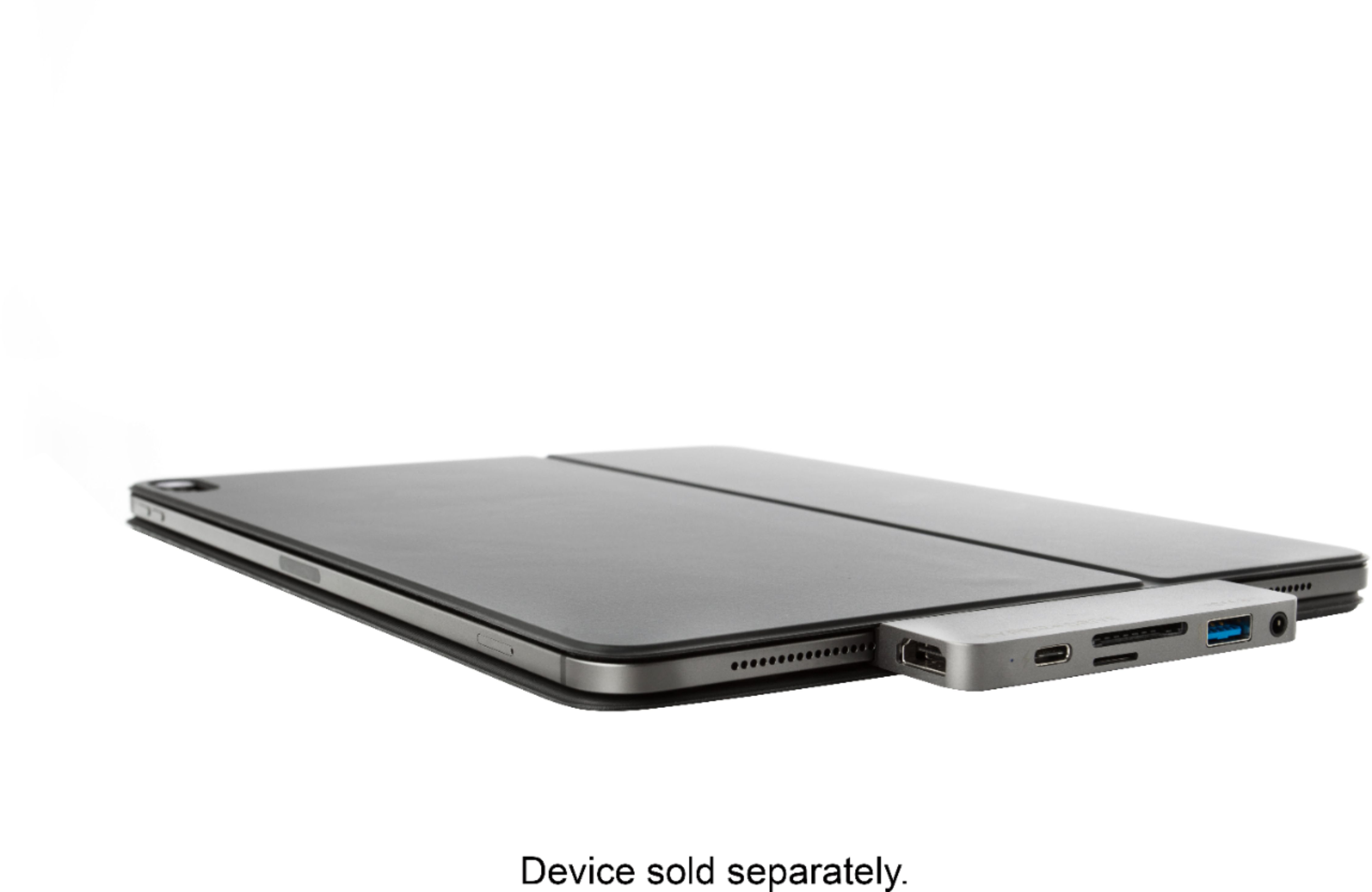
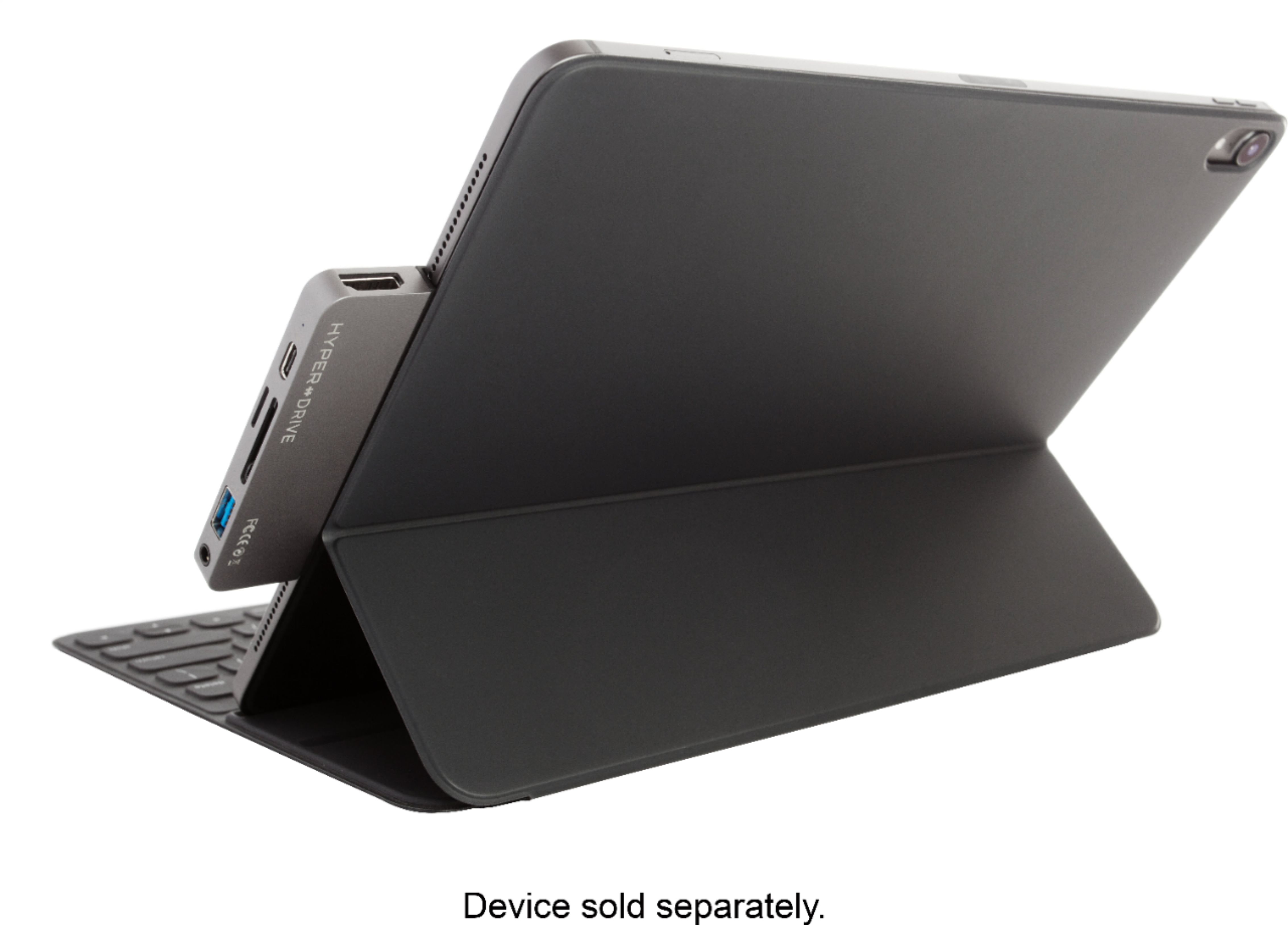
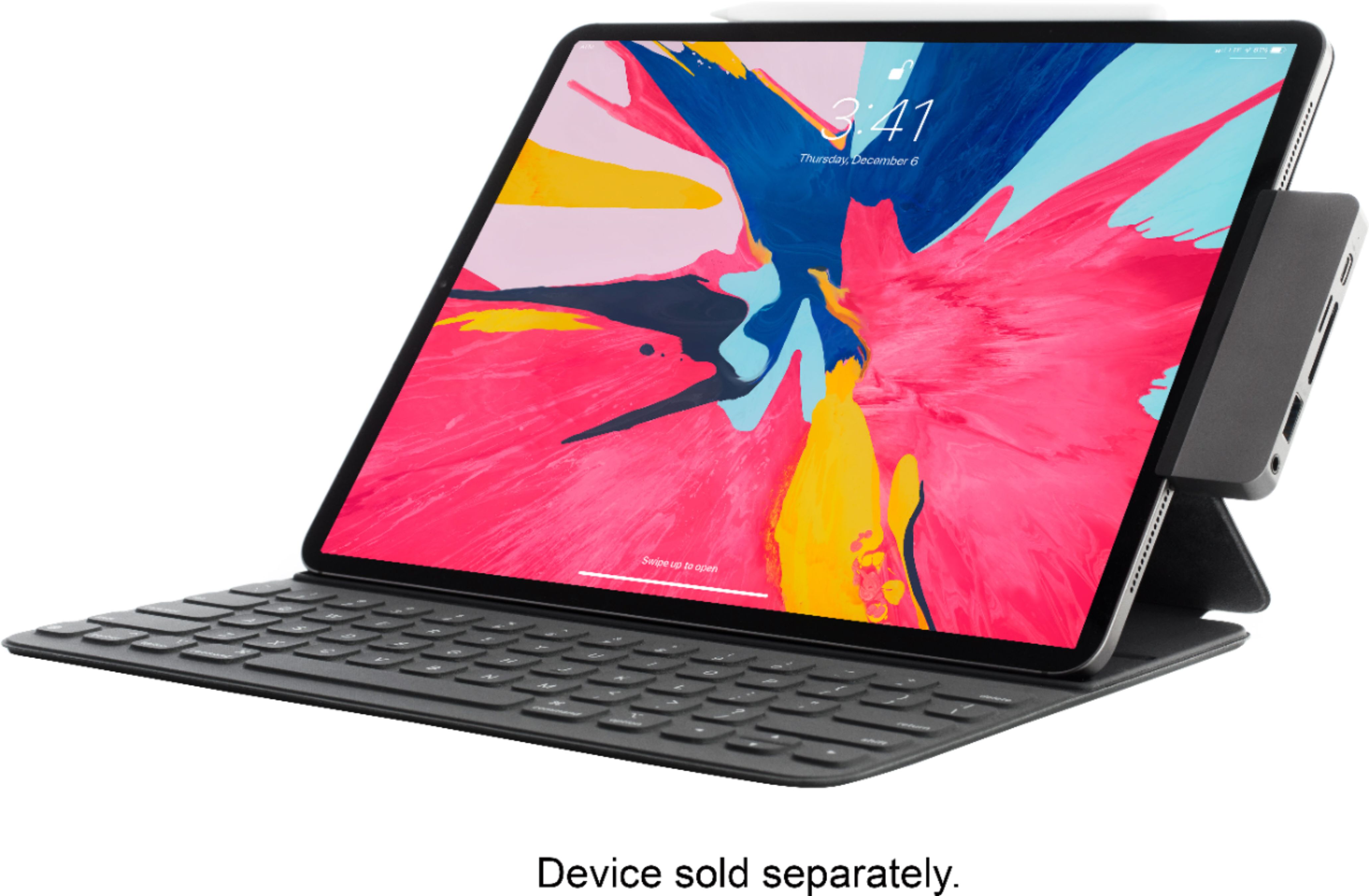
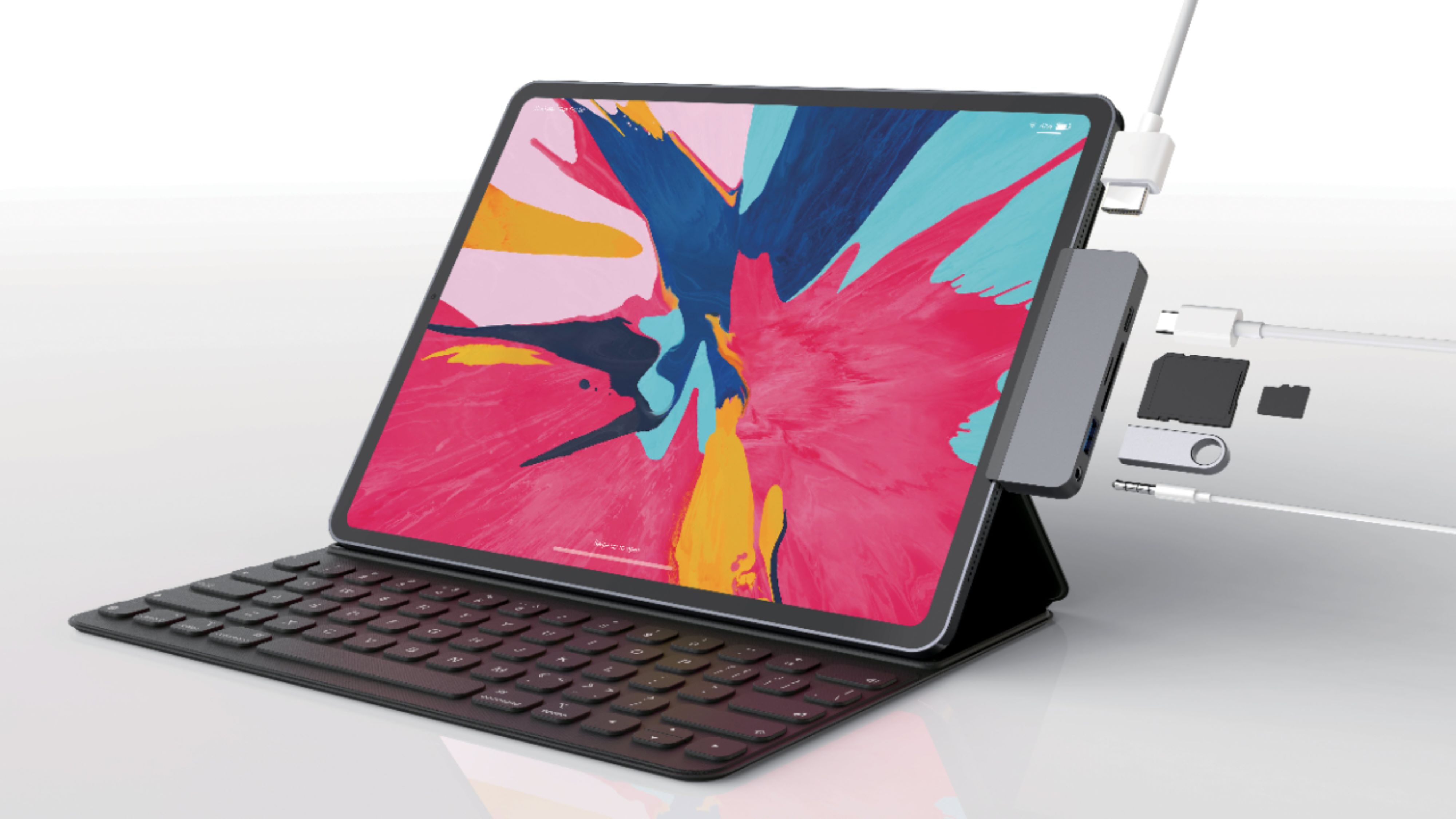
A:Answer. I do not think so only works on the iPad Pro. It has one USB C slot. And it connects to the side. Just go and read the description, it should tell you
A:AnswerFor any case that does not allow a flush sitting for the HyperDrive 6-port hub, there is an included USB-C extension cable to facilitate the connection from the hub to the iPad. The HyperDrive will work via the USB-C extension cable or sit flush with an iPad (depending on the case).
A:AnswerThis device will work on the iPad Pro . Depending on what external device is being used to transfer the photos from your desktop Mac, the external device holding the photos will need to be a device compatible with the hub (USB-A or USB-C storage devices such as thumb drives).
A:AnswerNo it wont, but there is device that has 3 ports that will—it plugs into a lightning port, and provides an audio jack, a lightning port for charging only and another lightning jack for data, etc. Search for a Lightning connected hub that includes an additional port for charging.
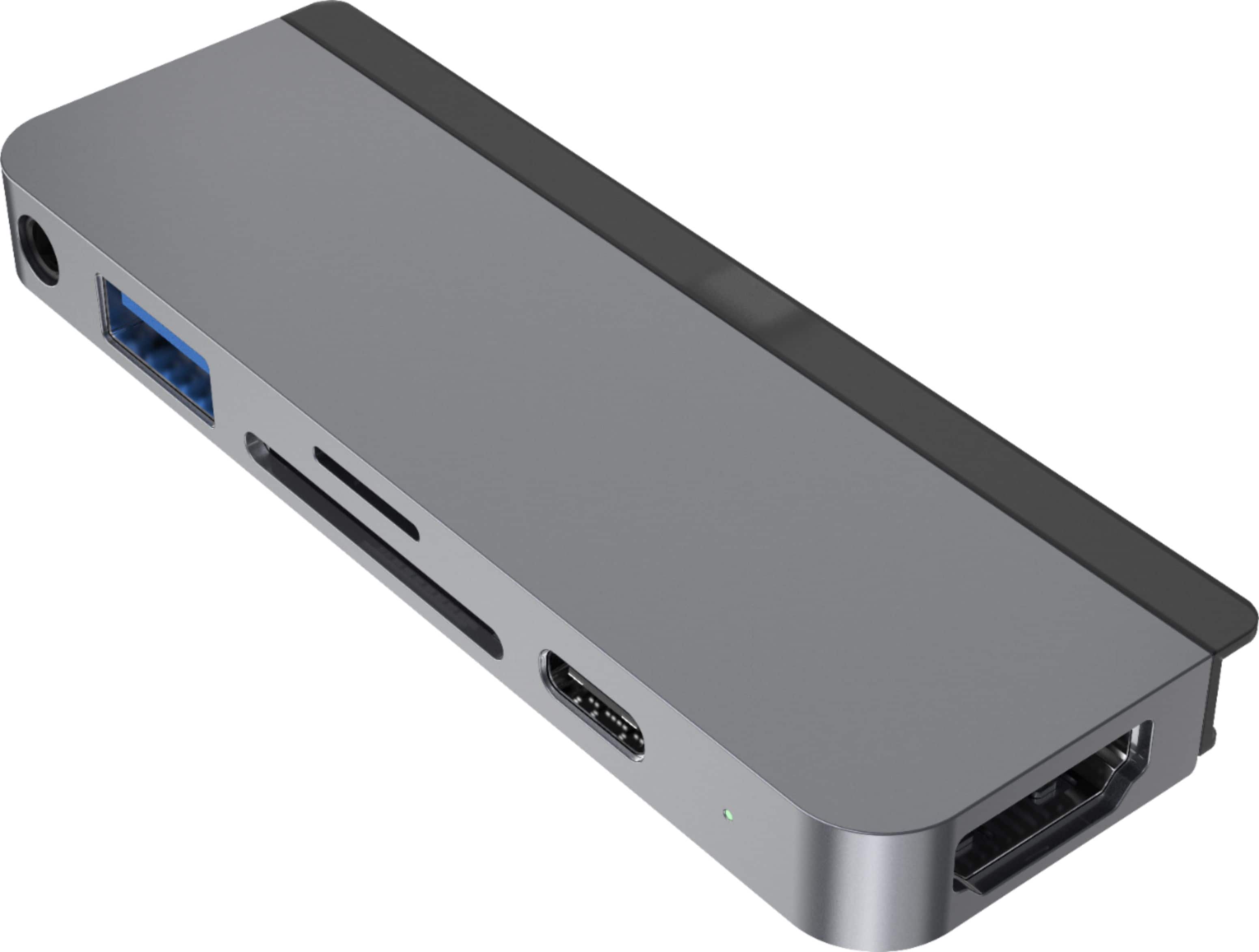
A:AnswerThe 6-port for the iPad Pro will technically work with the Surface Pro 7 - when utilizing the USB-C extender cable included with the device. The shape and form of this 6-port is best utilized for the iPad Pro. A few great options for the Surface Pro 7 would be the HyperDrive 7-port, HyperDrive 9-port, or the HyperDrive Ultimate 11-port.