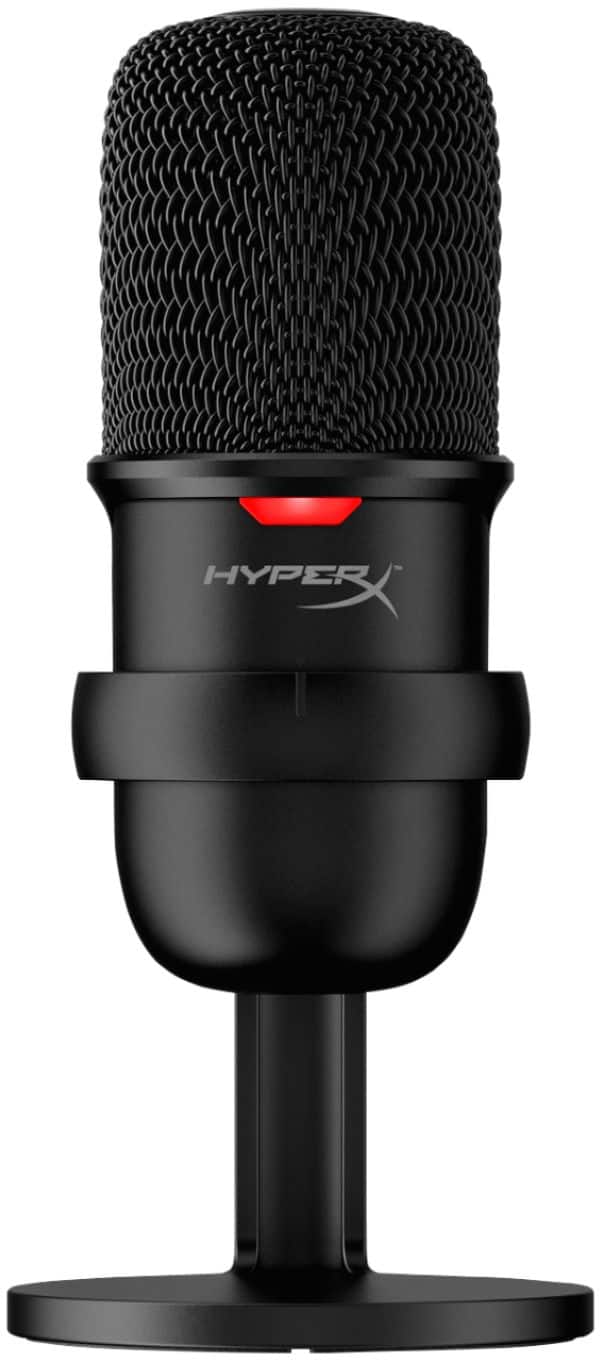
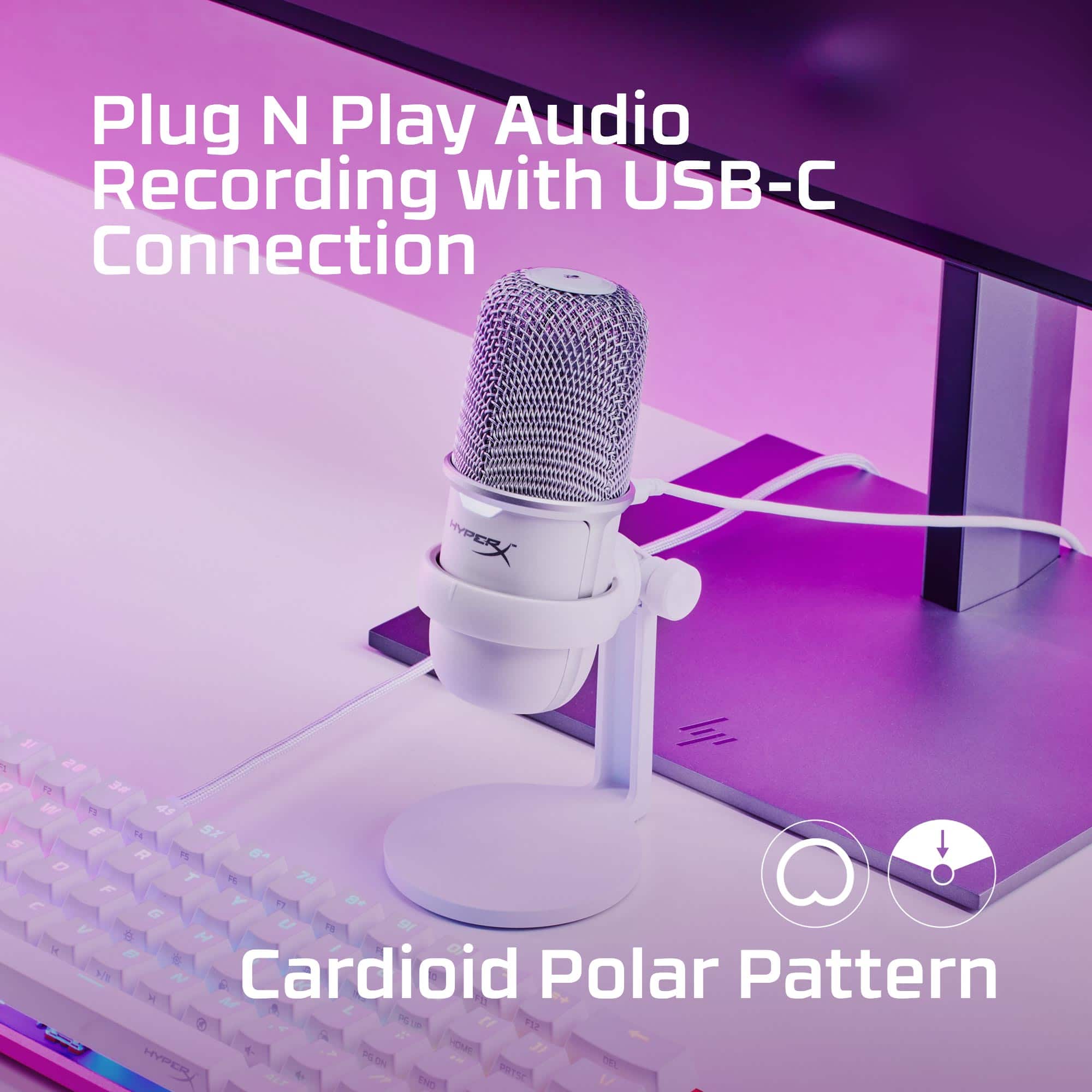
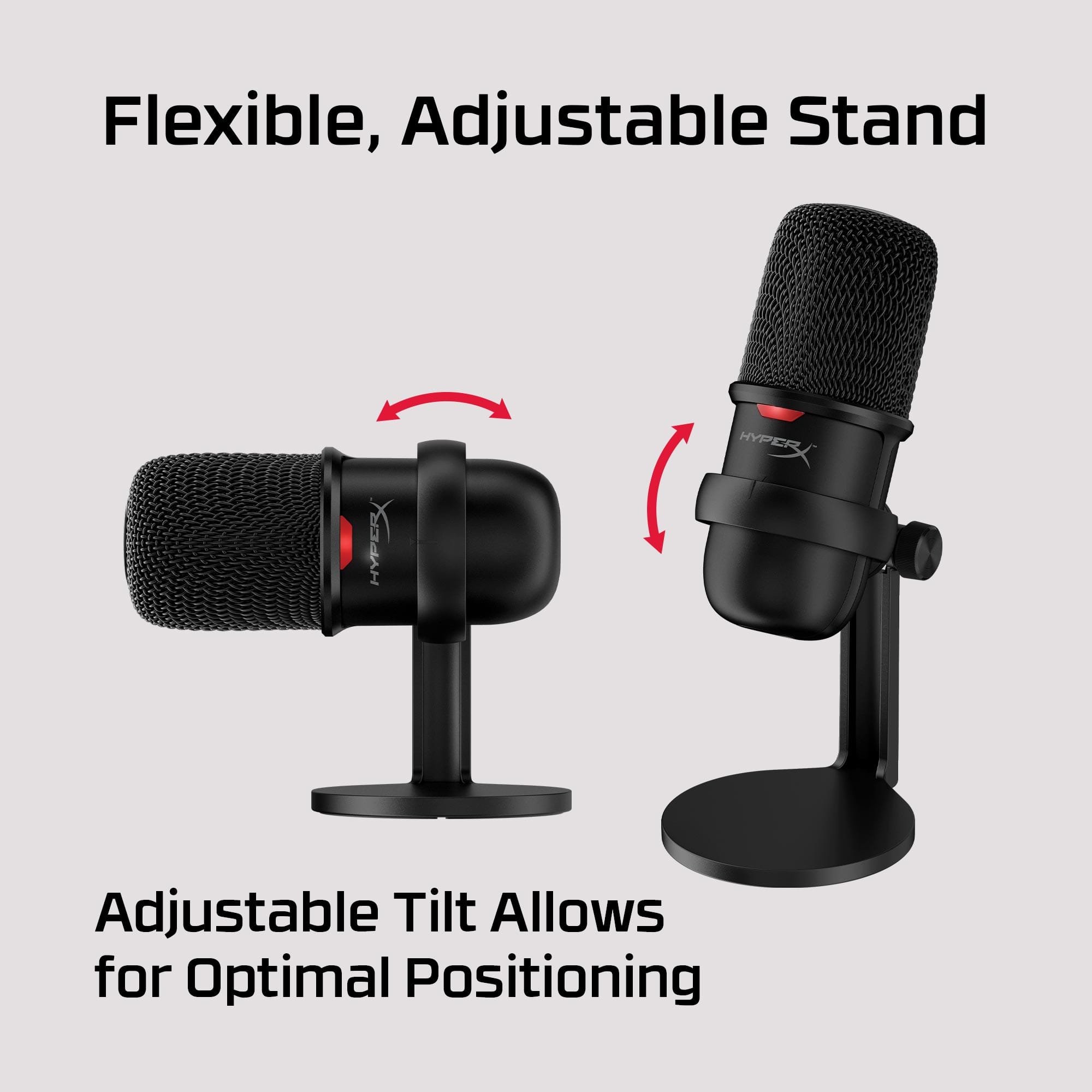
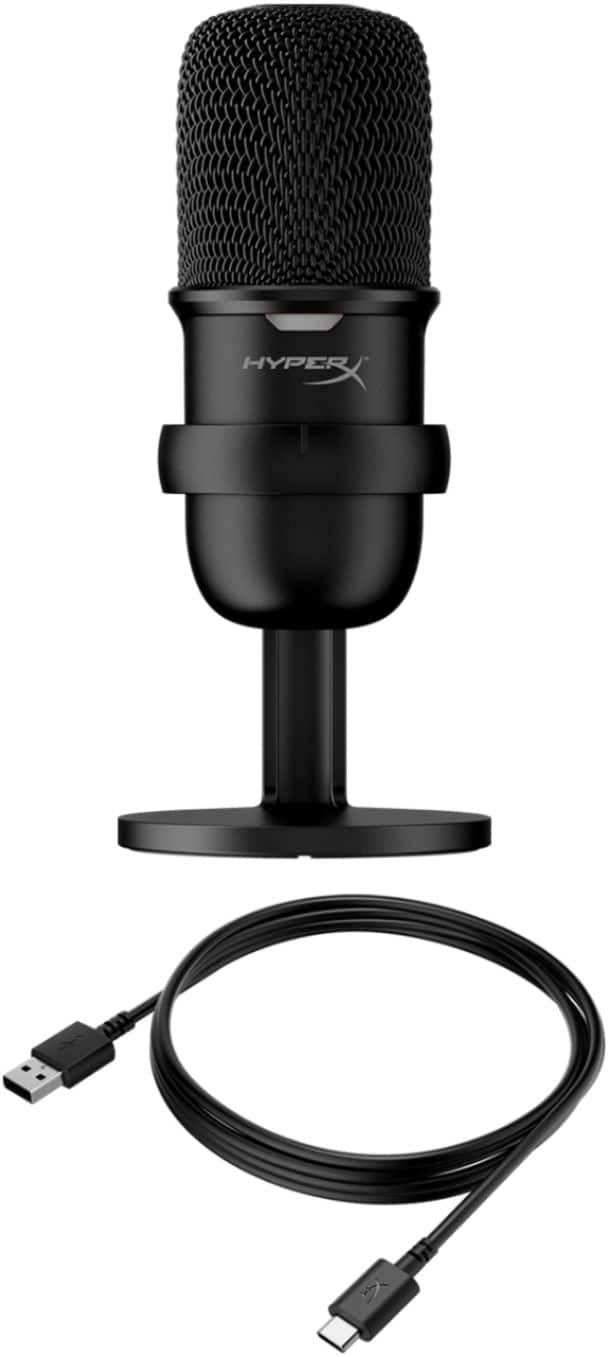
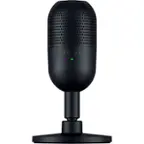
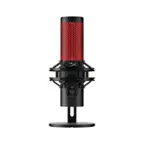
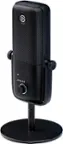
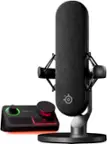
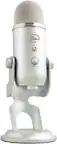
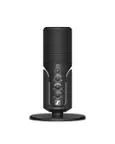
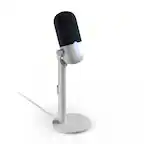
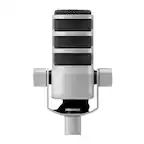
A:AnswerYes - the cardioid pattern of the microphone is perfect for picking up vocals from one or two vocalists. It is designed to pick up the majority of sound from directly in front of the microphone with slowly reducing sensitivity toward the rear of the mic. These microphones also contain a condenser capacitor allowing for less feedback, higher recording quality, and a larger range of frequencies.
A:AnswerYeah, every good mic will. You have to use software to filter the sound. It's simple and there are lots of youtube videos that go step-by-step through this process.
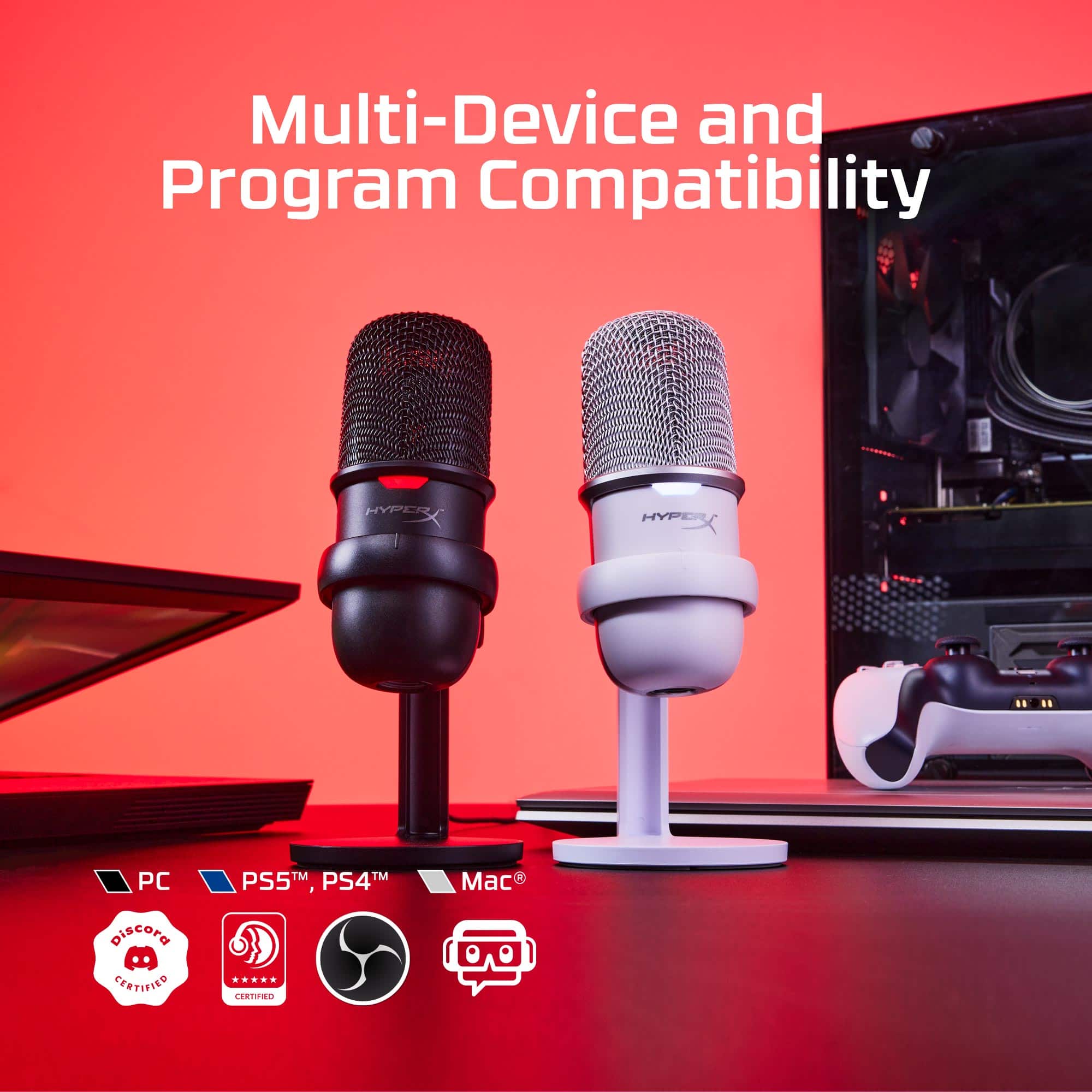
A:AnswerI don’t know but I think so, PlayStation excepts usb mics so most likely. You could try it. Here’s how to set it up: https://sortatechy.com/usb-microphone-on-ps4/
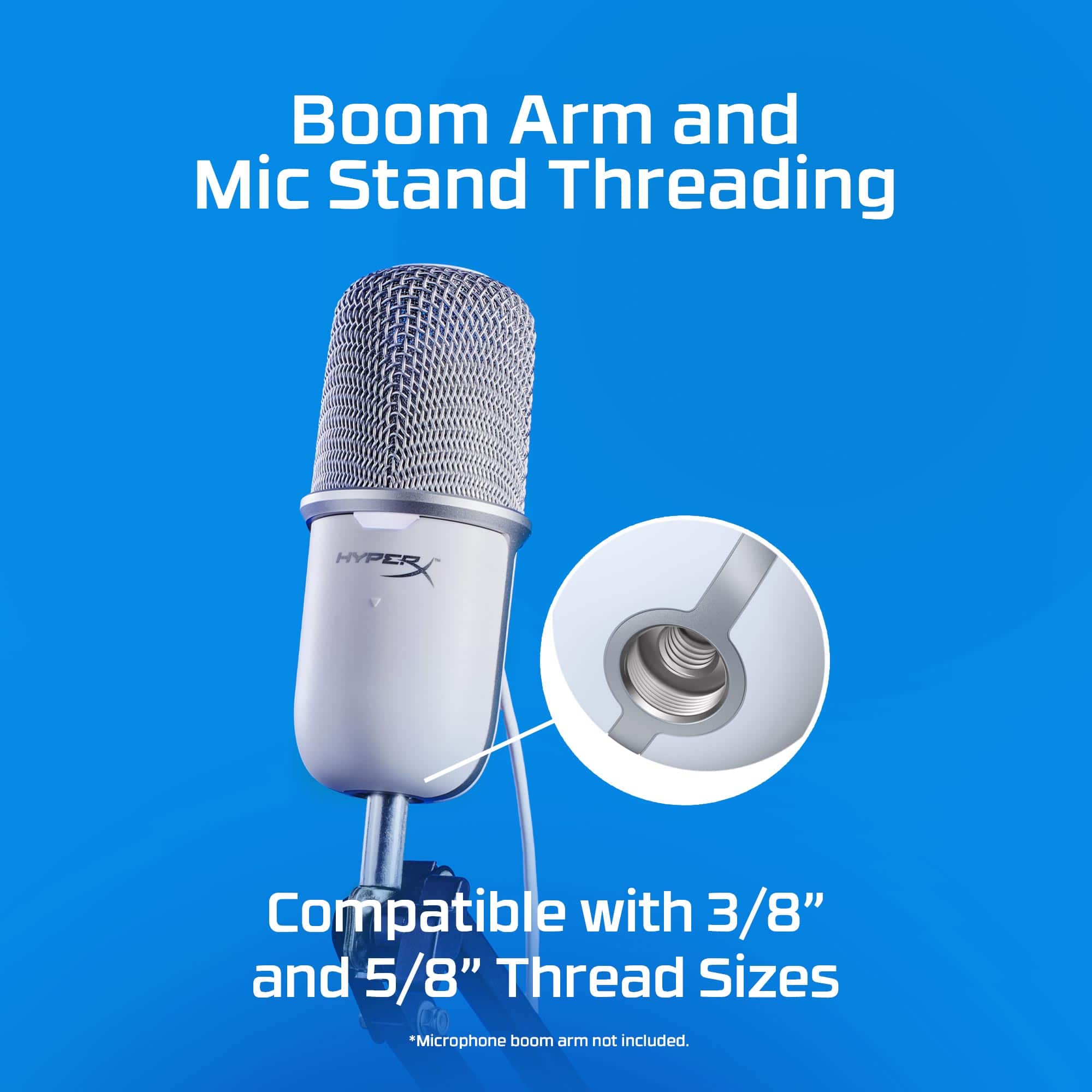
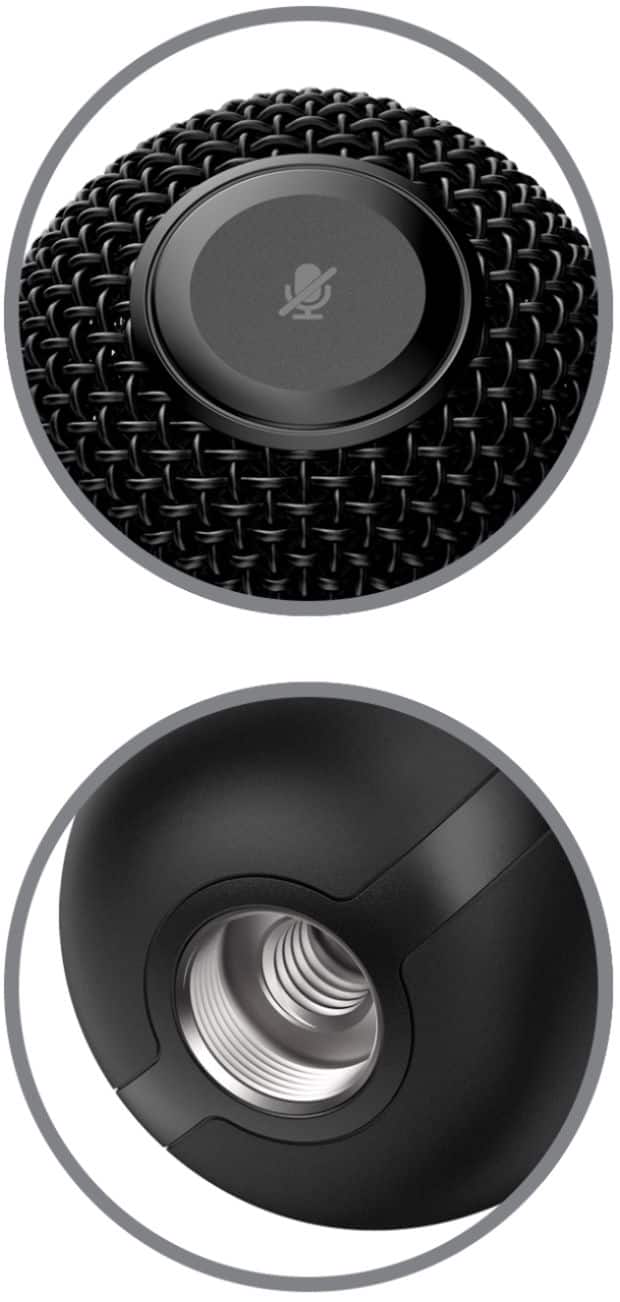
A:AnswerYes? It's a regular pop filter lol the brand doesn't matter. Pop filters are designed to screw on to various objects, so yeah you can attach a pop filter.
A:AnswerHey Alex,
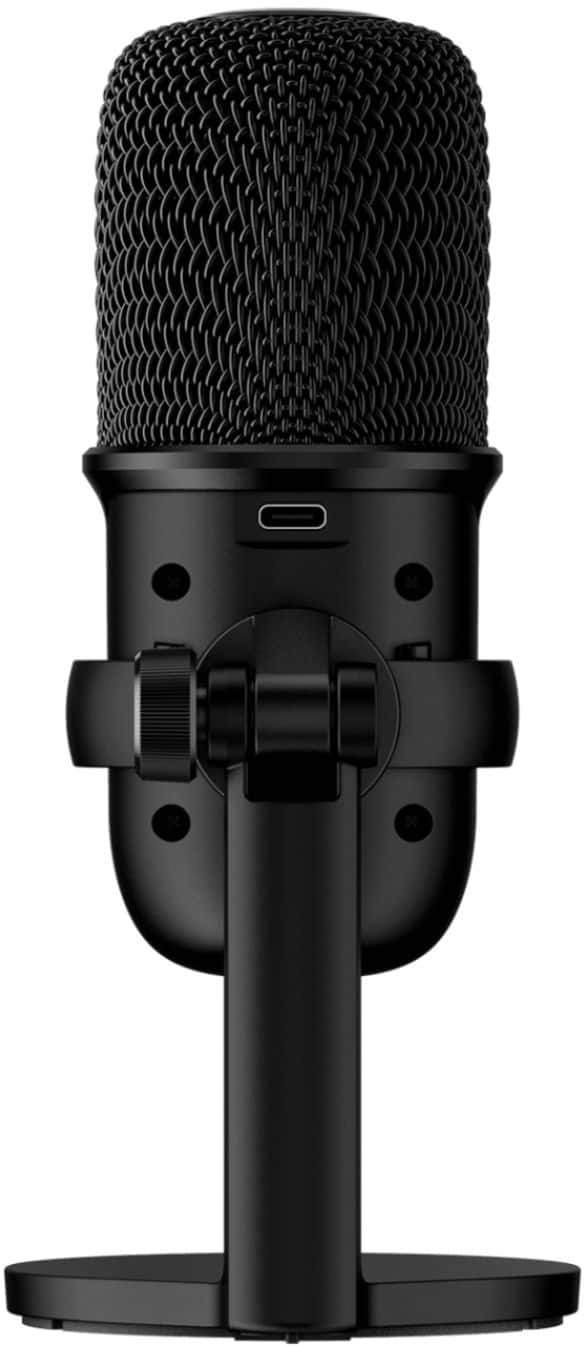
No, you'll not be able to connect any headset to the SoloCast microphone because it does not have a built-in headphone jack. If you have any other questions or concerns, feel free to contact us directly.