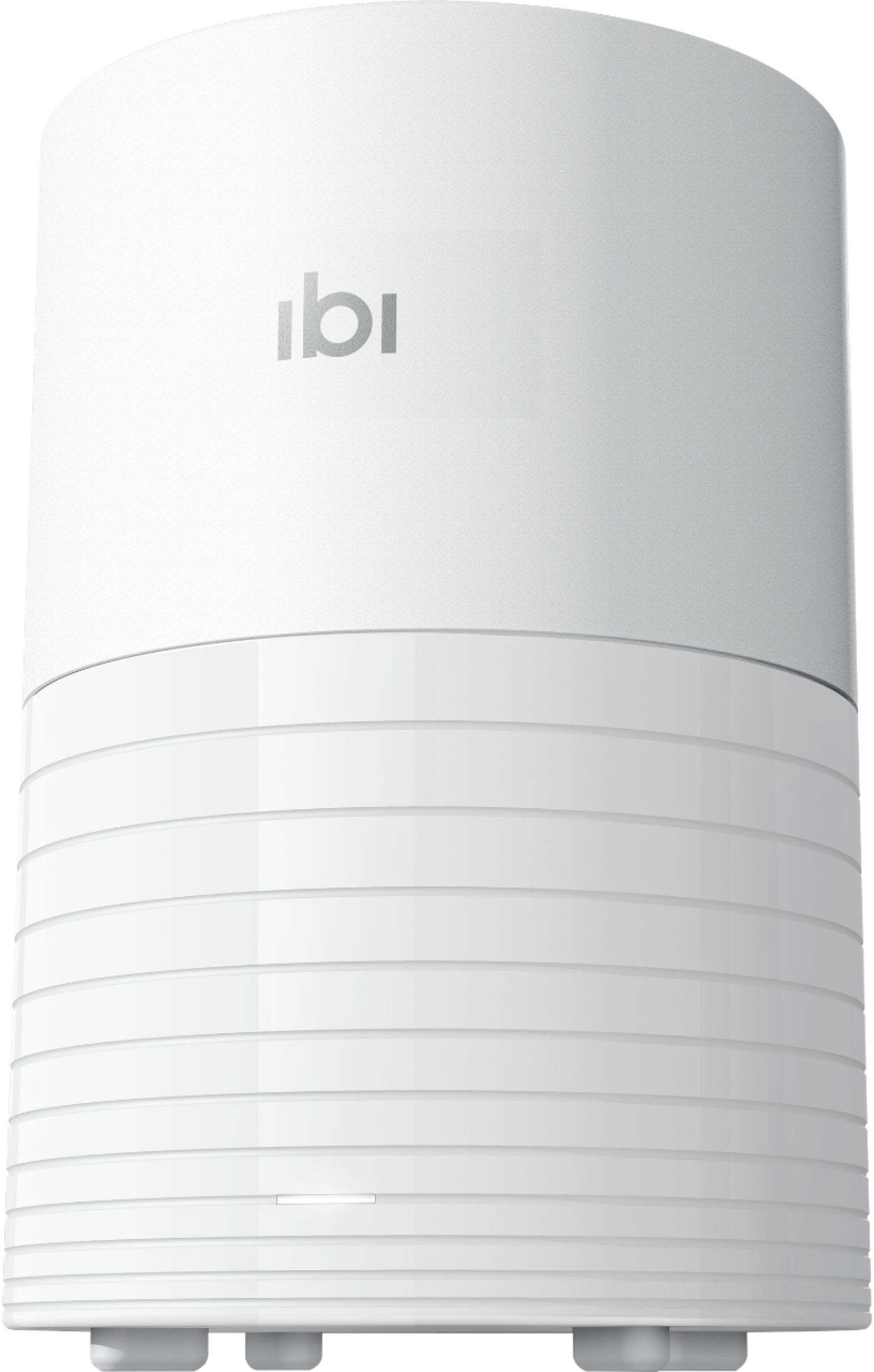
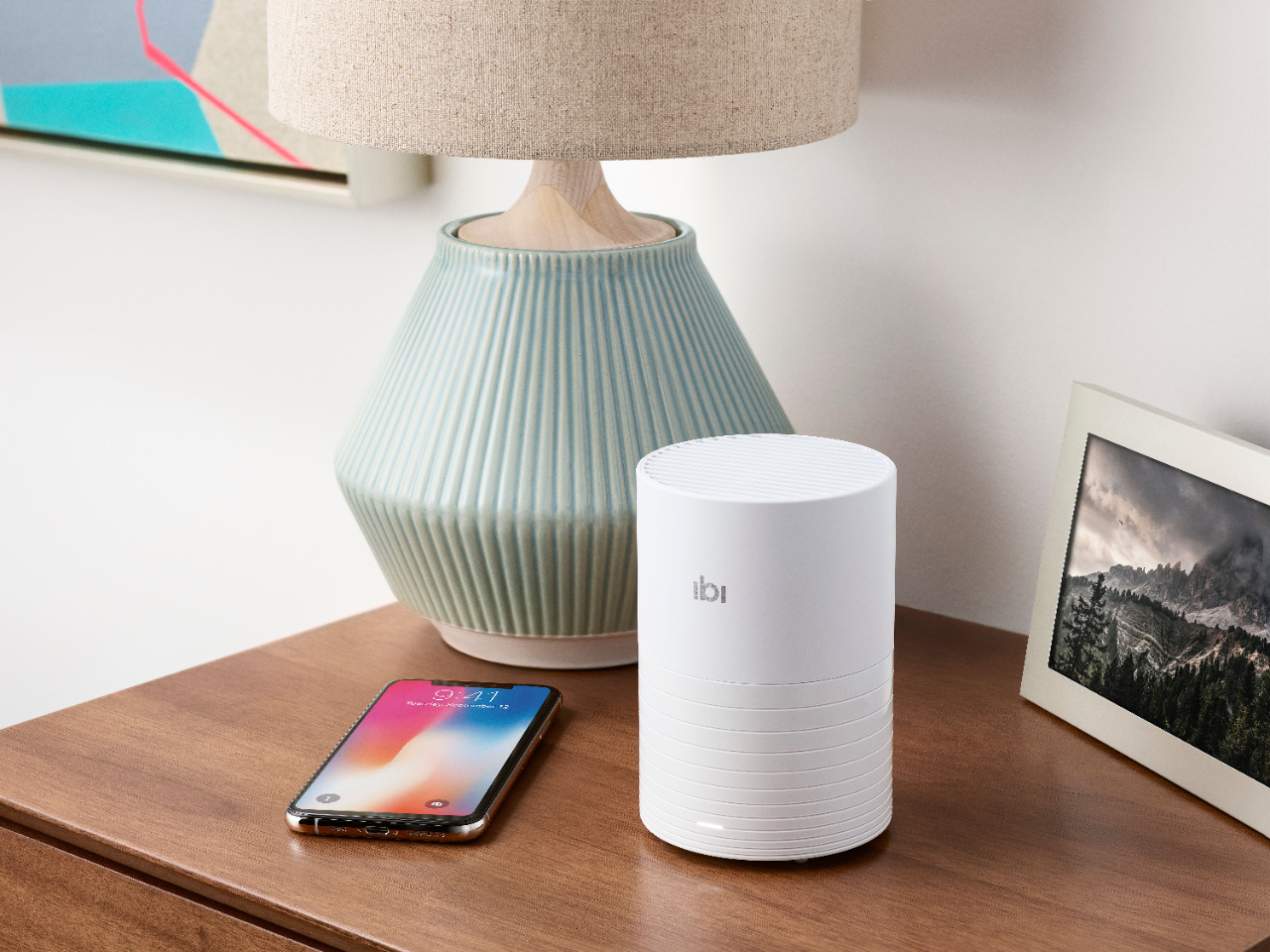
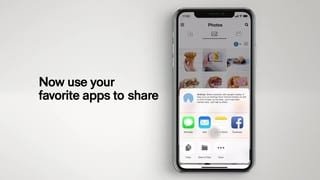
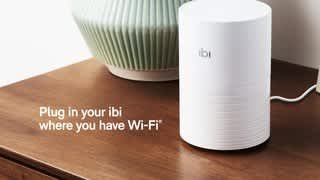
A:AnswerSearch for iBi in your TV's search function while it is connected to your home network. If it is listed, and on the same network as your iBi then you can link it up and stream photos and videos to your smart TV. Both the TV and iBi device will need to be on the same network to share the photos and videos. Also be sure to look for any updates for your TV's firmware before looking for your iBi so you have the latest version available.
A:AnswerBatsman,
2 year limited warranty, I’m assuming the limited aspect of the warranty would Involve accidents such as dropping it, spilling liquids on it etc.
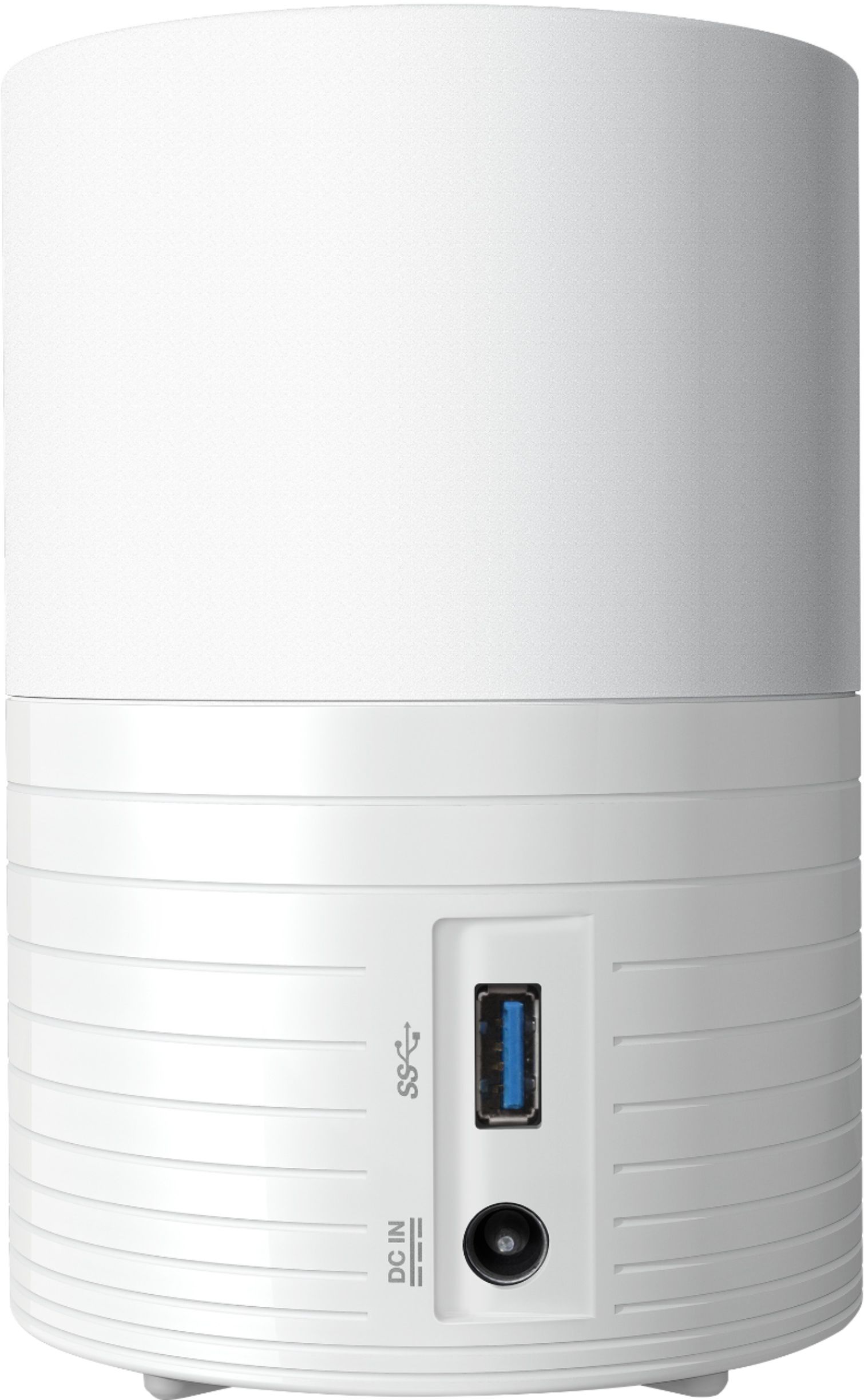
A:AnswerThe direct input in the back is usb so the phone software looks for an accessible usb device so if the camera looks like a direct usb storage device to it that may work. If the camera can be seen on the network as a drive you may be able to drag the photos to ibi that way.
A:AnswerHello,
I have the perfect solution for you.
The iXpand Flash Drive from Sandisk (available in 64gb, 128gb, and 256gb capacities). Best Buy sells these online and in the store.
This flash drive has 2 connections: (1) Apple lightning connection for iPhones and iPads and (1) USB connection for computers.
The flash drive plugs into the lightning port of the iPhone.
Using the SanDisk iXpand app (from the Apple App Store - free app) you select the pictures you want saved. The app will transfer the pictures from your iPhone to the flash drive.
The app will ask you if you want the pictures to stay on your iPhone or if you want the pictures deleted from your iPhone (to make "room" for new pictures).
The choice is entirely up to you. Personally for me, I keep my pictures on my iPhone. If I get to the point where I run out of storage space on my iPhone, then yes, after I have transferred my pictures, I will delete the pictures (only after I transfer though, so this will take me an extra step).
When done transferring your pictures from the iPhone to the flash drive, you exit the app, remove the flash drive from your iPhone and plug the USB side of flash drive into your computer and download the pictures.
It might sound like a bit of work, but it's really easy and very quick.
If you have 1000 photos (or so) that you want to transfer at one time, it might take the app a few minutes to process the pictures.
I did look at the Ibi for picture storage, but it's not a solution for me: I too have my pictures on my computer. I save them, I edit them, some I print, others I share, etc. But I can do all of these tasks from my computer. The Ibi is like a larger version of the SanDisk flash drive. Just not for me.
Good Luck & Happy Holidays!
A:AnswerNot that I’m aware. I assume you mean from a phone? It either does it automatically when connected to home internet service or you. can select a manual option. I use manual since I don’t want every photo I take to be kept
A:AnswerThere is not a slot to place the memory card. I placed the memory card in a card slot on my computer and copied the pictures through IBI software.