A:AnswerYou should be able to use an external CD drive, they're very easy to find and are inexpensive. Just change the boot order in the BIOS to the CD drive and install to the desired location.
The only problem would be if you don't have a Windows 10 product key; even then, it's just a minor setback as Microsoft should be able to help you authenticate your copy of Windows with a call to their support team.
A:AnswerYour HDMI cable will work just fine. The GPU is what you will need to plug into and not the motherboard. That is on the back of the computer and each port is a different shape so HDMI fits in only one particular spot.
A:AnswerSide note for you,
Mine came with the radiator fans push/push, not push/pull. This caused excessive heat since it was being kept in the case.
The fans on the radiator should both be blowing in the same direction, out the back of the case. Check to make sure they are not both blowing in the radiator.
Switching the one far dropped the temp in my system dramatically.
A:AnswerTo activate WIndows 10 you'll need the activate key on the back of the PC. Just keep in mind part of the windows activation key is covered by scratch-off that i didnt realize until i did some research as to thy the key didnt work. Part of the key is hidden until you scratch it off
A:AnswerYou can us a monitor which as DVI, HDMI or Display Port on it. Which is common on 99% of monitors over the past few years. If you hook up a G Sync enable monitor to the included 1080 graphics card you will get better performance.
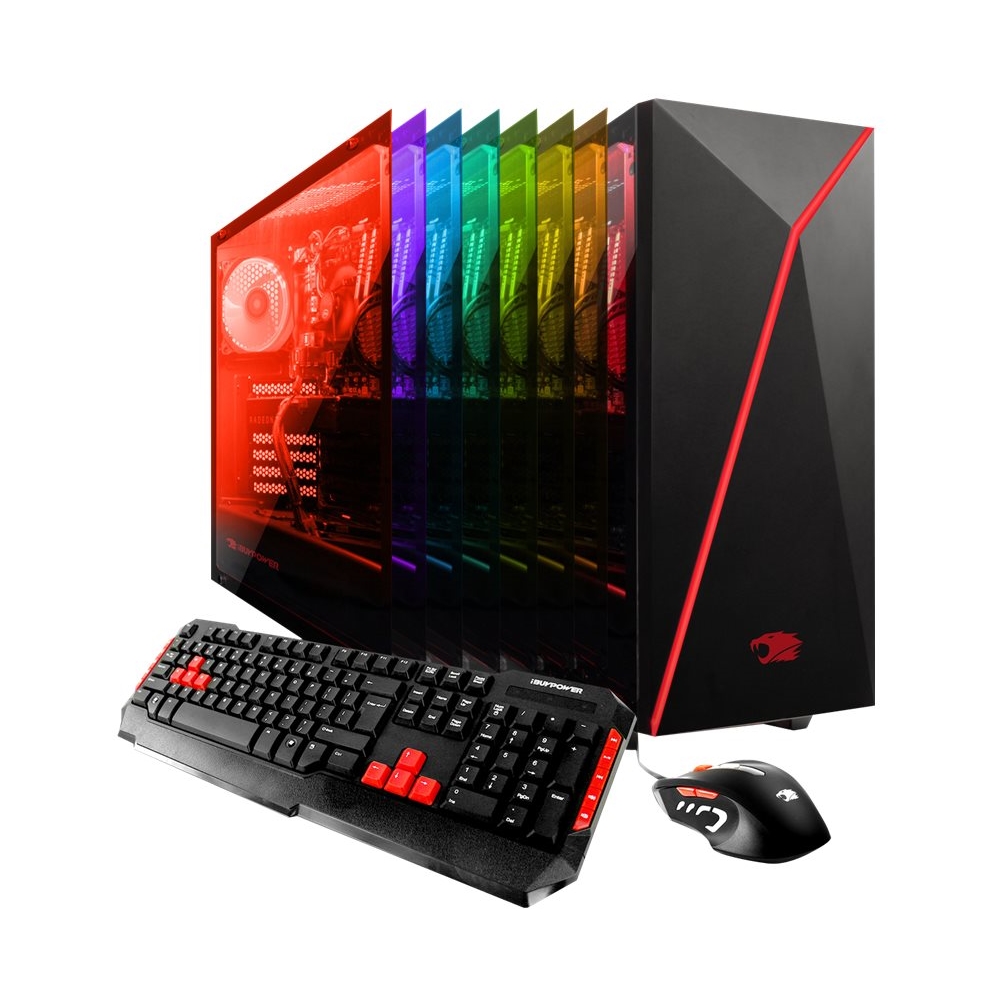
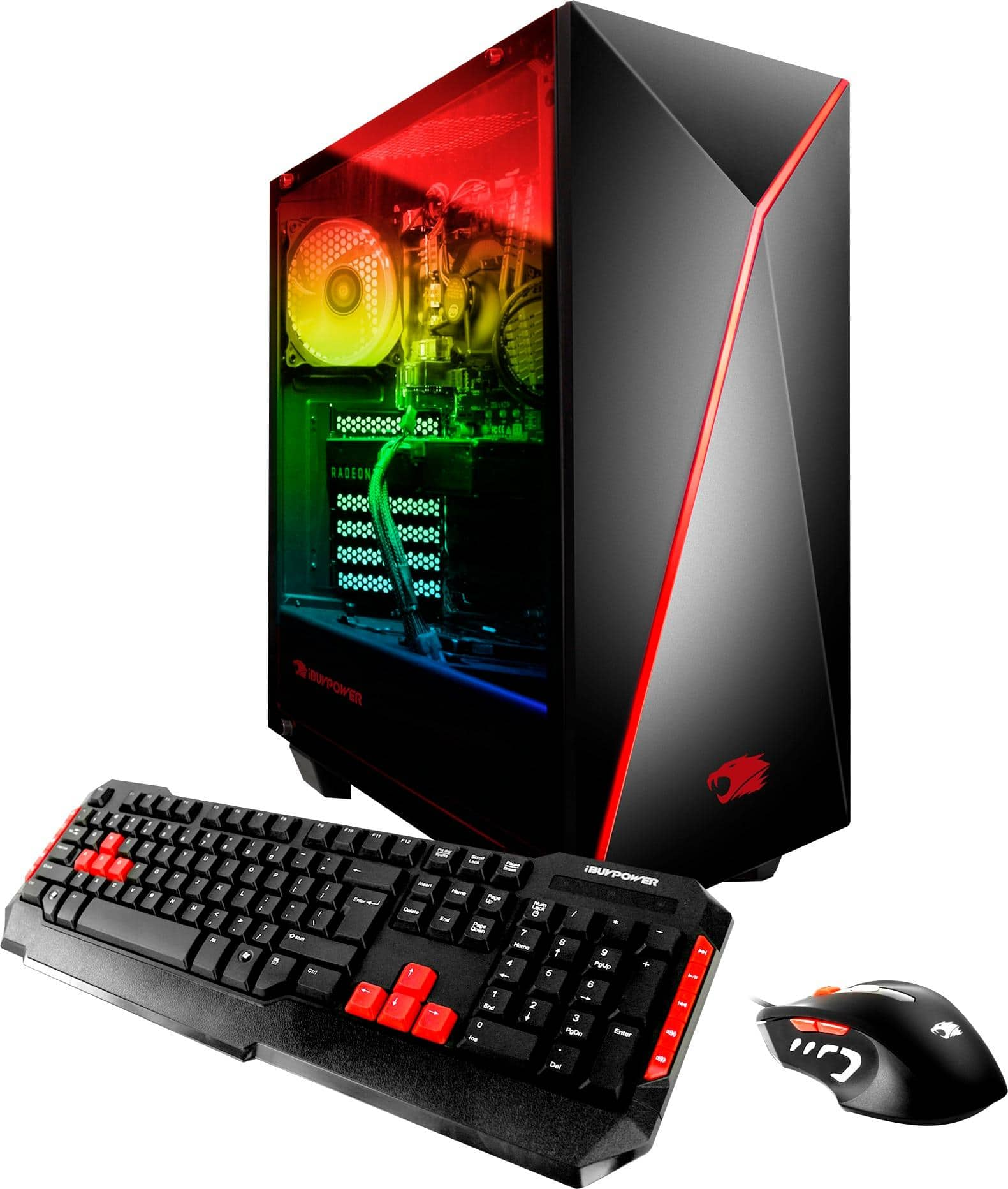
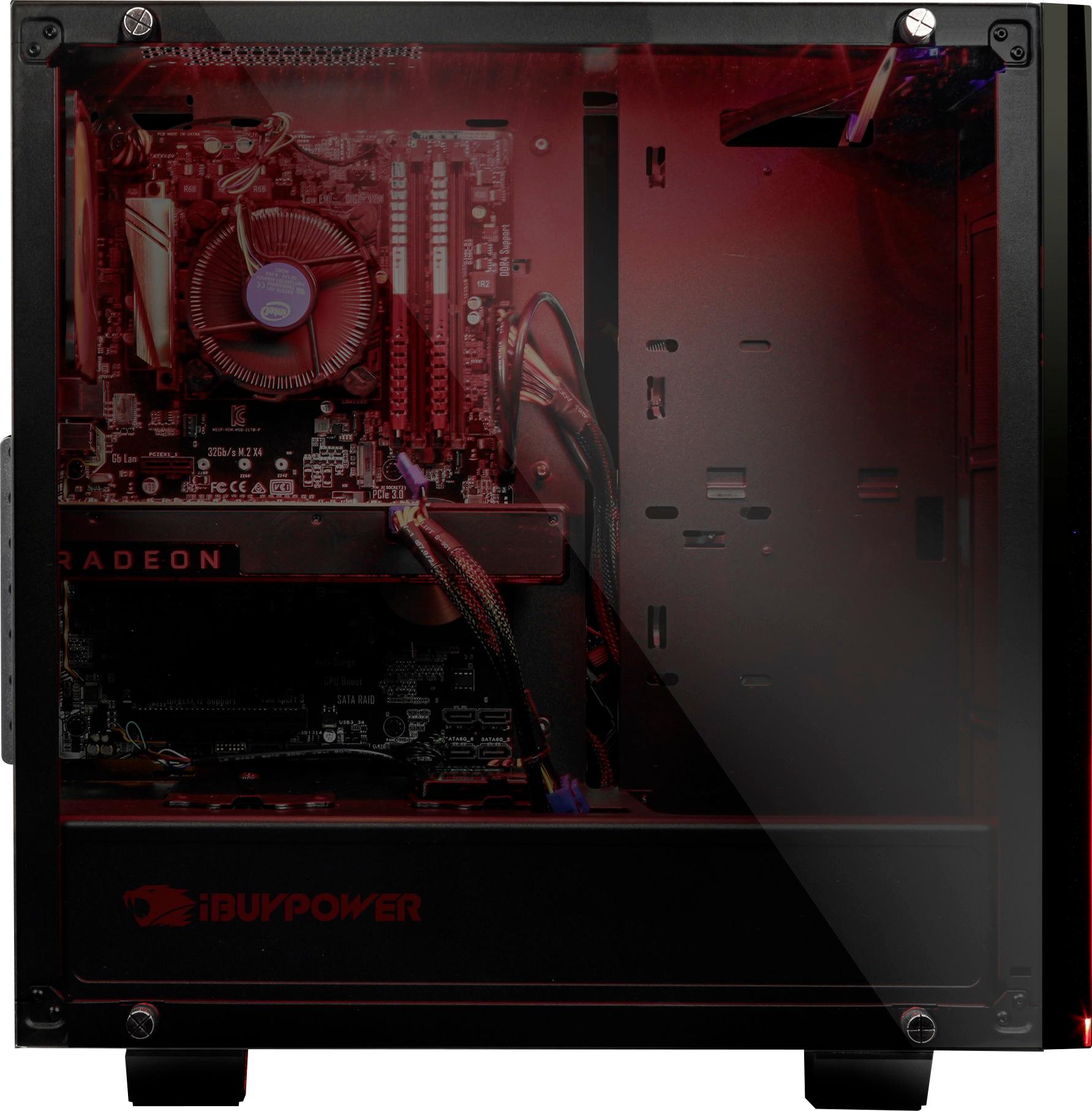
A:AnswerMine came with an MSI Z270 PRO MATE motherboard coupled with an MSI NVIDIA GeForce GTX 1080 ARMOR OC video card. It also came with the following components:
Intel® Core™ i7-7700K Processor (4x 4.20GHz/8MB L3 Cache)
Kingston HyperX FURY 16 GB [8 GB X2] DDR4-2400 Memory
600w HIGH POWER HPG-600ST-F12S power supply
240 GB Kingston A400 SATA-3 SSD
1 TB WD Blue Hard Drive
Windows 10 Home
All in all, not bad equipment... especially for the price.
A:Answeractually the computer goes into sleep mode on it's own relatively fast. not sure if there's a but on the keyboard of the PC tower itself to make it go to sleep. But once it does sleep then you have to hit the button on the PC tower to wake it. Keystrokes or mouse movement doesnt wake my pc from sleep
A:Answer"4x DDR4 memory slots, support up to 64GB" according to the MSI Pro Series Motherboard Manual that came with the PC. So unfortunately this MB will only support 64GB.
A:AnswerThe three jacks on the back can be reassigned as you wish. I currently have my surround setup hooked up and have the center/sub plugged into the pink jack and the rear plugged into the blue jack.
A:AnswerYou can go to the ibuypower website and find the same rig, it will have a list of the types of parts they use. Mine was mostly msi. I believe they differ based on upgrades etc.