A:AnswerHello,
Please make sure the drivers you are updating are the correct version. You may have to try reinstalling internet explorer to see if that fixes the issue. If this does not work, please give us a call at (888)-618-6040 and our technical support will be able to assist you further in resolving this. Our Technical Support hours are Mon - Fri from 8:30 am - 5:00 pm PST. Thank you for your questions!
A:AnswerStep 1: Turn off PC. Step 2: Take out RAM. Step 3: Put in new RAM.
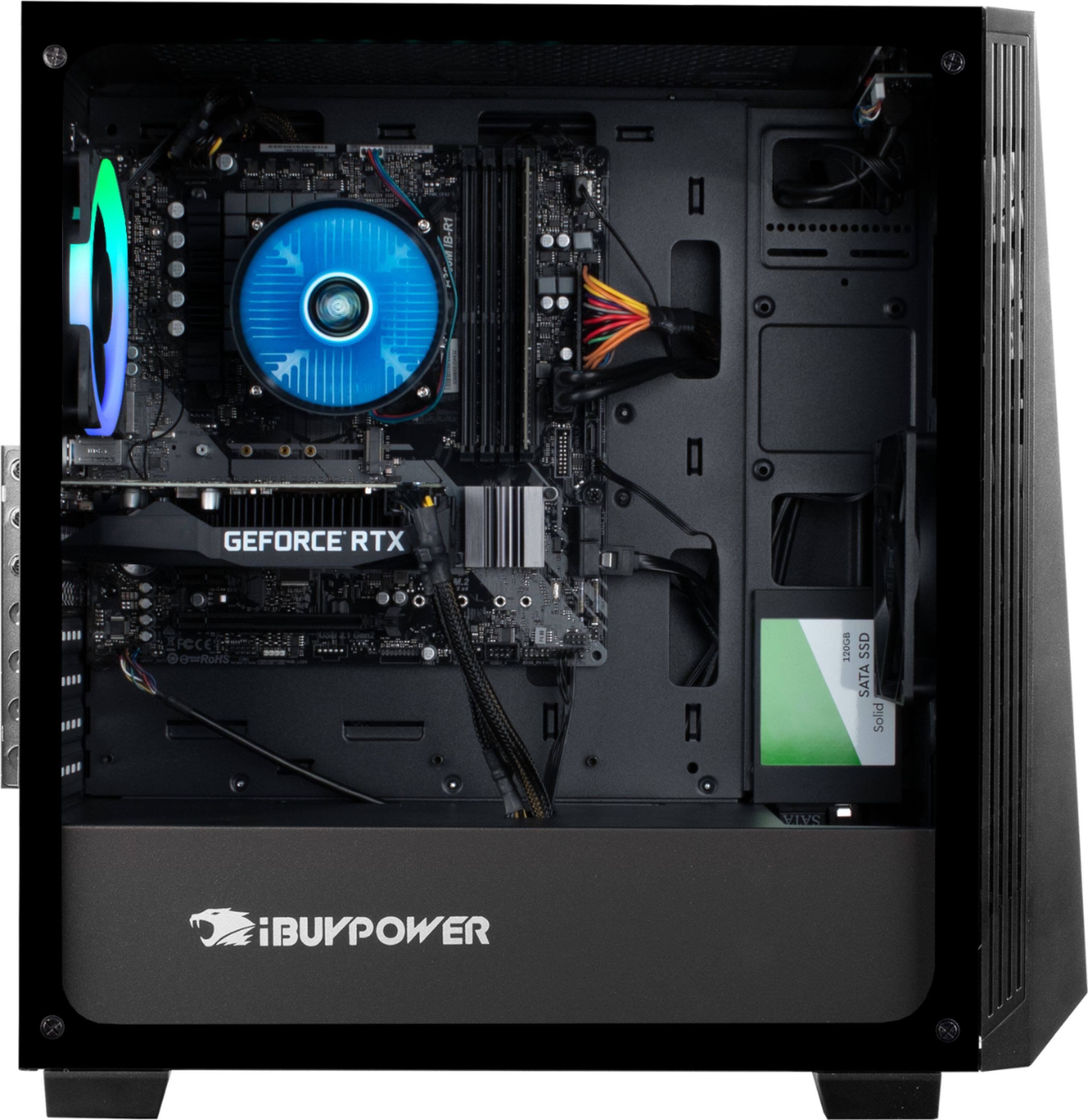
If you want to run 2 sticks, just look at the mobo and it will tell you which slots to run. Usually they're labeled as pairs.
And you don't need to tell the computer to run particular RAM speeds, it will just do it.
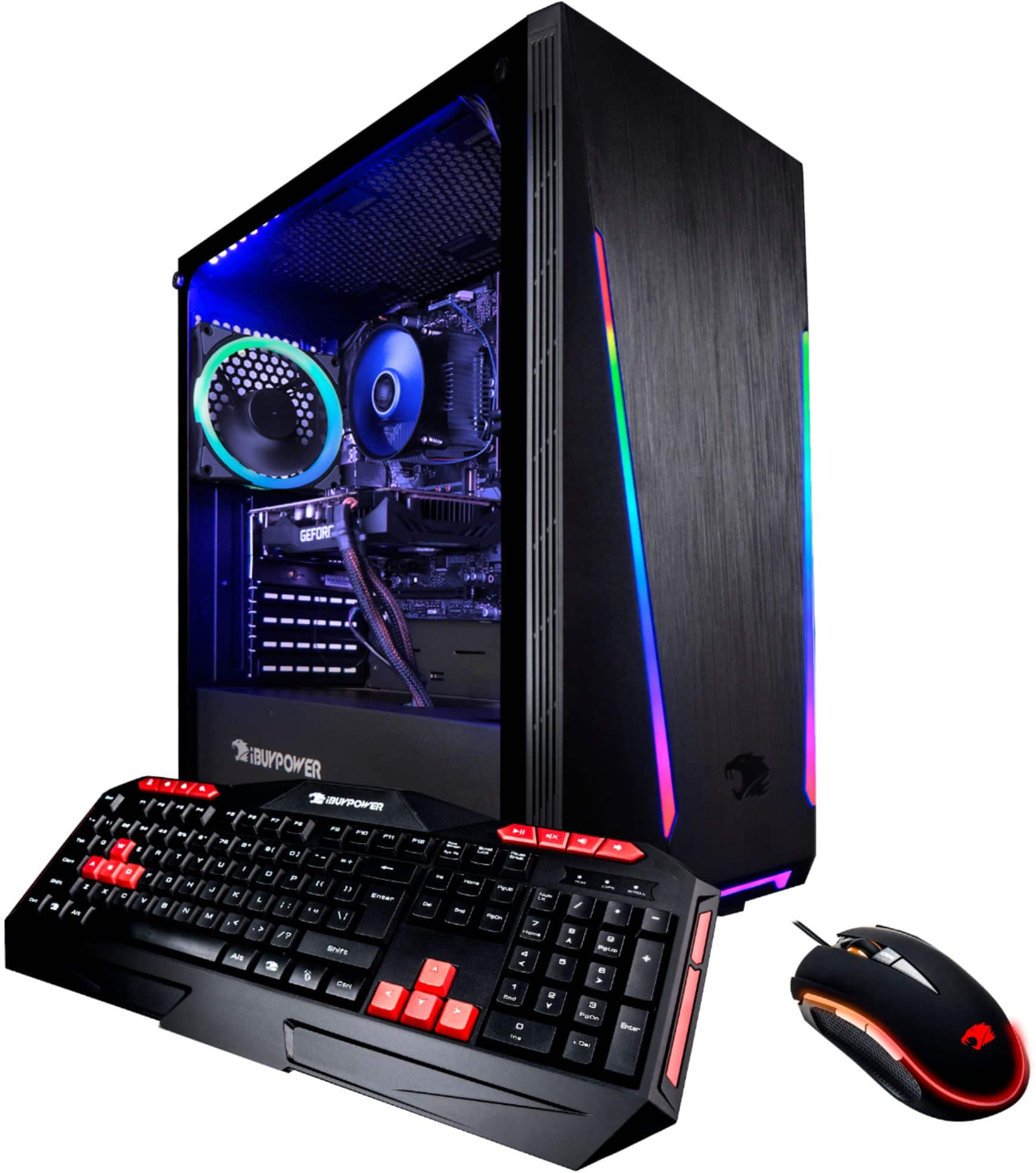
A:AnswerIt only includes the keyboard and mouse. I purchased everything else separately. You may also want to get some extra ram, if you are planning on playing multiple games. 8gb was not enough for me.
A:AnswerHello,
The motherboard has multiple SATA ports, so you could hook up more SSDs if you wanted. They would fit in the case, but not necessarily in a slot, depending on the model of the SSD. Thank you for your question!
A:AnswerI assume you mean 32GB of RAM? There are 4 slots for DDR4-2666 (PC4 21300), so yes, you could have several combinations that would give you 32GB, the cheapest option would be 4 sticks of 8GB RAM (~$130 from Newegg).