A:AnswerHi eafan,
That light simply means the hard drive is being read or written to. You do not need to pay too much attention to it as it being lit up on and off throughout the day is normal.
If you have additional questions or need further assistance, please feel to contact our support team: https://www.ibuypower.com/Support
Thank you!
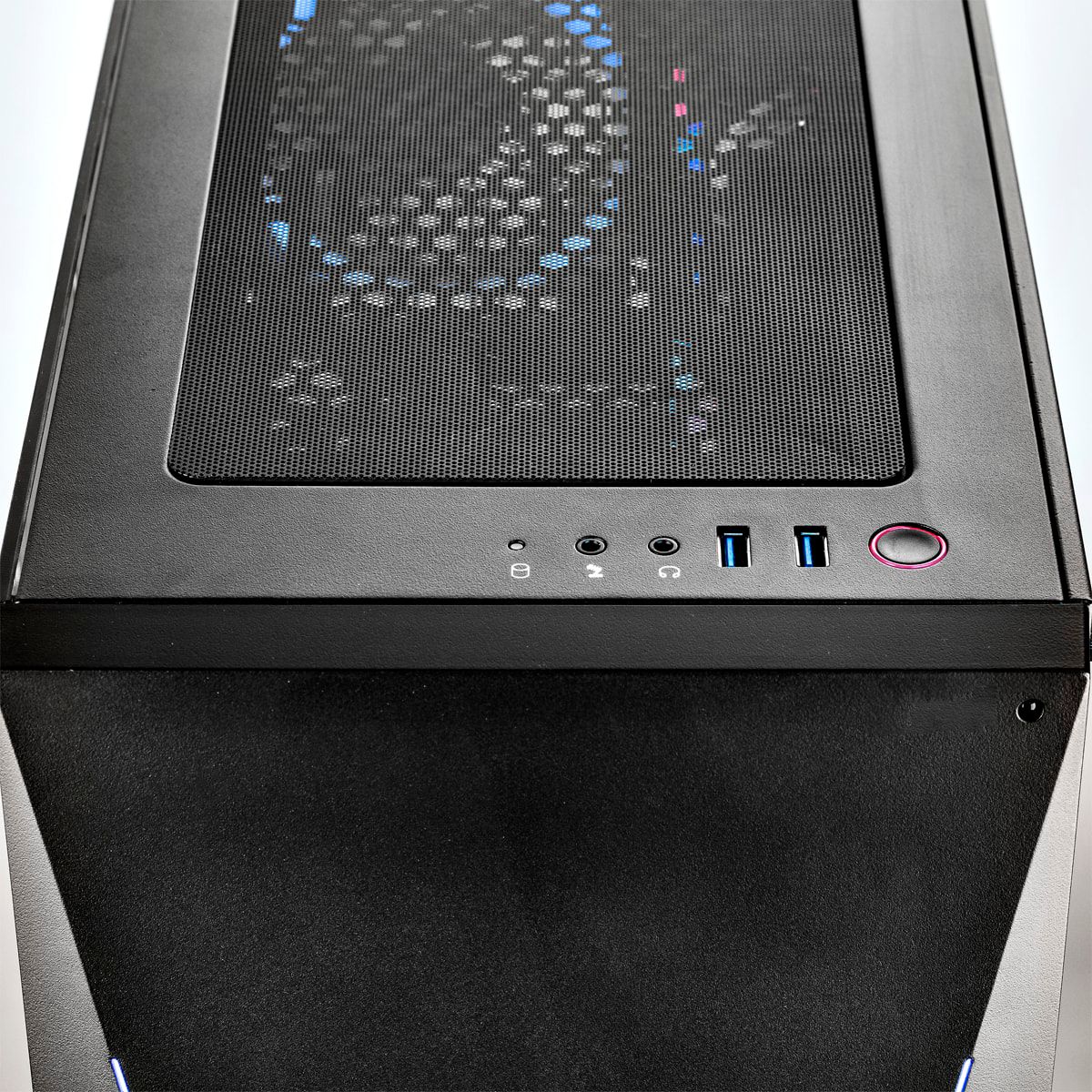
A:AnswerYes. This machine has analog audio outputs and inputs, including a 3.5mm output for speakers. You can also use a USB audio device, like a headset if you want. If you have an HDMI enabled monitor with speakers, those will also work. The machine in and of itself has no audio speakers built into it.
A:AnswerHello Peter
Video and photo editing not a problem at all, you will be happy with your purchase.
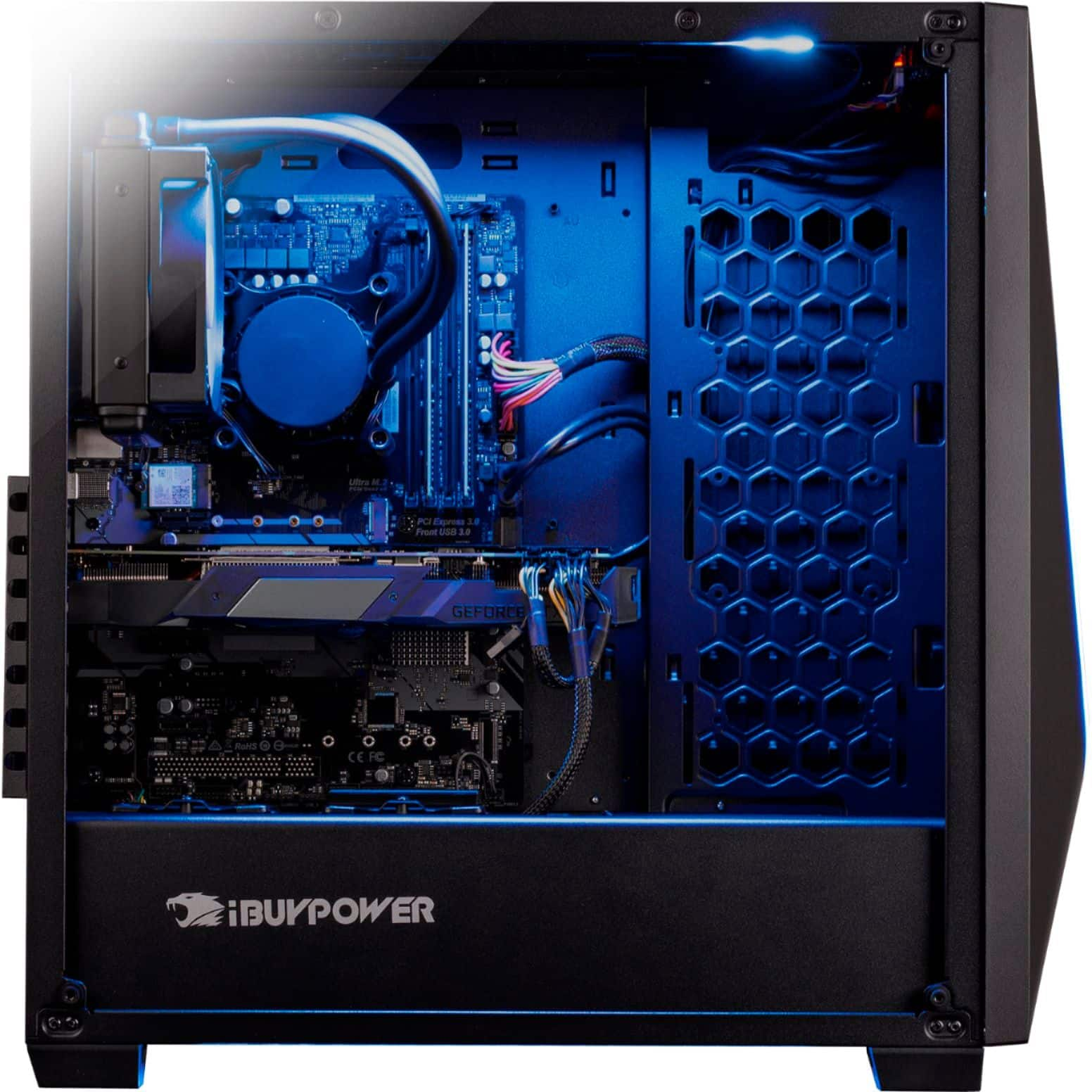
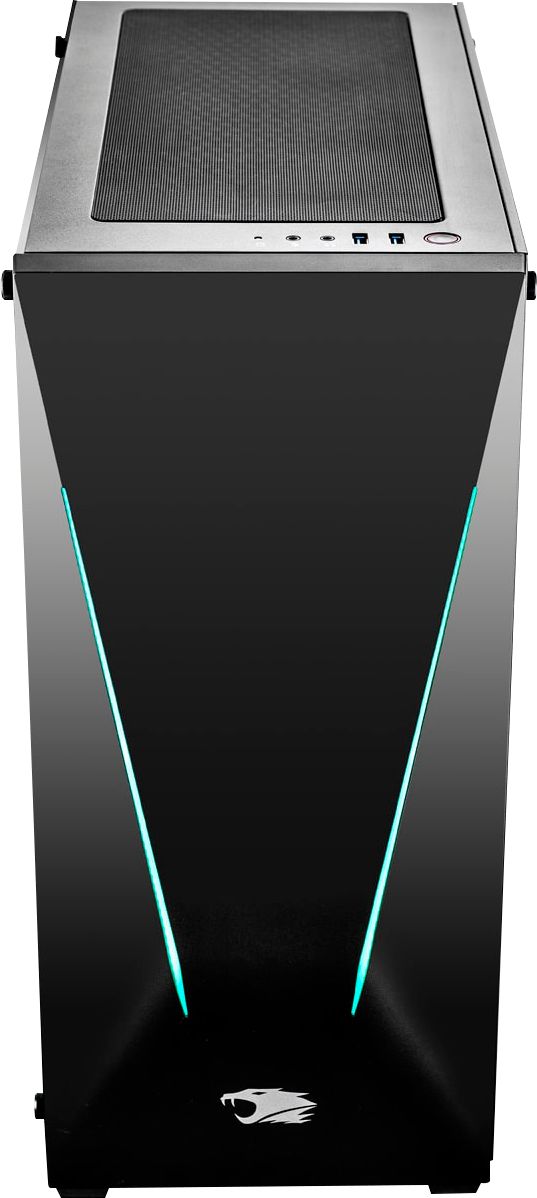
It is a closed looped cooling system so nothing to ever refill or manage. Also it is only on the CPU. The same cooling system also acts as a pull for air in the case, if you want more fans you will have to purchase them and install them. I have not added any additional fans and my system runs very cool even when doing gaming for hours on end.
You can have up to 4 SSD drives, it has 2 easy to access SSD's on the bottom of the case which you can easily see through the glass. It also has room for 2 more SSD behind the right panel.
A:AnswerAre you using wifi or is your computer wired to your router with a network cable? If you are using wifi, you will want to make sure that you connected the wifi antennas to the back of the computer. Mine came with two small antennas in the accessory bag. They need to be screwed onto the gold connectors on the back of the computer. Without those antennas attached, your network connection will be slow if not non-existent.
A:AnswerOn the back of the graphics card, there should be other output options like HDMI and DisplayPorts.
For example, the DVI and HDMI outputs can be used at the same time.
Thanks for your question!
A:Answerpretty sure this only has 1 PCIE-16 slot so you can't run dual GPU's. It's really hard to find PC's that have the ability to run dual GPU's. AlienWare desktops pretty much all have the ability for 2 and sometimes 3 GPU's. if you can get one on a decent sale, they're worth it
A:AnswerYou need too Add Multiple Fans , they Built it and did not Complete the Build , they want us too spend extra Money too complete the Build or it will Ruin your Video Card , Because i returned my first 941 Tracer And Best Buy said it was A DEFECTIVE computer because my Graphics in my game were disappearing the ground was water like and Back ground would flicker and disappear , meaning it is OVER HEATING BADLY which will Ruin your Computer PERIOD!!! SO Buyers BEWARE THESE COMPUTERS ARE BEING PUT TOGETHER FAST !!
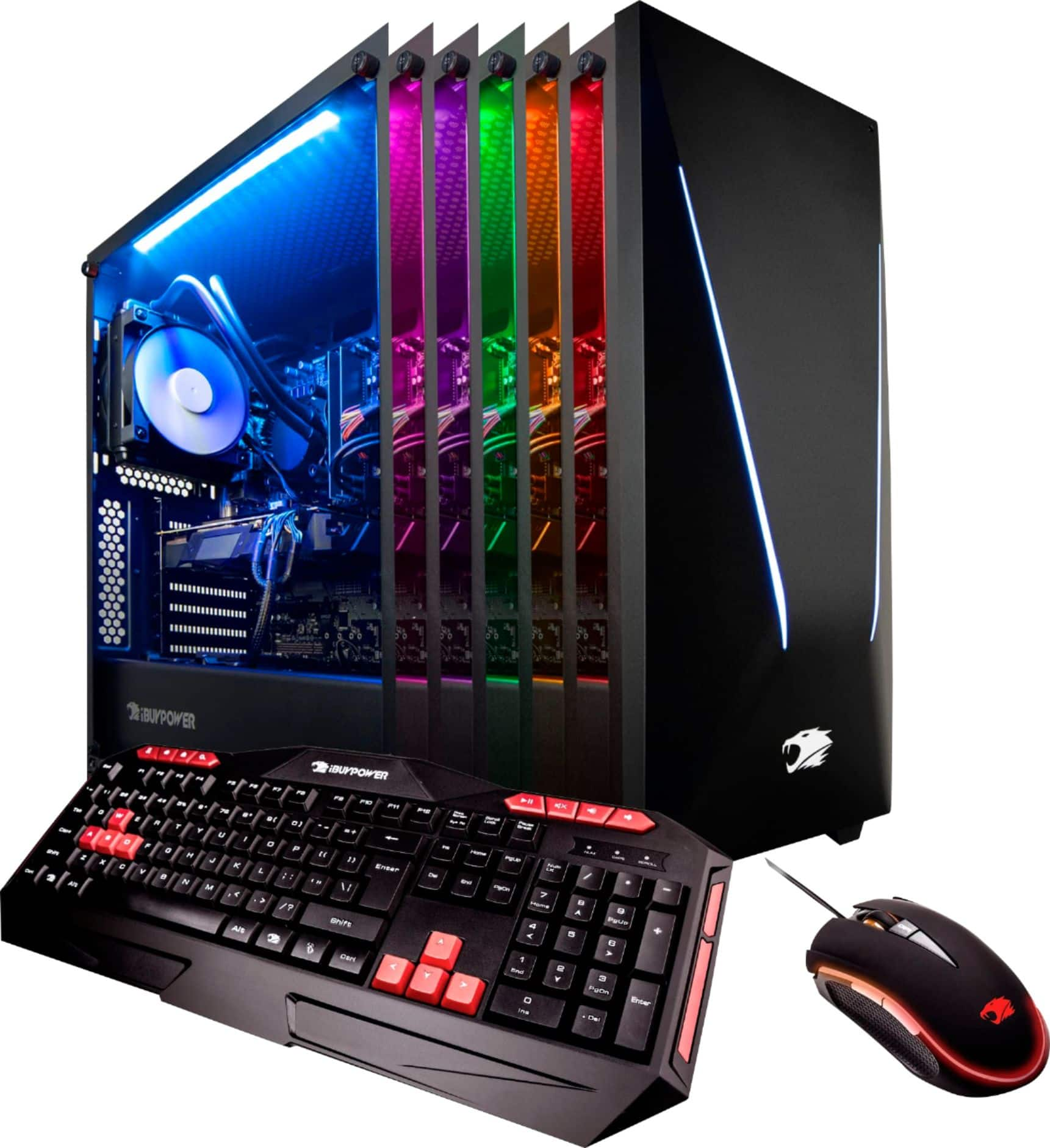
A:AnswerYes. I’d say one of the best on the market. I bought mine for gaming and streaming. The graphics card also has a built in capture card. With a command on your keyboard you can be streaming or recording instantly.
A:AnswerAbsolutely! My wife is a photographer and
Video editor and that is why we got this PC. The only thing you will probably want to do is add more SSD or get an external SSD to work off of. I am also a gamer and this PC could play basically any game at it's highest settings. It really is the best of both worlds because it has the best processor with substantial RAM and a great graphics card. To put a cherry on top the case is pretty cool too.
A:AnswerYes you could easily connect two of the Dell 43 Ultra HD 4K Multi Client Monitors, the video card in the system has 2 display ports, 1 HDMI and 1 DVI port, so with just the single card that the system comes with you could have up to 4 monitors connected. You only need to use 1 of the ports on each monitor to connect to this system.
A:AnswerHey Matthew,
Unfortunately there is no location to install an actual disc reader into the chassis of this system.
An external optical drive is your best bet.
If you have additional question or need further assistance, please feel to contact our support team: https://www.ibuypower.com/Support
Thank you!