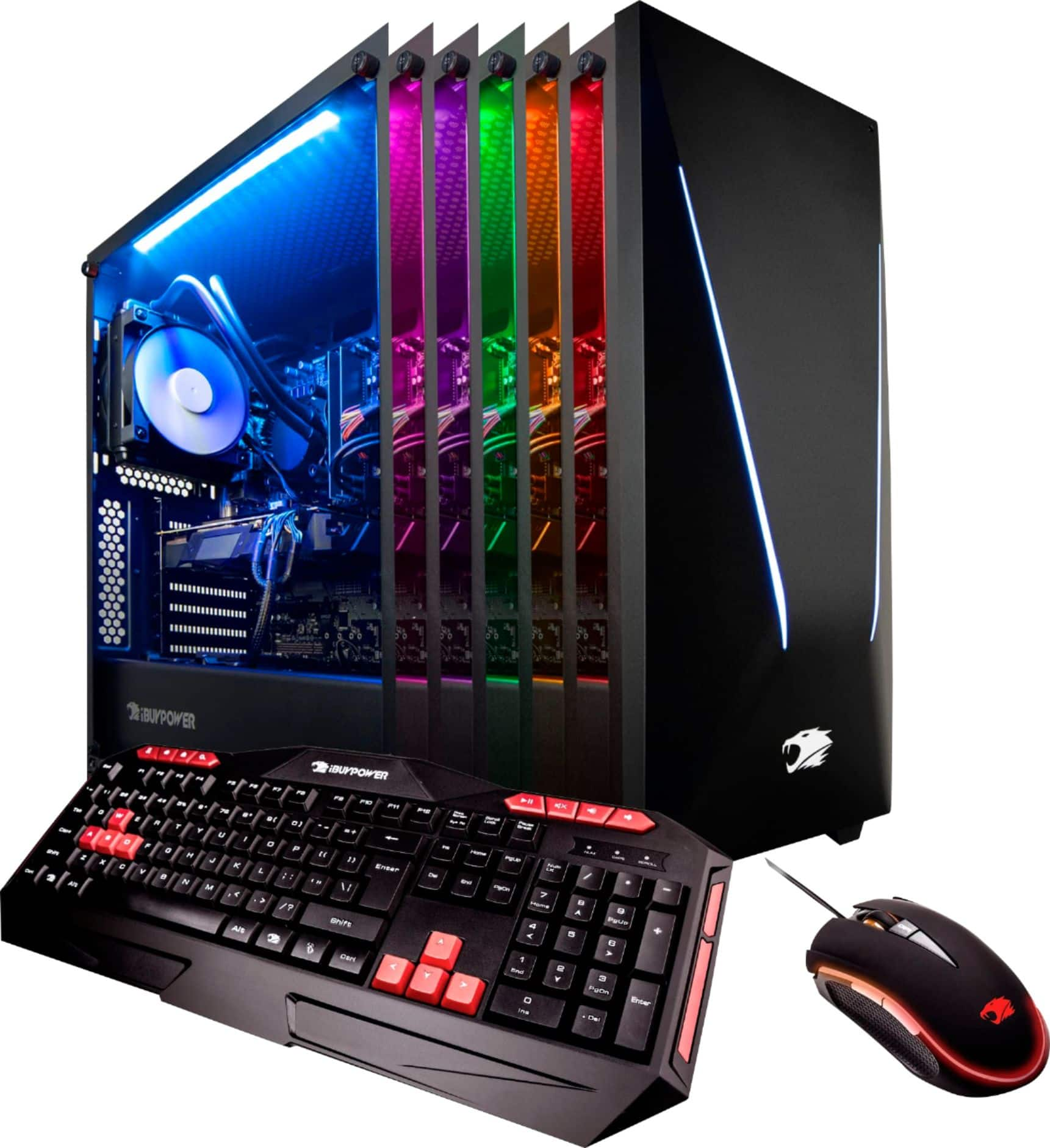
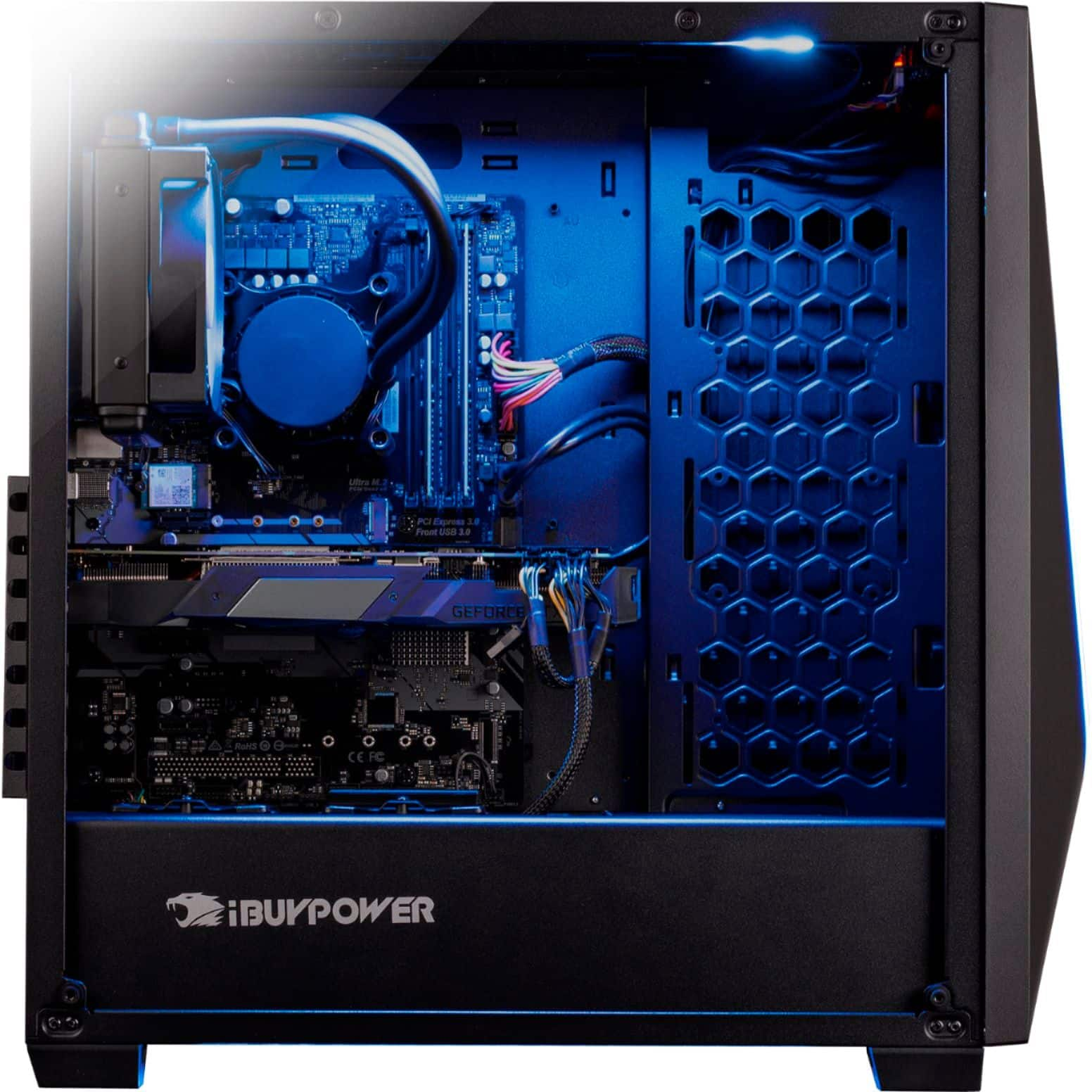
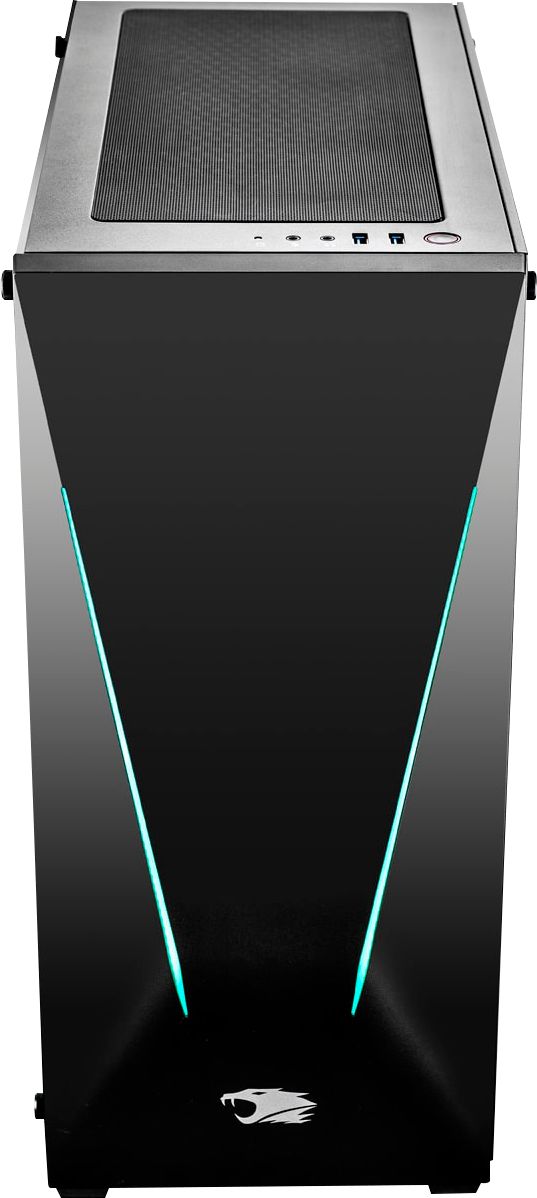
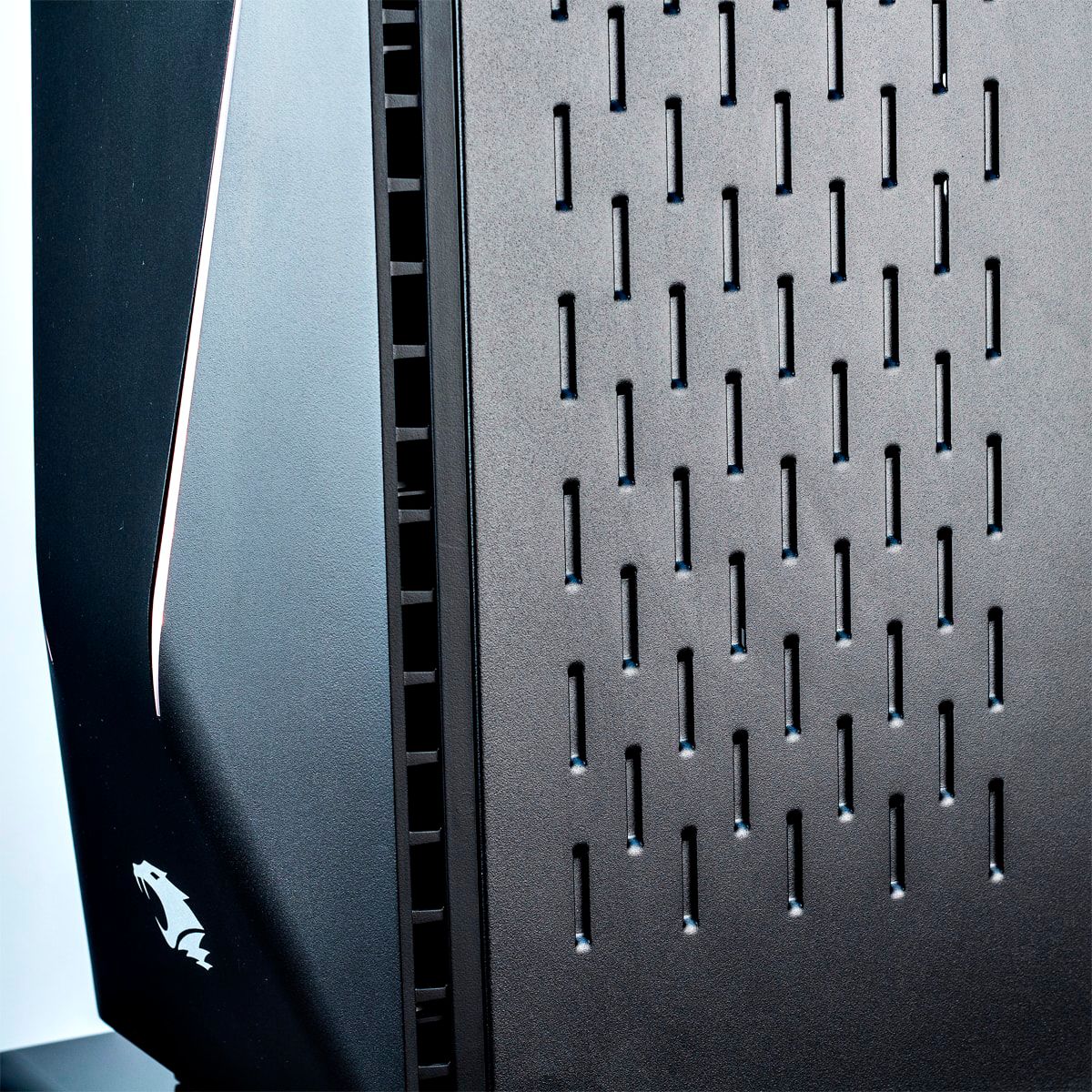
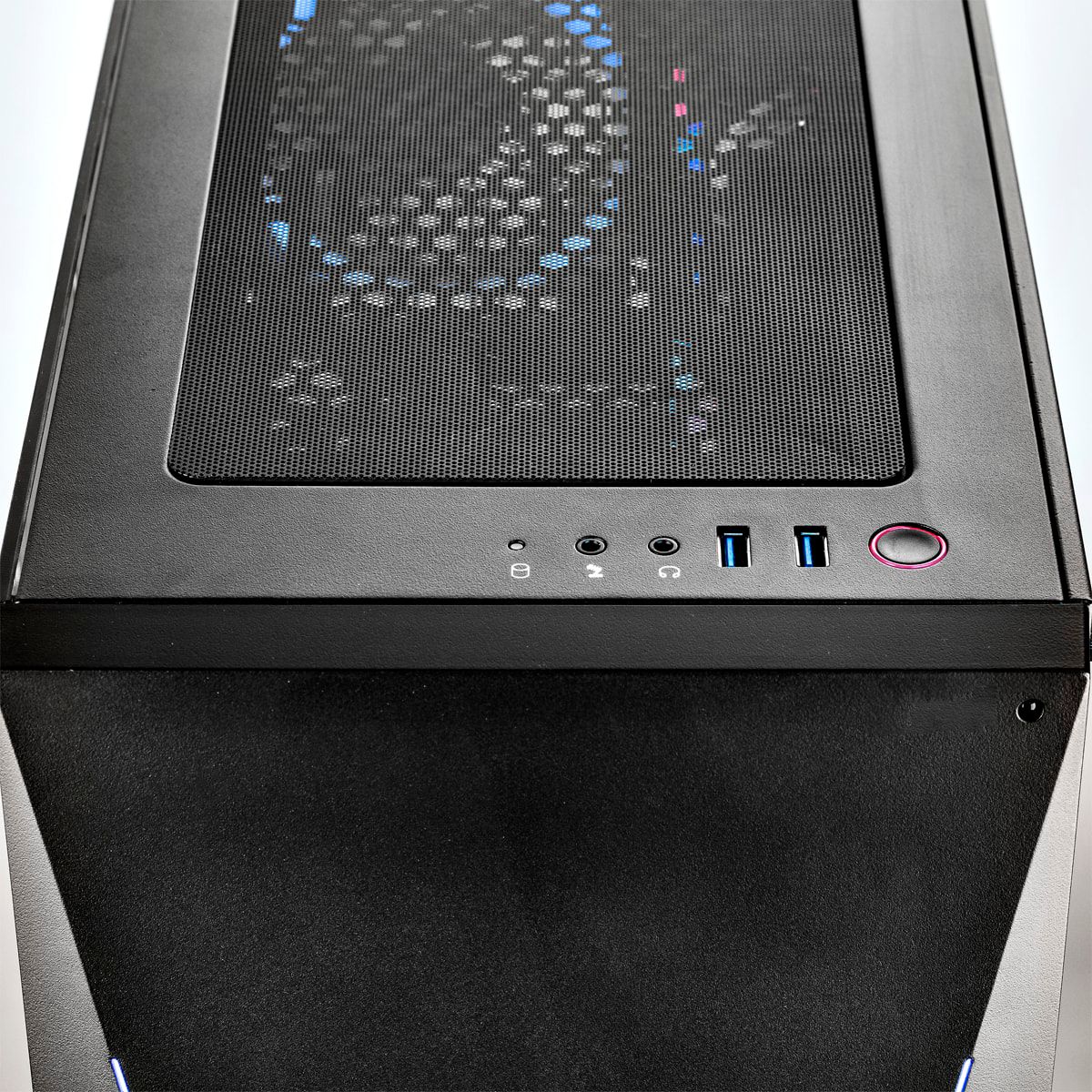
A:AnswerThe inside of the tower is so spacious and sleek, the build is so nice and runs quiet as a cell phone (jk, very very quiet though, no vibrations anywhere except light light fan motor).
A:AnswerDid you try saving items to your HDD and not your SD? You can check your storage by clicking your computer and looking at the different storage devices you have installed.
A:AnswerThe IB stands for iBuyPower. You can use the Z370 Pro4 drivers and downloads. The only one not available right now is an update for the BIOS, which you will not need at this time until a fix for the Spectre bug is released.
A:AnswerHello Tom, Intel chips automatically adjust processor speed to the current workload. If you need to activate the boost, there is a bios setting for it. We occasionally switch the brands for the motherboards so we recommend searching your specific motherboard for more detailed information. Please be cautious when attempting to overclock. Thank you!
A:AnswerMine came with the Asrock Z370 PRO4-IB mobo. That -IB part sucks. It is Micro ATX form. Mine also has the ZOTAC GeForce GTX 1080 Mini.
I can't find any information on the motherboard-not even a picture of it-on the internet. I would like to know a few things about it without having to strip my mobo. For instance, how many fan headers? Besides the CPU pump and the two rad fans it comes with, can I add more fans? I can't see the whole mobo and can't find a picture of it online...
It came with no literature so I can't even tell what I have as far as the USB ports go so I can't help you with that.