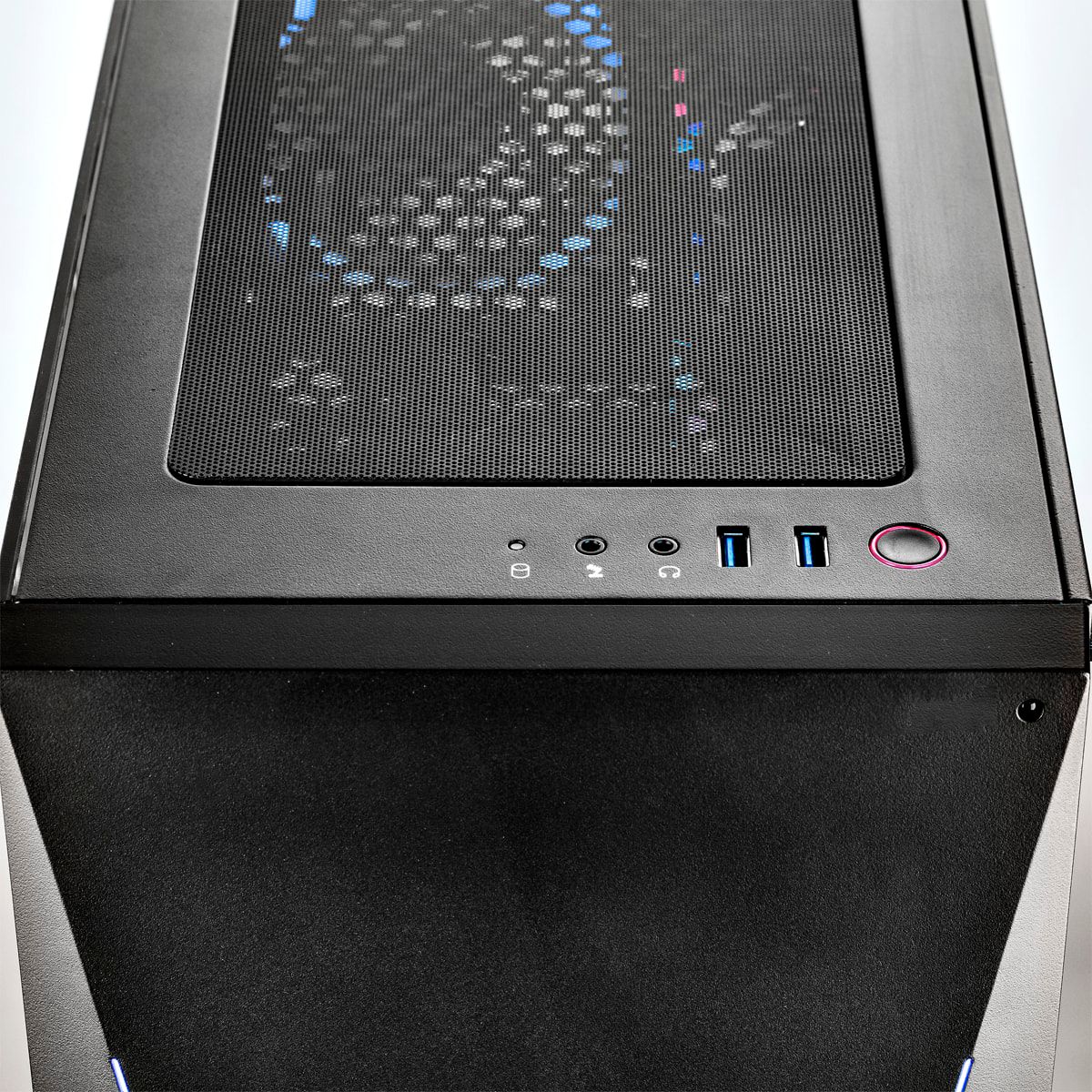
A:Answeron certain games you can use ps4 controllers but if it isnt supported you will need a third party software. another thing is if you want to use the ps4 controller wireless you will need a special adapter.
A:AnswerHello Ripclaw,
The power supply for this desktop is 600 W.
If you have additional questions or need further assistance, please feel to contact our support team: https://www.ibuypower.com/Support
Thank you!
A:AnswerI'm trying to do the same. I bought the 950 Evo and there is a slot above the graphic card which would disable sata port 5. However my unit did not come with a standoff bolt of screw to go into the tiny bolt in position D. Let me know if you found the bolt in your package. I would have expected it in the white box that come with parts.
A:AnswerI Recommend contacting or calling iBUYPOWER's support and asking them as they will most likely be more of a help.
iBUYPOWER:
Tech Support: 888-618-6040
Customer Service: 888-462-3899
A:Answeryou can add an external hard drive via USB or maybe wireless with good router.
But unless yours came different than mine it already has a solid state drive with windows installed and a 1tb hard drive..
You should already be good to go. Still setting mine up but so far all good.
A:AnswerI'm unsure of a 4k or 2k. I currently am running two "ASUS VG278Q 27” Full HD 1080p 144Hz 1ms" Which is one of the best monitors to get in my opinion. It has the option to have a crosshair on your monitor instead of downloading a crosshair for games which is very useful sorry I couldn't answer your question about the 4k and 2k but I would see why it wouldn't.
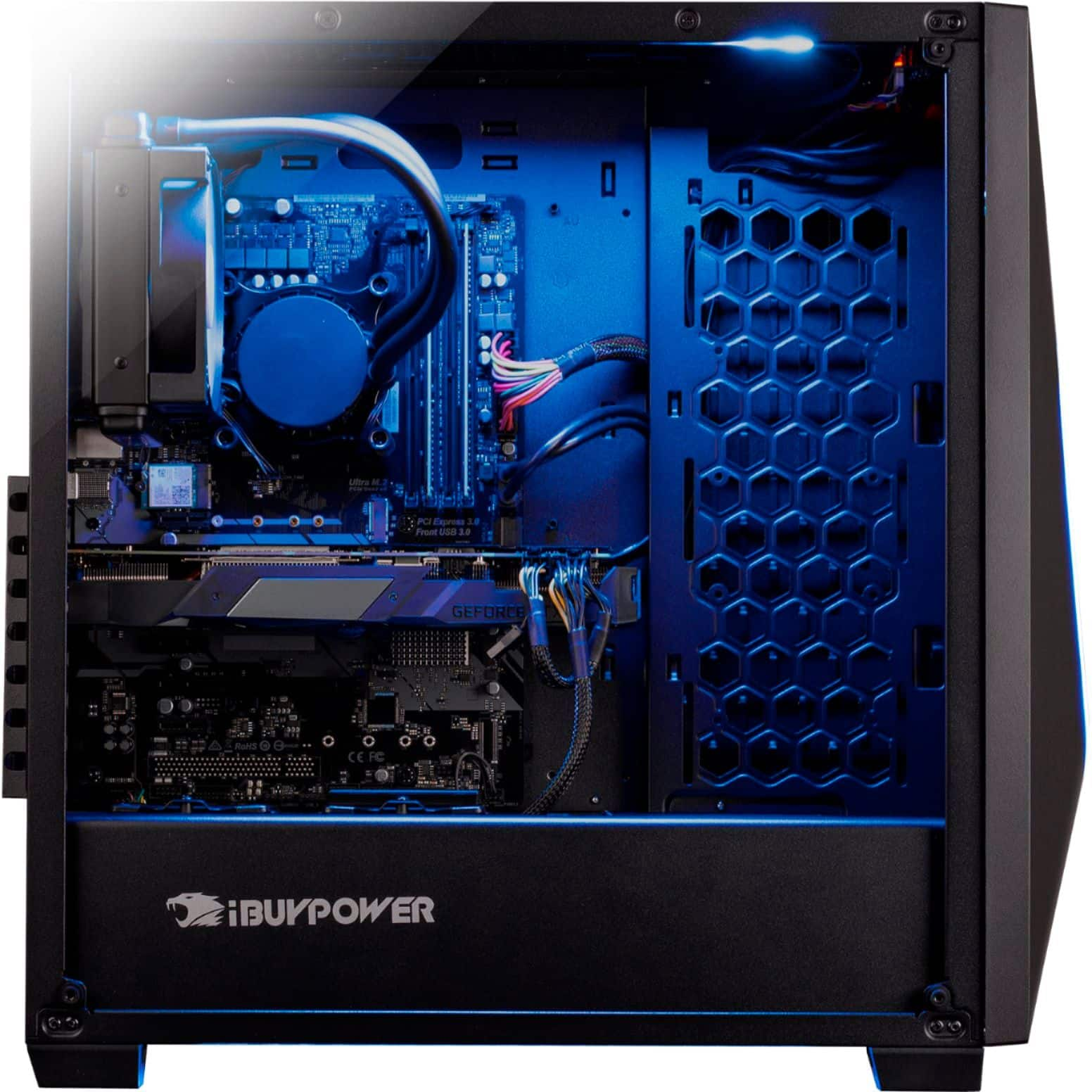
A:AnswerIf you goto your Device manager and look under "System Devices" It shows this computer has a total of 5 fans but I myself am currently wondering that as well as it can sometimes get too hot and it would be nice to cool it down a little more I recommend going to the iBuyPower's forum if they have one and asking there or reddit.
A:Answeri would be careful and have someone who knows what they are doing help you pick it out and install it, but upgrading just for rgb isnt necessarily needed
A:AnswerThe MOBO is ASRock z390 pro4 b. I think there’s at least 6 depending on if your using the m.2 slot as well. You can check the manual on the ASRock site
A:AnswerIt’s 600w. I forget the brand as it’s been awhile since I been in there. I’ve overclocked the CPU and GPU plus added rgb ram and two additional hard drives. Seems to be chooching along just fine
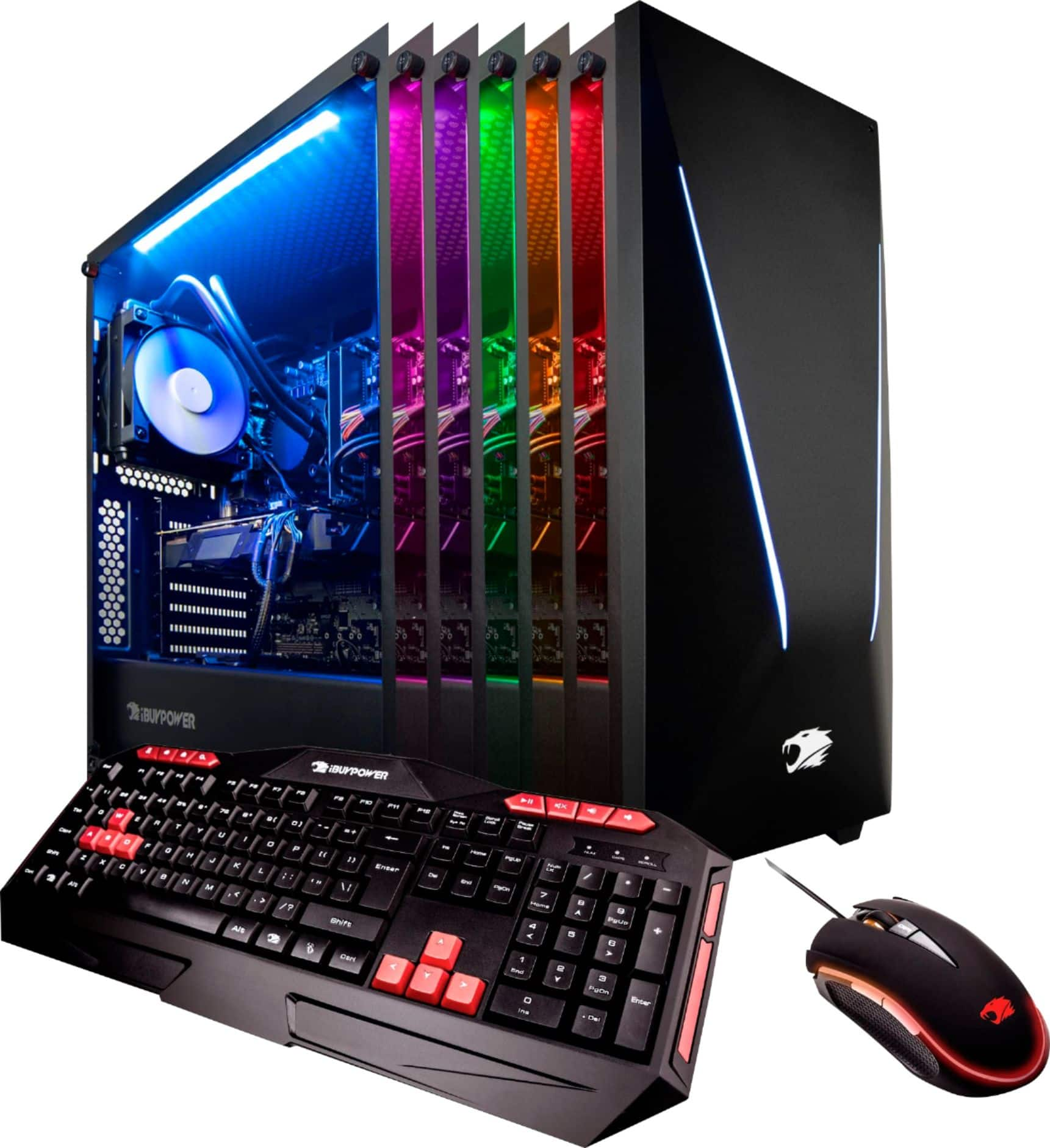
A:AnswerThe interior lights should be connected to the lights on the computer case and you should be able to turn on, off and change the color by using the remote. You can take it back to Bestbuy or look inside the case to see if the lights are connect together.
A:AnswerHi Jkohne24,
Unfortunately, we cannot specify the brand that is used in system as our brands vary dependent on what we have on hand. However the brands range from major gaming companies such as MSI, ASUS, etc.
If you have additional questions or need further assistance, please feel to contact our support team: https://www.ibuypower.com/Support
Thank you!