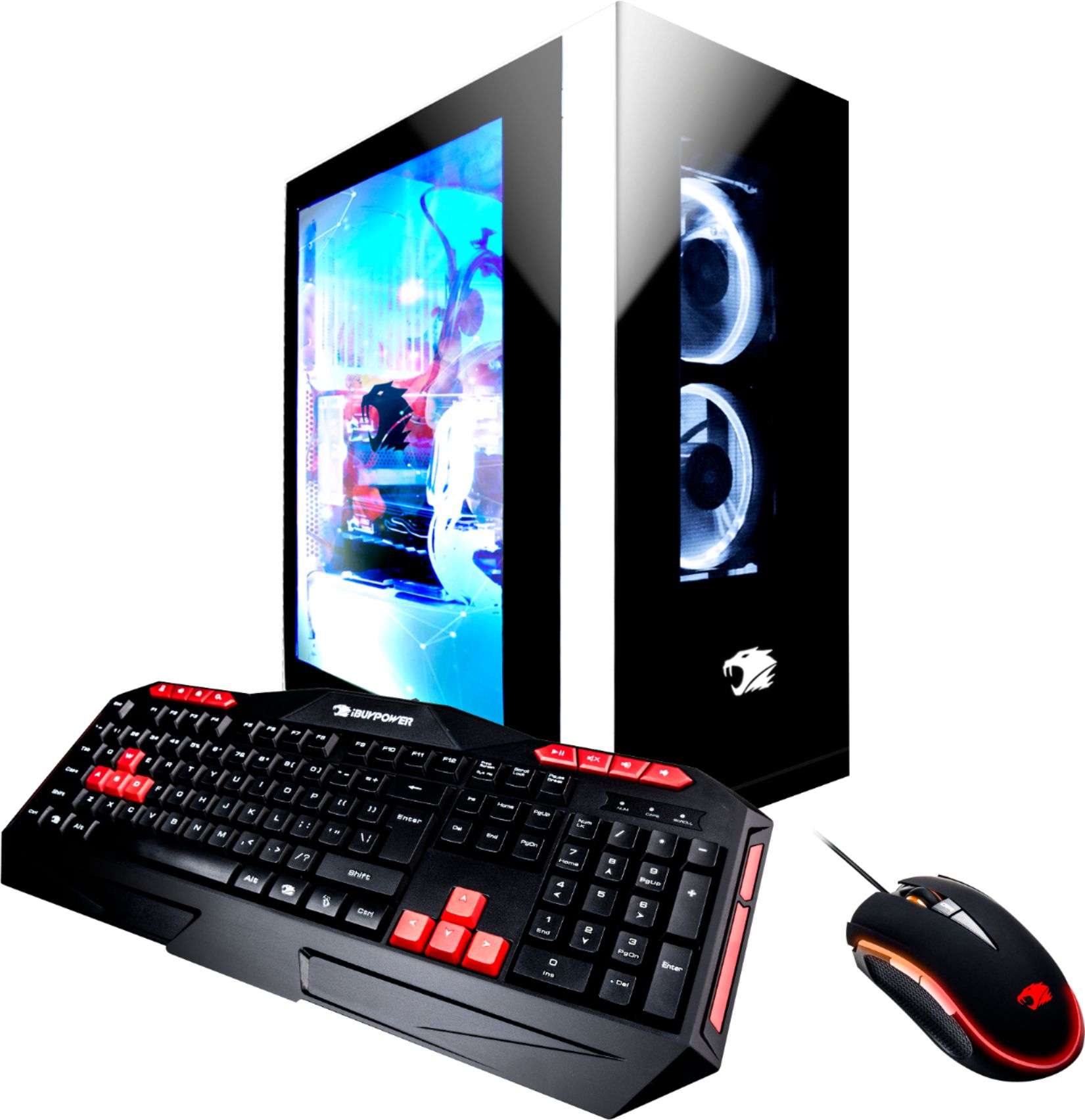
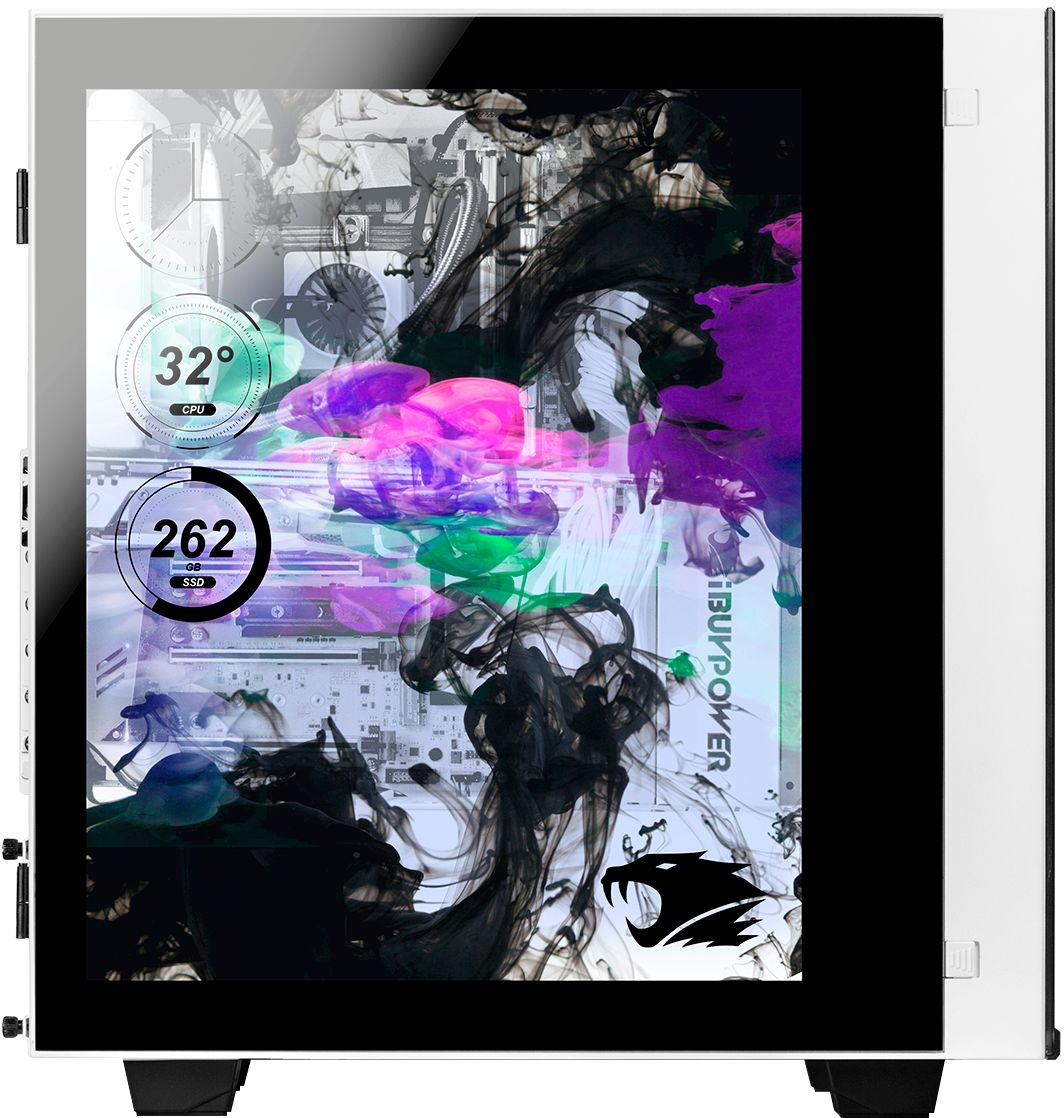
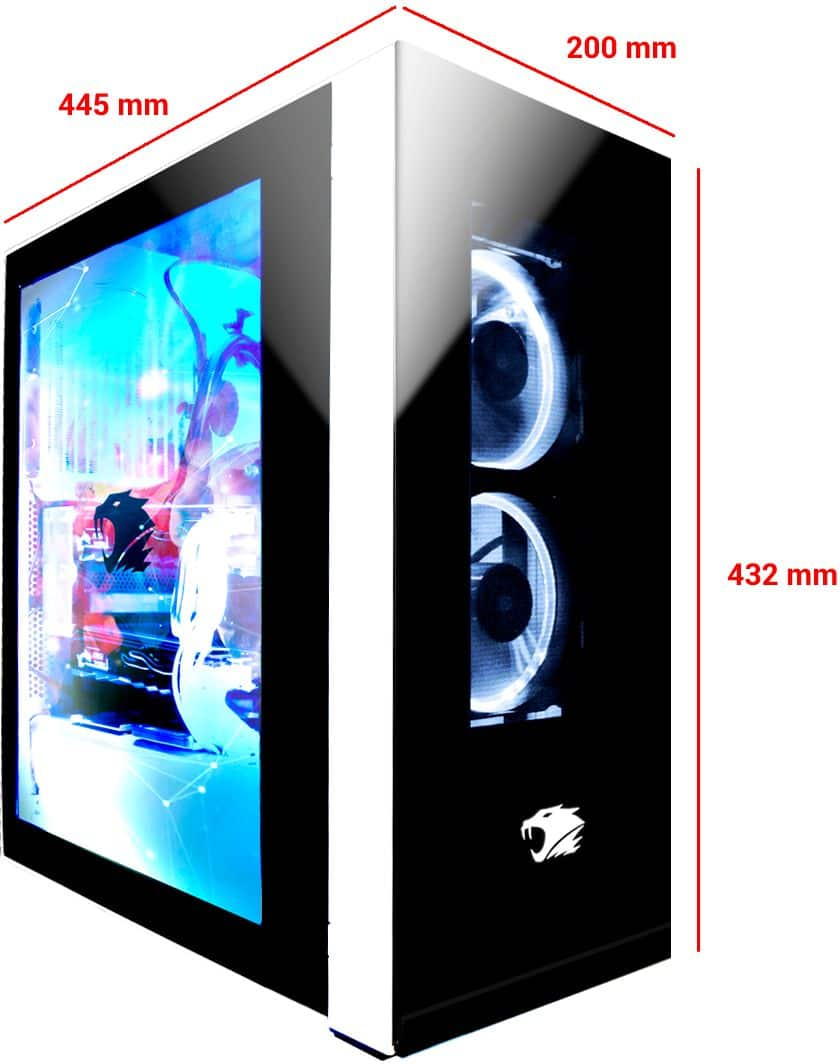
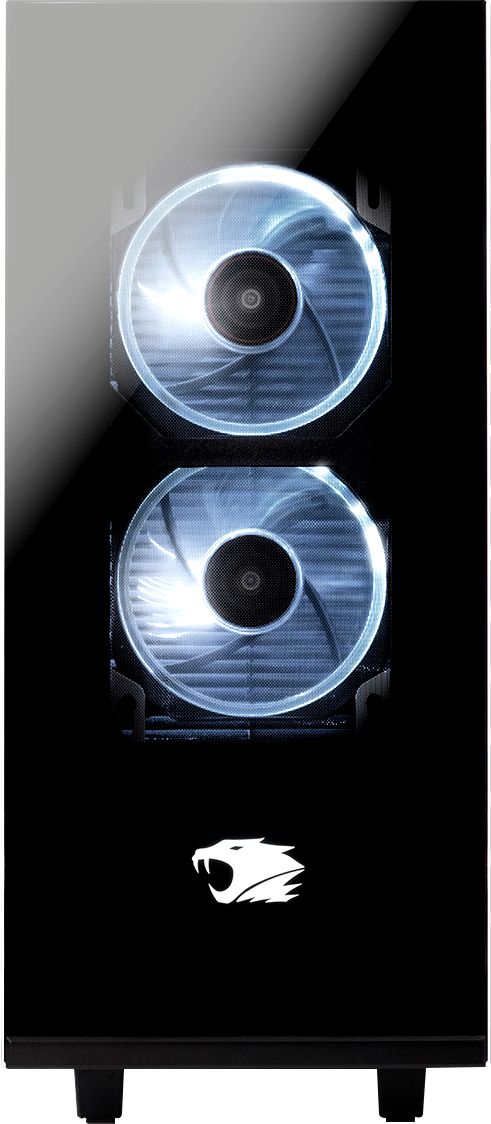
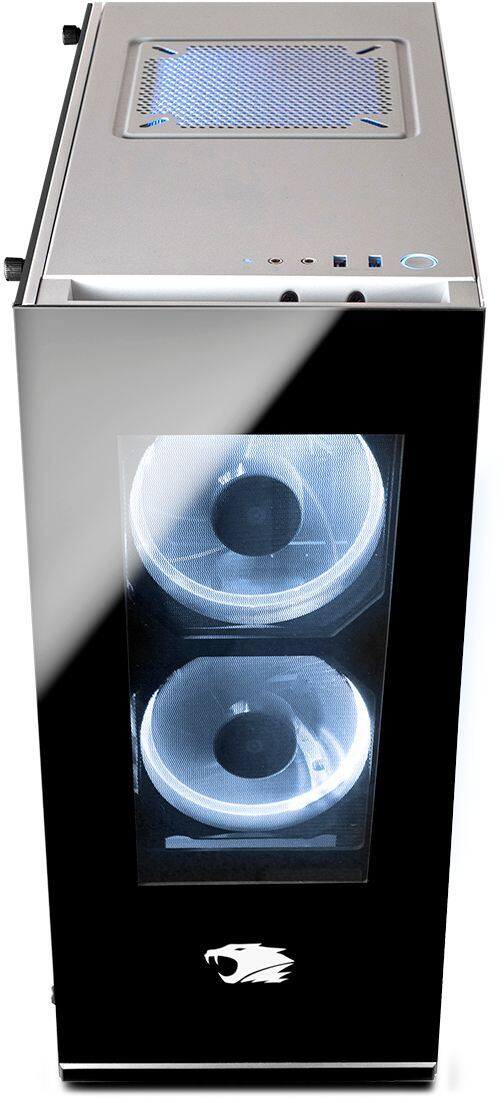
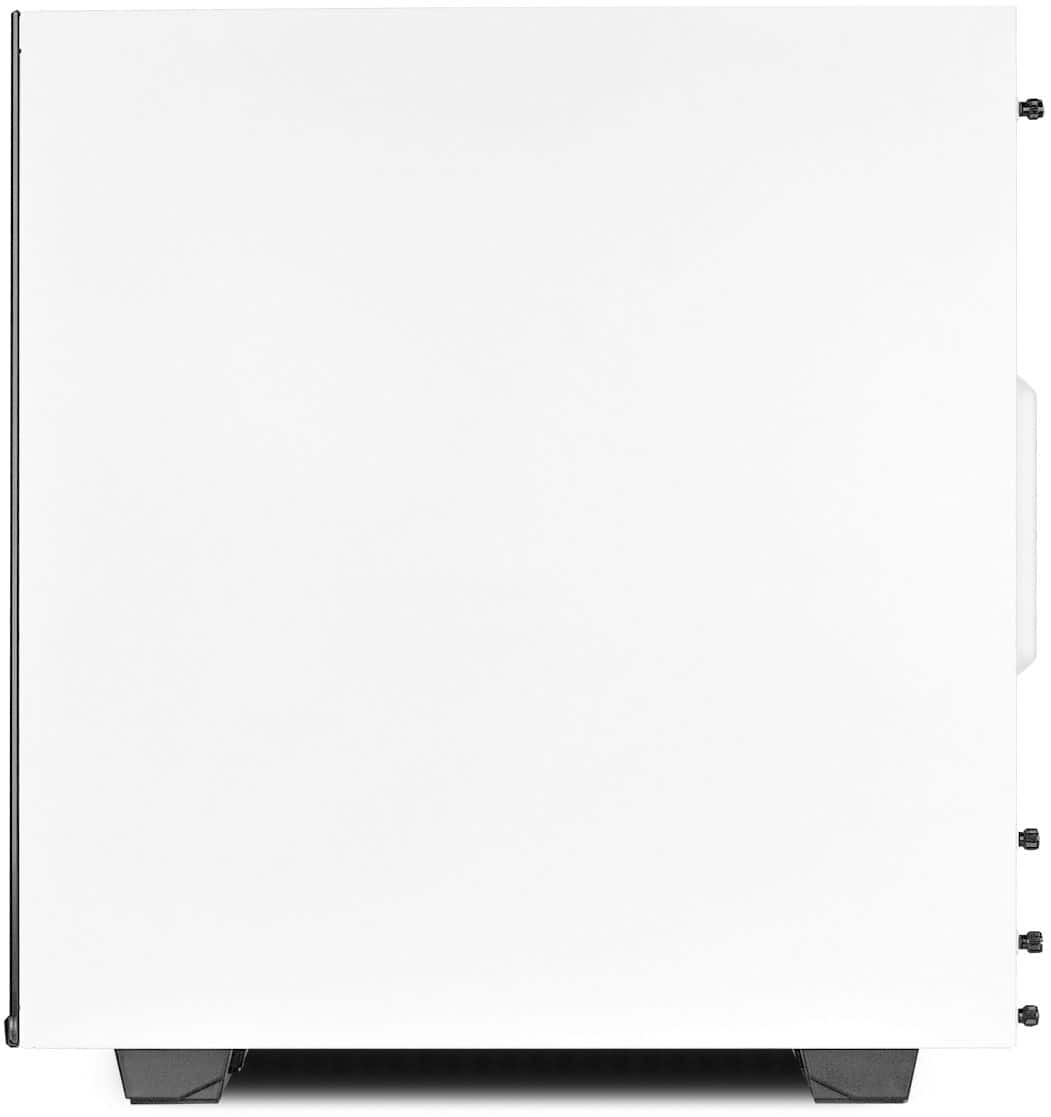
A:Answer You connect one end of the cable from the gpu to the port directly underneath it. There is a PCIE controller installed on the mobo, underneath the gpu. To use the led lighting for the display, there’s an unmarked button, near the top of the back panel of the case, that turns the display lighting on and off. To set up the display once connected, you’ll need to go into your nvidia control panel by right-clicking in your desktop, and go into “set up multiple monitors” option, and make sure it’s activated.