A:AnswerHello there,
This PC has the ability to connect to WiFi and Bluetooth, but the system itself does not come with built-in WiFi and Bluetooth. However, we do indeed include a WiFi adapter which will allow you to connect to your internet wirelessly. In addition, you may install an adapter such as a Bluetooth mouse, to make the computer Bluetooth-enabled. Hope this helps and please let us know if you have any other questions!
A:AnswerHello,
Yes, this computer can hook up to WiFi using the included WiFi adapter or via an Ethernet cable. Thank you and please let us know if you have any other questions!
A:AnswerHello Mack,
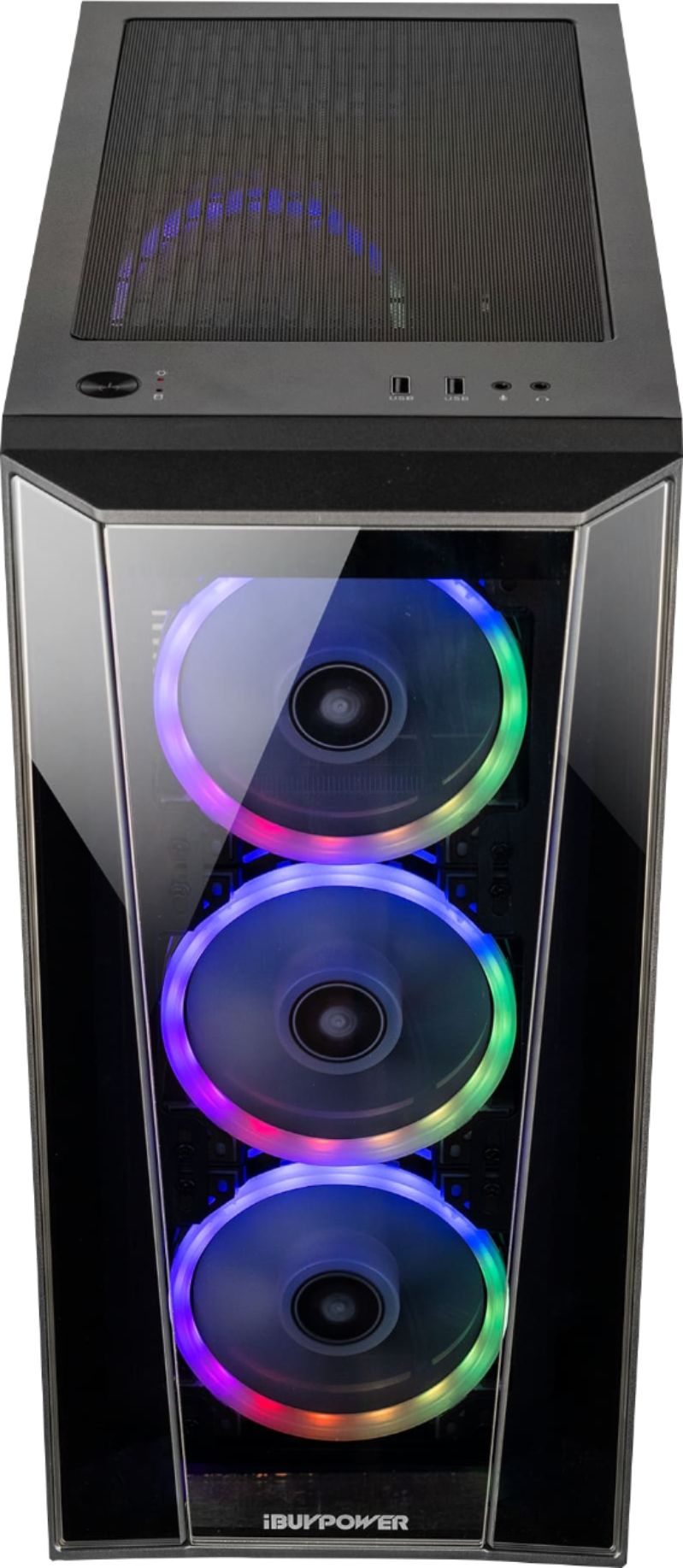
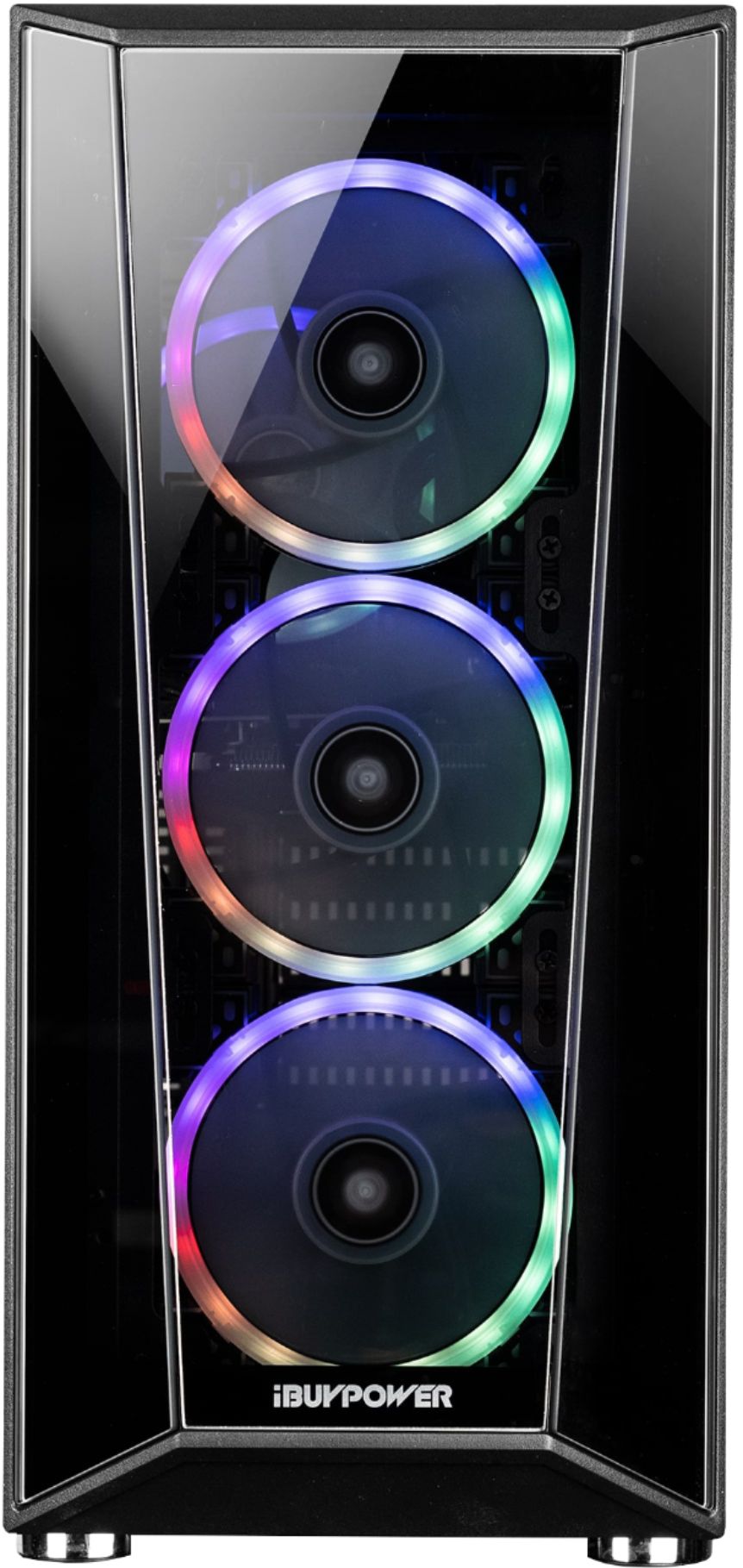
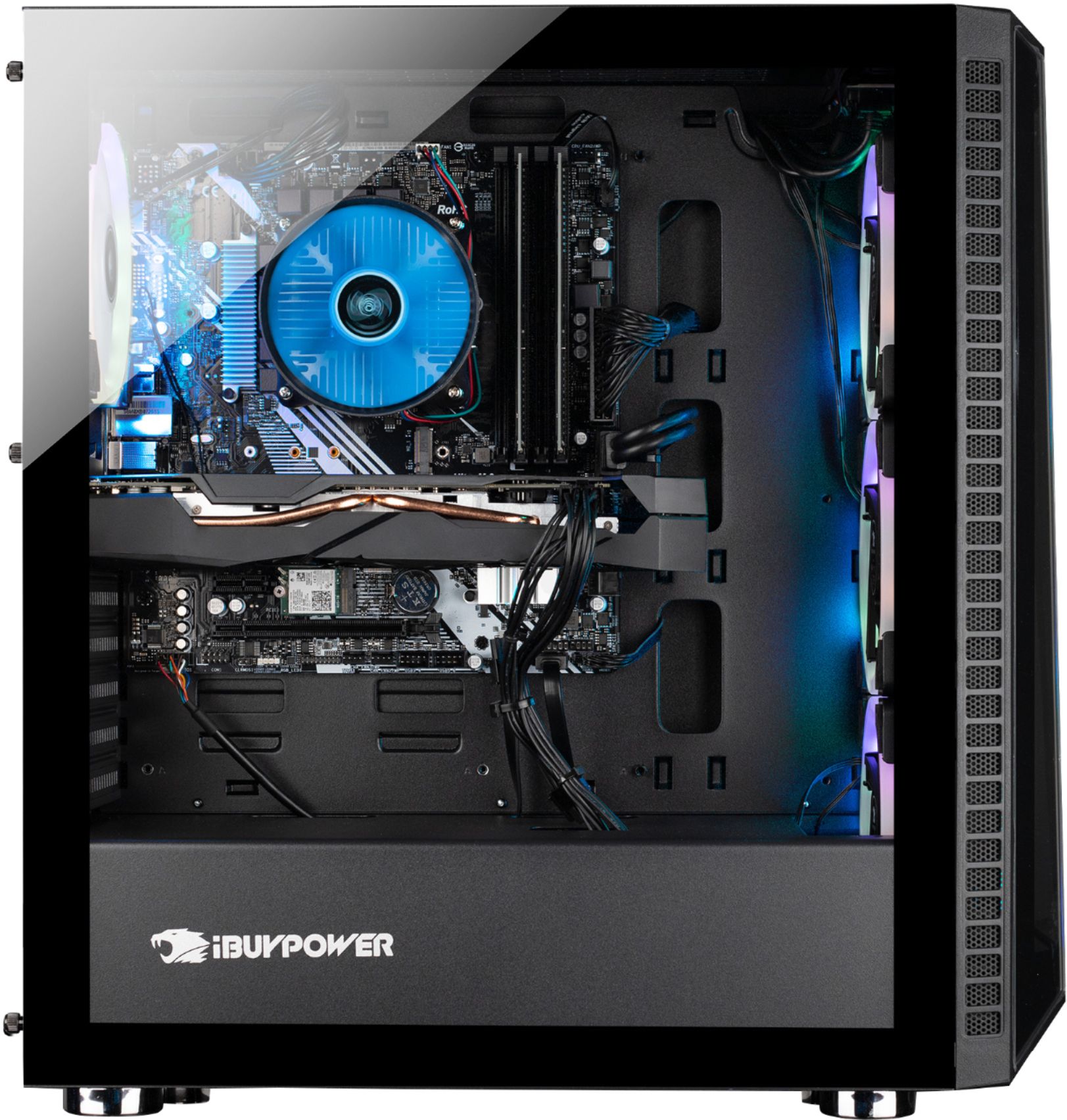
We are starting to not include remotes with our systems. However, you can still control the lights with ASROCK RGB Sync, which you can download from the ASROCK website, and has many more features than a remote! Thank you for your question!
A:AnswerHello,
This PC is compatible and can easily run most VR systems, including the HTC Vive system. Hope this helps and please let us know if you have any other questions!
A:AnswerHello there,
Please note that if you purchase an iBUYPOWER system, the warranty would be 1 year with us. Thank you and please let us know if you have any other questions!
A:AnswerHello Eddie,
We do not recommend overclocking this system. However, the i7-9700F CPU can reach a boost clock of 4.7ghz for some heavier tasks. Hope this helps and please let us know if you have any other questions!
A:AnswerHello,
We are sorry to hear you have some malfunctioning lights. Here are a few things you can try. Download ASROCK RGB Sync off the ASROCK website, and mess around with the lighting software to see if that turns them on. Another option is you can open up the case and look for any loose wiring from the lights, this is usually the issue since wiring can come loose during shipment. If that still doesn't work, feel free to contact our Technical Support at (888)-618-6040. If you feel as though you have received a damaged system, we do provide a 1 year warranty. Hope this helps and please let us know if you have any other questions!
A:AnswerI purchased this system 12/01/19 & have also been searching for info on this mobo. I contacted iBuypower & was told: "The IB version is the same hardware as the non IB." Fine, but still didn't tell me which non IB version. So, I contacted ASRock tech support, via e-mail. There response was: "ASRock does not have bios, manual, utilities nor support". Then suggested I contact iBuypower (which I had already done). I emailed ASRock back regarding this & their response was: "Contact your seller and return it".
Unhappy with all those answers, I did some research & it appears the B365M IB-R is a modified version of the B365M Pro4. That's the closest match I have found.
Whether the drivers work, or not, is anyone's guess. Neither ASRock's A-Tuning or APP Shop apps work with this system.
Now, I am very pleased with the system & have no intentions on returning it. I'm just disappointed neither iBuypower or ASRock can provide documentation on this.
A:AnswerIt's not hard, but can get pretty expensive. I have 32gb in this right now, and still need more ram. This thing consumes 57% of 32gb, before playing games. I played tons of games in 1440p maxed out, but the one game that keeps crashing is Mortal Kombat 11. I keep getting an out of memory error in story mode, and random crashes in offline matches. So I'm currently looking to upgrade to 64gb if possible, otherwise..idk mabey a GPU upgrade or something. I bought a brand named crucial off of Amazon, and it worked great..and plays most games. I'm just looking to make My pc better. If you game like I do, it will be costly. I would buy another computer if you want to play higher res modern games.
A:AnswerI purchased this system 12/01/19 & have also been searching for info on this mobo. I contacted iBuypower & was told: "The IB version is the same hardware as the non IB." Fine, but still didn't tell me which non IB version. So, I contacted ASRock tech support, via e-mail. There response was: "ASRock does not have bios, manual, utilities nor support". Then suggested I contact iBuypower (which I had already done). I emailed ASRock back regarding this & their response was: "Contact your seller and return it".
Unhappy with all those answers, I did some research & it appears the B365M IB-R is a modified version of the B365M Pro4. That's the closest match I have found.
Now, I am very pleased with the system & have no intentions on returning it. I'm just disappointed neither iBuypower or ASRock can provide documentation on this.
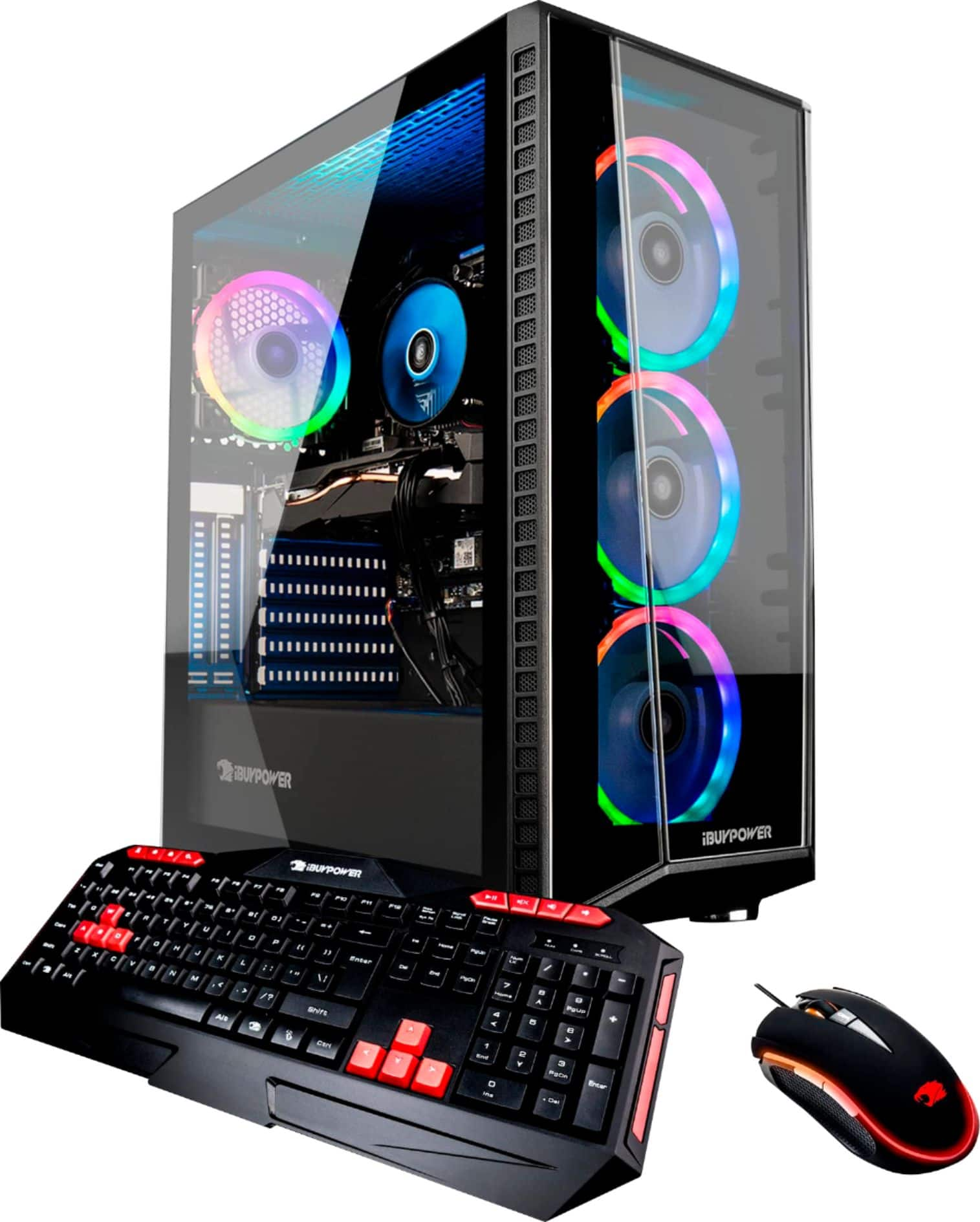
A:AnswerIn the back of the computer is the main power supply switch. Snap this off in order to turn off the mouse and keyboard lights. (I have mine plugged into a power strip so I can just shut it on/off since I cannot reach the back of my computer easily.)