A:AnswerHello there,
Yes, this system can connect wirelessly to your internet using the included WiFi adapter that connects to the back of your tower. Thank you and please let us know if you have any other questions!
A:AnswerI don't want to go against the vendor here, but according to Intel, the maximum speed supported by the i7-9700F CPU in this unit is 2666. If I can still use faster RAM then I might be up for that, but unsure how to proceed at this point.
https://ark.intel.com/content/www/us/en/ark/products/193738/intel-core-i7-9700f-processor-12m-cache-up-to-4-70-ghz.html
A:AnswerHello,
It is normal for a CPU fan to be loud, what you want to check is your CPU temperature, to make sure it is not overheating. If the CPU temperature is normal and the fan is loud, it just means it's doing its job. Thank you for your question!
A:AnswerHello Jay,
Unfortunately, this computer's chassis does not provide an optical drive bay or an opening for you to place an internal drive and access it. We recommend obtaining an external drive if you need to use disks. Hope this helps and please let us know if you have any other questions!
A:AnswerHello Creg,
The cooler used in this system is air. You can change out any parts, including the CPU. We would recommend considering upgrading the cooler only if you have plans to overclock the 9700k. Hope this helps and please let us know if you have any other questions!
A:AnswerI just bought this exact pc this last weekend, I’m playing fortnite on a 144hz display and getting 170-200 FPS so is say you’ll be getting around 110-140 easy. So in short it will run perfectly smooth on a 240hz monitor. Pic for proof I have the pc lol
A:AnswerHello,
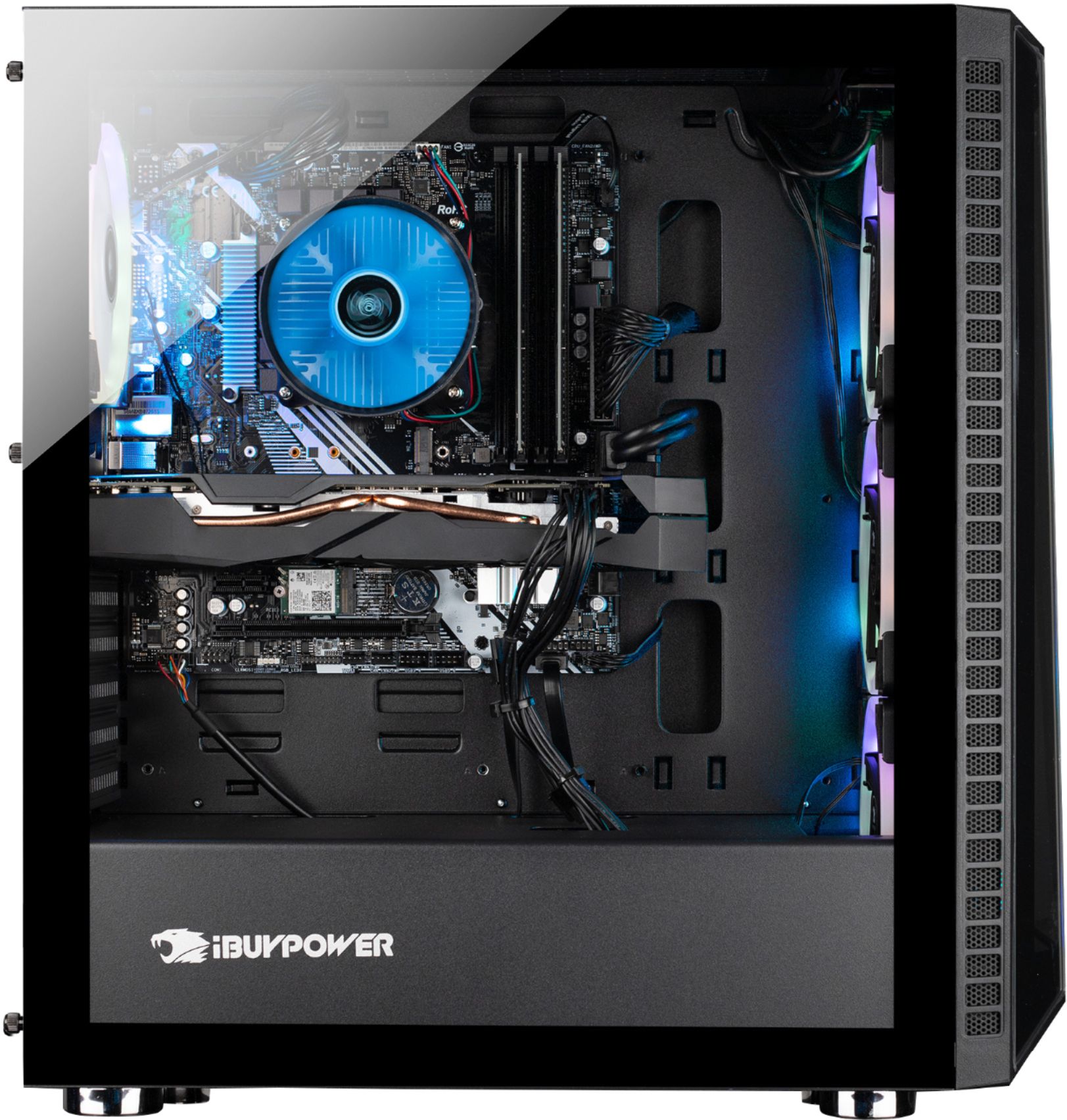
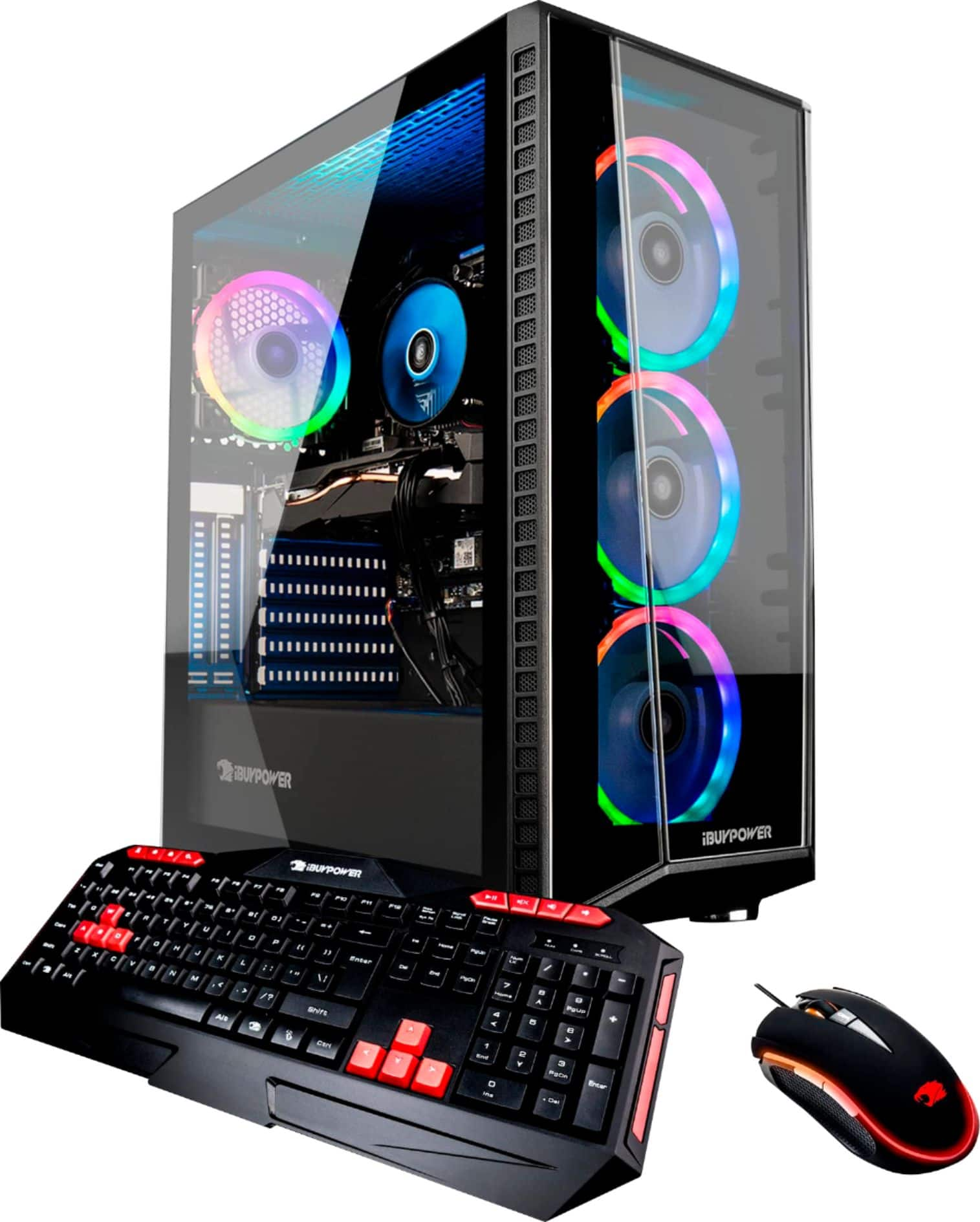
Here are the dimensions for the case: 455 x 210 x 440 mm (17.9" H x 8.3" W x 17.3" D). The case has 2 internal 3.5'' drive bays, and 2 internal 2.5'' drive bays, as well as 7 expansion slots. You can definitely add more hard drives. Thank you for your question!