A:AnswerHello,
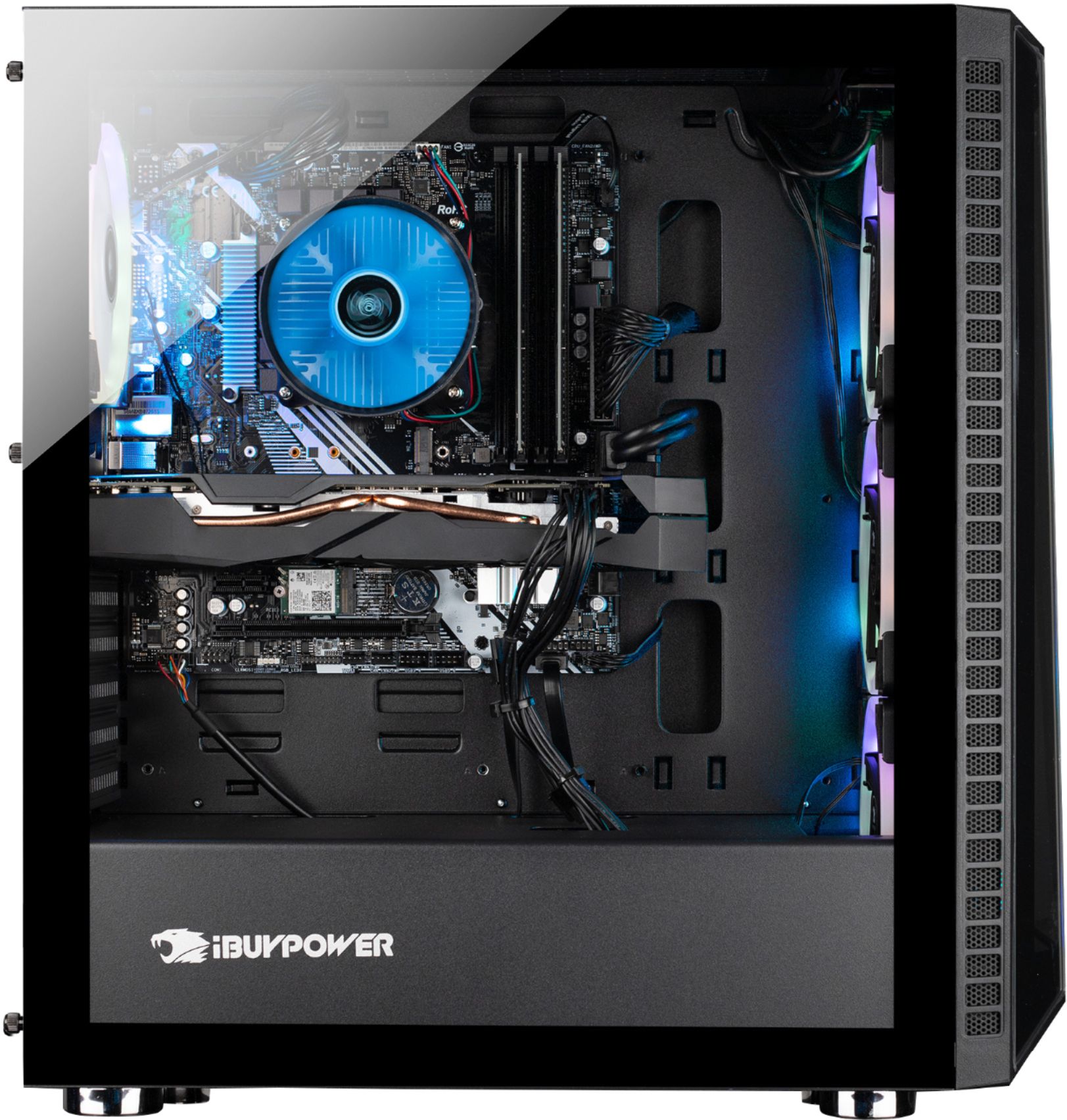
We use a variety of RAM sticks in our systems depending on what we have in stock. We are unable to tell you exactly what model your system will have. You would have to check once you open your system.
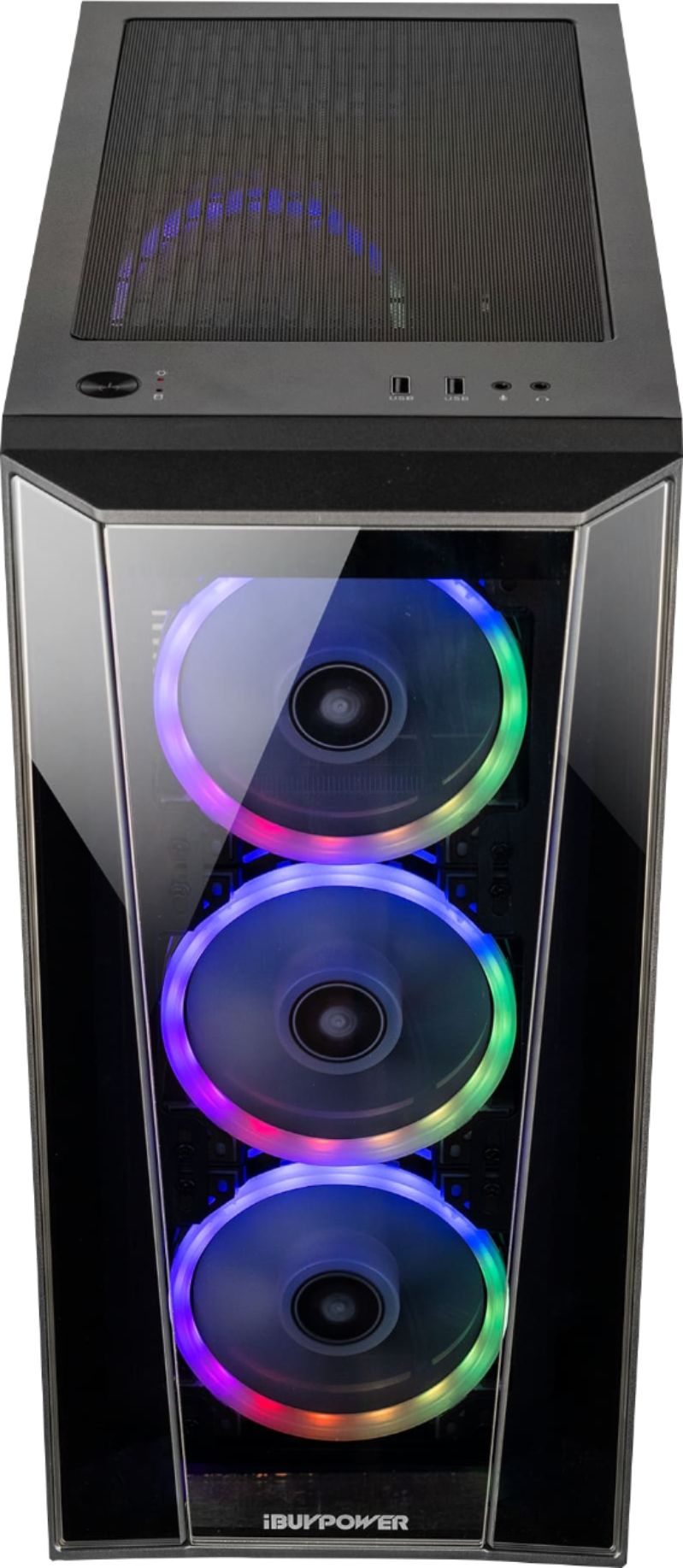
A:AnswerI need a little bit more info my friend. Do you have speakers? Are you plugging an audio device into the jack on top? If its sound not coming out of your monitor, some monitors don't have sound, hence the need for speakers. To test this, plug the monitor into another device, such as a PS4. If sound plays, we will know if it is the monitor or the computer itself.
Hope this helped!
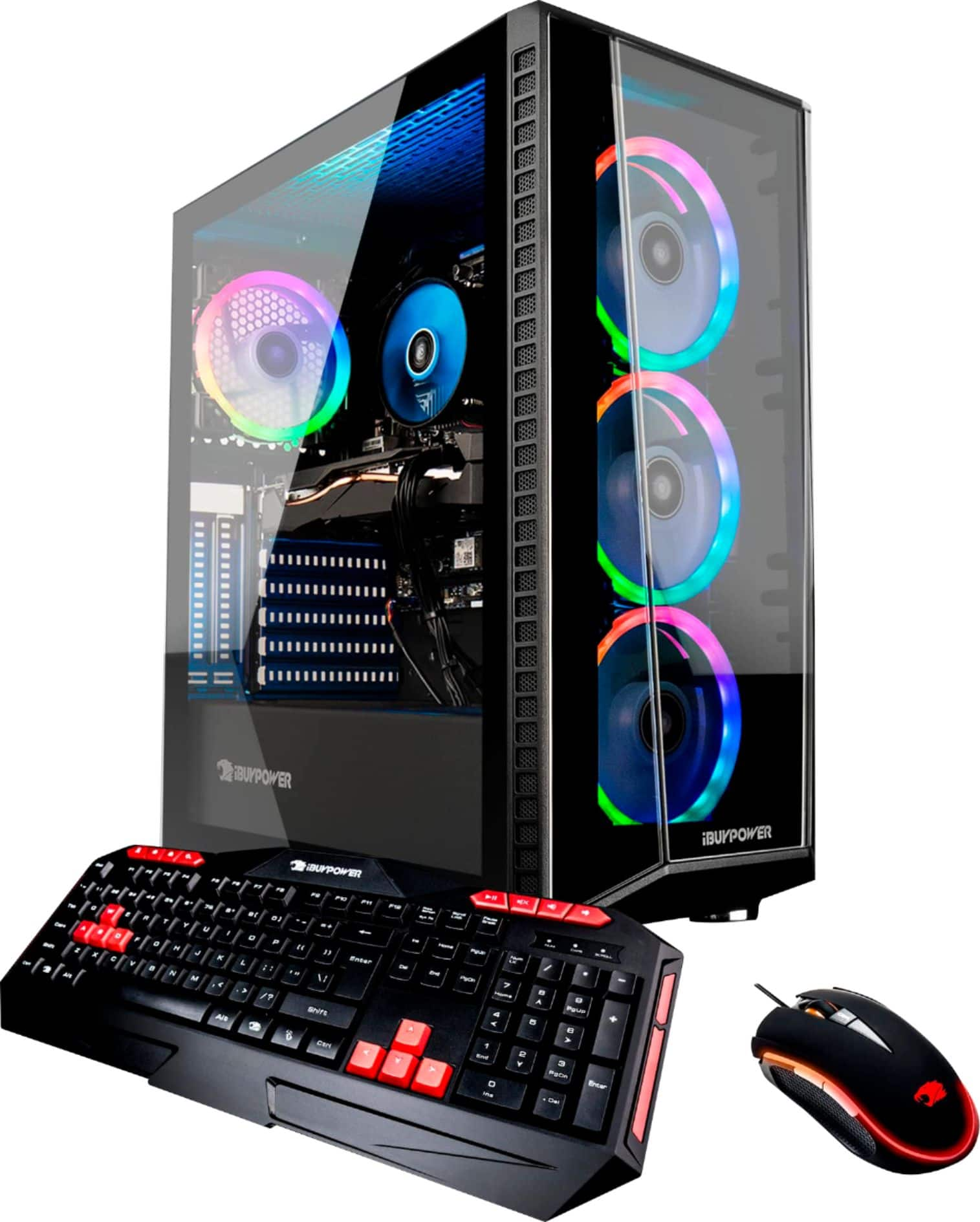
A:AnswerWhile the switch from a 2060 super to a 2070 is literally just swapping the cards, the performance gain is likely between 4% and 7%. IMHO not with the money. A 2070 super is likely not an increase that we be noticeable or worth the money either. Would also likely avoid warranty if that is a concern.
A:AnswerYes, because both cards are PCI Express interfaces. I am not sure the performance difference is worth the cost difference, but that's for you to research and decide.
A:AnswerI don't use Autocad but I do use it for graphic design, such as Blender, Maya, 3D Max and so on and it handles them with no problem. I also play a lot of AAA title games and it blows right threw them. So I think this would work for your wife...
A:AnswerRAM is extremely easy to install so if you were to order you could then order two more sticks of RAM from somewhere else for cheaper =P like newegg or amazon
A:AnswerThis is an EXTREMELY personal preference type of question. Are you competitive? Are you esports competitive? Do you favor quality over FPS? Monitors less than 60hz these days are rare and a waste of money. I would think a 144hz monitor is where your money would be best spent. Try Spectre on amazon though. Dell also has sales on good monitors for gamin sometimes..... Of course the better brands are out there but the price is 4x that of a Spectre etc, and performance maybe 1.5x so there is a trade off at some point like every product. You need to figure out the FPS your'e aiming for and then pick a monitor based on price value and personal preference. There isn't anything vastly different aside from things that are all about personal preference. Do you want ultra-wide? Do you want a curved monitor? I have a 75hz 1080p curved Spectre and as much as i love seeing games on a 55inch TV at 60fps 1080p, the curve makes things feel awesome for some reason. sorry, your question is just to broad. I would say a kid or teen would probably enjoy any 1080p monitor that can get atleat 60fps for something like fornite. Im going to upgrade to something capable of 144hz at 4k but will go with a good deal even though Id love an ROG monitor etc. But I play for visuals. I love seeing RDR2 on high and ultra but still want good FPS. competitive shooters require different reasons for wanting certain monitor capabilities.
A:AnswerIt is good that you are doing research first! It comes with enough RAM for most people, however, it is up-gradable if you require it later. I would say stick to what is provided, as you will not require more than 16 GB, unless you are doing some serious video editing or graphic design.
A:AnswerHello,
This is probably because you are missing drivers that help optimize the PC performance. Please contact our tech support at 888-618-6040 and they can lead you in the right direction.