A:AnswerNew Desktop and Laptop Computers: 30-days money-back guarantee
Refurbished Desktop and Laptop Computers: 14-days money-back guarantee.
Its so awesome I doubt you would even want to return it however.
A:AnswerHi there! There are many reasons why the display is not connecting but the most common issue is typically because the HDMI/DisplayPort cable is connected to the motherboard when it should be connected to the ports on the graphics card. Hopefully that helps!
A:AnswerWhile I'm sure you've fixed this by now it's likely the connection within your tower to your power button came loose. Give IBuyPower a call and have them help you plug it in. If it's something worse, they should be able to help you or guide you on what to do.
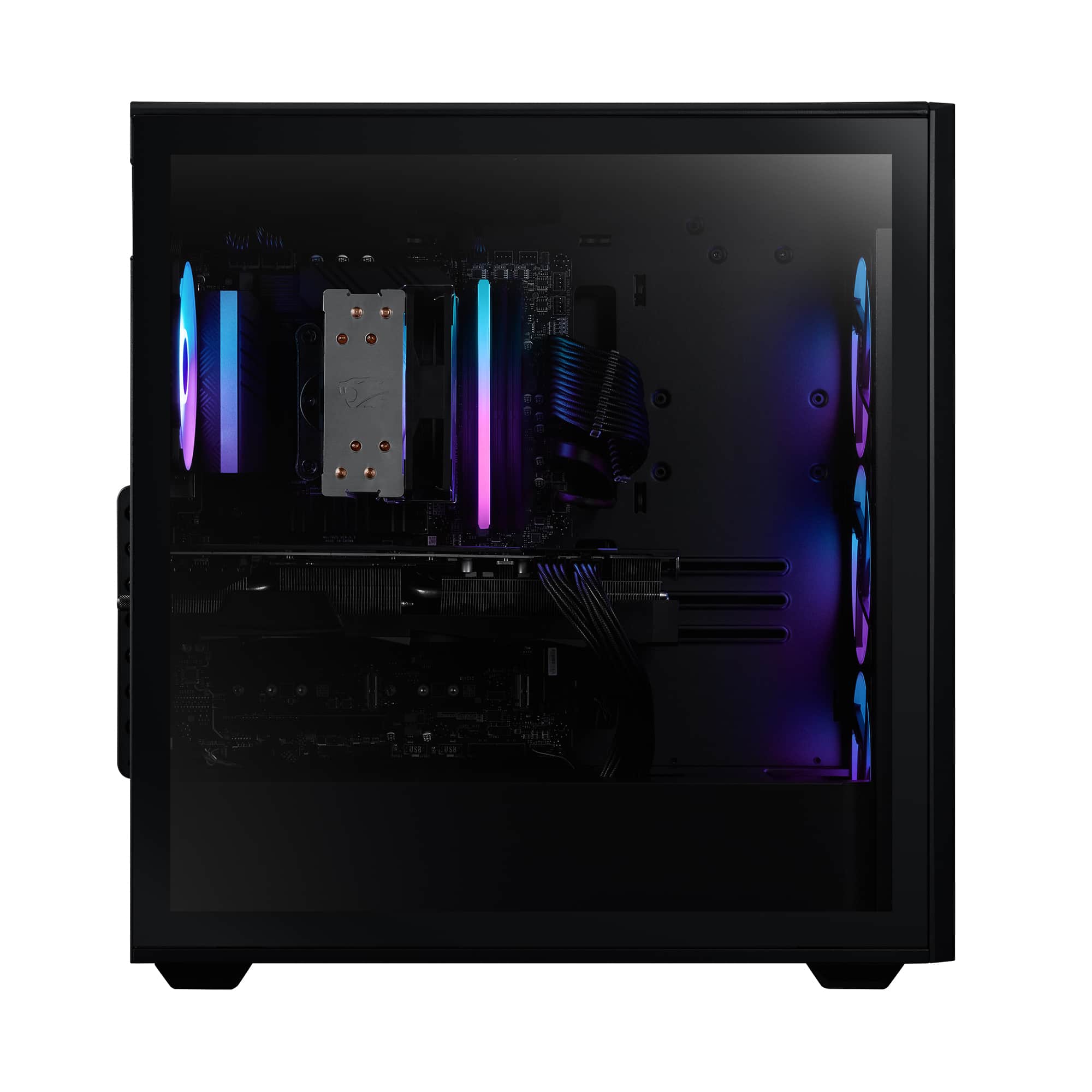
A:AnswerHello there. The latch for the side glass case panel is usually in the rear side towards the top. There's a screw and/or a small latch to pull.
A:AnswerHello there! Using multiple monitors for these newer generation gaming PCs only needs enough ports on the graphics card (typically 4) and additional HDMI/Display Port cables.
A:AnswerApparently you can add a SATA drive and there seems to have another slot for SSD in the bottom part of the motherboard (A650M-CX). The computer will have a cable connector for SATA but it might vary, however make sure you analyze the specs on your motherboard for compatibility.