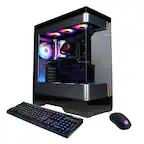
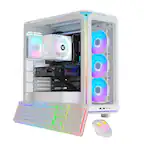
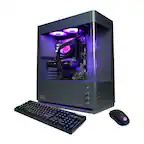
A:AnswerHello! Firstly, we apologize for the inconvenience, and you are correct they should have come with the power cords. Please contact iBUYPOWER Tech Support about this issue and we will help you further on obtaining your missing cords. https://www.ibuypower.com/support/contact-us
A:AnswerHello! Depending on how graphic intensive the games you wish to play and depending on the quality of your monitor, your FPS mileage may vary. On average, you should be able to run 120-180FPS on high-resolution graphics.
A:AnswerHello! Windows 11 updates don't typically cause issues. If any issues arise, Microsoft can provide patches quickly or you can find an older version of Windows 11 to download and reuse.