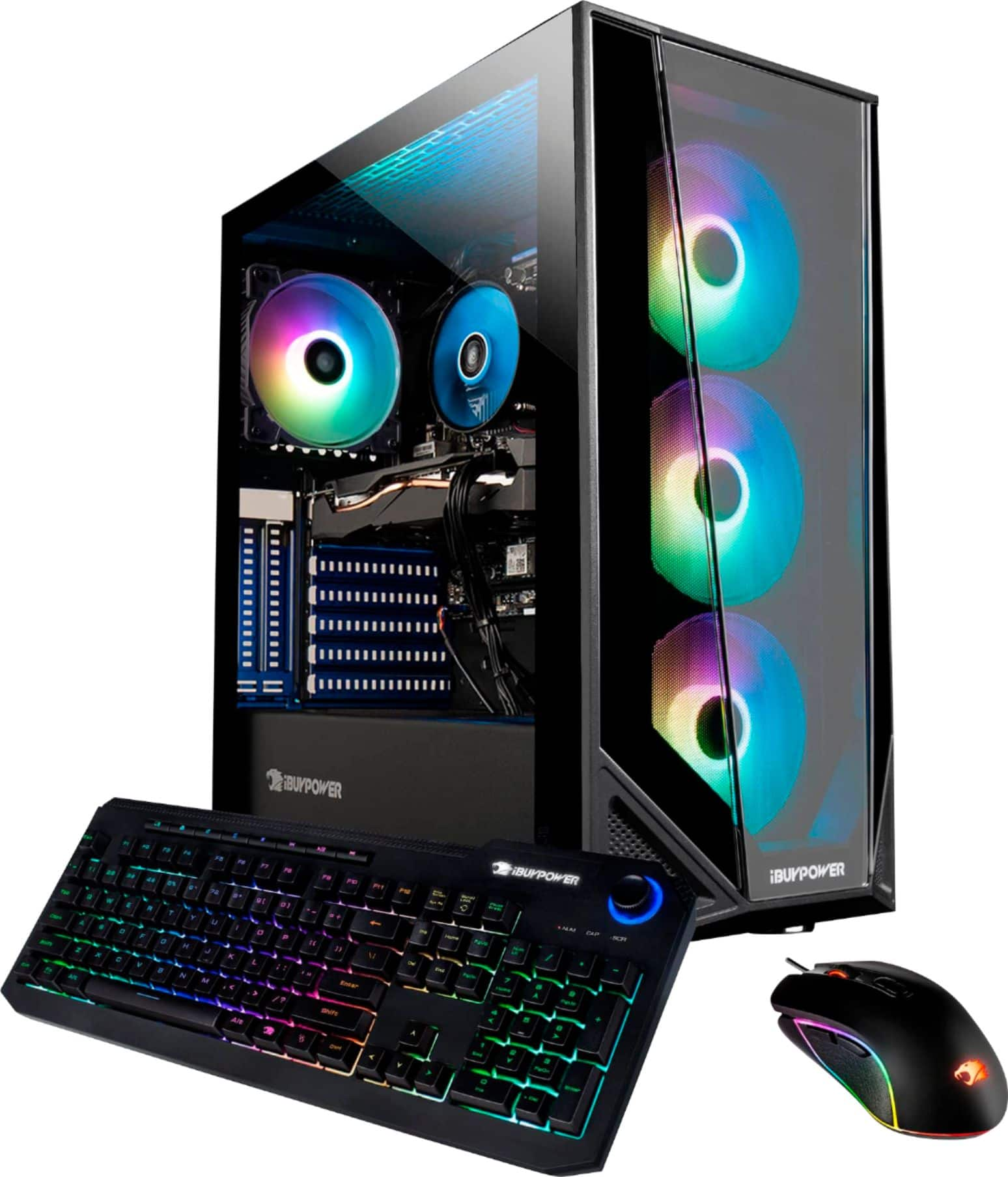
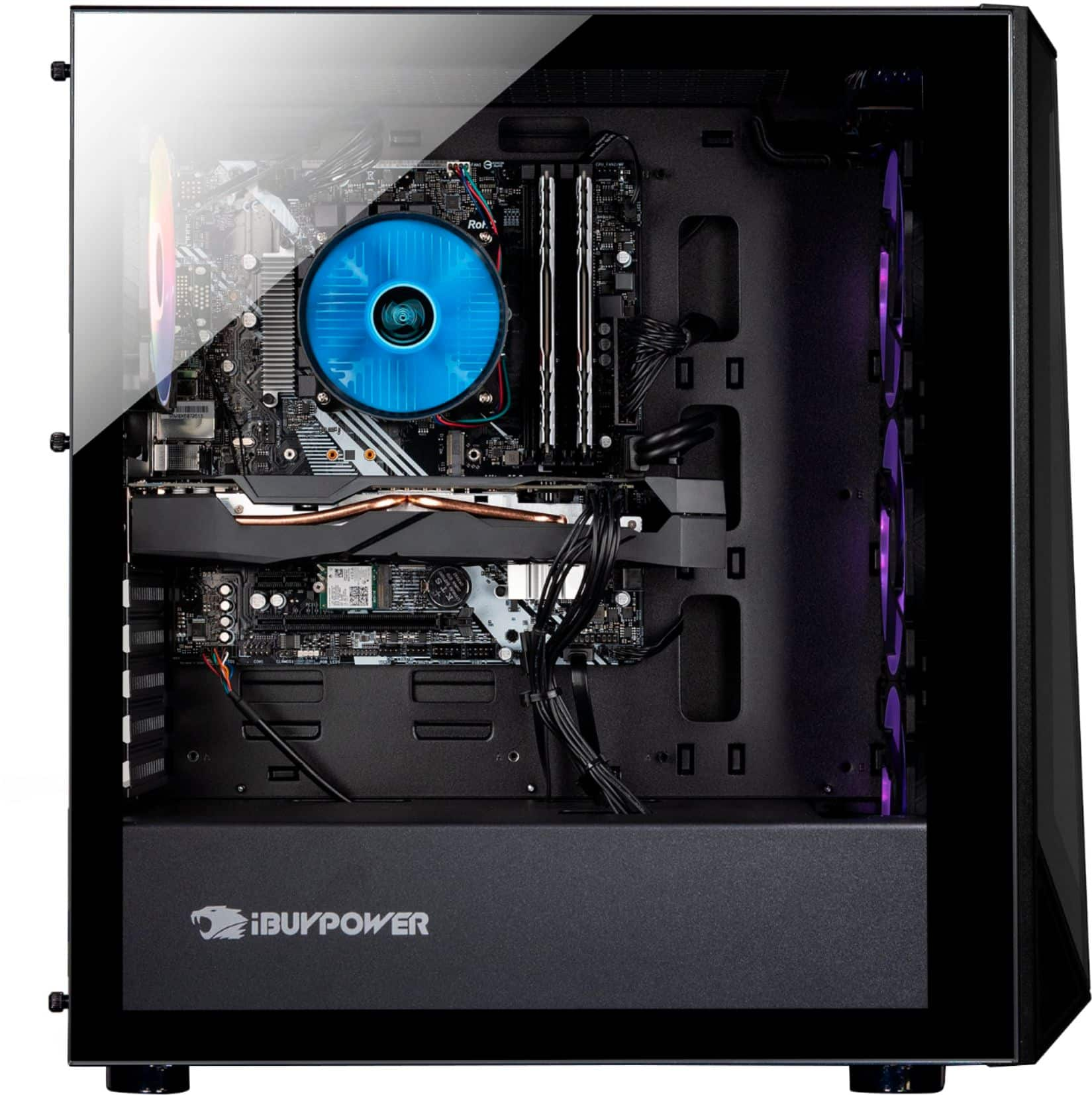
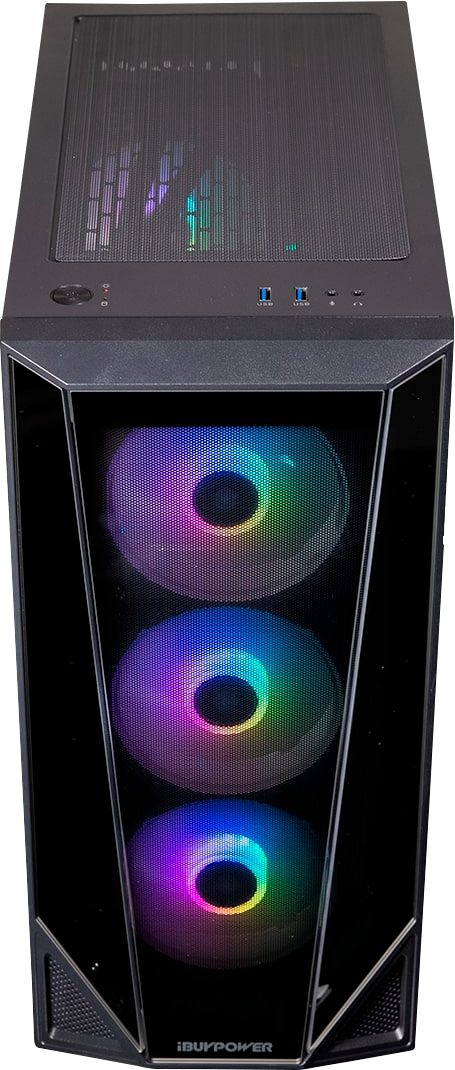
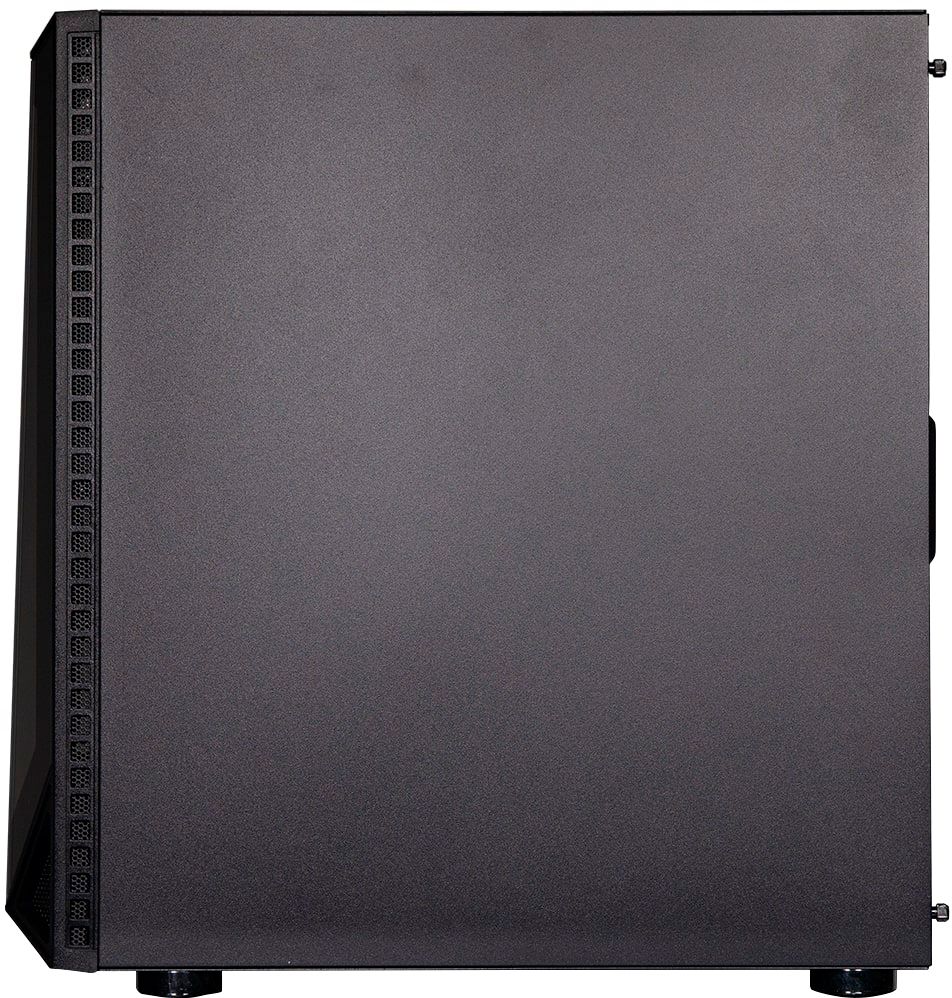
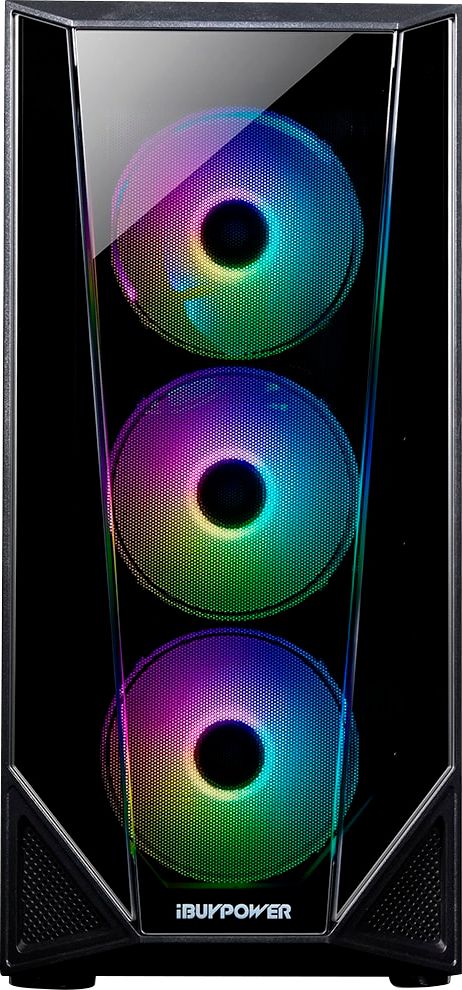
A:AnswerThis PC has inputs that were at first difficult to find because they are covered by protective caps. The monitor gets hooked up to one of the ports with a protective cap. The inputs are below the visible uncovered input ports.
A:AnswerI noticed that you can change the RGB in the BIOS by pressing advanced mode and going to tools then clicking on polychrome RGB at the top. To get to BIOS turn the computer on and immediately start clicking the delete key until an overlay comes up. Hope this helps
A:AnswerHello,
What you looked up is probably the processor's turbo speed, which is the number it will automatically go up to if it's under load. You cannot manually make any adjustments to overclock the CPU.
A:AnswerTrust me, you will have no problem even in 240hz with Vanilla Minecraft. Using shaders, well it depends on the shaders you are using, but fps won’t be under 60.
A:AnswerHello,
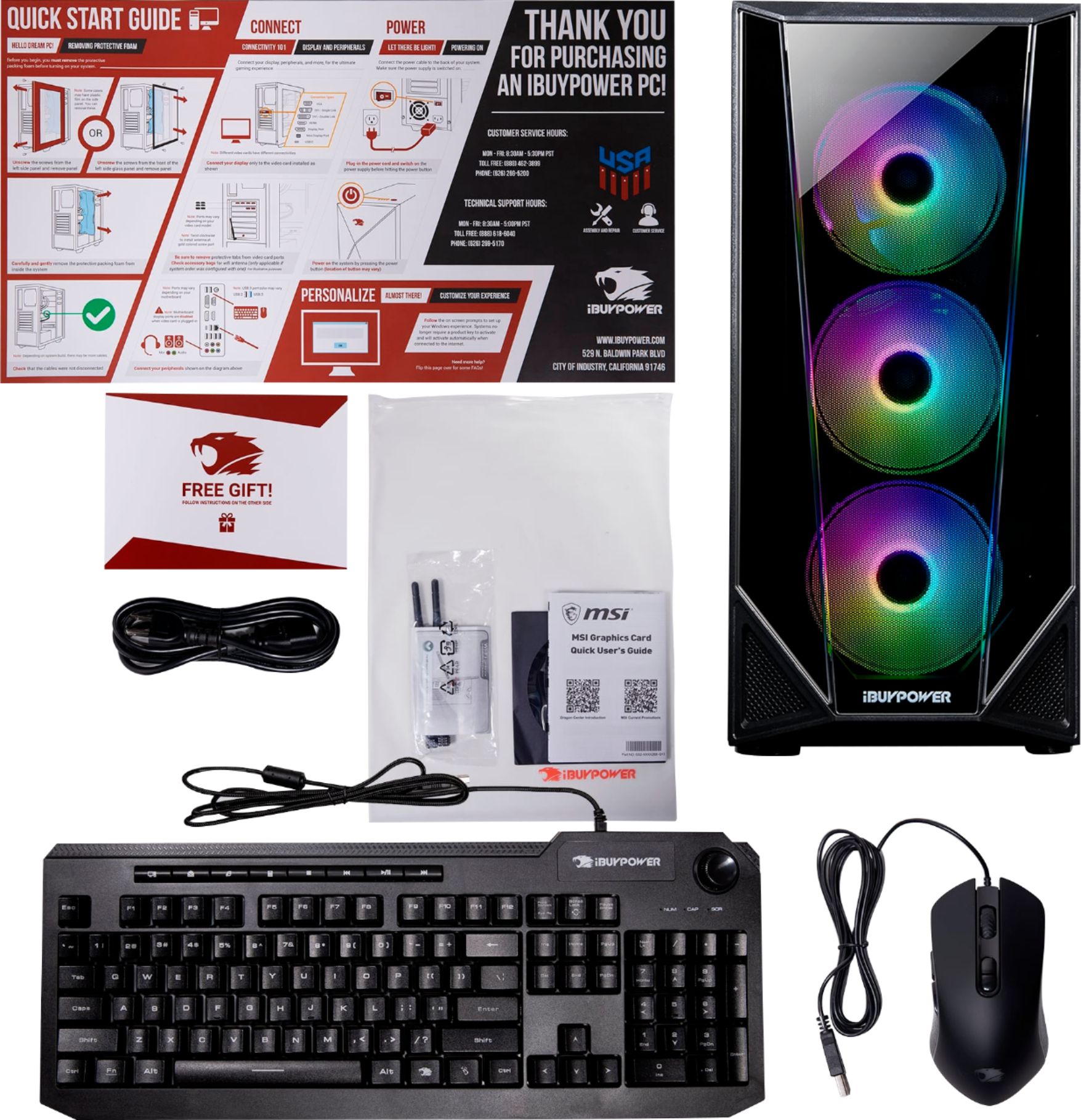
Your system either has WiFi built into the motherboard or the accessory bag came with WiFi antennas that you can install to get a wireless internet connection.
A:AnswerHello,
We will be shipping out more of this model soon, but it is hard to say if your local stores will be showing it in stock since we do not control where the units go, you would have to ask Best Buy.
A:AnswerHello,
You can do either option A or B, both would work! Please also note that the system has a 1TB hard drive as well, which can fit a lot of games.