A:AnswerI haven’t rece Ved mine yet but seems people on Reddit are saying it’s the RAM timing. Drop it down to 4800 instead of 5200 and issue should go away. One person says they fixed it by just setting bios to defaults which dropped RAM to 4800Mhz and they aren’t having issues any more.
A:AnswerThe fans should be set to monitor the CPU temperature, so the hotter your CPU is the faster the fans will spin. I would double check to make sure that your system is getting adequate air flow and checking your temps while your computer is on to make sure there are no issues with your systems cooling unit. Aside from that you can go into the BIOs and change the fan settings if it is bothering you too much, though it may impact system performance.
A:AnswerI had this same issue, go into the msi center into graphics fan tool zero frozr if set to on its in tranquility mode fans dont run so theirs no noise turn off for enhanced cooling mode
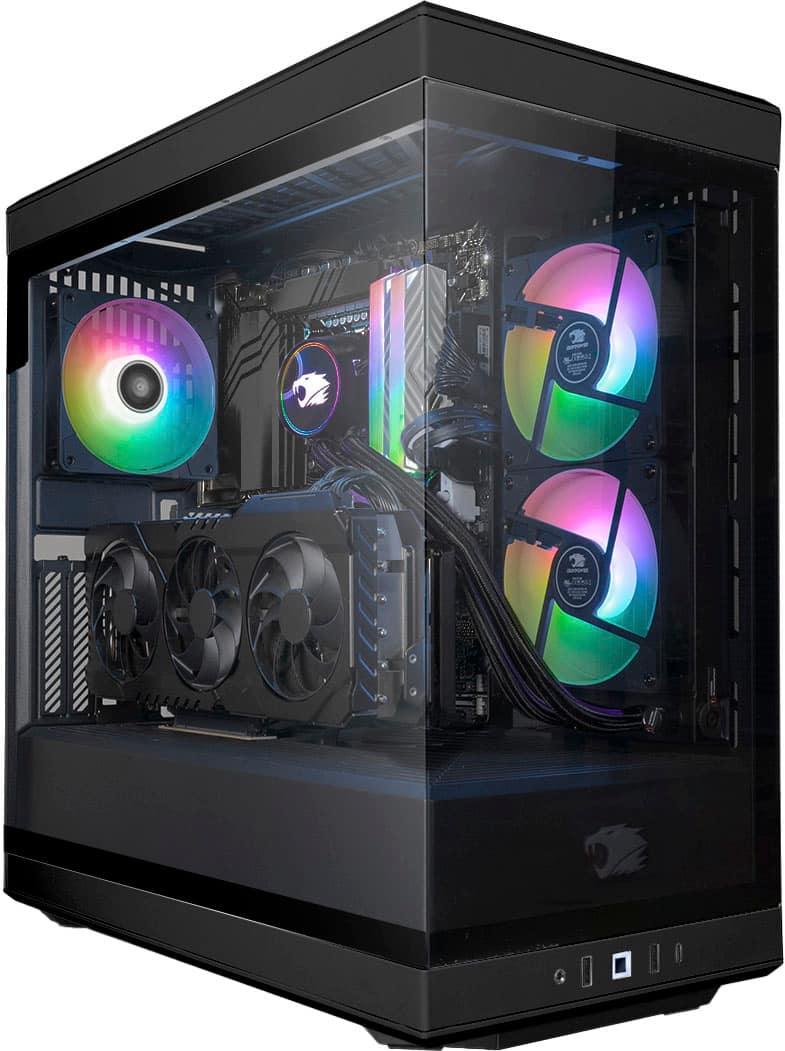
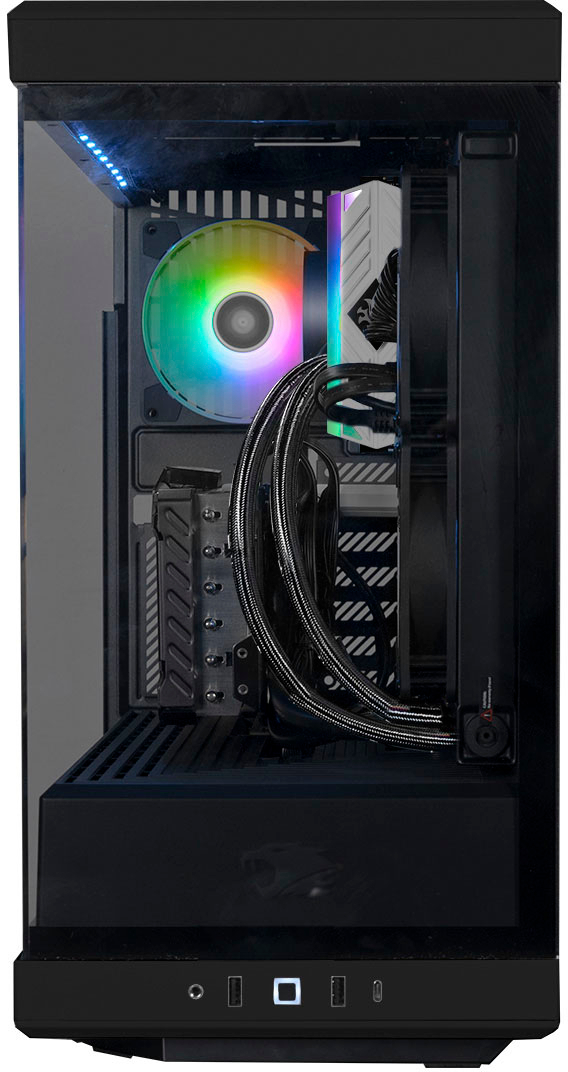
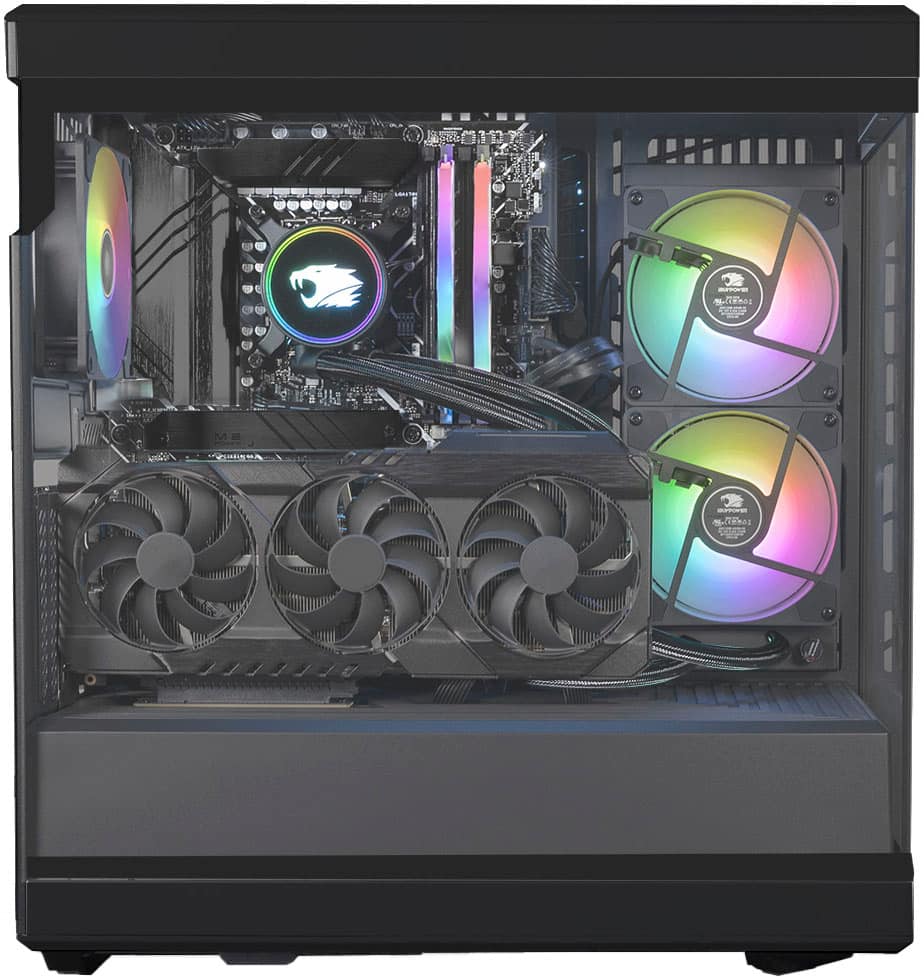
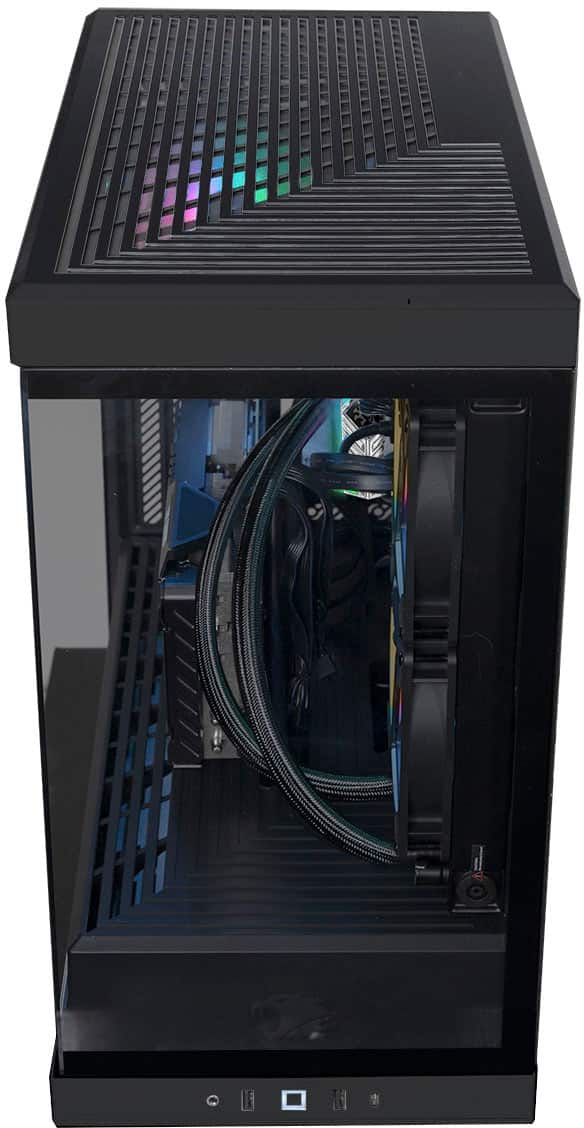
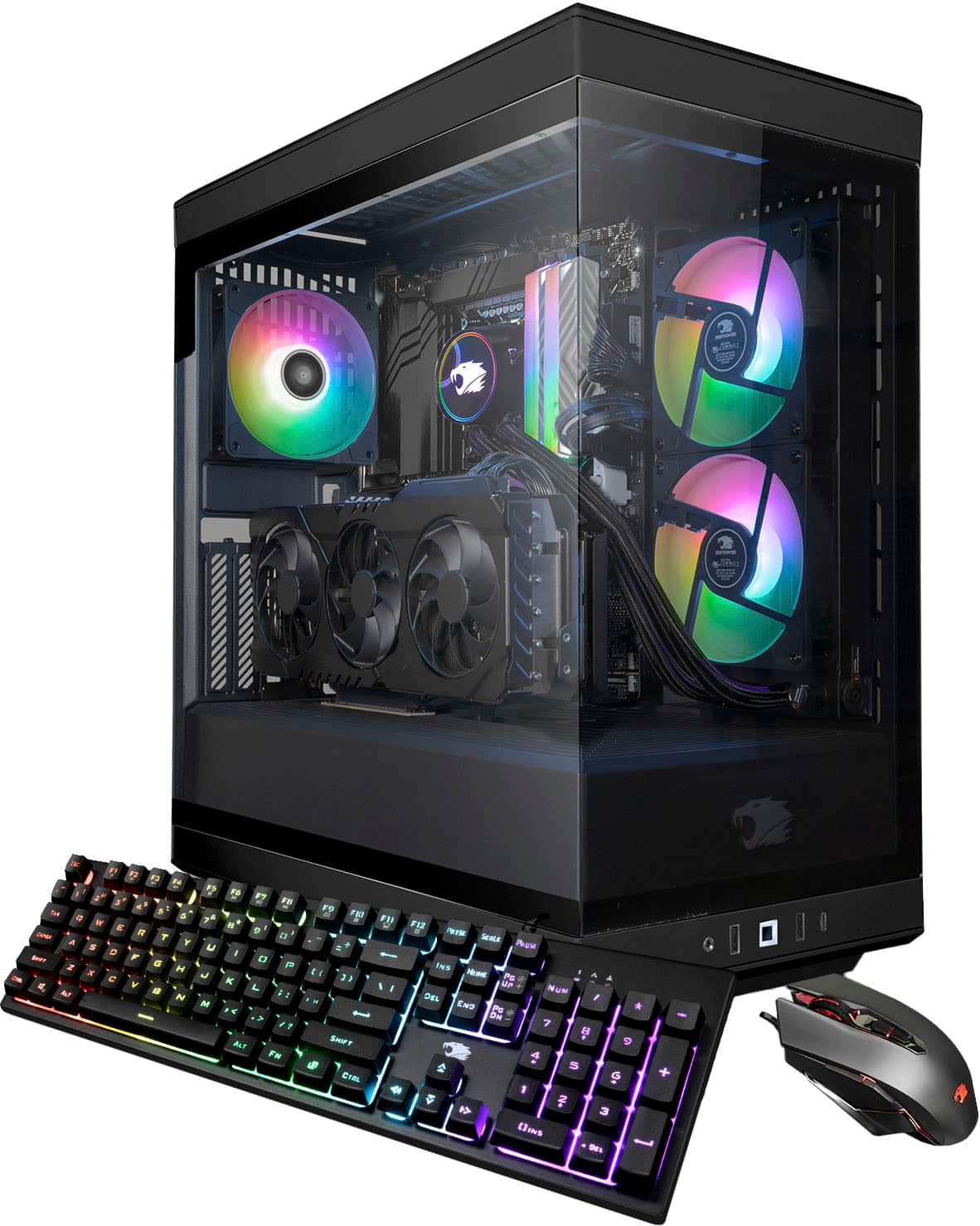
A:AnswerYes due to shipping issues in the past when shipping the GPU in our systems we have started shipping GPUs separately to decrease the chance of damage while in transit. In order to install you will just need to remove the screws on the vertical PCI-E slots and install the GPU. From there you will need to attach the PCI-E wires from the PSU and plug them into the GPU. Next screw the in the GPU from the PCI-E slot to make sure the GPU is secured. Next the box with the extra wires and screws is the accessory box that comes with the case should you wish to upgrade you system in the future. Everything else should already be securely installed and ready to go.
A:AnswerLooking at the motherboard with the PCIE slots on the left, and the CMOS battery at the top right, the second M.2 slot will be at the bottom right...below the silver "Asrock" heat sync.
A:AnswerIts a high power 600w 80 plus gold power supply i am sorry i don't know the company but i dont want to take my new desktop apart i told only what i can see from the outside
A:AnswerThis system will come with (1) 2TB NVME SSD, which is technically show up as a your base C Drive. I am unsure how much storage your other drives hold, but you can split the 2TB into different partitions if needed creating 1TB of C and 1TB of D if you wish to go that route.