A:AnswerUnfortunately, it will probably not work until you get rid of the engine codes. These systems are generally designed to not start your vehicle if it has a CEL.
A:AnswerAny numbers of things. Make sure you don't have engine codes. Make sure you don't have blown fuses.
I had a strange case where it stopped working after my battery died and I had to jump start it. The controller module needed to be reprogrammed to get it to work again. I called Idatalink and they confirmed it should continue to work after a dead battery so I'm not sure why that happened.
A:AnswerThere should be a drop down menu where it says compatible vehicles, but mostly part would be automatic cars for this type of remote start. The harness is separate but it's only $20 on bestbuy as well, if you're a Elite total care member it might be included on the installation.
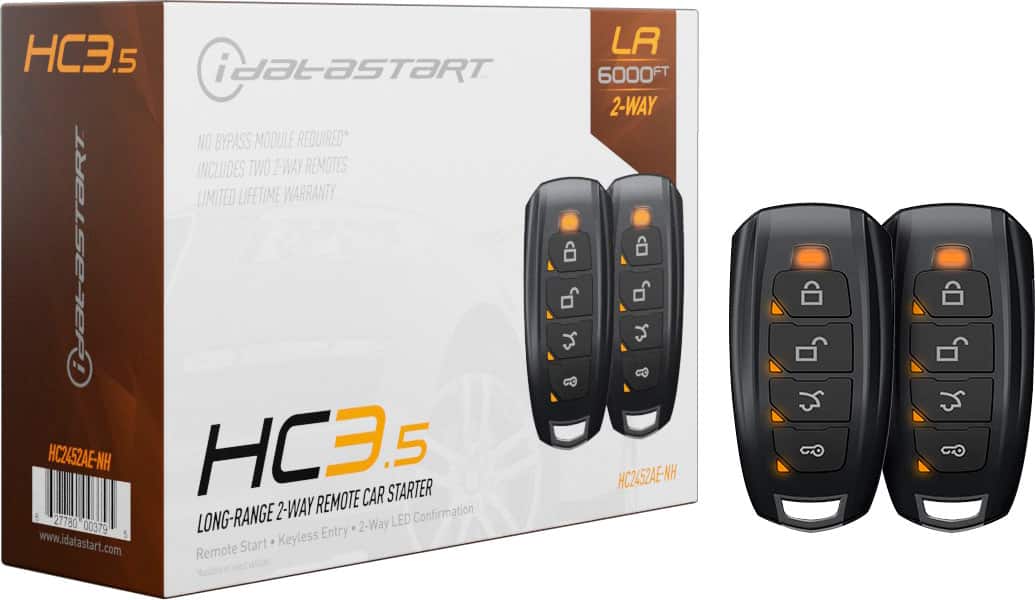
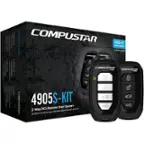
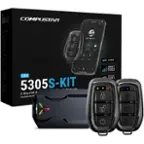
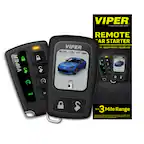
A:AnswerThe difference is that 1 way you press the button but it doesnt let you know if the command was successful. With 2 way you press and it will make a sound to let you know it worked and your car started.
A:AnswerIt should have a link on the product description to check your car's compatibility. Call to see if your car will need an add'l part about a week before installation.
A:AnswerDoes not read your gas gauge. I've had several remote starts and never had one that reads your fuel level. This is a very good unit, don't hesitate to buy it if it works with your particular vehicle. It goes on sale for a very good price occassionaly. Watch for that.
A:AnswerThe Best Buy web site offers a spot to input a vehicle. It'll then tell you if it's compatible. It did for 2 of my vehicles. I can't remember, you may have to add it to cart first. But it can always be removed.