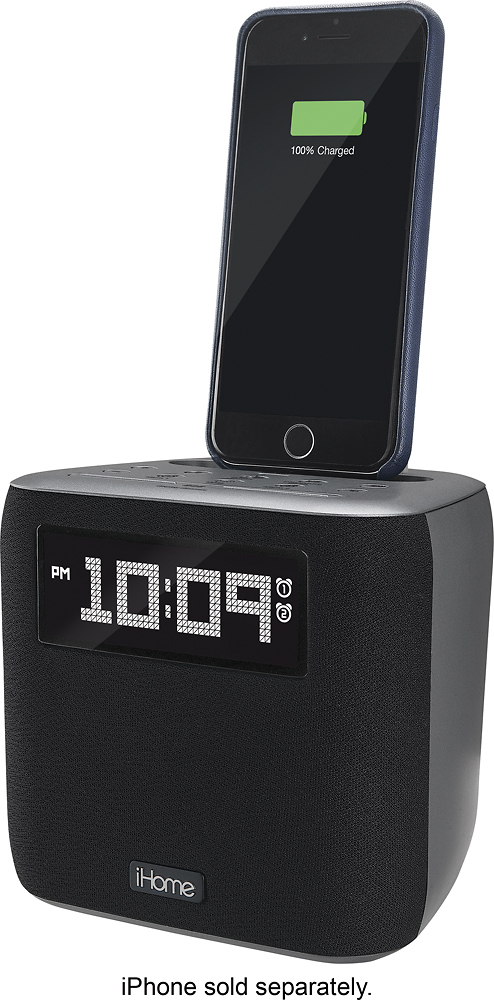
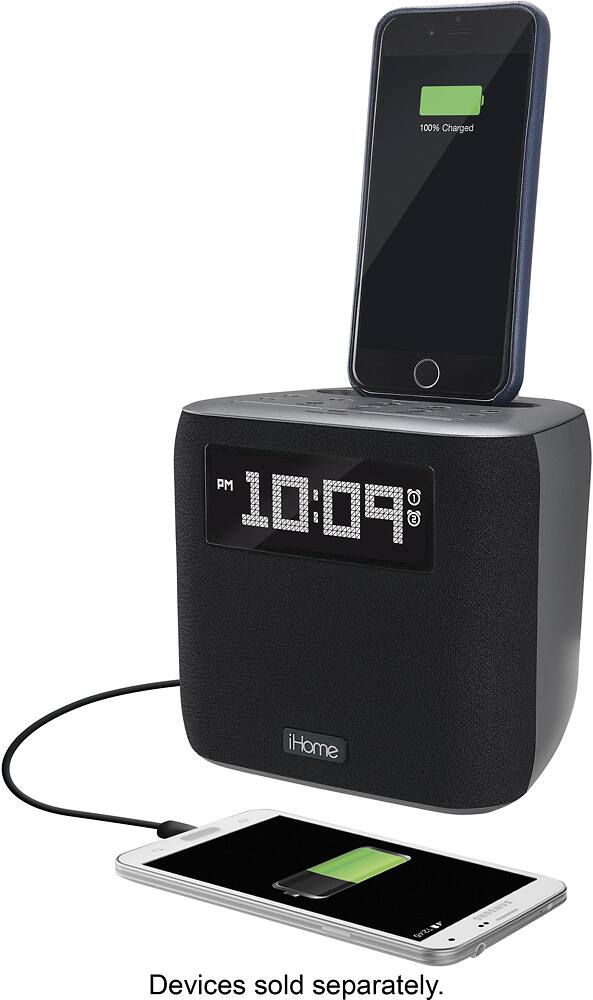
A:AnswerThe connector on top is the Lightning connector for an iPhone. However, there is a USB port on the back where the cable for an android phone could be used. I use the USB port for my iWatch which is convenient.
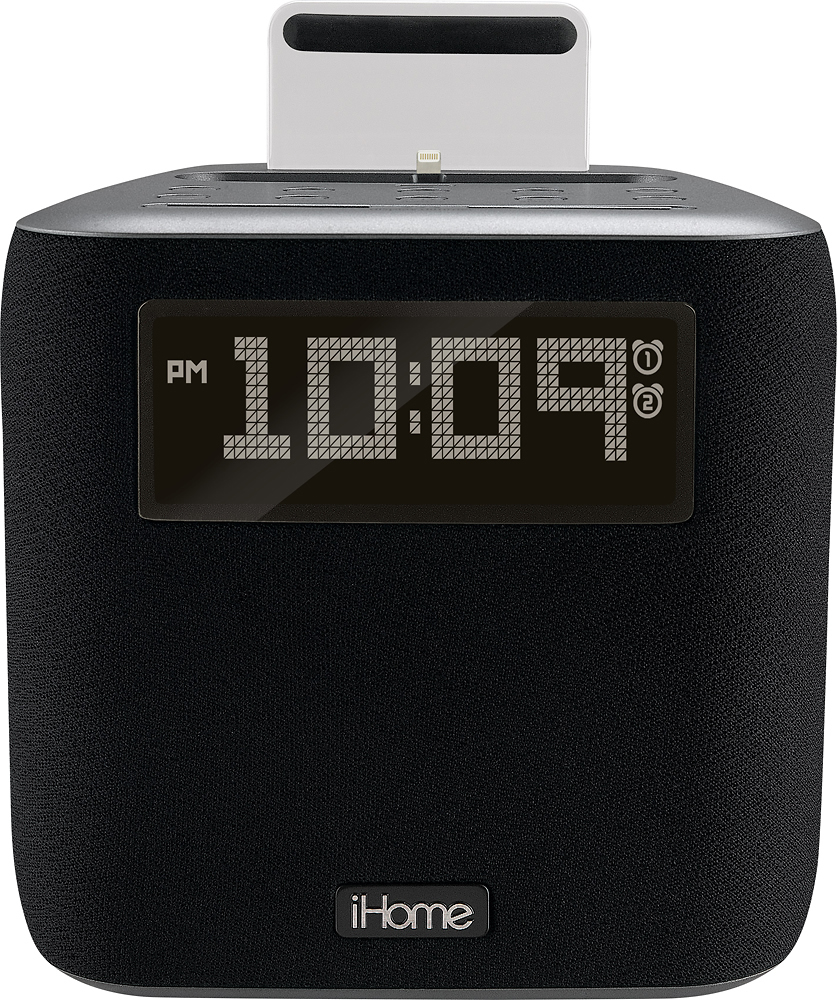
A:AnswerThe docking connector is compatible with the Apple Lightning connector found on iPhone 5's and 6's. See photo of Lightning connector. When you connect the iPhone (or iPod Touch) the clock radio can sync its time with your device to update the time. The clock radio also includes a sync button to update the time on the radio. I don't know what model you have for the iPod (Touch?) but it must have a Lightning connector to use with the docking connector on top of the unit. The time to set alarms is through the clock radio settings. On the radio you can choose what audio source you want to use for the alarm (tone, radio or the docked device's audio). I hope that helps.
A:AnswerThe iPL24 has a dock where you place your 8-pin iOS device on. Once the device is docked, you can play any app you want and the music will be amplified through the speaker of the iPL24. For additional information, our Support Team is available at 1-800-288-2792. Mon - Fri from 8am - 4pm EST.
A:AnswerYeah it will. There is a rubber piece that comes on the device underneath the iPhone port. You can take it off if you have a case on your phone or take your case off the phone and then dock it. Either way it works pretty well
A:AnswerWhen the Alarm icon is showing on the display the alarm is activated. Press the Alarm button twice to disarm (remove icon from display). Our Support Team would be happy to walk you through the process give us a call at 1-800-288-2792. Mon - Fri. We are here to help.
A:AnswerRadio reception is not the best, antenna is short. If the station has a strong signal, it works well. Stream your radio from the phone for best results.