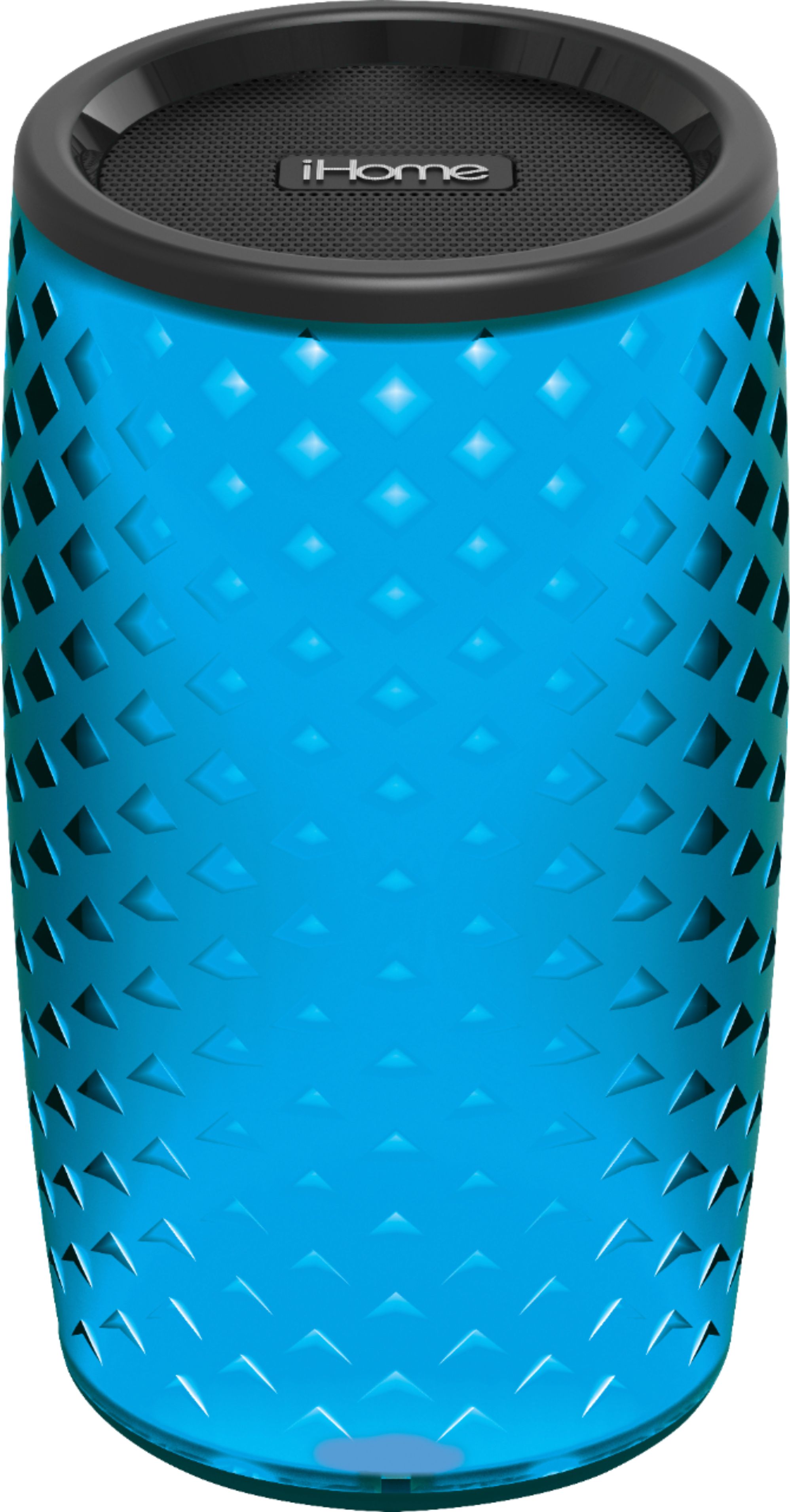
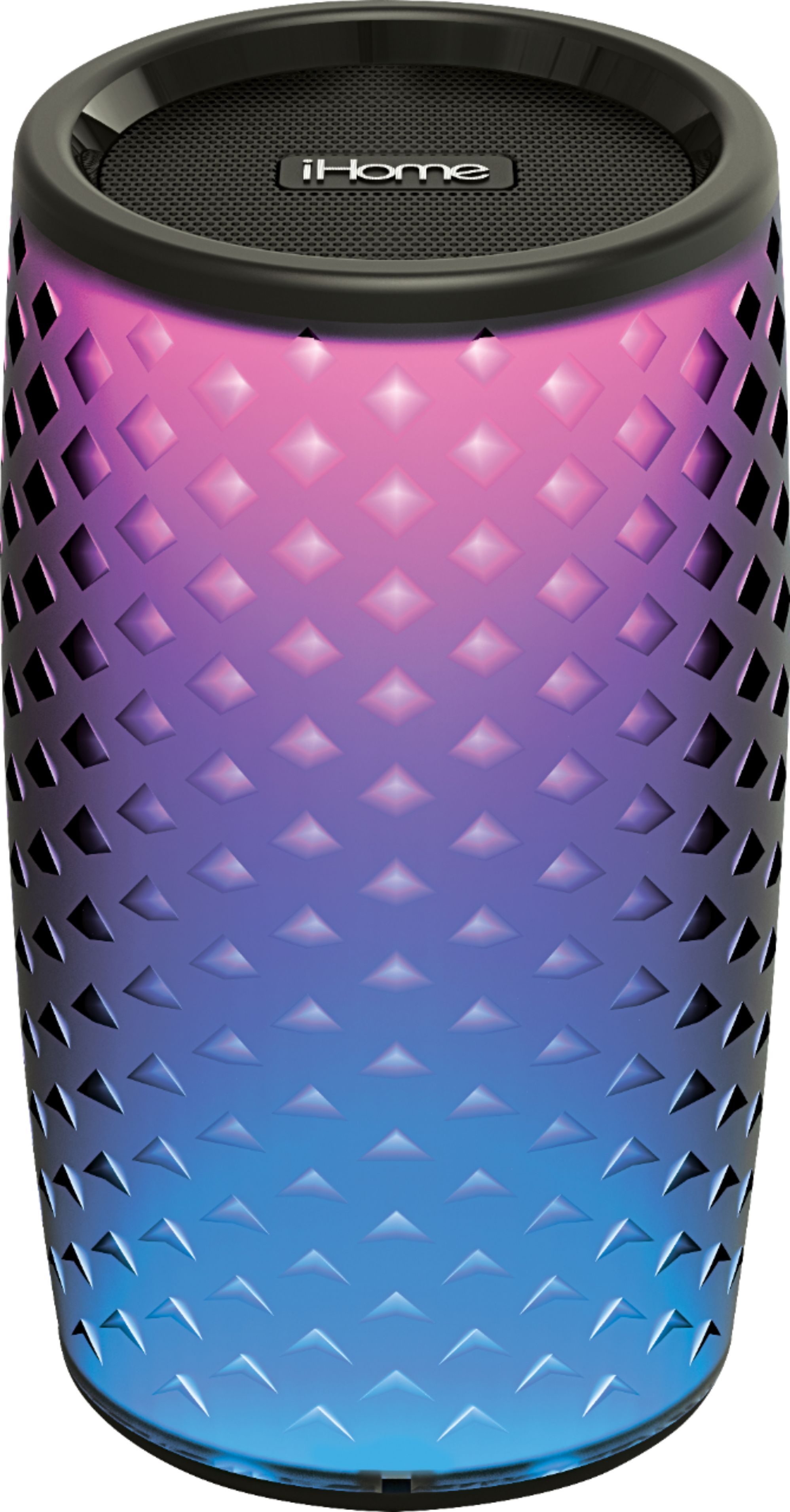
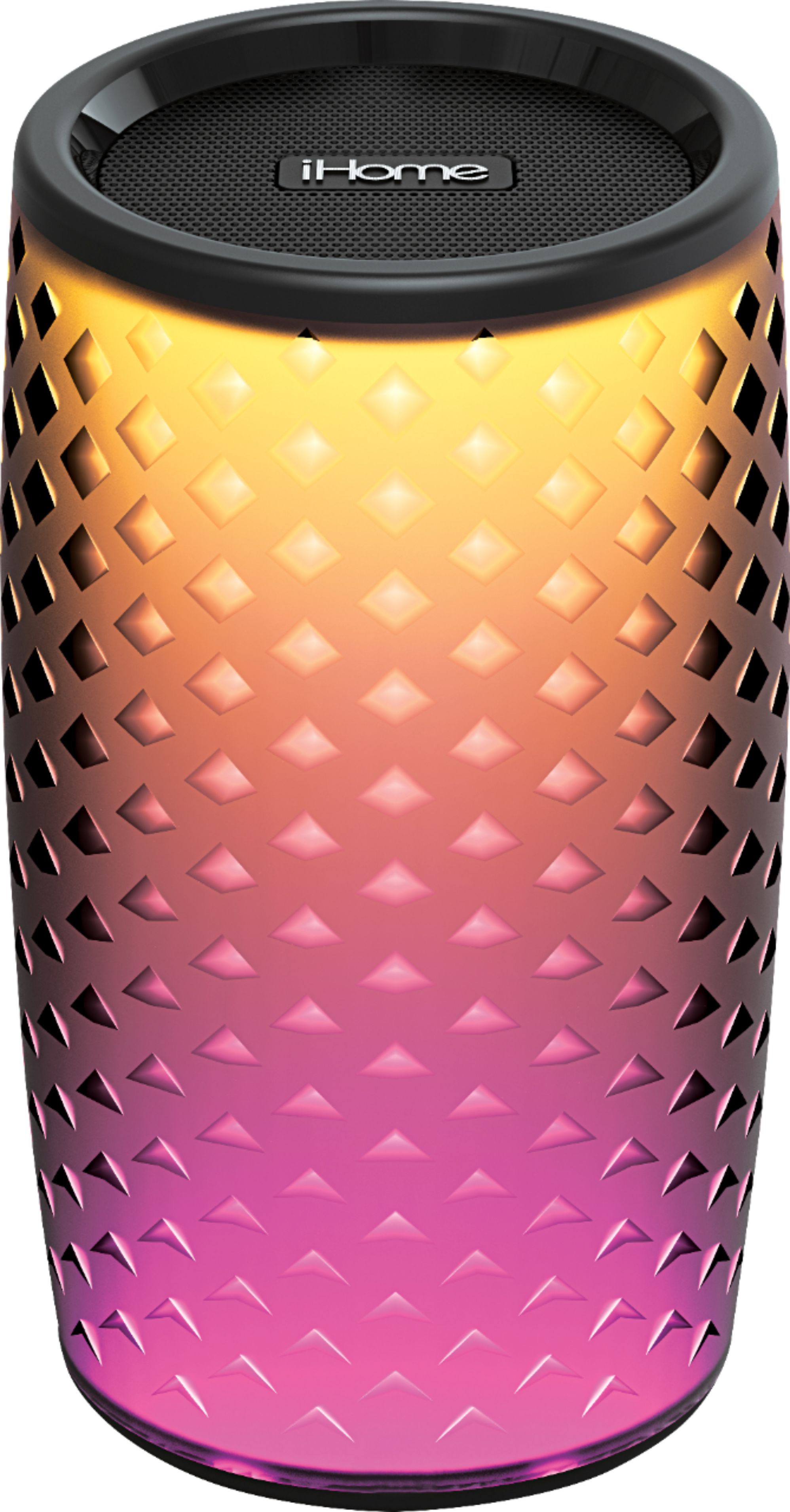
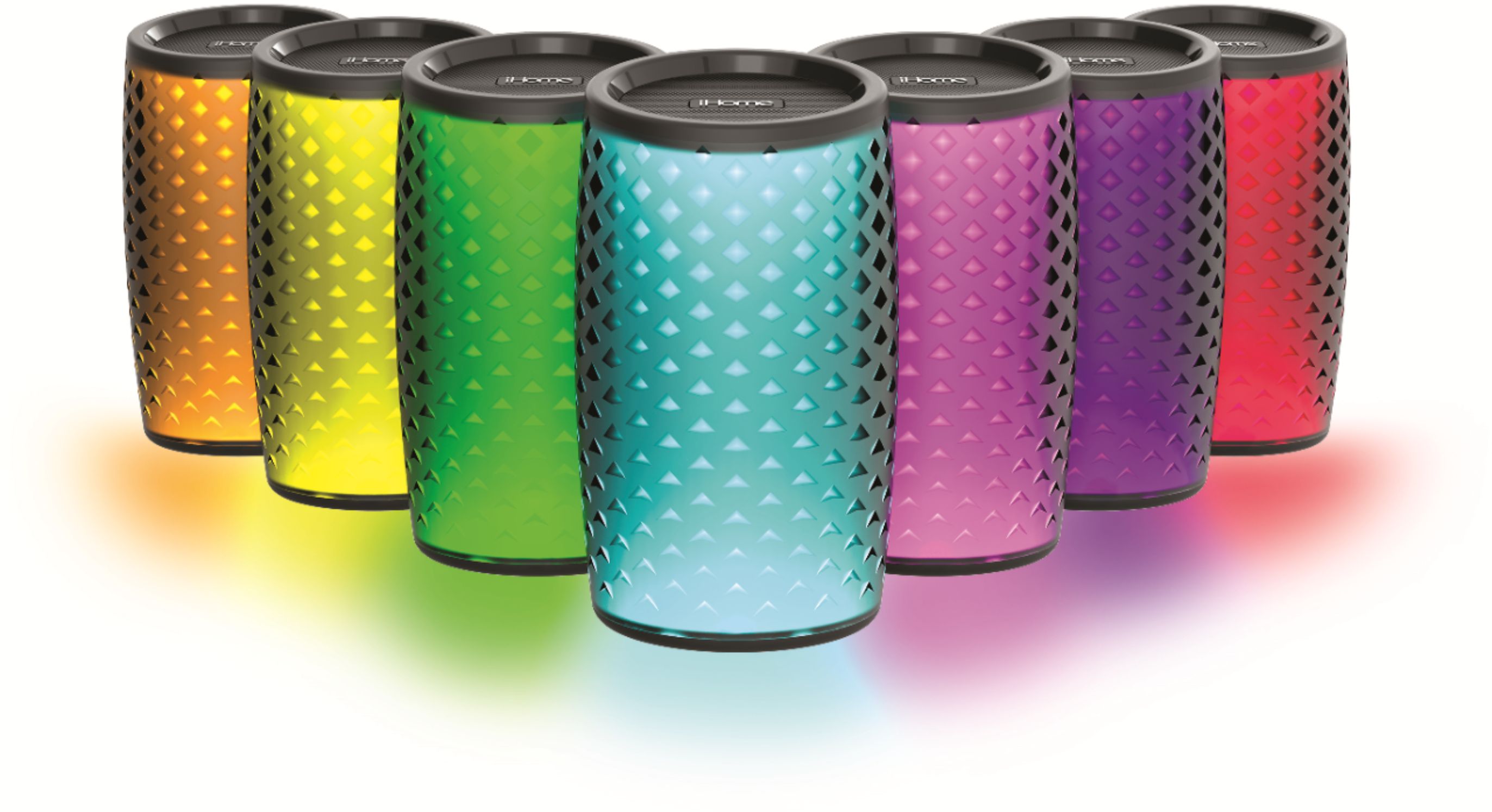
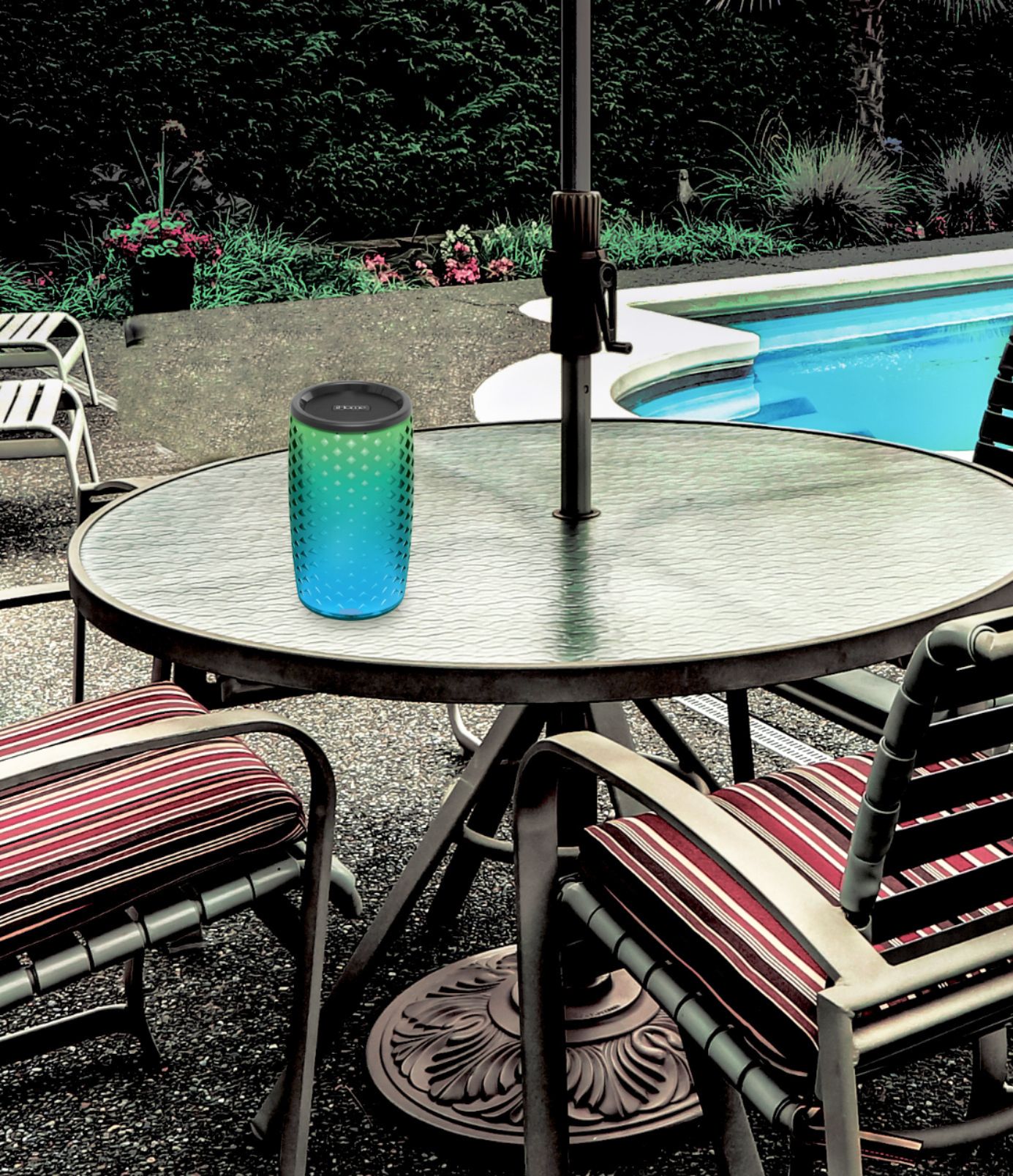
A:Answer Yes. This speaker can be paired to a MAC computer. You need to charge the speaker for 4 hours.
1. Make sure the device is turned on and discoverable (see the device's manual for details).
2. On your Mac, choose Apple menu > System Preferences, then click Bluetooth. Open Bluetooth preferences for me.
3. Select the device in the list, then click Connect.
For additional information, please contact Apple as your model # may not follow these exact instructions.
Best Regards,
iHome Support
1-800-288-2792