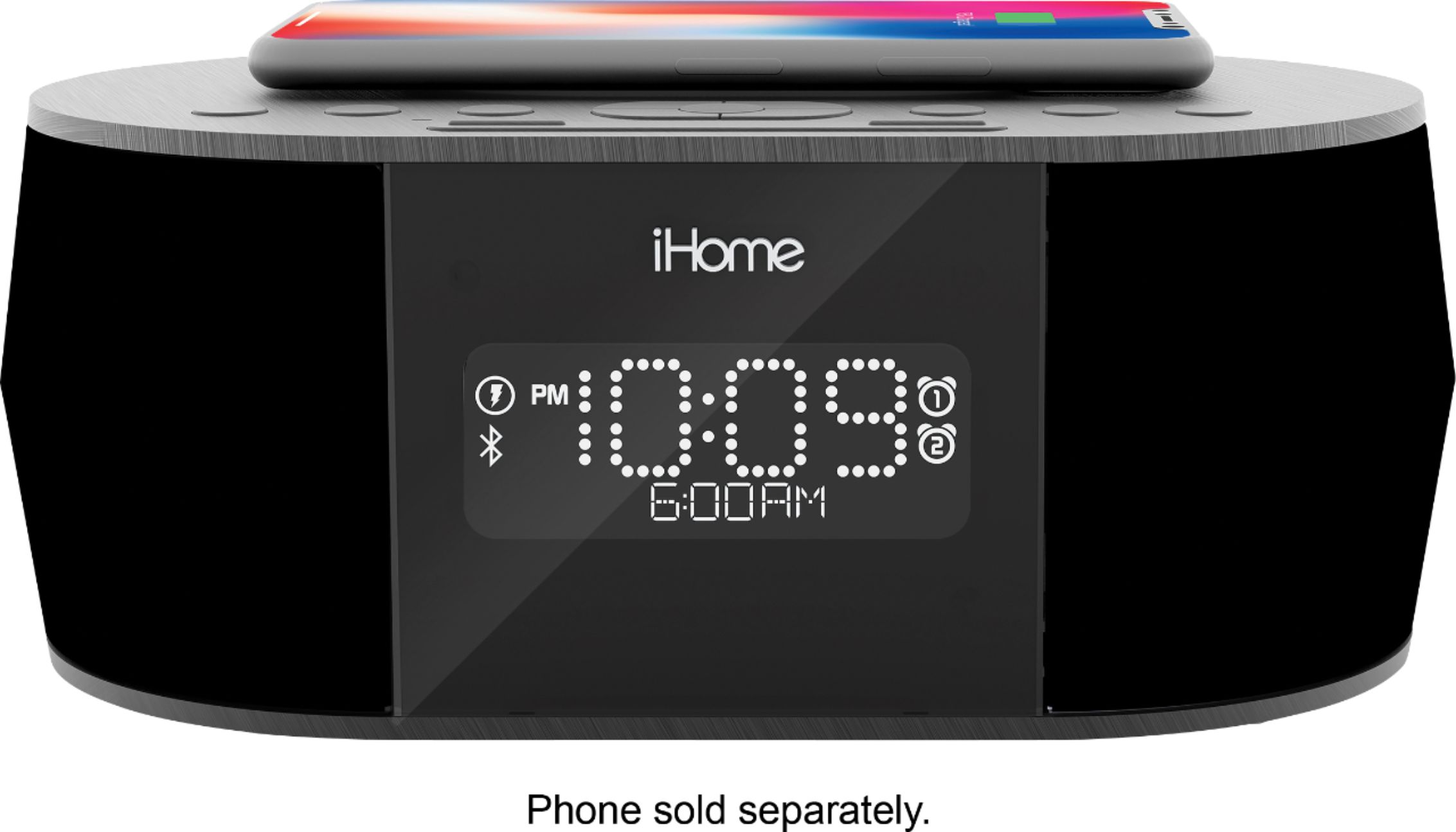
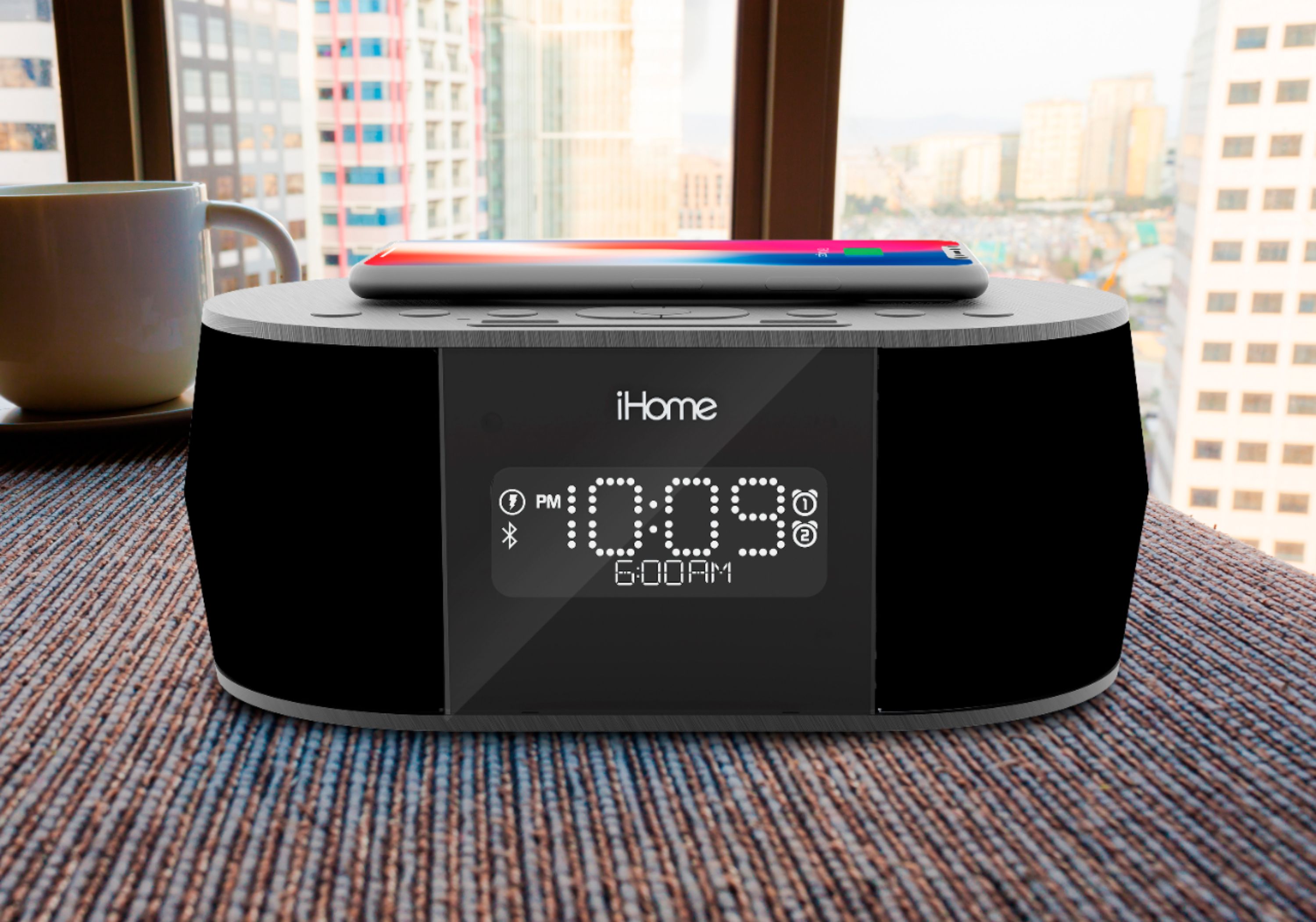
A:AnswerYes! I really liked this feature. You have high, 6 numbers, and even off. Very nice feature. The clock was not too bright at night, but still bright enough to see at night and day.
A:AnswerAfter plugging the clock in, There is a clock button at the back of the clock that you press and hold until the clock flashes. You then increase or decrease the time with the buttons at the top center of the clock. There is a plus and minus sign the buttons to use. Once you set the time and push no more buttons, the clock will beep and stop flashing.
A:AnswerYou can prevent it if you take the proper precautions. Talk with your doctor to see if pre-exposure medication may be right for you and your device.
A:AnswerThere is no analog radio on this iHome unit which requires an antenna. Many radio stations are no longer transmitting the analog signal. You can connect your mobile device via Bluetooth and stream digital music from a radio app on the mobile device.
Best Regards,
iHome Support
https://www.ihomeaudio.com/support/