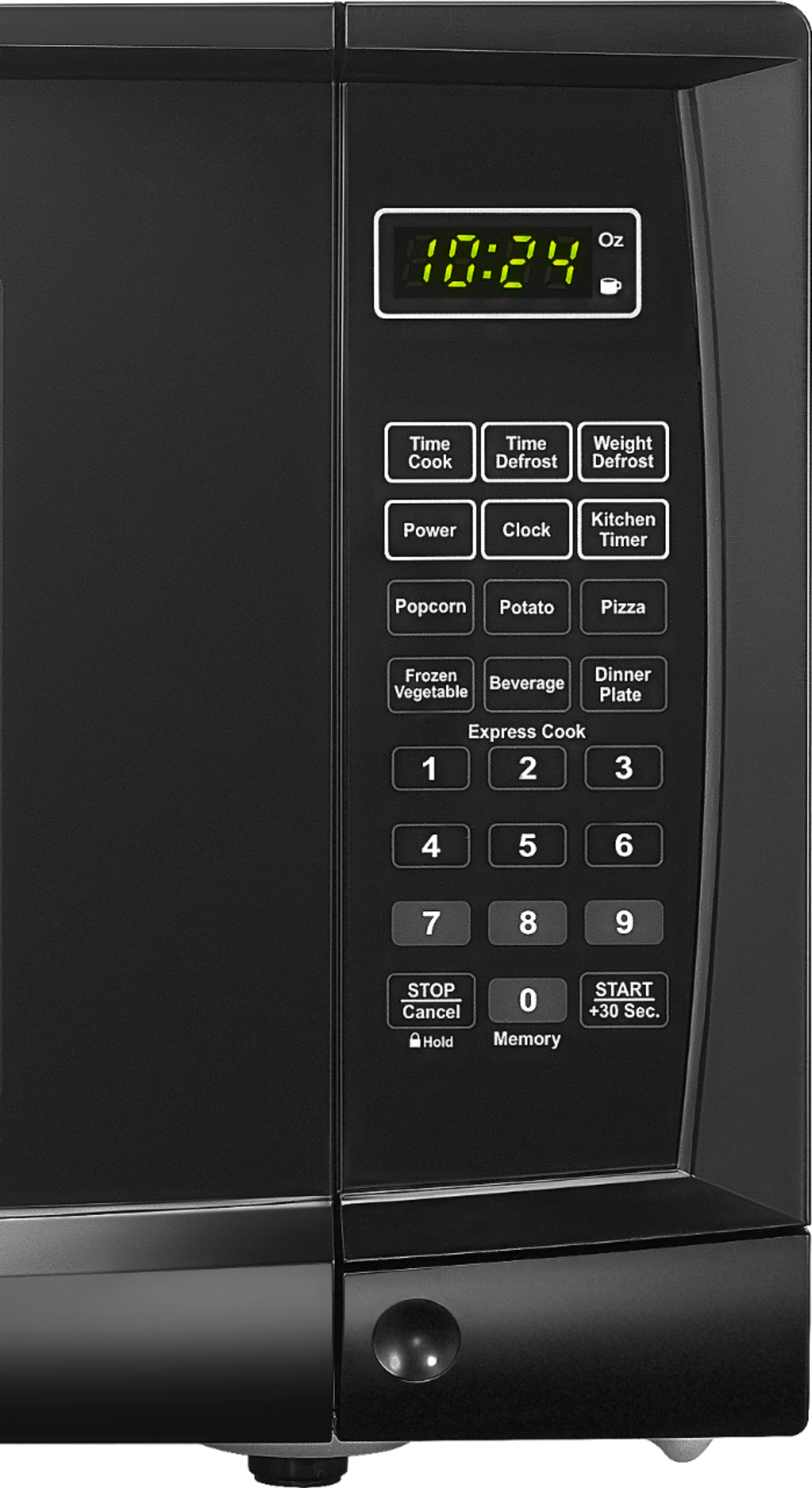
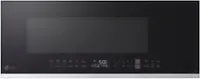
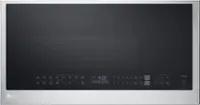
A:AnswerThe secret to setting the clock is to enter ZERO first if the time is between 1:00 and 9:59. I only stumbled on this by trying everything I could think of. It is NOT specified in the manual.
So:
• press clock button
• enter the time as 4 digits, for example 8:05 is 0805
• press Start
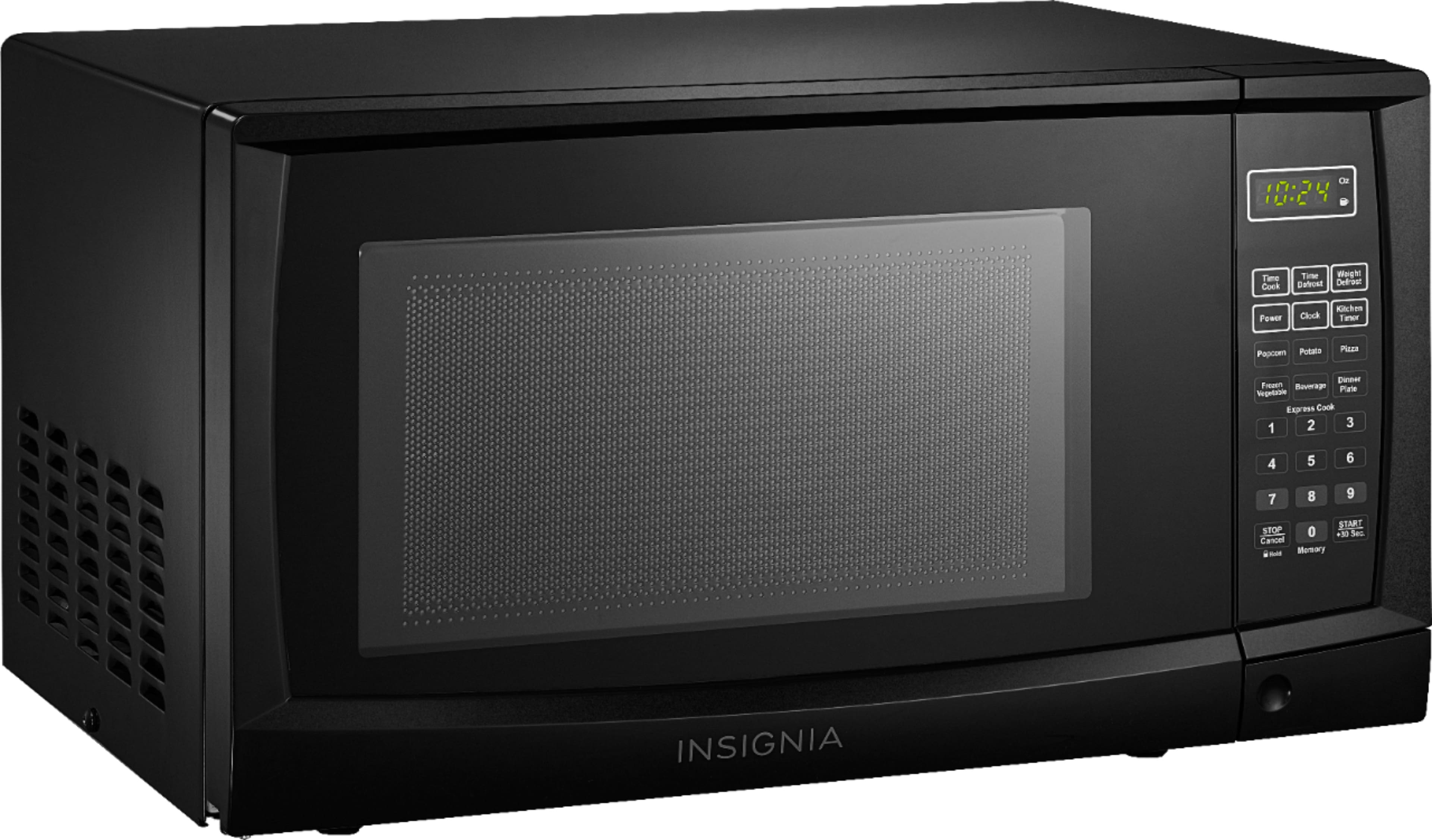
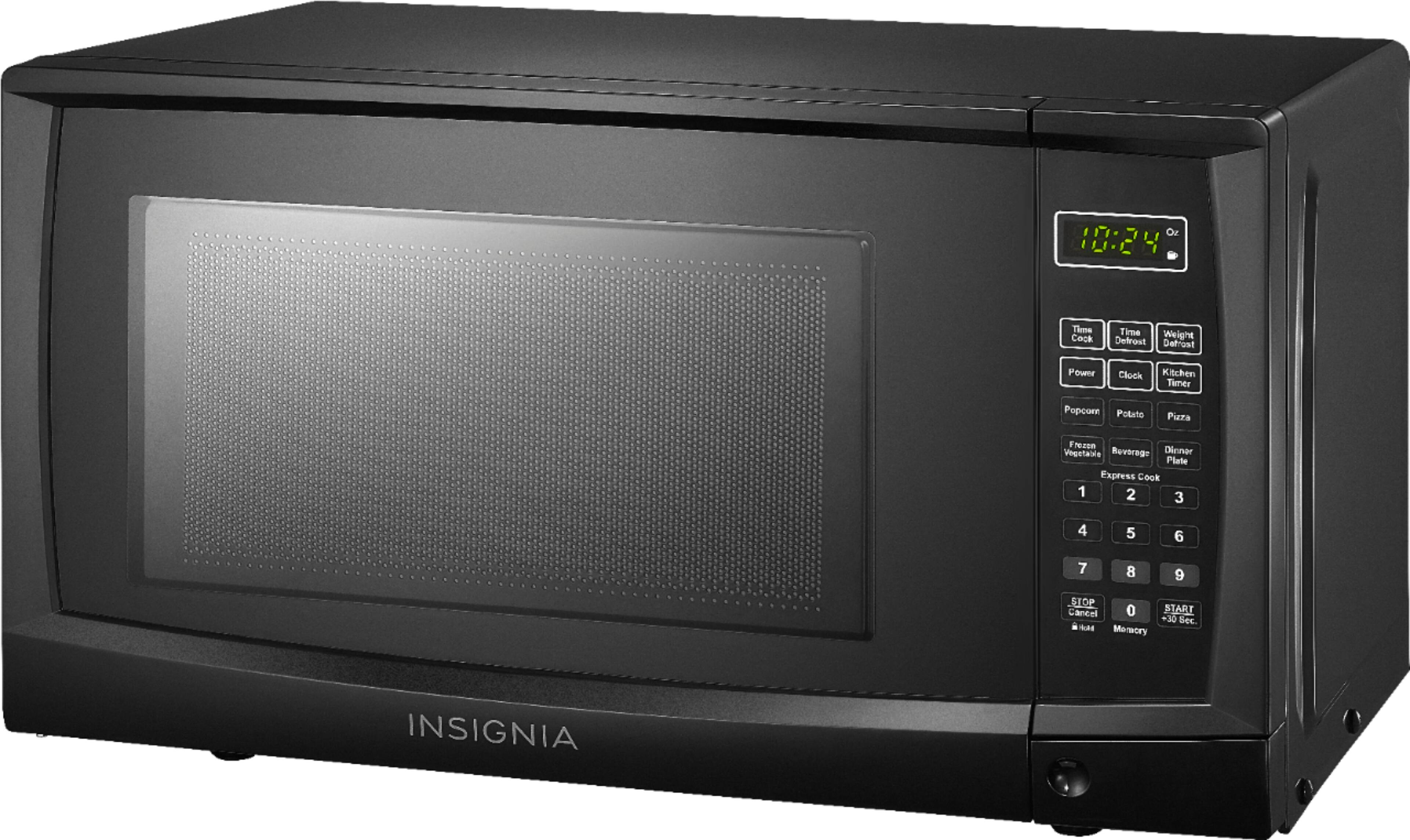
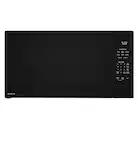
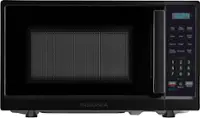
A:AnswerThe first one I purchased was white but it turned out to be a lemon within several months of purchasing it. I returned it and purchased a black one as a replacement microwave. I've always wanted a black microwave which I was in luck. I'm not dreadful because I have a black one. I'm grateful because it matches my other appliances I have.
A:AnswerI also had a problem with it, but realized that you had to use the Stop/Cancel button as the "enter" button. You have to be quick at it because it resets back to 0:00 in just a few seconds. Good luck!
A:AnswerHi there,
To mute or unmute your microwave, press and hold the 8 button for three seconds while in standby mode. The microwave beeps and mutes or unmutes.
Gem
Insignia Products
A:AnswerI just measured my black Insignia microwave with the following results: Height: 10 1/4", Width: 17 1/2", Depth: 12 1/4" [don't forget to take the bump-out in the back into consideration when measuring the side/depth].
A:AnswerHello,
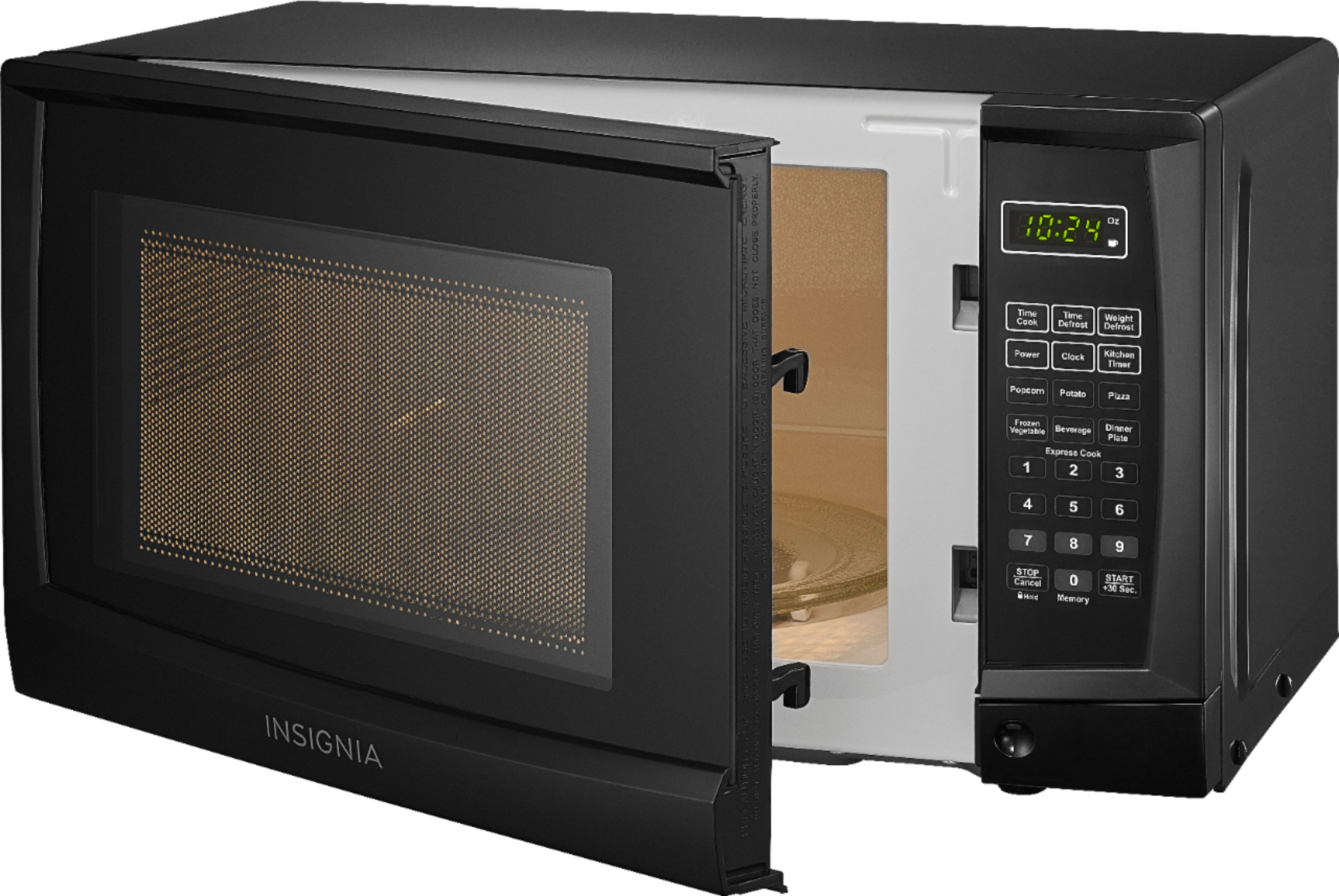
I've had this microwave for about 60 days and I've got to tell you, it's a great little microwave. I have had no issues at all. And no you will not have the problem with the turntable lifting out with the removal of your food container. It sits soundly in place until you lift it out.
Thank you,
Donna M
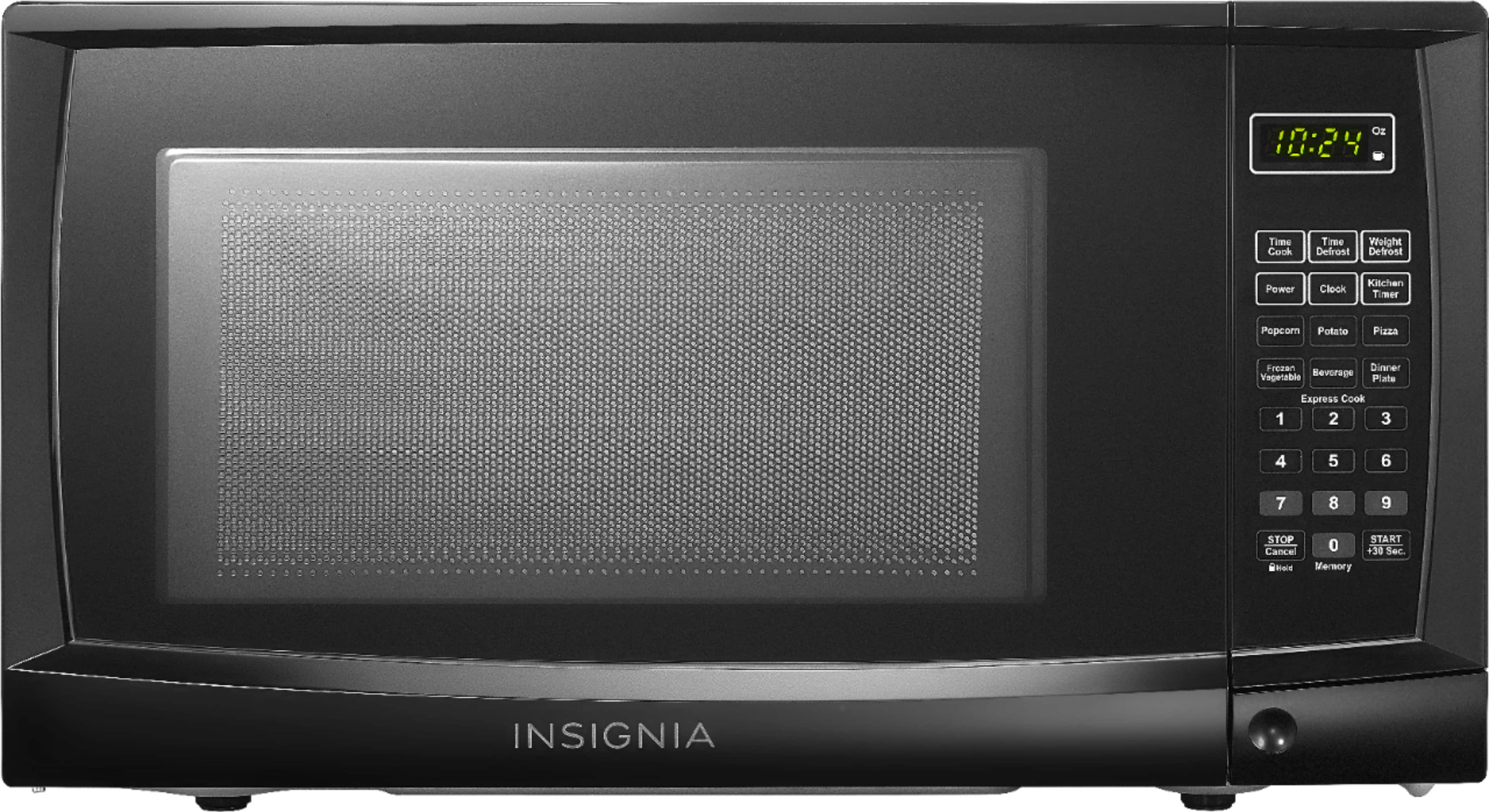
A:AnswerHi there, there are 2 ways in defrosting in microwave. The Defrosting by time and Defrosting by weight. Please see below the instructions for defrosting.
Defrosting by time
1 Press Time Defrost. The display shows “dEF2”.
2 Use the number pad to enter the defrosting time you want. The time range
must be between 00:01 and 99:99.
3 Press START/+30SEC to start defrosting. The display shows the remaining
defrosting time.
Defrosting by weight
When you enter the weight of the item, your microwave automatically adjusts the
time and defrosting power.
1 Press Weight Defrost. The display shows “dEF1”.
2 Use the number pad to enter the weight of the item to be defrosted (in
ounces). The input weight must be between 4 and 100 ounces.
3 Press START/+30SEC to start defrosting. The display shows the remaining
defrosting time. After 2/3 of the time elapses, your microwave pauses.
4 Press START/+30SEC to continue defrosting for the rest of the time.
Mariepel C.| Insignia Products
https://www.bestbuy.com/site/brands/best-buy-brands/pcmcat1596746025285.c?id=pcmcat1596746025285
A:AnswerSounds like a fluke. Read instruction book again and if you still have problems, consider returning it and just replace it with same model. This kind of a problem is rare.