A:AnswerNo I've had the same problem with my tablet you have to make sure to plug the charger in in the correct direction otherwise you will destroy the small tabs that actually connect with the charging mechanism in the pad it's the only drawback to this to this pad I've had the same problem with mine twice but I think for the money this pad is still your best bet I replaced it I always make sure to buy the extra insurance
A:AnswerYes, by downloading the Kindle app from the Play Store.
All of your books will be there (visible), but they'll have to be downloaded onto this device.
Reading is very crisp & has several cool options not available on Kindle, so I really enjoy reading my books on this device very much – more than on Kindle Fire (I actually bought this to replace my old Kindle Fire).
A:Answerbecause the new and improved insigna is horribly. i returned my tablet saying they need to factorty set it back but it just did the same thing again
A:AnswerHello Livewire, I am sorry to read about this, please contact us at 877-467-4289, and we will gladly assist you with this inconvenience. Omar S. - Insignia Support.
A:AnswerIf your device is operating and displays the main screen, choose "Settings" from the program menu, then select "Backup & Reset", and choose "Factory data reset". If the tablet isn't working correctly, power off. Then, hold down the Volume Up & Power buttons simultaneously for about 10 seconds. Release the keys when you see the Android robot. Enter recovery by holding down the Power key for a short time (text menu of options will appear). From the menu choose "Wipe Data/Factory Reset" by using Volume buttons to scroll and Power button to select the option. Tap "Yes" to confirm. You'll be notified when the operation is complete; then choose "reboot system now" to complete the operation. When the device powers on, you should be back to the original factory settings.
A:AnswerI would make sure all of the software is completely up to date. Restart the tablet. Then, I would check your internet connection. Chrome gives Aw Snap when it cannot get a response from the page in time and times out, usually.
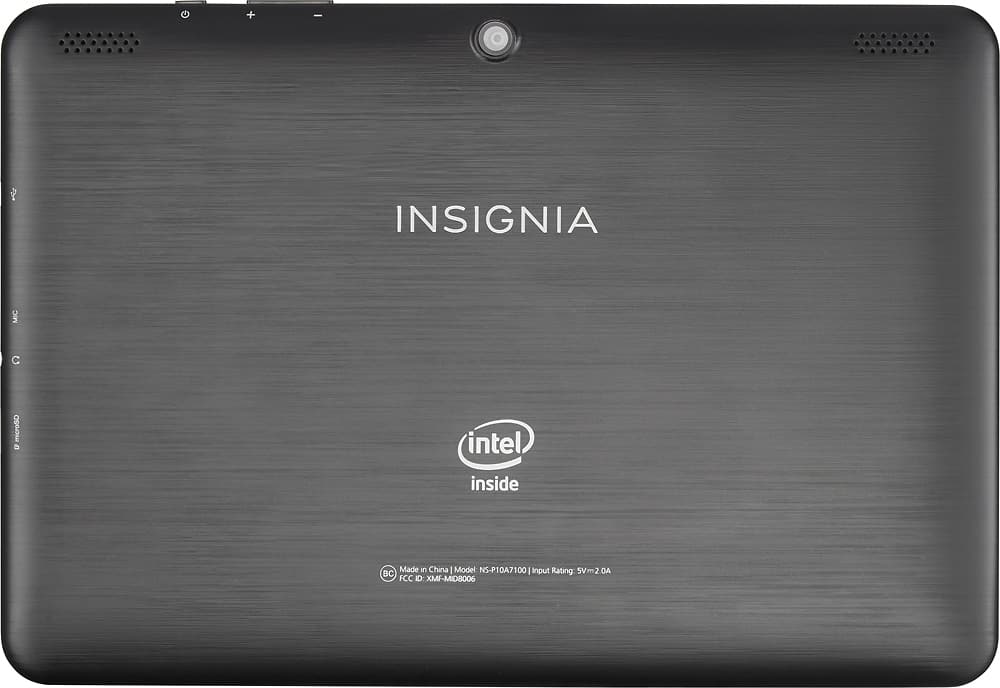
A:AnswerYes, the charging port is a micro USB port that can be used as a normal USB port (when not charging) but requires a micro USB to standard USB dongle. It even works with a powered USB hub for use with multiple devices such as a mouse and keyboard.
A:Answerthe flex is junk the older model is much better. buy an apple ipad mini it will last alot long this than the flex. the new and improved insigna flex. you will get constanly booted from the internet like i am