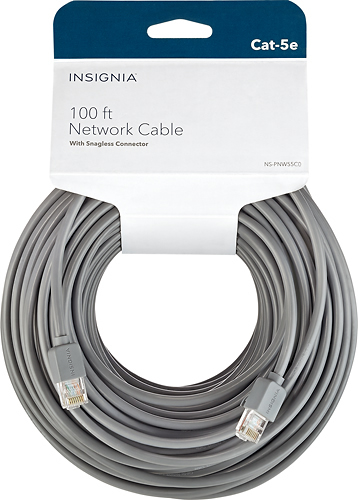
A:AnswerI've been using this cable outside for over a year. I haven't noticed any performance issues in winter or summer, and it's still working great!
A:AnswerThe Primary DNS is under System Preferences, Network, Advanced button, then you will see the DNS tab. This will point you at your router. Which also shows under the TCP/IP tab. Your Mac address is also on that screen. Typically, the router is the device concerned about Primary/Secondary DNS addresses.
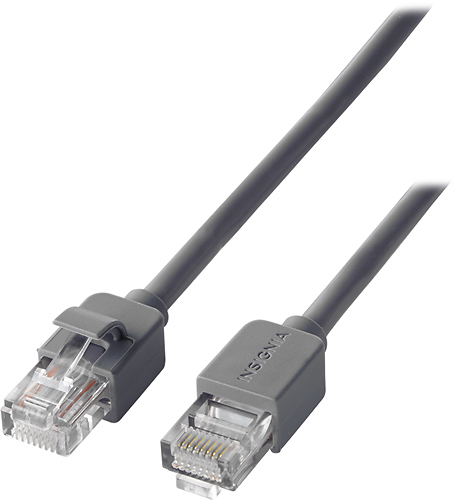
A:AnswerIf you have a DSL router, there will be an RJ11 jack to hook up to the phone line. That's how you connect to the Internet. You can use regular telephone cord to connect to the phone jack. The other ports on your DSL router are for hooking up your computer, printers, etc. Those can use CAT 5e cables.
If you have phones connected to the phone line, be sure to use the small filters that should have come with the DSL router. The phone will be much quieter with them in place. Don't use the filter on the line you are using for the DSL router. That will only stop the signal from going out the the Internet.
A:AnswerI had the same question when it came to Cat-5 vs. Cat-7. I spoke with a Best Buy representative who explained that there really is not a need for Cat-7 as most devices operate just fine with a Cat-5. Many systems are not set up to need the Cat-7 and the Cat-5 should suffice for most needs. Unless your item states that it requires a Cat-7, I would suggest going with the Cat-5