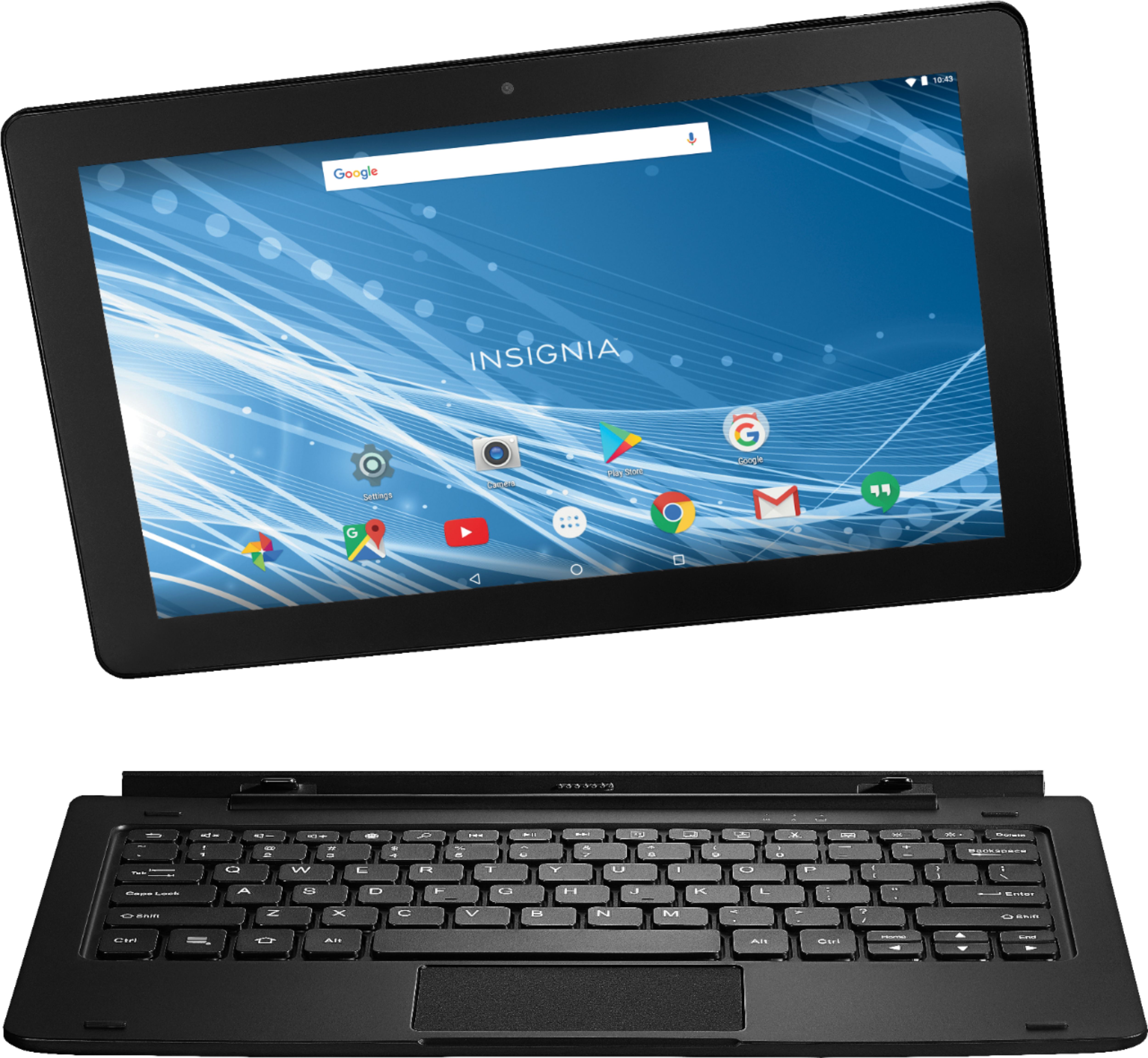
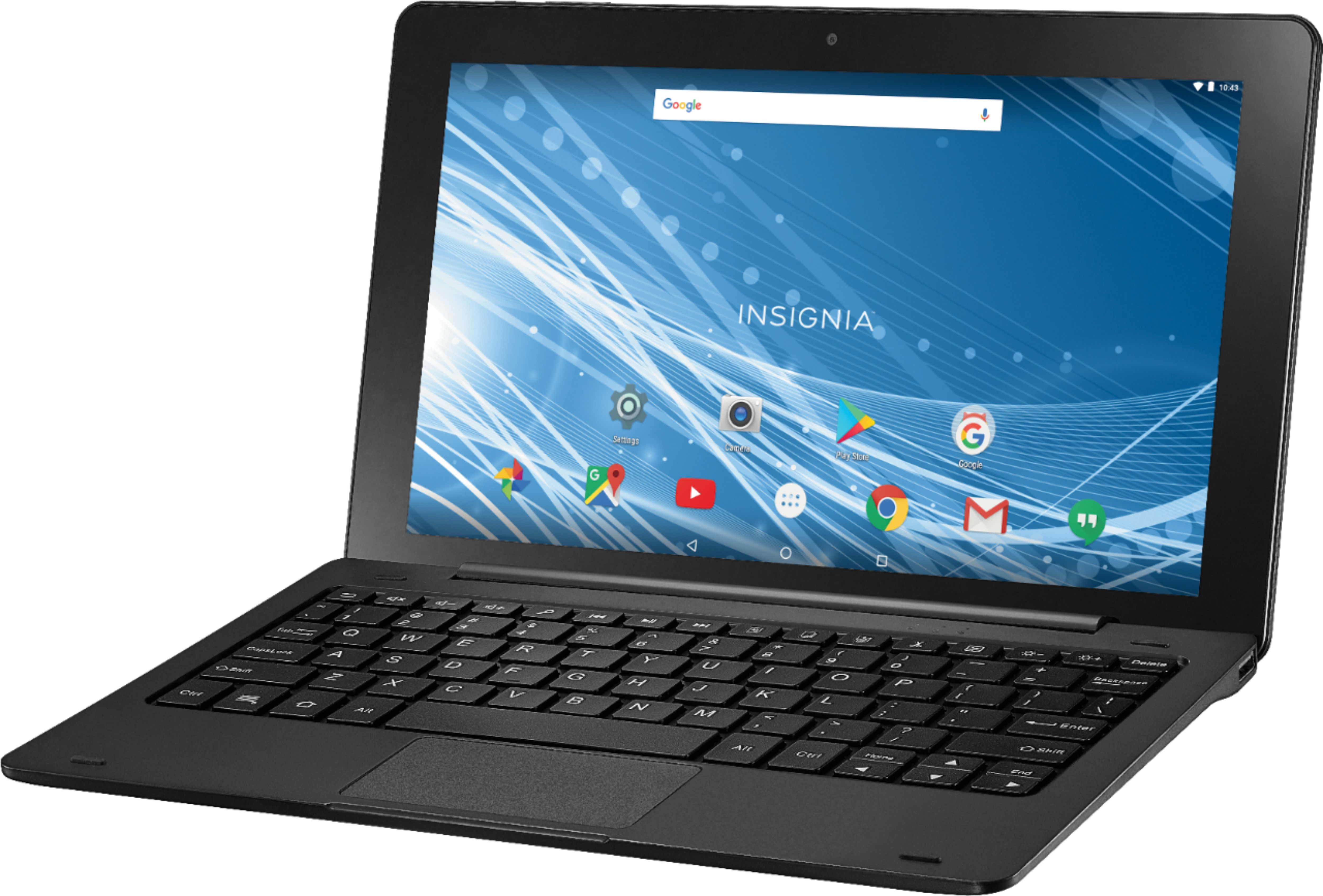
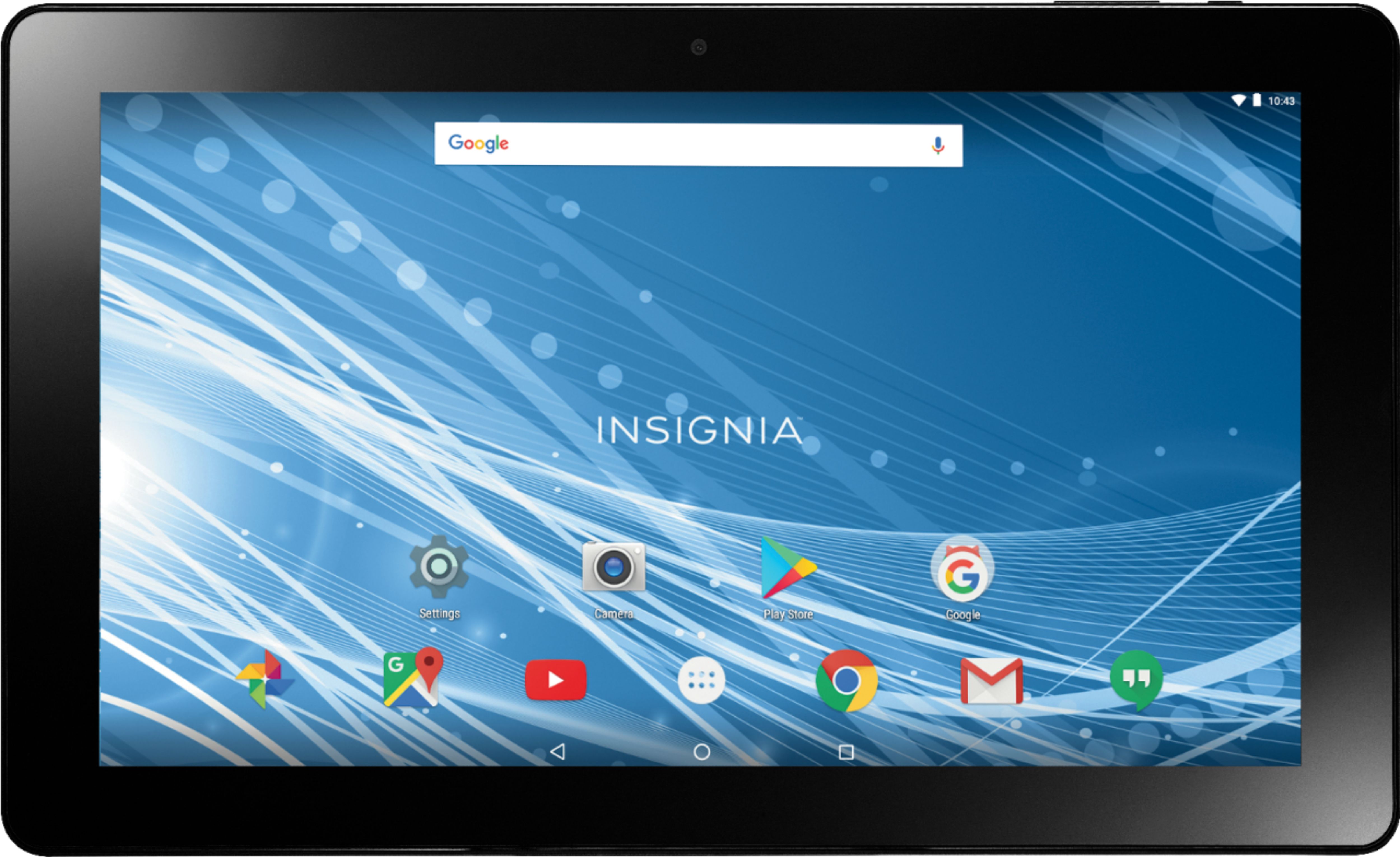
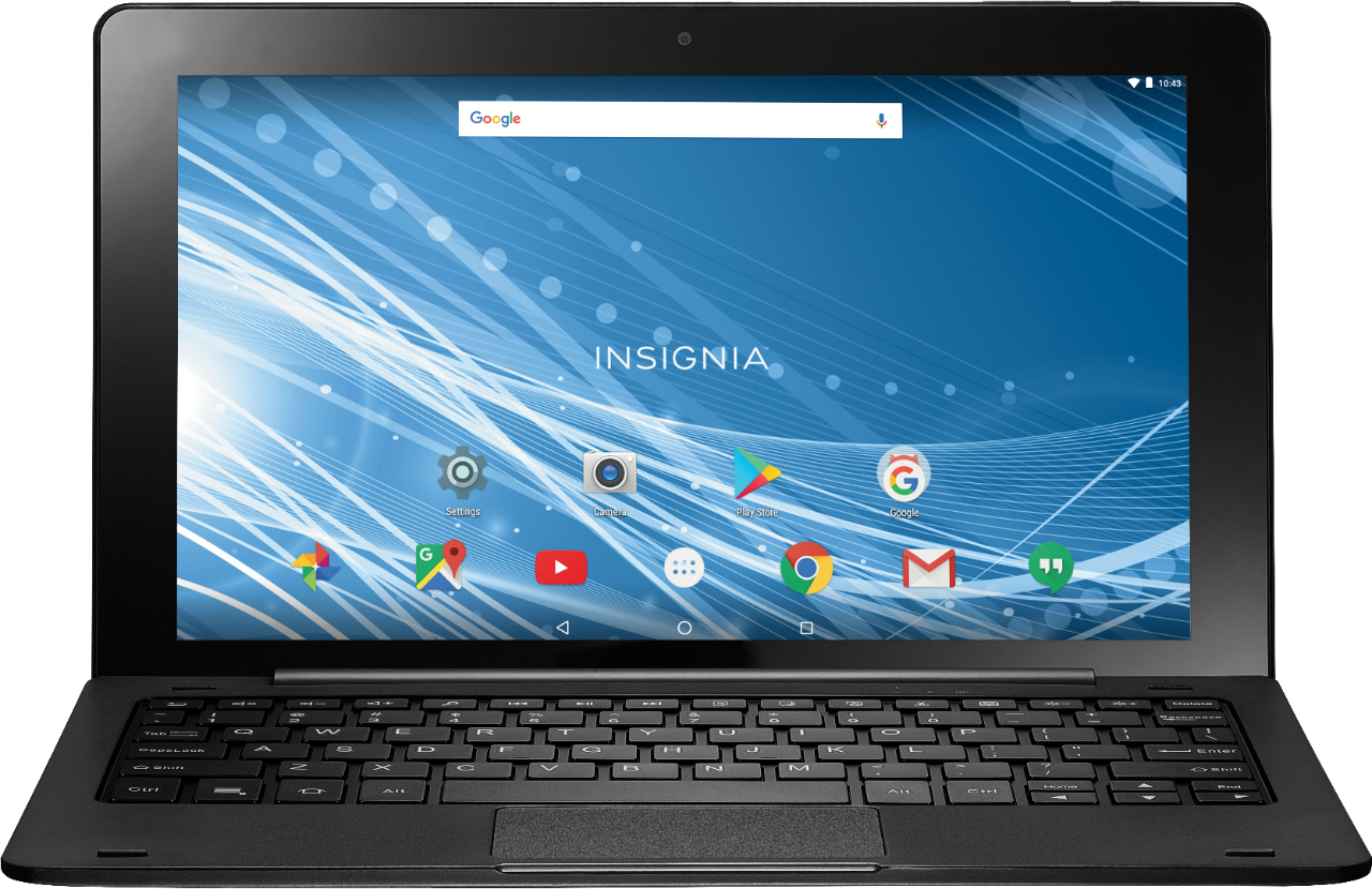
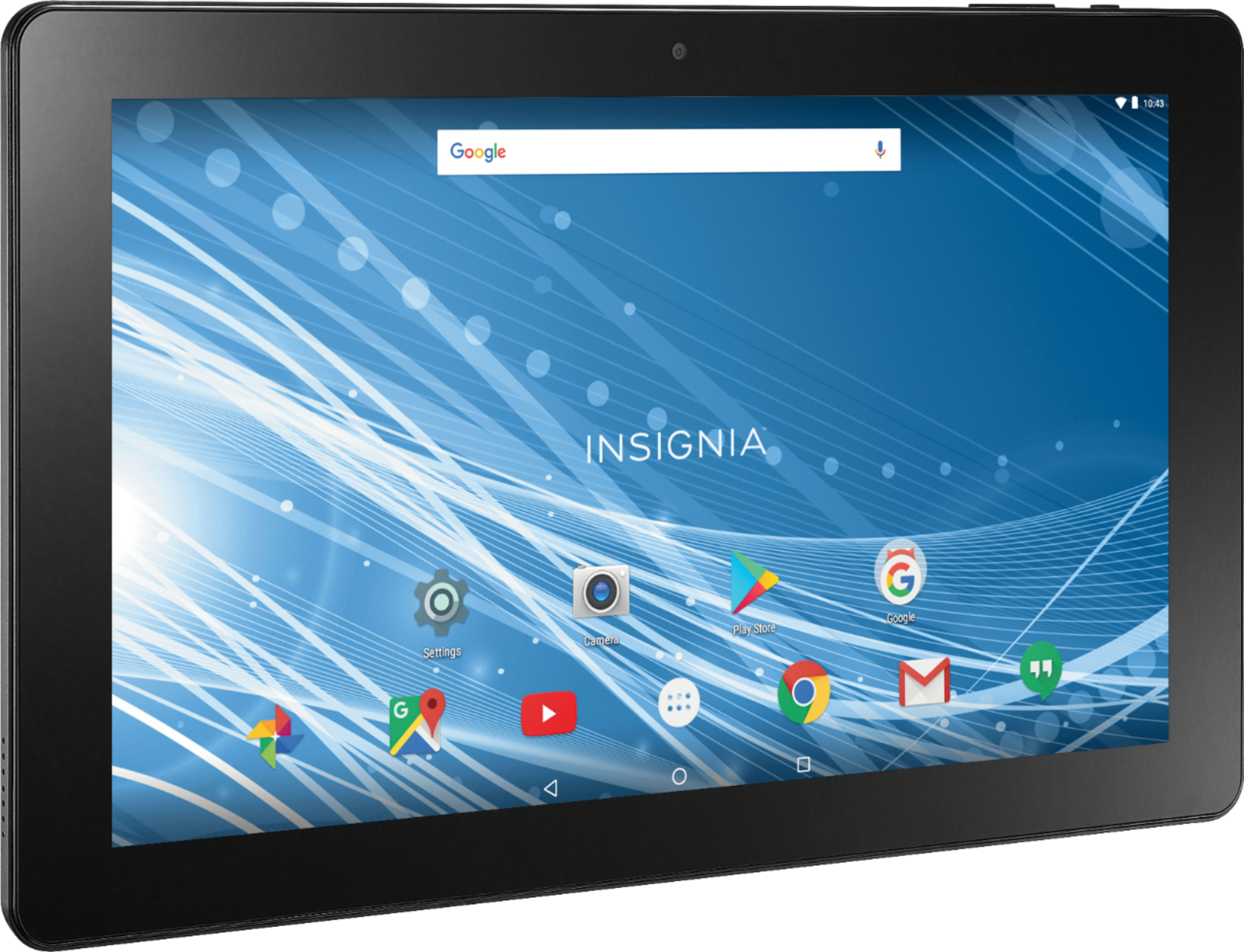
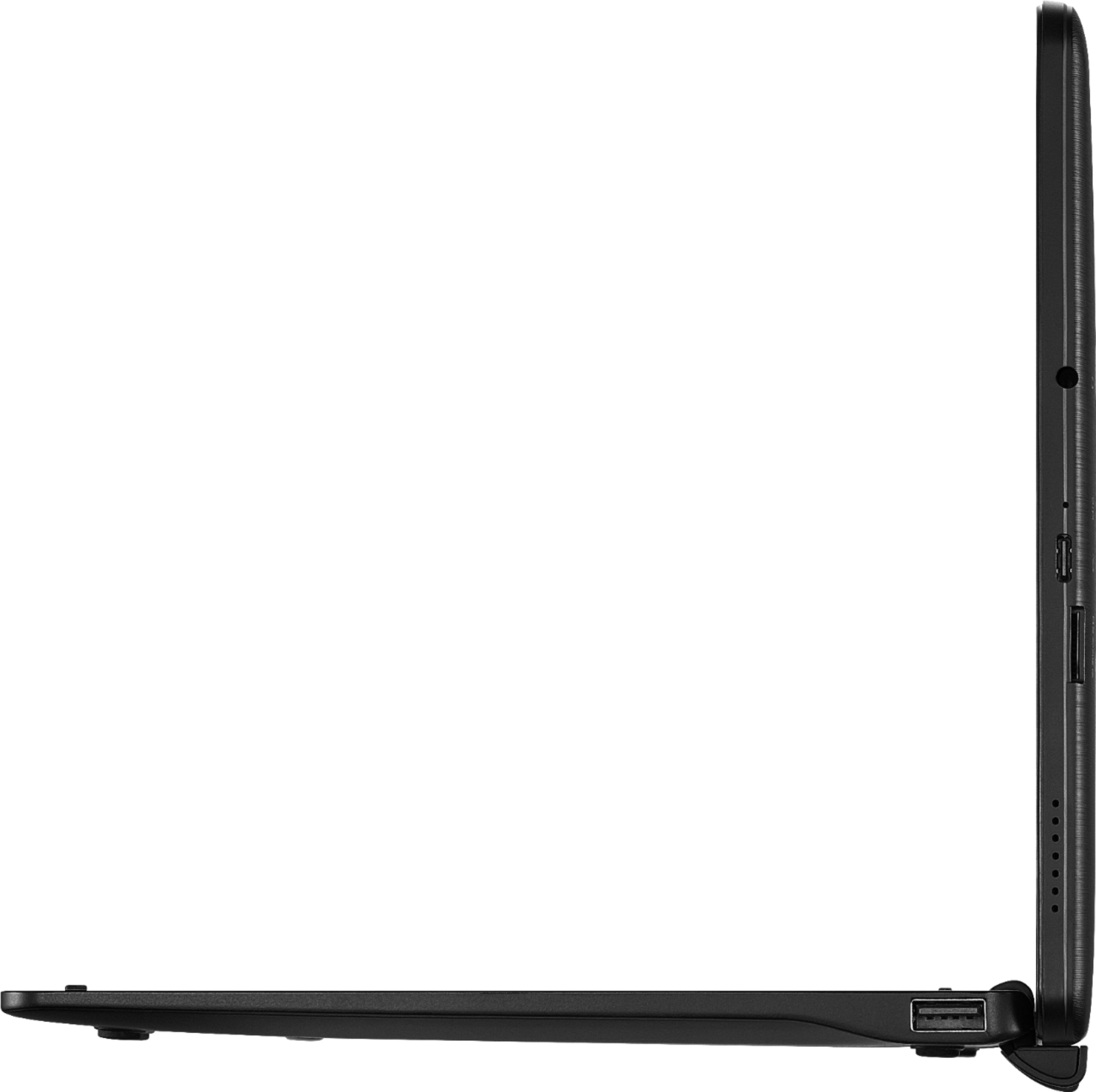
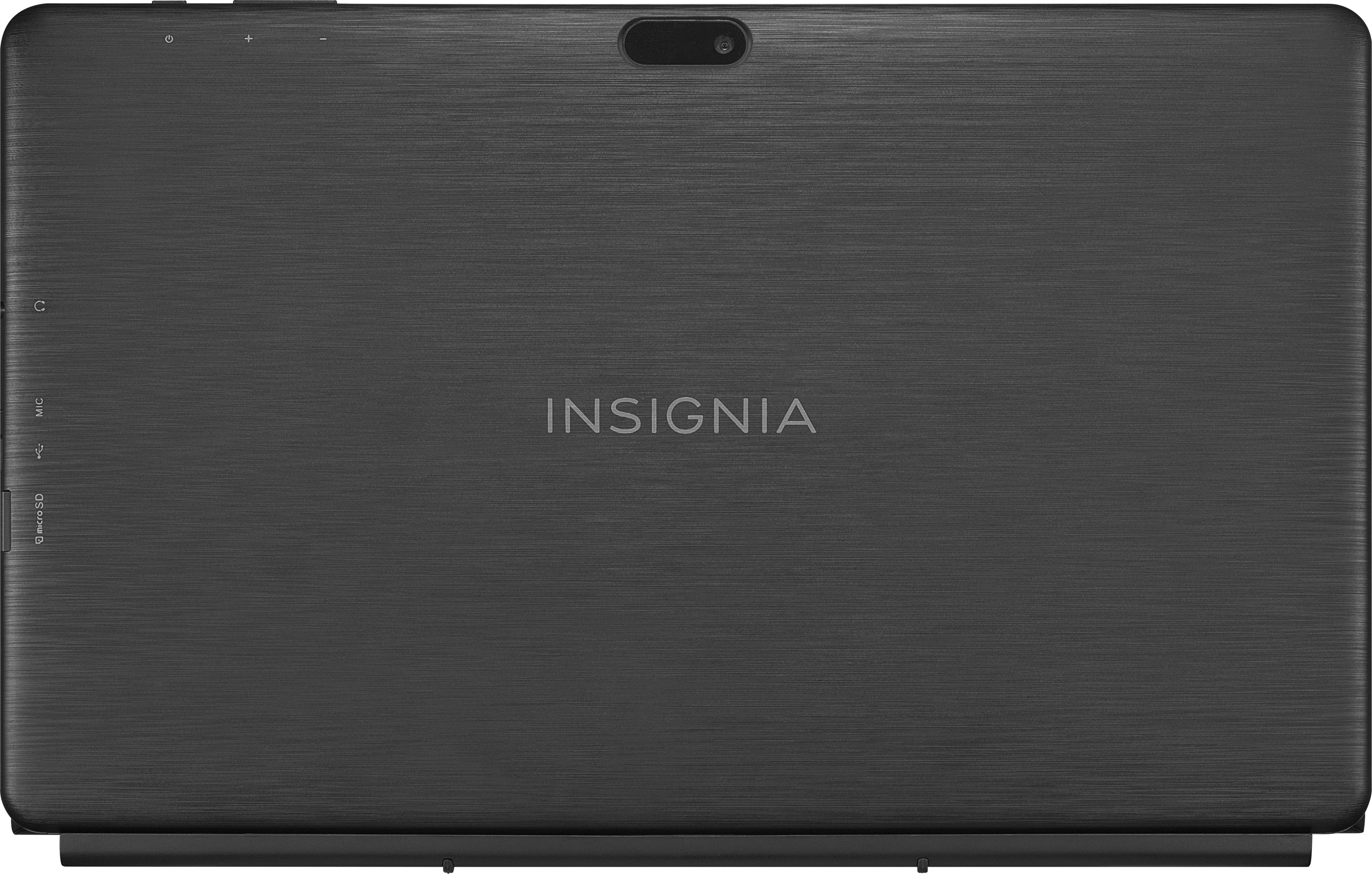
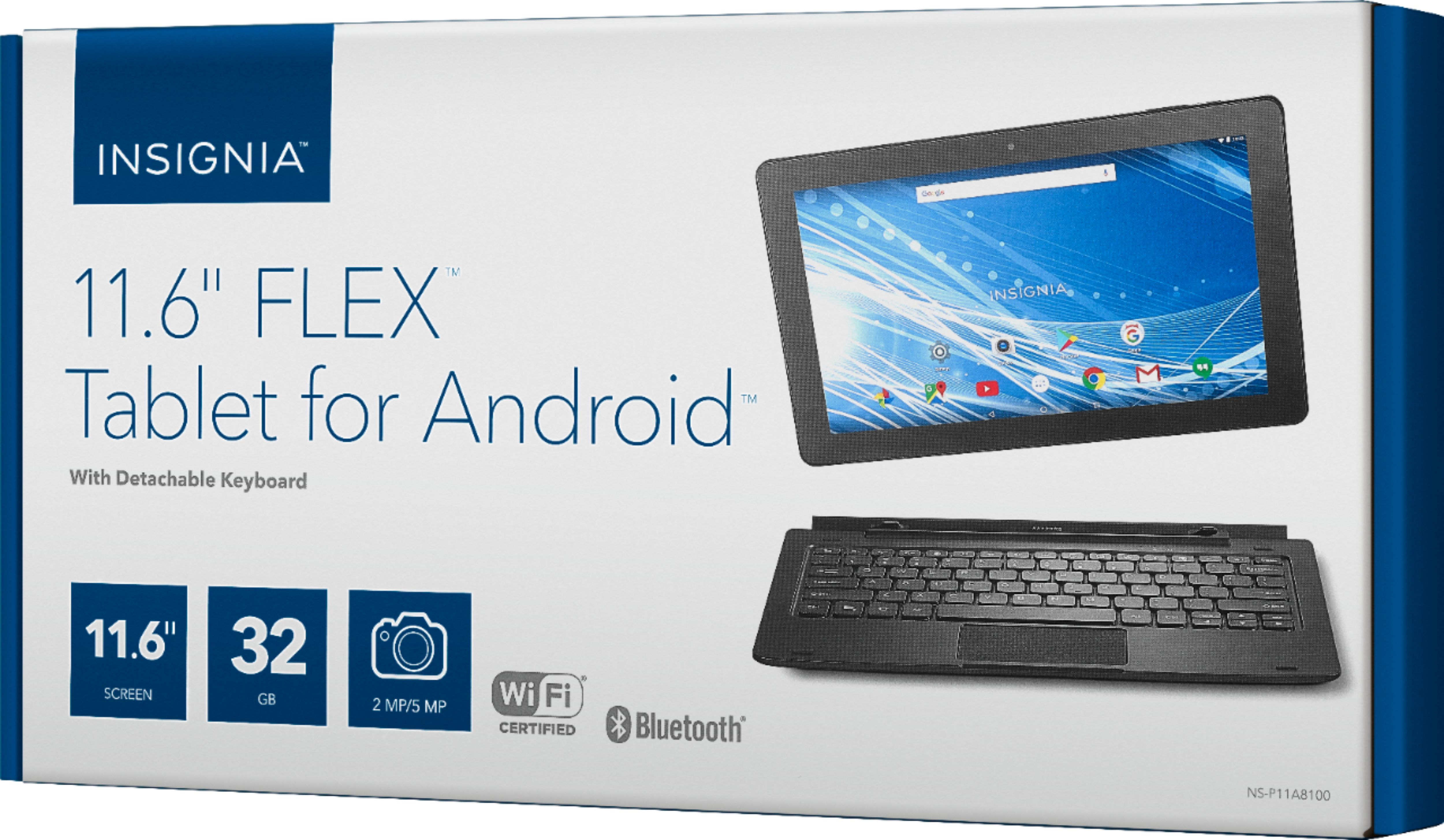
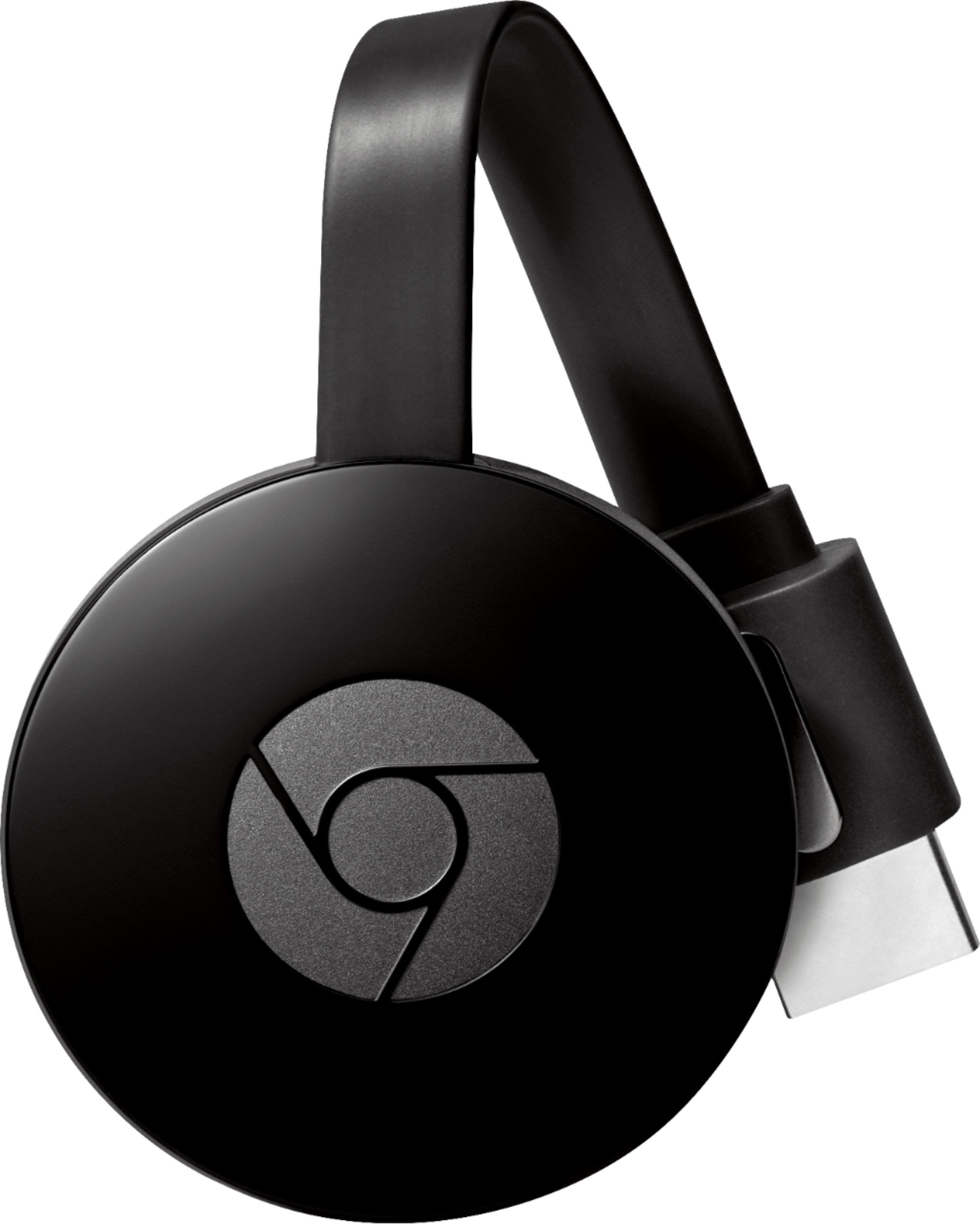
A:Answer This should be an Android tablet, if I haven't accidentially selected the Windows version, so the device should be compatible with Chromecast. A Chromecast is basically Google's TV streaming device. You can use it to mirror many Android apps (But sadly, not the home screen or all apps) to your TV using nothing but your wi-fi network. (I do know Chromebooks can be entirely mirrored, though) I have it for my smartphone and it allows me to push videos from Youtube and Netflix, etc. to my TV wirelessly. I can even watch Netflix and other streaming entirely hands-free with my voice by using my Google Home Mini. (Google's version of the Amazon Echo) Anyway, Chromecast will allow you to mirror SOME apps (A complete list is available on Google Store) to your TV using wi-fi.