Deals Worth GiftingShop now

Skip to content
Gift Ideas
Main Content

Questions & Answers

Your price for this item is $179.99
The comparable value price is $319.99
Page Showing 101-120 of 437 questions
  • QuestionDoes the bottom have a way to adjust to make level??

    Asked by Kmkenmcc1961.

    • Answer Yes

      Answered by McGyver

  • QuestionWhat are the internal dimensions? How many inches wide by how deep are the shelves themselves?

    Asked by JR.

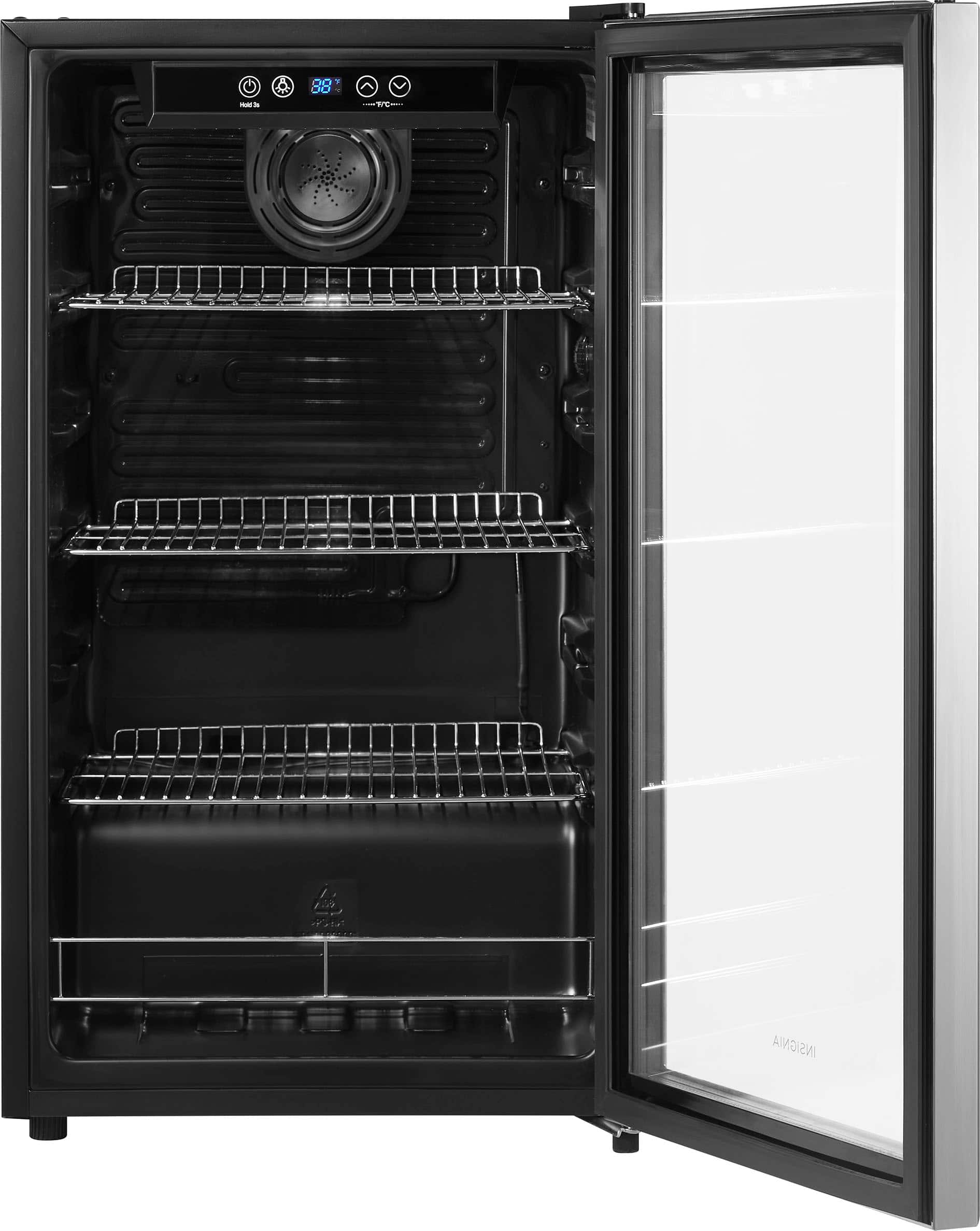
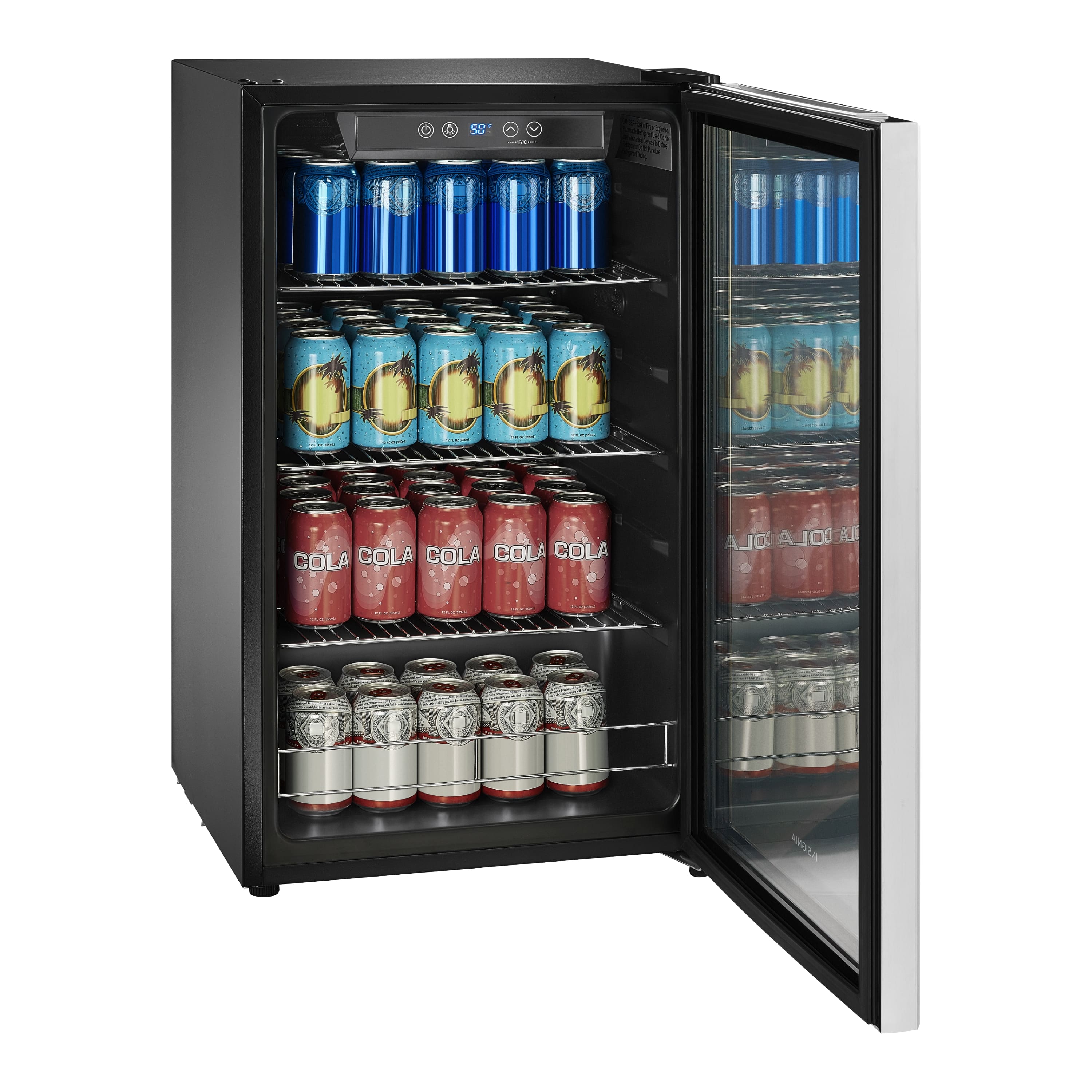
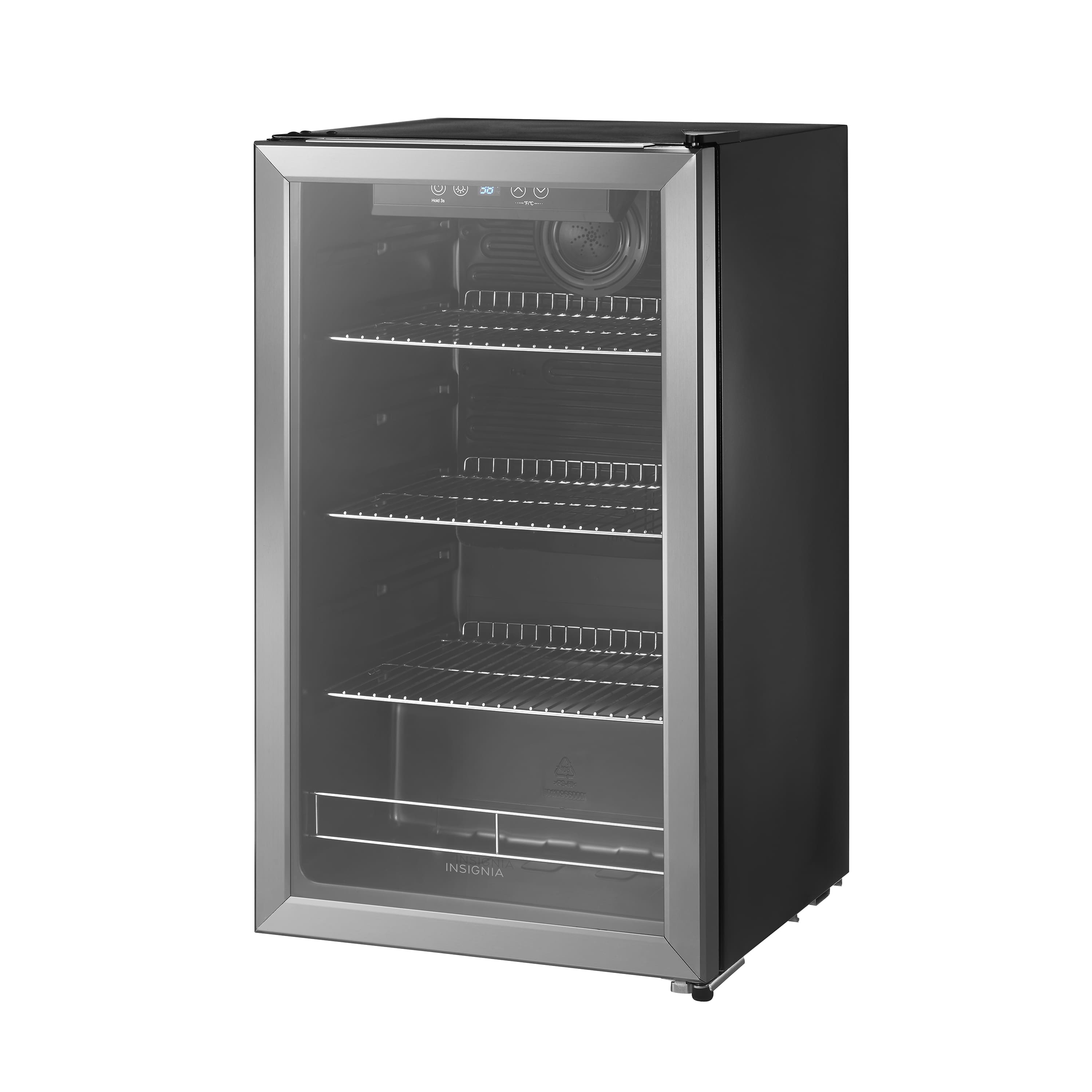
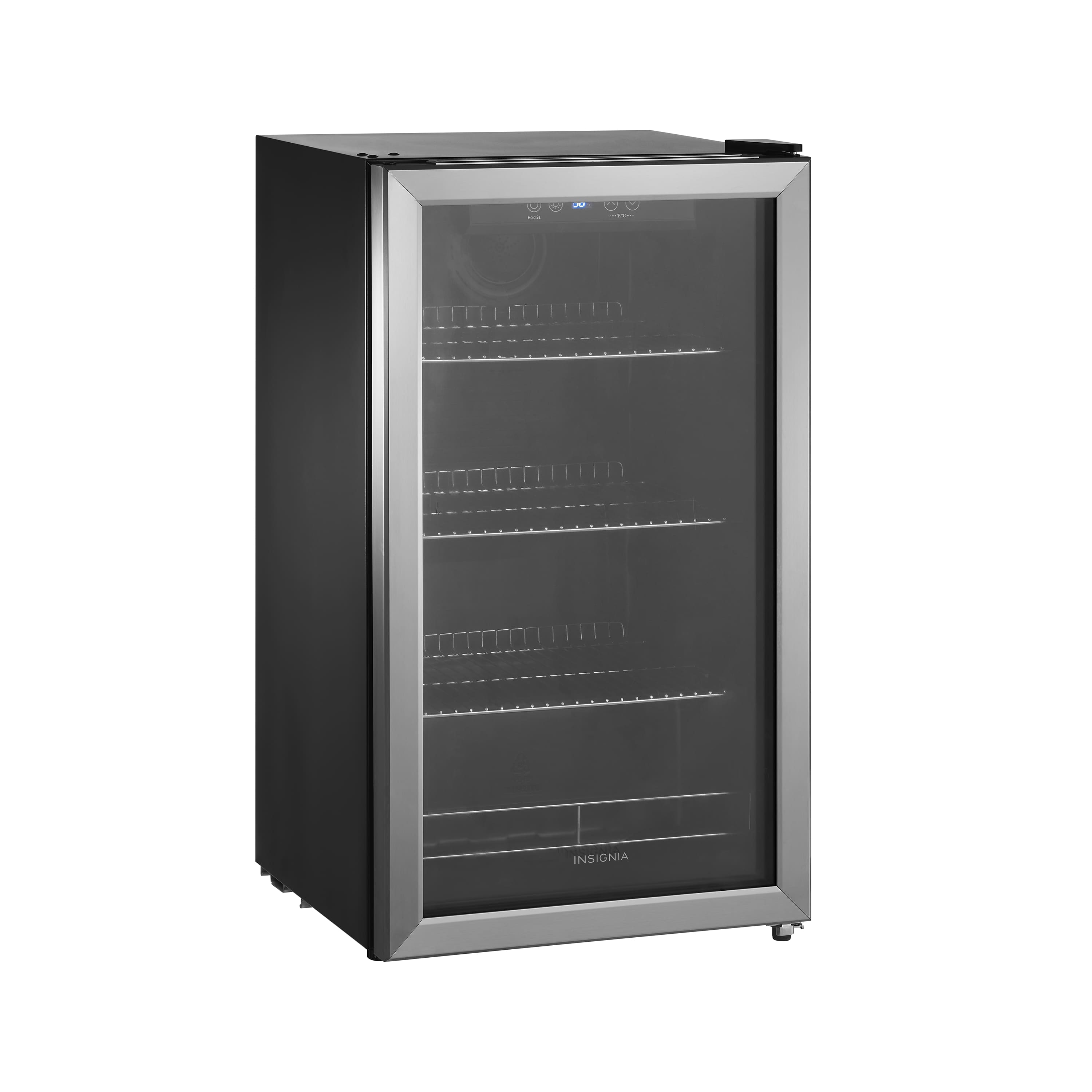
    • Answer The overall internal dimensions are: 16"w x 29"h x 13"d the bottom shelf is 7" deep, and part of the top shelf is 10" due to the fan.

      Answered by AlanT

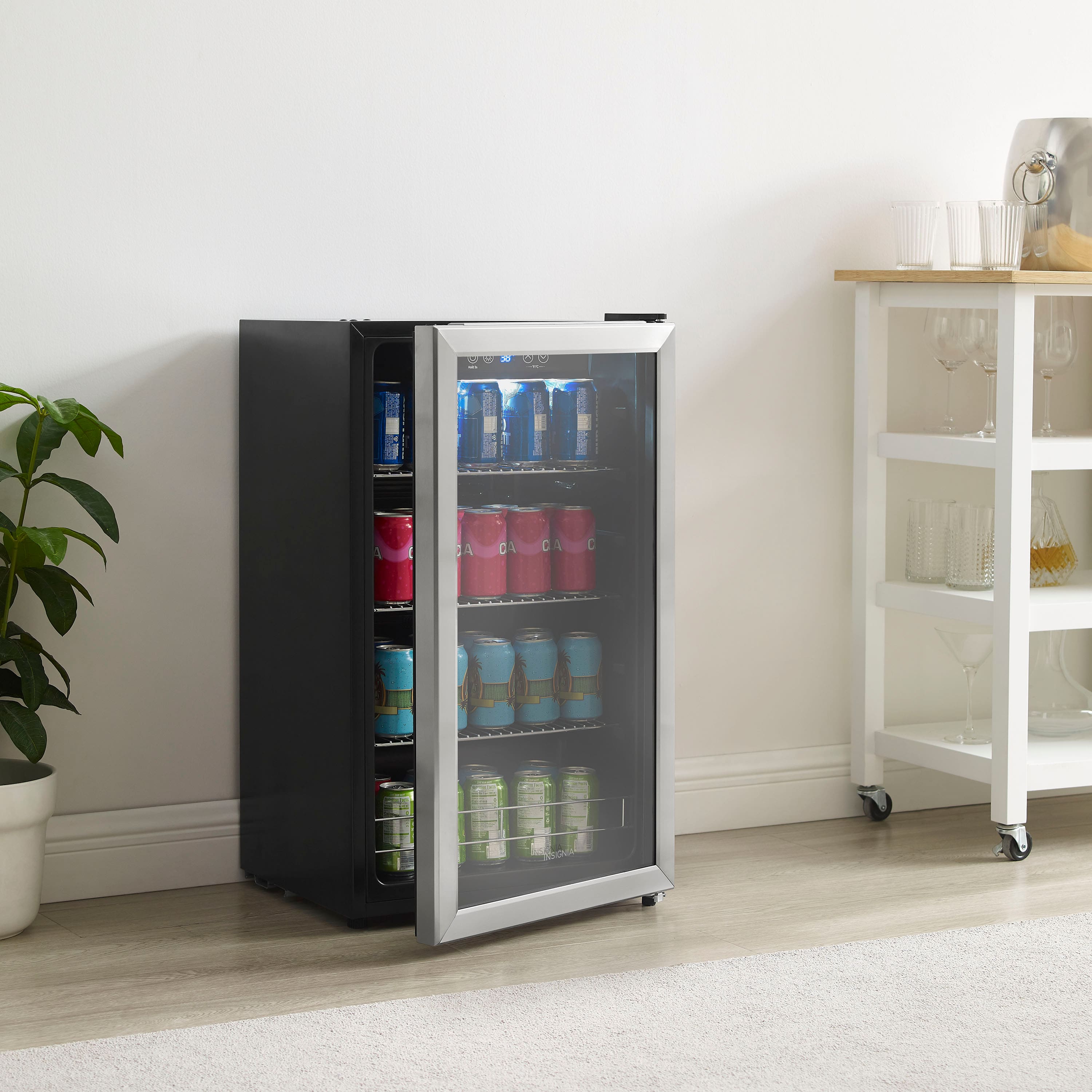
  • QuestionCan this stay outside in the garage ?

    Asked by 3rdfish.

    • Answer i wouldnt see a reason why it couldnt. it is a fridge, just be cautious about making sure to not hit it with your vehicle!

      Answered by FlamingBacon

  • QuestionIs the light always on and visible or is it dark until the door opens?

    Asked by Zpolino.

    • Answer Light toggles but temperature display always on but not objectionable.

      Answered by DavidS

  • QuestionHow long is the power cord?

    Asked by Anonymous.

    • Answer About 4 feet

      Answered by McGyver

  • QuestionIs this a commercial fridge

    Asked by Me.

    • Answer No, it’s just big enough for cans, bottles, snacks. Not a full size fridge

      Answered by cheyenneL

  • QuestionWE JUST GOT OUT BEVERAGE COOLER 2 WEEKS AGO AND THE TEMPERATURE WILL NOT STAY AT 34 DEGREES IT KEEPS GOING TO 49 DEGREES. WHY IS THIS? i NEED MY BEVERAGES TO STAY COLD. IS THERE SOMETHING I SHOULD DO

    Asked by SHIRLG.

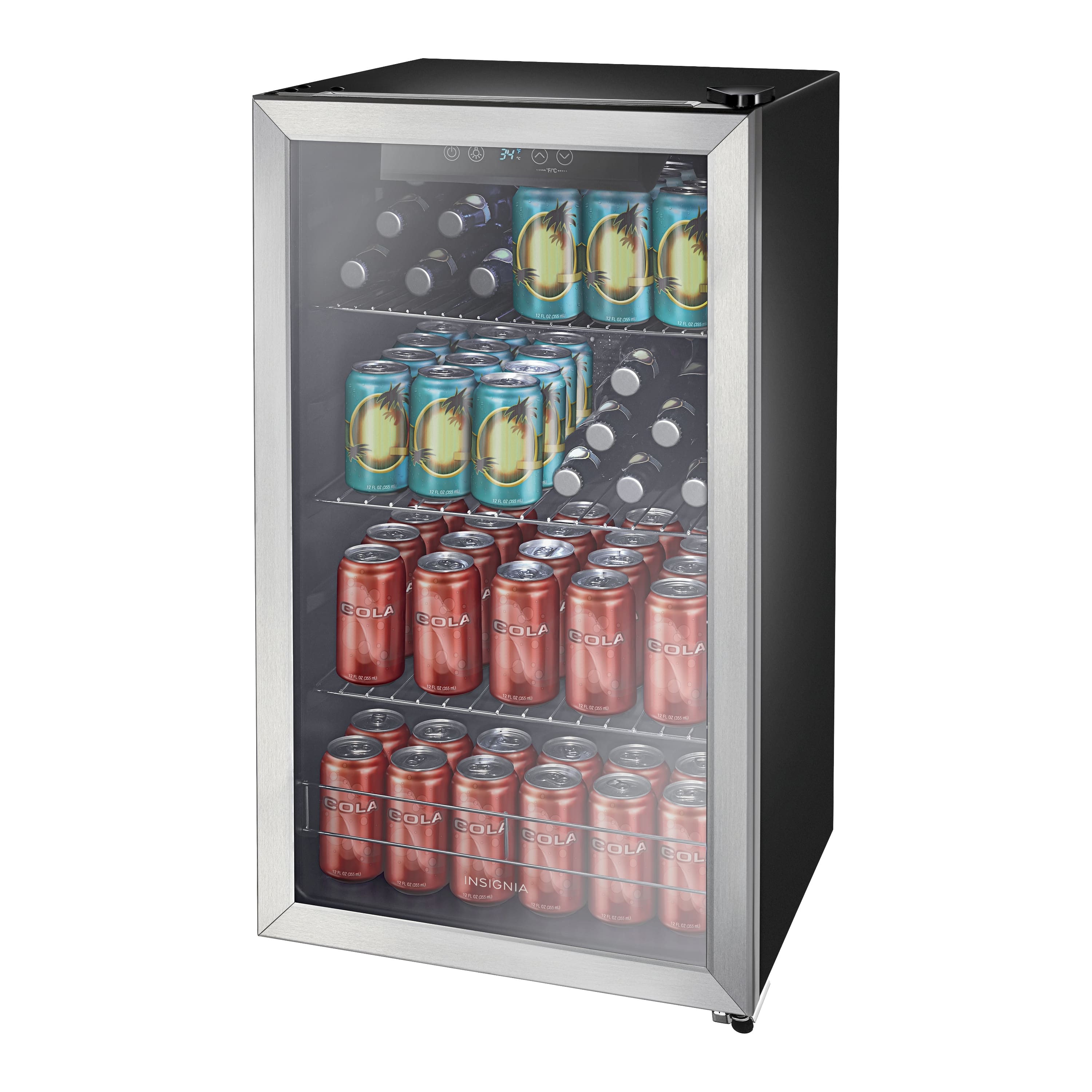
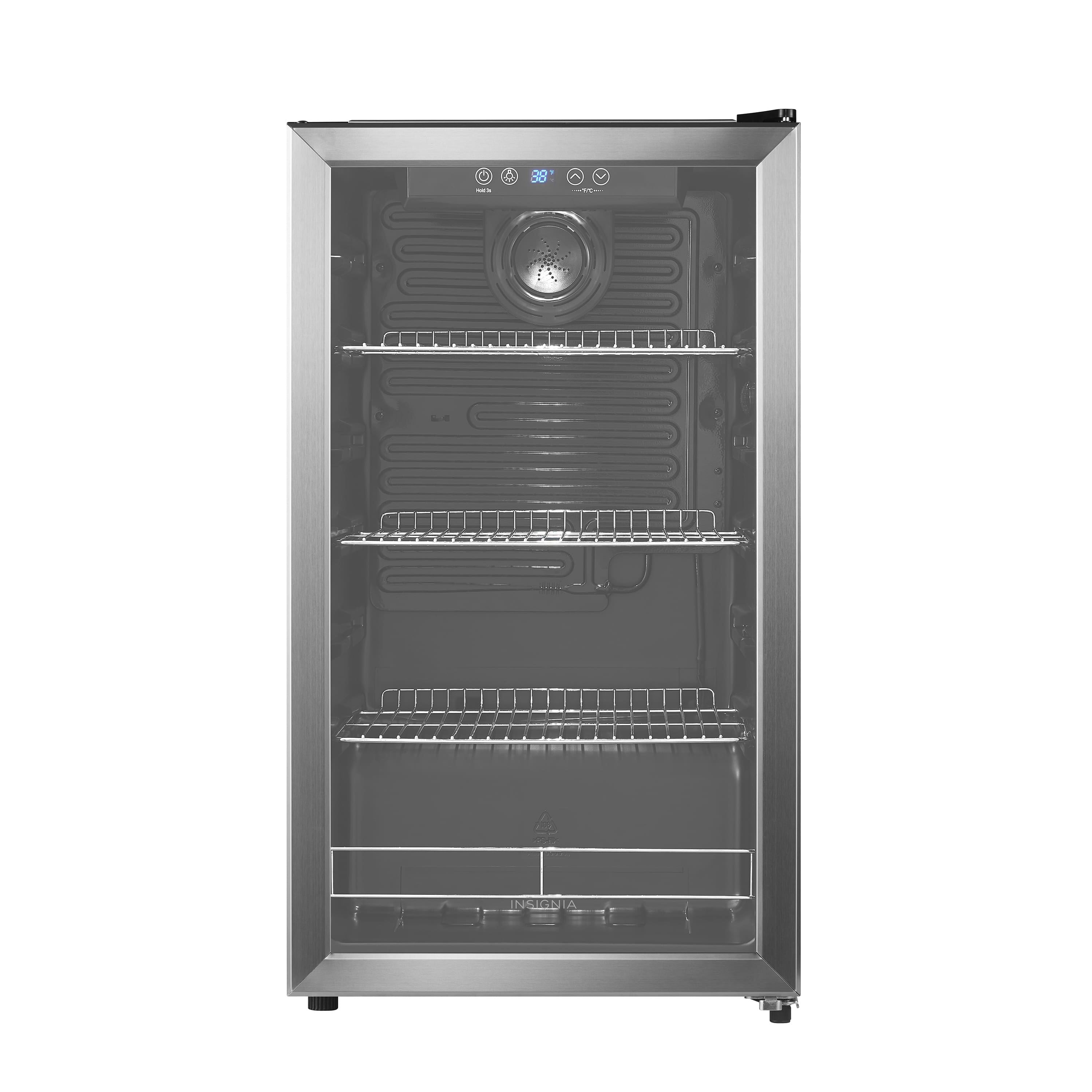
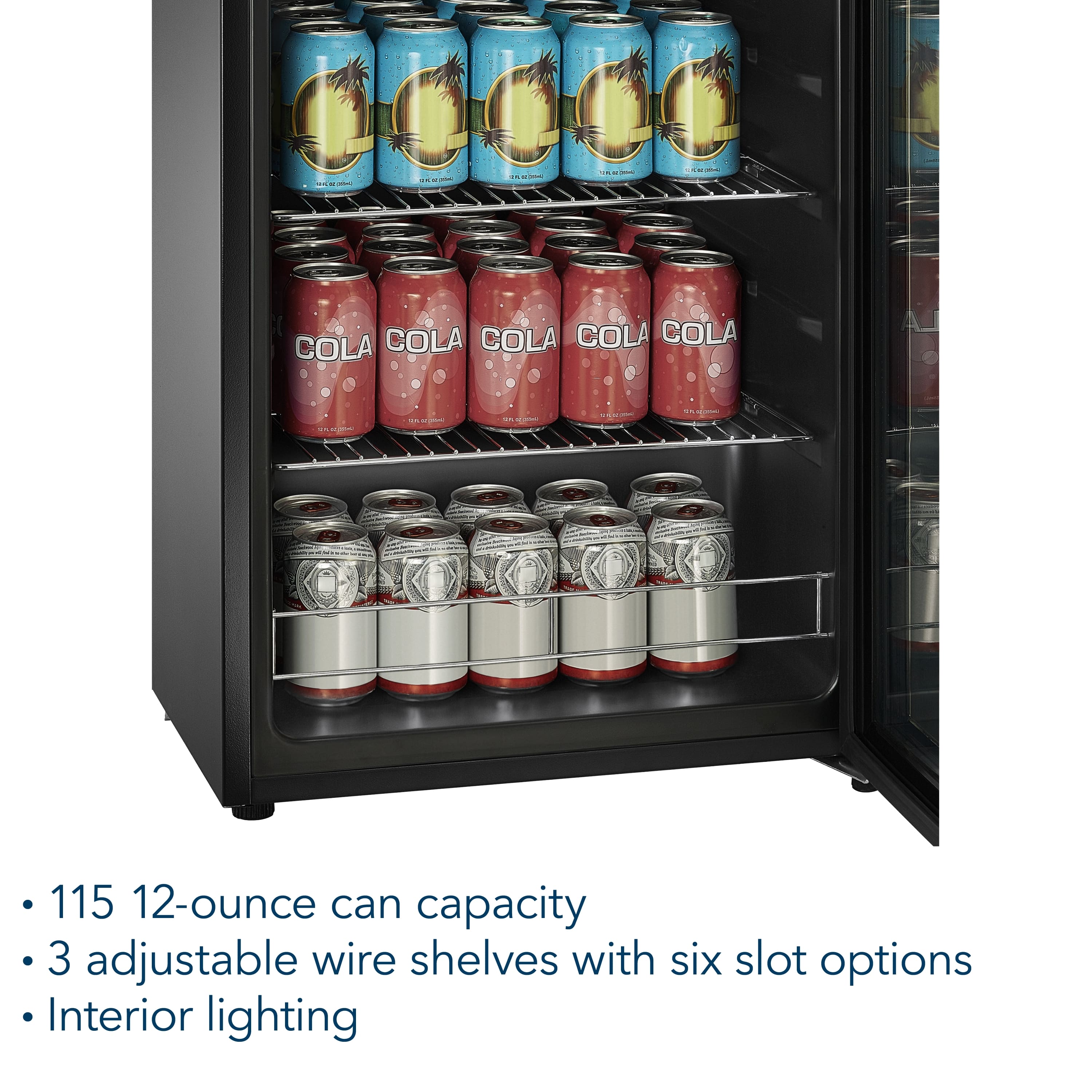
    • Answer Thank you for your inquiry! If your Insignia™ 115-Can Beverage Cooler isn’t maintaining the set temperature of 34°F and instead rises to around 49°F, especially just two weeks after purchase, there could be several reasons. First, check that the cooler isn’t overfilled and that air can circulate freely inside—blocked airflow can cause uneven cooling. Also, make sure the unit isn’t placed in a hot or poorly ventilated area, as this can affect its performance. Sometimes, a faulty thermostat or temperature sensor may cause the compressor to shut off too early, leading to temperature fluctuations. There have also been reports of shipping-related issues, such as loose internal fans, which can impact cooling. Since your unit is still very new, it might be defective. Insignia products usually come with a one-year limited warranty, and Best Buy offers a 15-day return or exchange window (longer if you're a Totaltech member). You might want to try resetting the unit by unplugging it for a few hours, then plugging it back in to see if the temperature stabilizes.
      Answered by InsigniaCustomerSupport

  • Questionhow many kw will this fridge use a year or day?

    Asked by benj.

    • Answer The Insignia™ 115-Can Beverage Cooler has an estimated annual energy consumption of 288 kilowatt-hours (kWh). Patricia | Insignia Support

      Answered by InsigniaCustomerSupport

  • QuestionI received the fridge yesterday and filled it with very warm beer/water from the garage and set to 36F. After 18 hours the cans are only at 50F using infrared thermometer. Should I give it more time since the cans were very warm or return it?

    Asked by Jays.

    • Answer Hi concernedguy, thanks for reaching out! To address the issue, please try setting the temperature to a colder setting. Also, ensure the cooler has proper ventilation and that the door is closed correctly and securely. If the problem persists, don't hesitate to call us at 1-877-467-4289 for further assistance. - Carl | Insignia Support

      Answered by InsigniaCustomerSupport

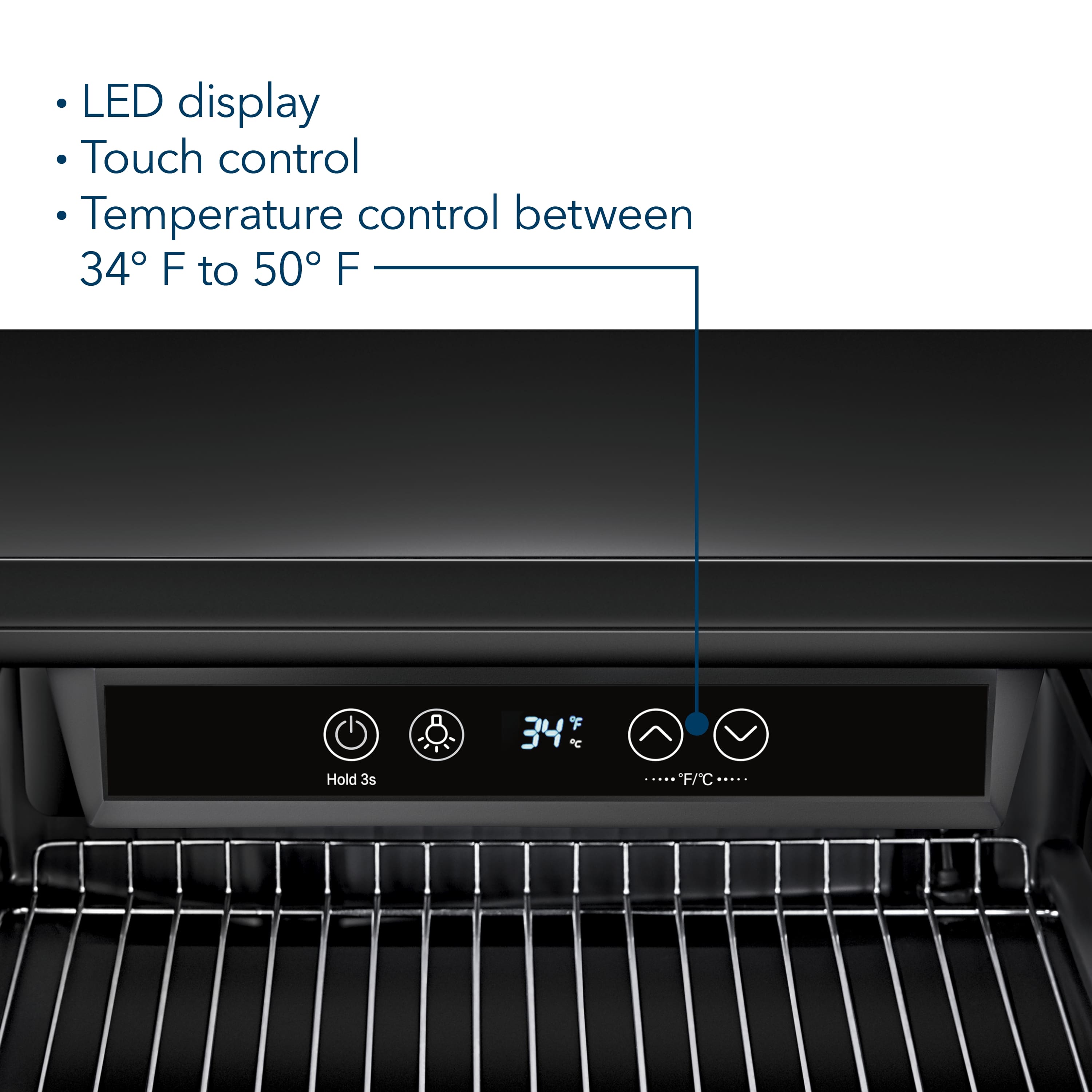
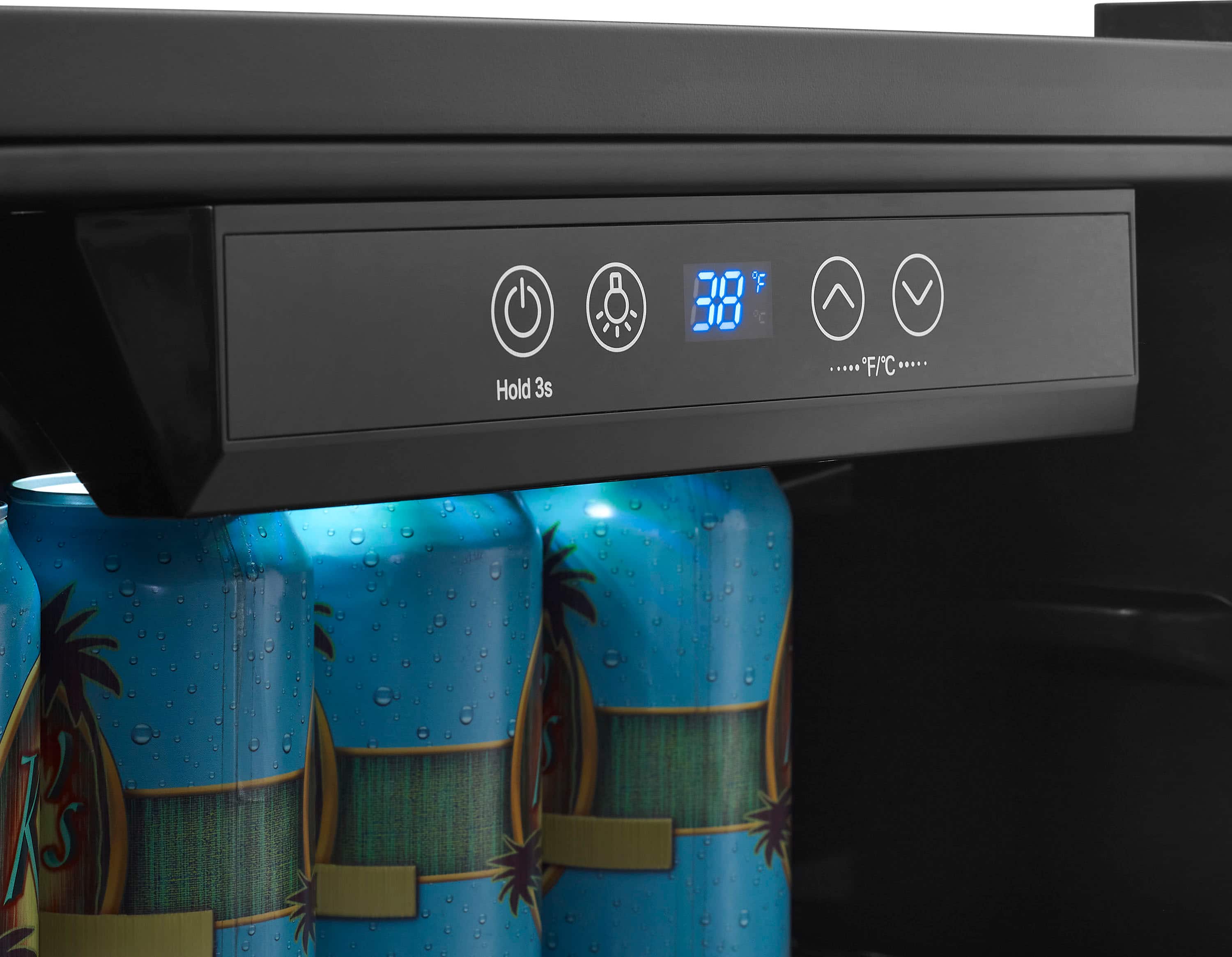
  • QuestionHow does the display show actual temperature? I can see what it is set for but how do you display actual temperature

    Asked by L.

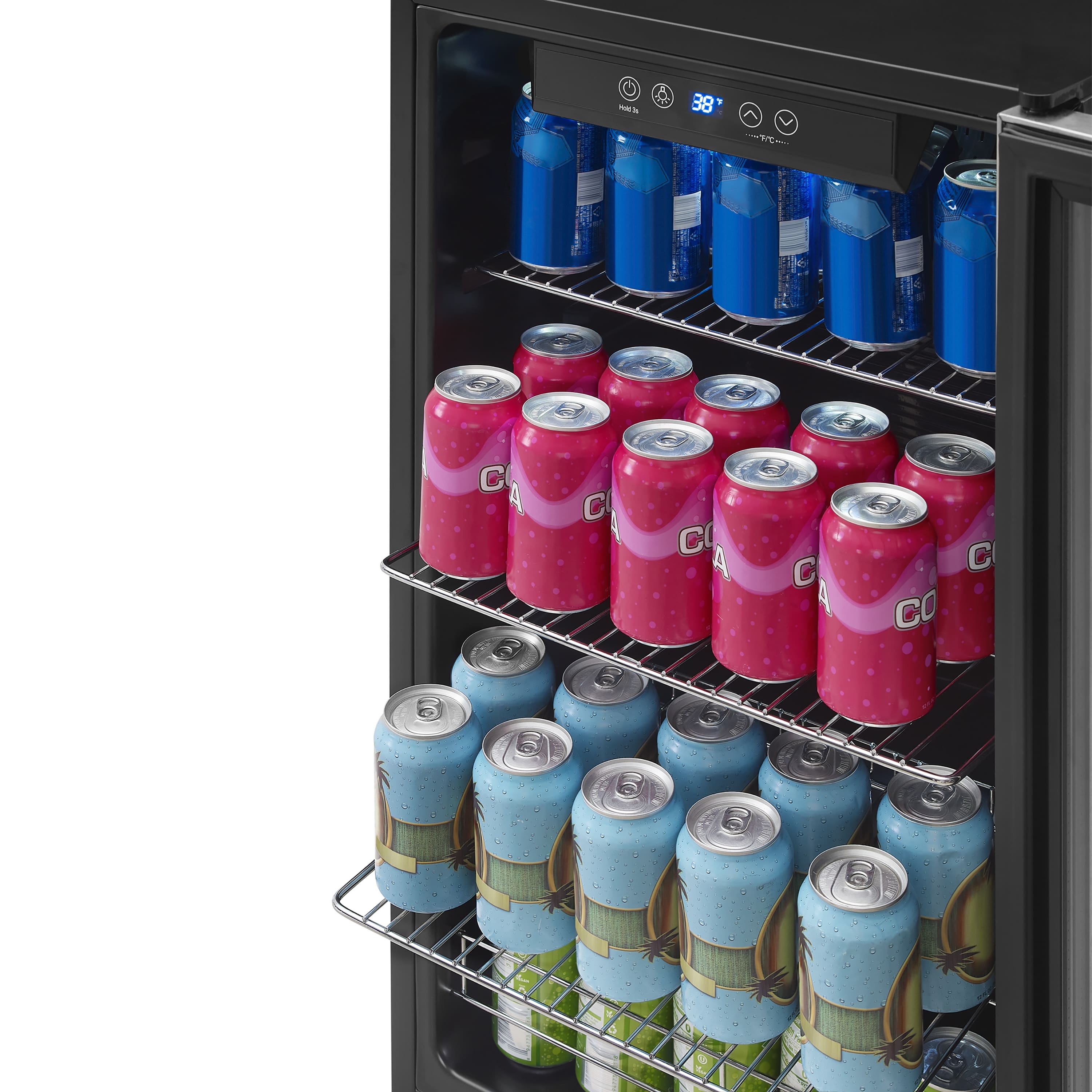
    • Answer The Insignia™ 115-Can Beverage Cooler (Model NS-BC115SS9) does not display the actual internal temperature. Instead, the digital display only shows the set temperature—the temperature you've selected for the cooler to maintain. So, for example, if you set it to 36°F and later change it to 45°F, the display will immediately show 45°F, regardless of the current internal temperature. There is no built-in sensor readout for the real-time internal temperature on the display. If you want to monitor the actual temperature inside, you can use a separate fridge thermometer placed inside the cooler. If you have any questions or need further assistance, please don't hesitate to reach out. Ivy | Insignia Support

      Answered by InsigniaCustomerSupport

  • QuestionWhat is the depth of the cooler with the doors on from the very front to the back???

    Asked by Anonymous.

    • Answer Hi there! The depth of the Insignia™ 115-Can Beverage Cooler without the door is 17.3125 inches, which is 17 5/16 inches in fraction form. With the door included, the total depth is approximately 18.8125 inches, which is 18 13/16 inches in fractional form. For more products information, feel free to ask. |Angelica| Insignia Products|

      Answered by InsigniaCustomerSupport

  • QuestionCan you buy a door handle that will fit this unit? If so, where can it be ordered?

    Asked by Tammy.

    • Answer Thank you for your inquiry! Yes, you can purchase a replacement door handle for the Insignia™ 115-Can Beverage Cooler (Stainless Steel). This unit is typically listed under model number NSBC115SS9, and compatible parts—including the door handle—are available through authorized parts distributors. One reliable source is PartStore.com (Encompass), which offers a variety of components for this model, including door-related parts like the handle, hinges, and screws. For further assistance, you can also kindly contact Insignia Customer Service at 1-877-467-4289, available Monday through Saturday, 8 a.m. to 9 p.m. Central Time or email us at [email protected]. Keith | Insignia Support

      Answered by InsigniaCustomerSupport

  • QuestionHow do you switch the doors to open from the other side, is there a video or link?

    Asked by AntonioM.

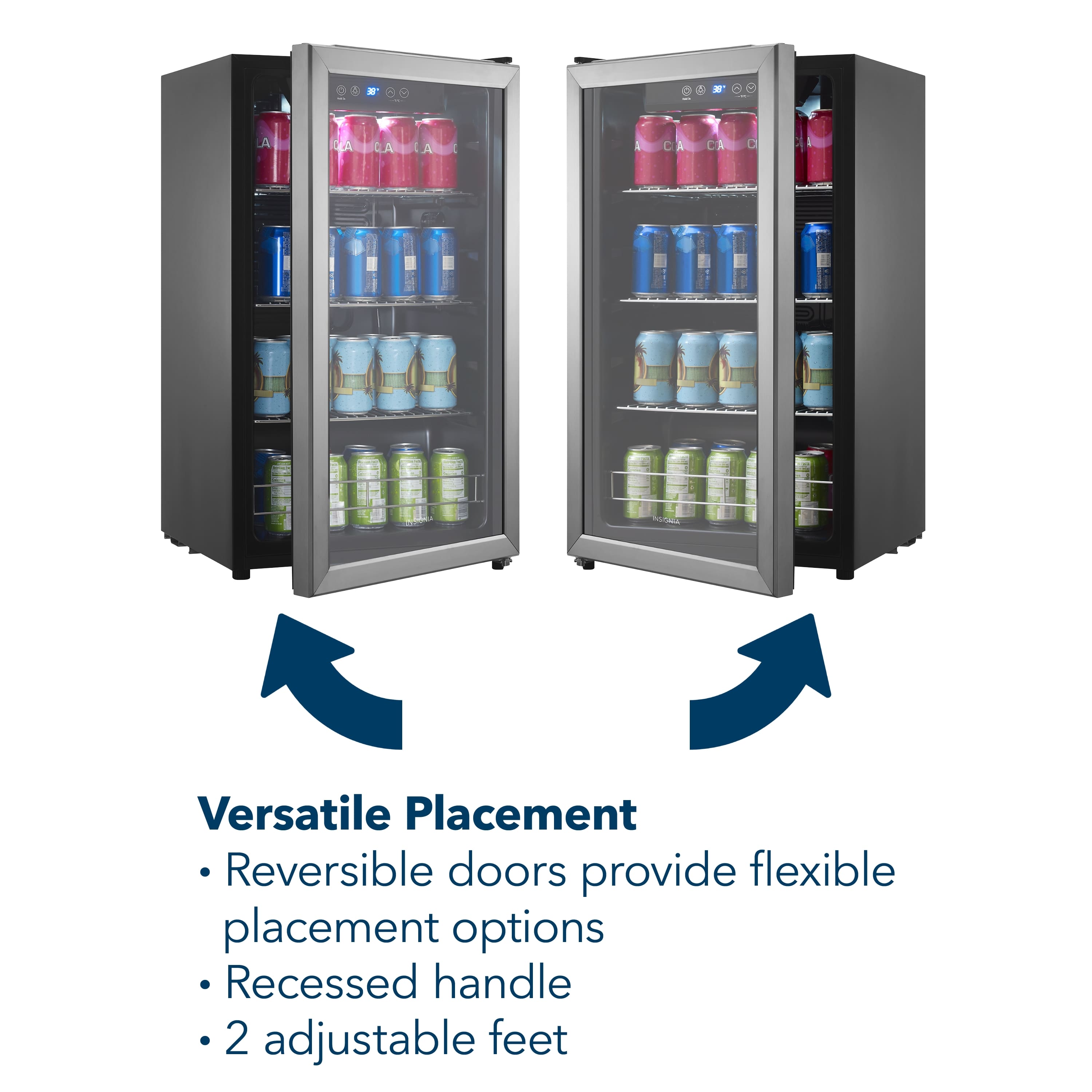
    • Answer Thank you for reaching out, Doors. We appreciate your interest in Insignia products. The doors on the Insignia™ 115-Can Beverage Cooler are reversible, allowing you to switch the direction they open. To do this, follow the instructions in the user manual, which provides detailed steps for the door reversal process. Tine | Insignia Support

      Answered by InsigniaCustomerSupport

  • QuestionWeight?

    Asked by Chuchitos.

    • Answer Thank you for your inquiry! The Insignia™ 115-Can Beverage Cooler – Stainless Steel weighs approximately 70.55 pounds (32 kg). Keith | Insignia Support

      Answered by InsigniaCustomerSupport

  • QuestionCan you use this in your car for long trips and storage

    Asked by Anonymous.

    • Answer Thank you for your inquiry! The Insignia™ 115-Can Beverage Cooler is designed for home use and is not recommended for use in a car or RV. It requires a stable power supply and proper ventilation to function correctly, which can be challenging to maintain in a vehicle. Keith | Insignia Support

      Answered by InsigniaCustomerSupport

  • QuestionHow do I change the hinges on the 115 can insignia beverage cooler?

    Asked by Mary.

    • Answer Thank you for your question. To change the hinges on your Insignia 115-Can Beverage Cooler, please ensure the cooler is unplugged and completely empty. First, adjust the leveling feet to their highest position. Next, carefully use a blade to remove the rivets that secure the existing hinges. After removing the rivets, use a blade to gently pry off the hinge covers. Then, using a Phillips screwdriver, remove the hinge bolts that attach both the upper and lower hinges to the cooler and the door. Once the bolts are removed, you can detach the upper hinge and then carefully lift and remove the glass door from the cooler. Next, use a Phillips screwdriver to remove the door stopper screws and detach the door stopper. Following this, use your Phillips screwdriver again to remove the bolts securing the lower hinge and the adjacent leveling foot. Now you can attach the lower hinge and the leveling foot to the opposite side of the cooler, ensuring they are securely fastened with the bolts. Carefully replace the glass door onto the cooler, aligning it with the newly installed lower hinge, and then reinstall the upper hinge, making sure the door is properly aligned and the door gasket seals tightly. Finally, adjust the leveling feet as needed to ensure your cooler sits level. If you have any other questions or need further assistance, feel free to ask! - Mae | Insignia Support
      Answered by InsigniaCustomerSupport

  • QuestionDoes it have the option to add an ice maker?

    Asked by Vero.

    • Answer Thank you for your inquiry! The Insignia™ 115-Can Beverage Cooler does not have an option to add an ice maker. This cooler is designed specifically for chilling beverages and does not include features for ice making.

      Answered by InsigniaCustomerSupport

  • QuestionCan I switch the direction the door opens?

    Asked by Roncoron.

    • Answer Yes, you can switch the direction the door opens on the Insignia™ 115-Can Beverage Cooler (model NS-BC115SS9). For detailed instructions, please refer to the step-by-step process outlined in the user manual. If you need further assistance, feel free to reach out! Patricia | Insignia Support

      Answered by InsigniaCustomerSupport

  • QuestionI want to stack this on top of another cooler, can I remove the feet to save an inch or so of height?

    Asked by Nick.

    • Answer Thank you for your inquiry! The Insignia 115-Can Beverage Cooler does have leveling feet that can be adjusted or removed. However, the user manual advises against stacking the cooler. Removing the feet might save some height, but it could affect the stability and ventilation of the unit, potentially leading to performance issues or safety hazards. Keith | Insignia Support https://www.bestbuy.com/site/insignia-115-can-beverage-cooler-stainless-steel/6191309.p?skuId=6191309

      Answered by InsigniaCustomerSupport