A:AnswerAny button press will stop the alarm. Your standard home WiFi will connect no need of any extra router assuming that freezer is within the range of your WiFi. No Bluetooth only via WiFi. I guess 5 inch is ok. This is not a required thing rather recommendation to keep the air moving.
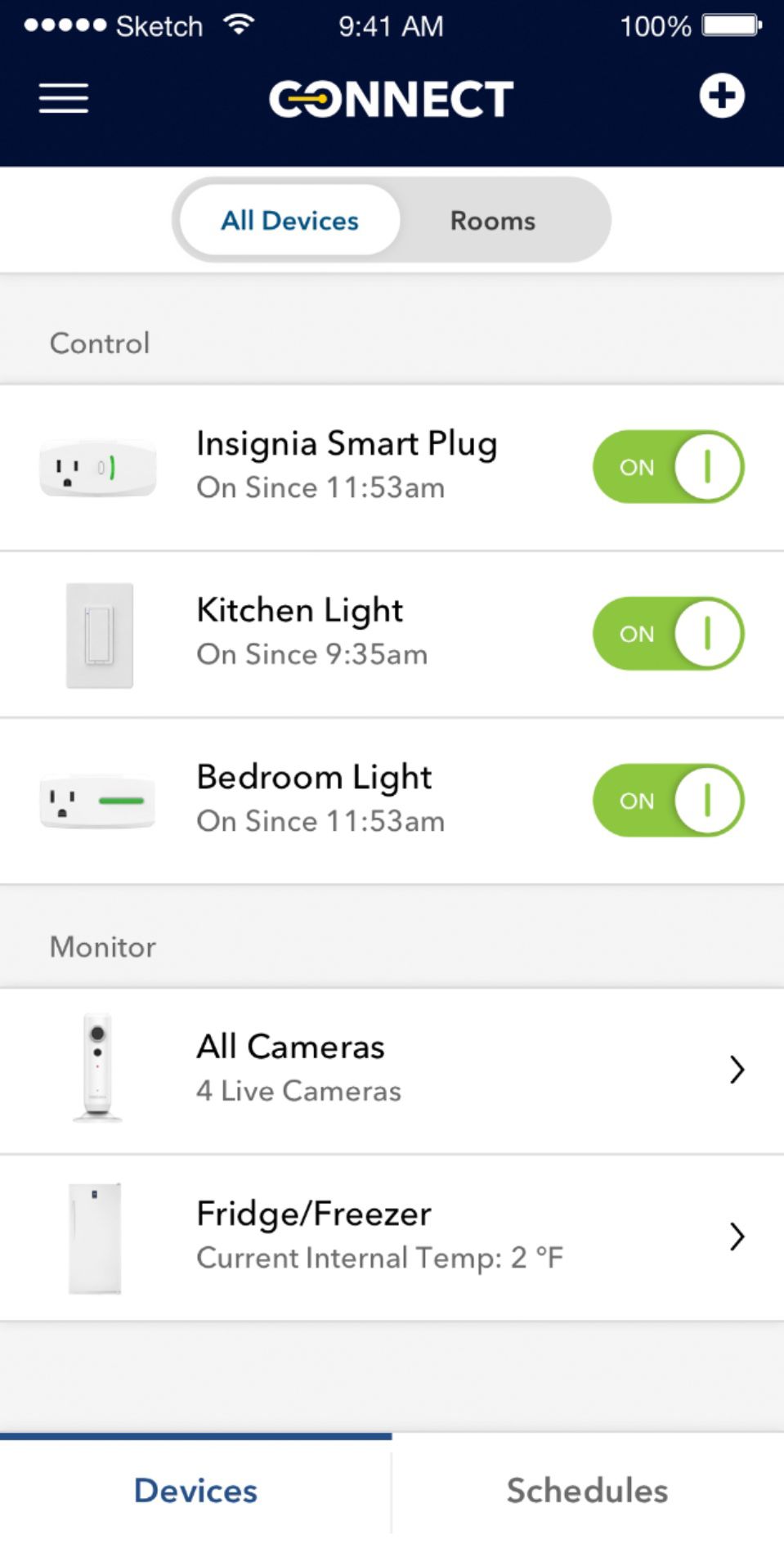
A:AnswerHi! This freezer does not include a physical lock inserted on the unit; however the free Insignia Connect app will provide you an alert if the door has been left open over 5 minutes. It will also alert you in case of a power outage. Regards, Daniel T. - Insignia Support
A:AnswerI use mine as a refrigerator only. The product may also be set as a freezer only. We have another one different brand however that we use as a freezer in Fla. It is well over 8 years no with no issues at all I think this product would handle the freezer task just fine. There is temp read out on mine so it is easy to set or regulate
A:AnswerFridge body measures 27 1/4 without the door. Not sure whether the hinge cover can be removed, but will be necessary as that take it over 28 again. Unfortunately side dimension is 28 1/4 so just a little too wide. Good luck.
A:AnswerHi! To change the temperature, press and hold Lock for three seconds, then + or - on the control panel touch pad to set the temperature inside the freezer. A beep sounds when the MAX or MIN temperatures are reached. The default temperature is 0° F (-18° C). The temperature range of Freezer mode is 10° F ~-11° F (-12° C~-24° C. The temperature range for Fridge mode is 35 ~ 46° F (2° C ~ 8° C). Viri E. Insignia Support. https://www.insigniaproducts.com/contact-us
A:AnswerHi.
Thank you for taking the time to share your inquiry with us. I want you to know that we deeply care on out products providing only satisfaction and great experiences to our customers. This can relate to a physical condition with your Freezer, this is why I kindly ask you to reach us at https://www.insigniaproducts.com/contact-us so we can properlyassist you with your situation.
Alexander G. - Insignia Support