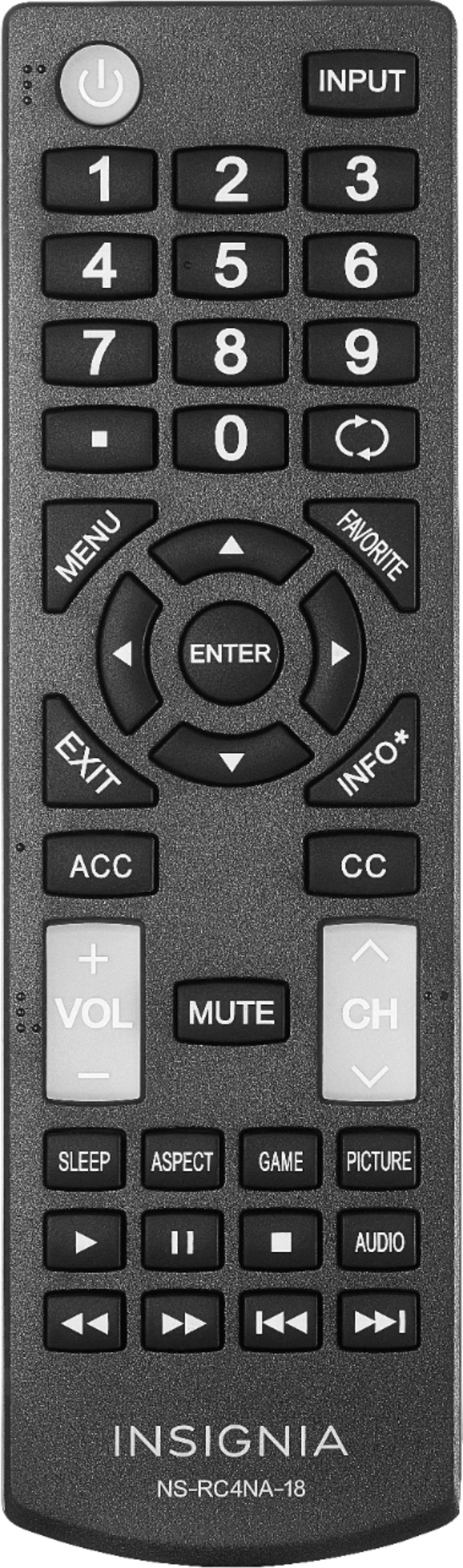
A:AnswerI had the same thing happen to my 39" Insignia TV. Turn it off. Unplug it and leave it unplugged for about a minute. Now press and hold the power button. Plug the TV in and wait about 10 seconds before releasing the power button. I'm not sure what else I did.. but I just googled and found this:
"Unplug the TV Power Cord from the wall outlet/ socket for 5 Minutes to reset, replug back in to reboot, and try again pairing the TV remote by holding down the Home icon key for 20 seconds"
It helped the guy who was having a similar issue
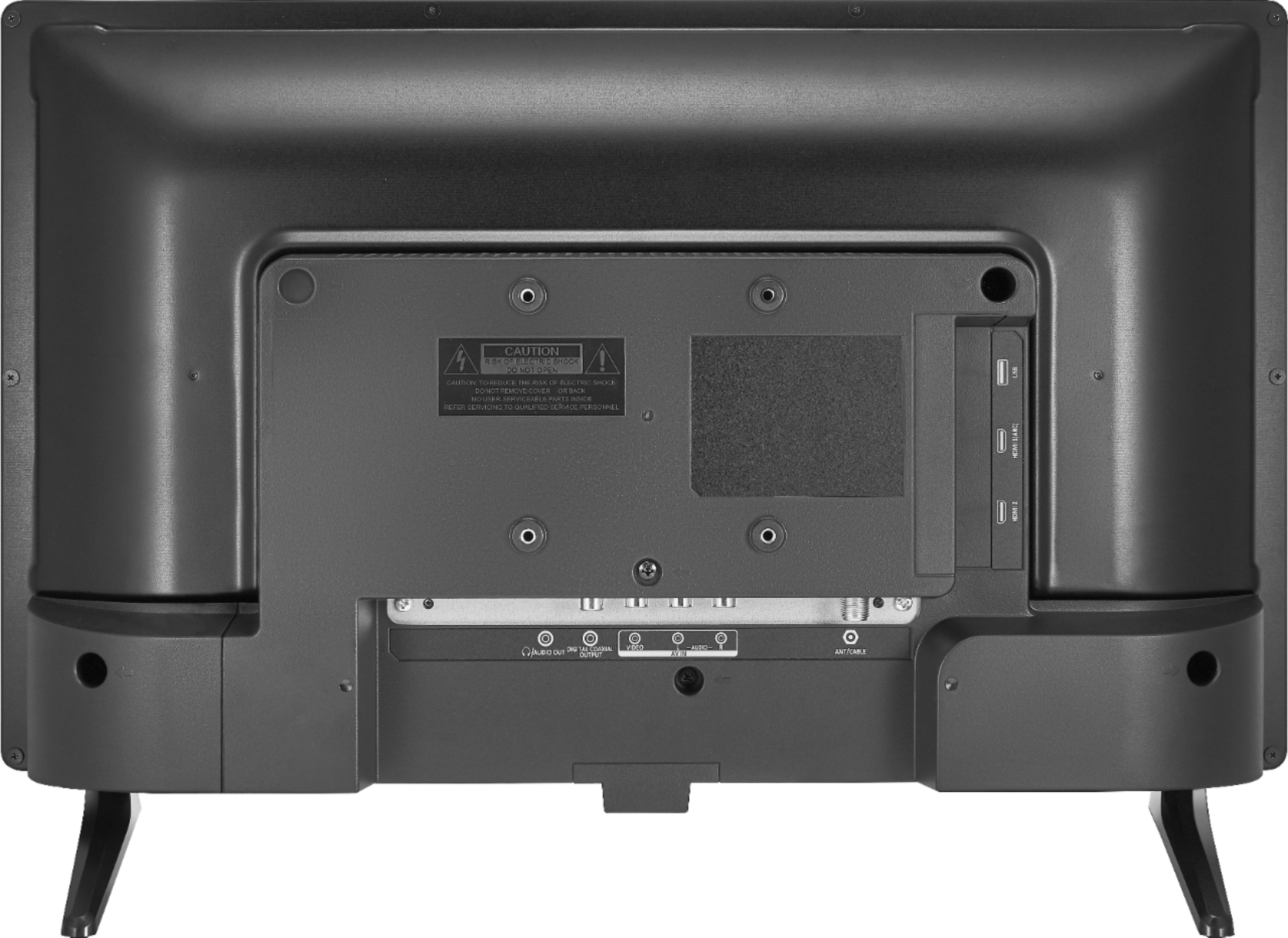
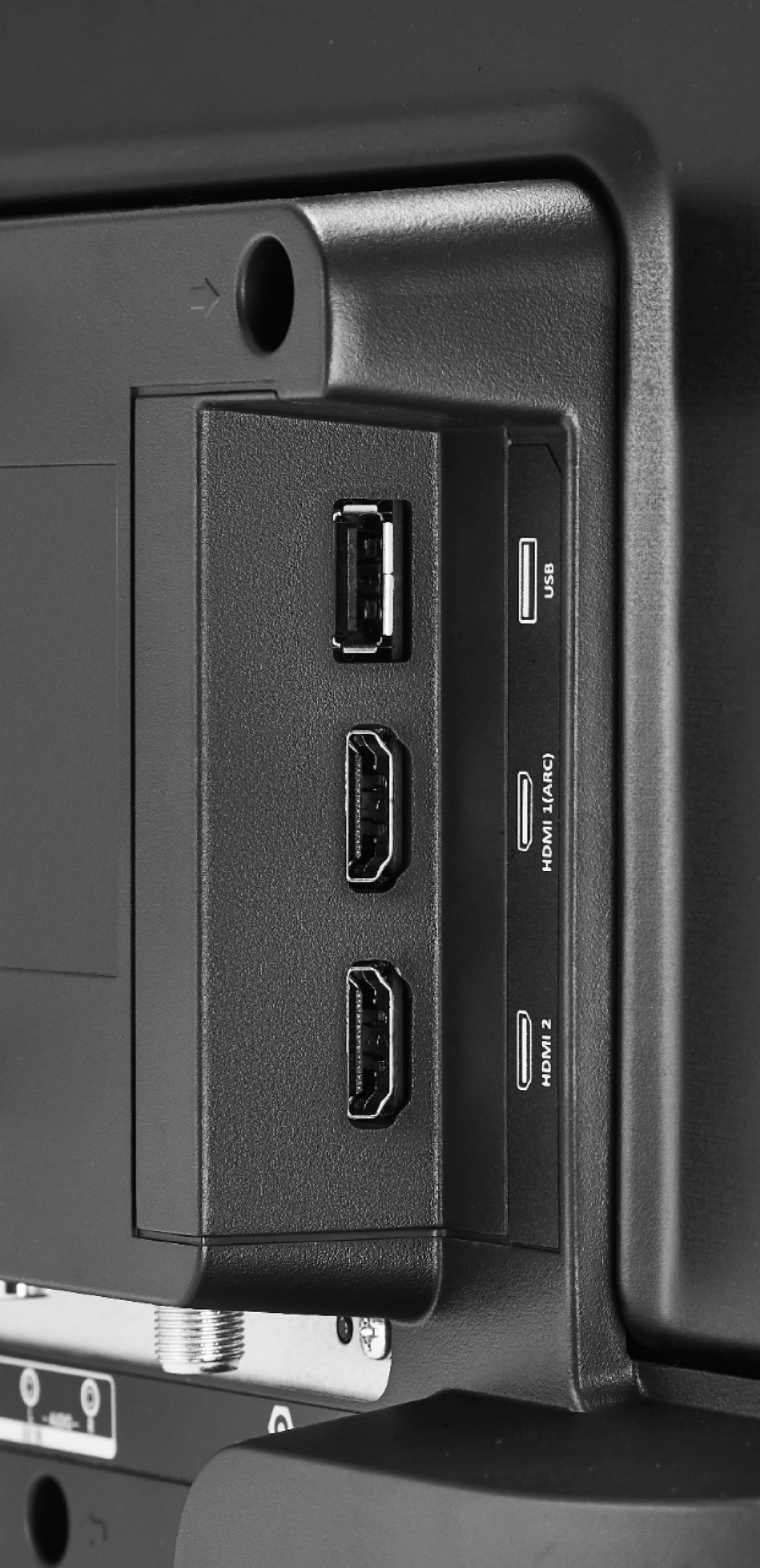
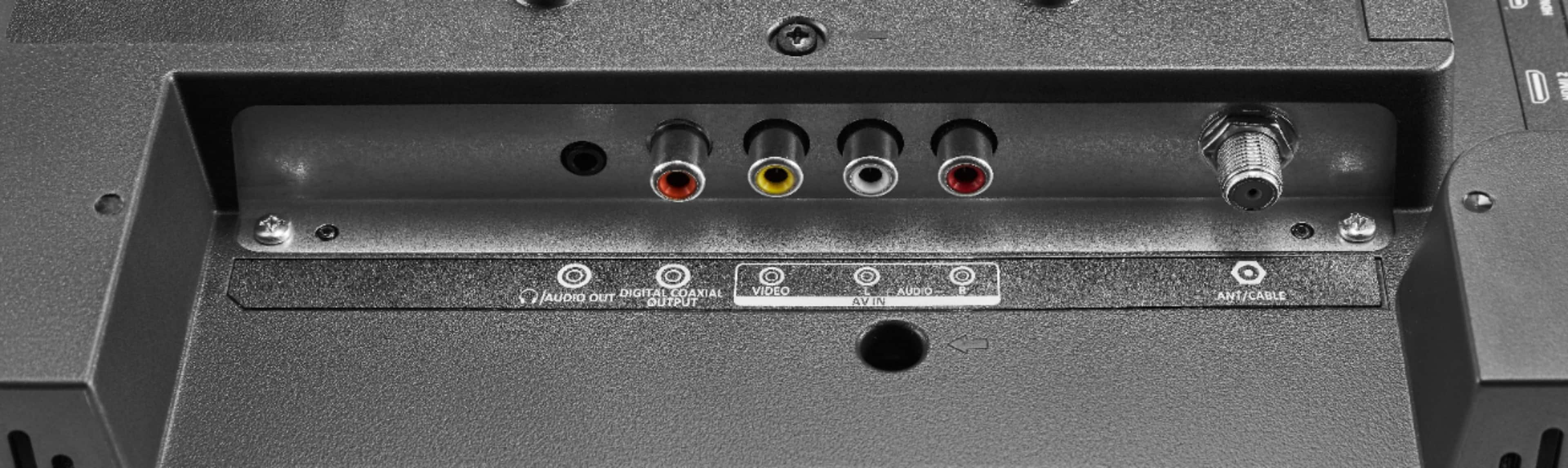
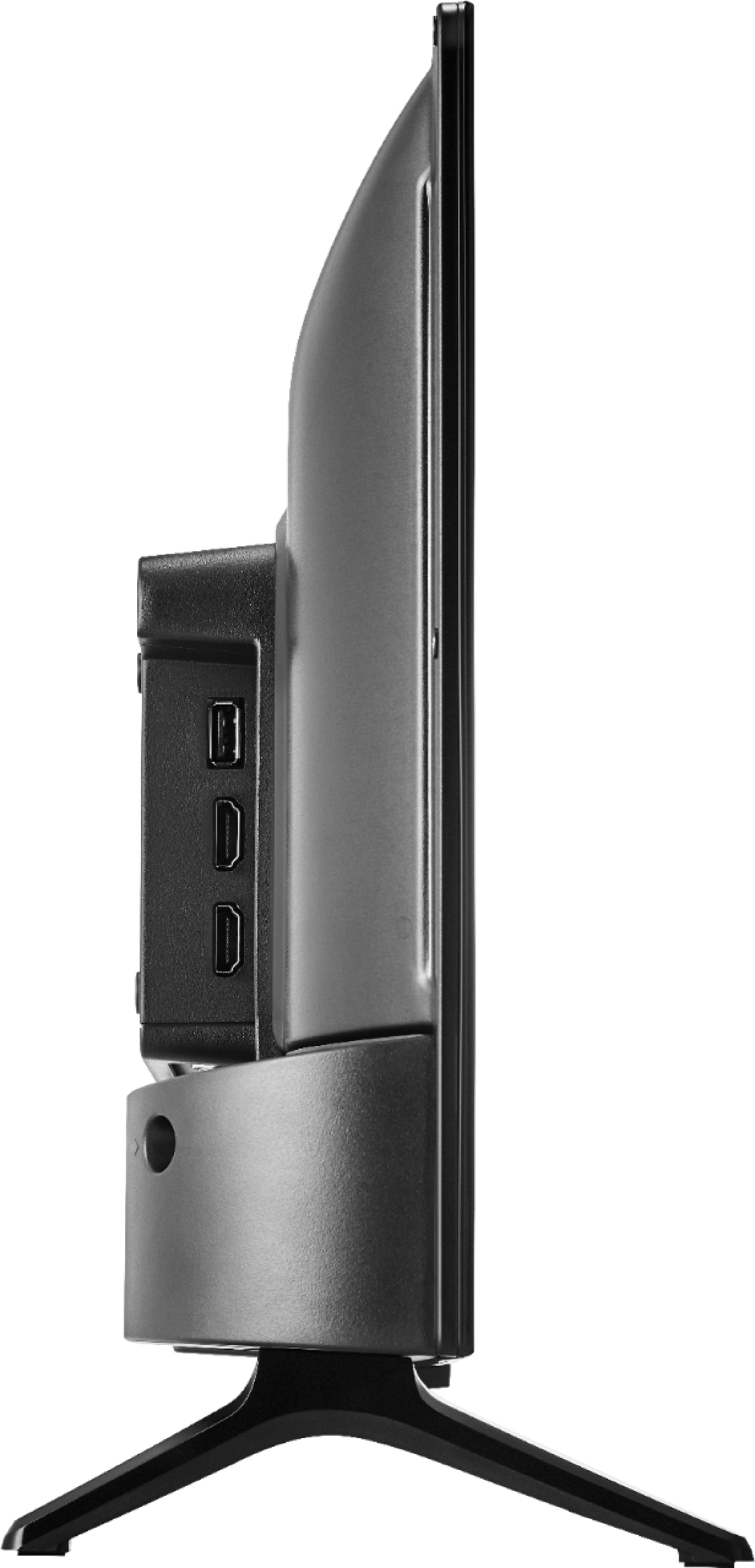
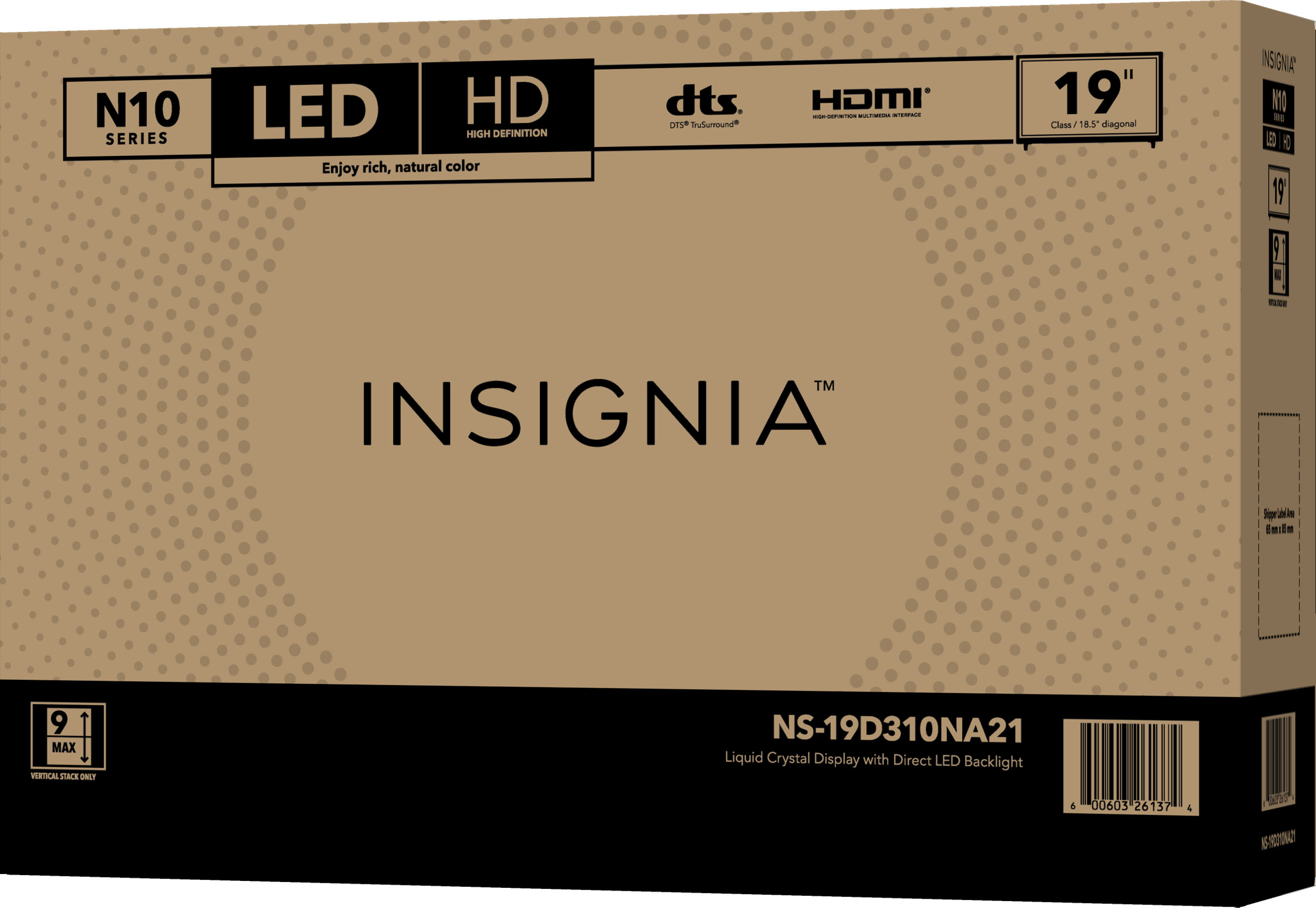
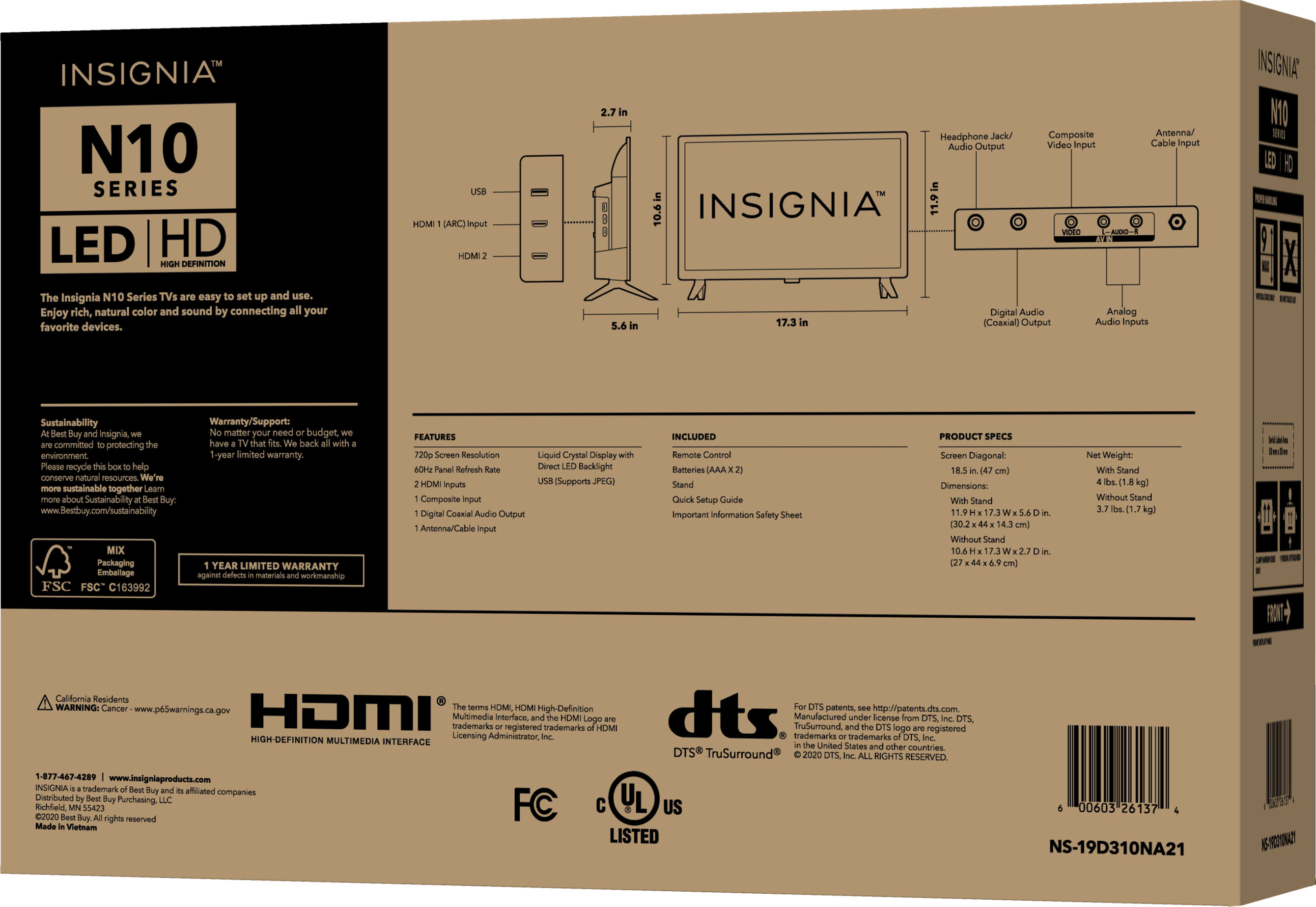
A:AnswerHi there, Many cable or satellite TV boxes have more than one connection type. You can connect a cable or satellite box on this TV using:
• HDMI (best)
• AV (good)
• Coaxial (good)
Rudson S.| Insignia Support. https://www.bestbuy.com/site/brands/best-buy-brands/pcmcat1596746025285.c?id=pcmcat1596746025285
A:AnswerHi CC, yes your COX cable box work with this TV.
Mariepel C.| Insignia Products
https://www.bestbuy.com/site/brands/best-buy-brands/pcmcat1596746025285.c?id=pcmcat1596746025285
A:AnswerHi Queenie,
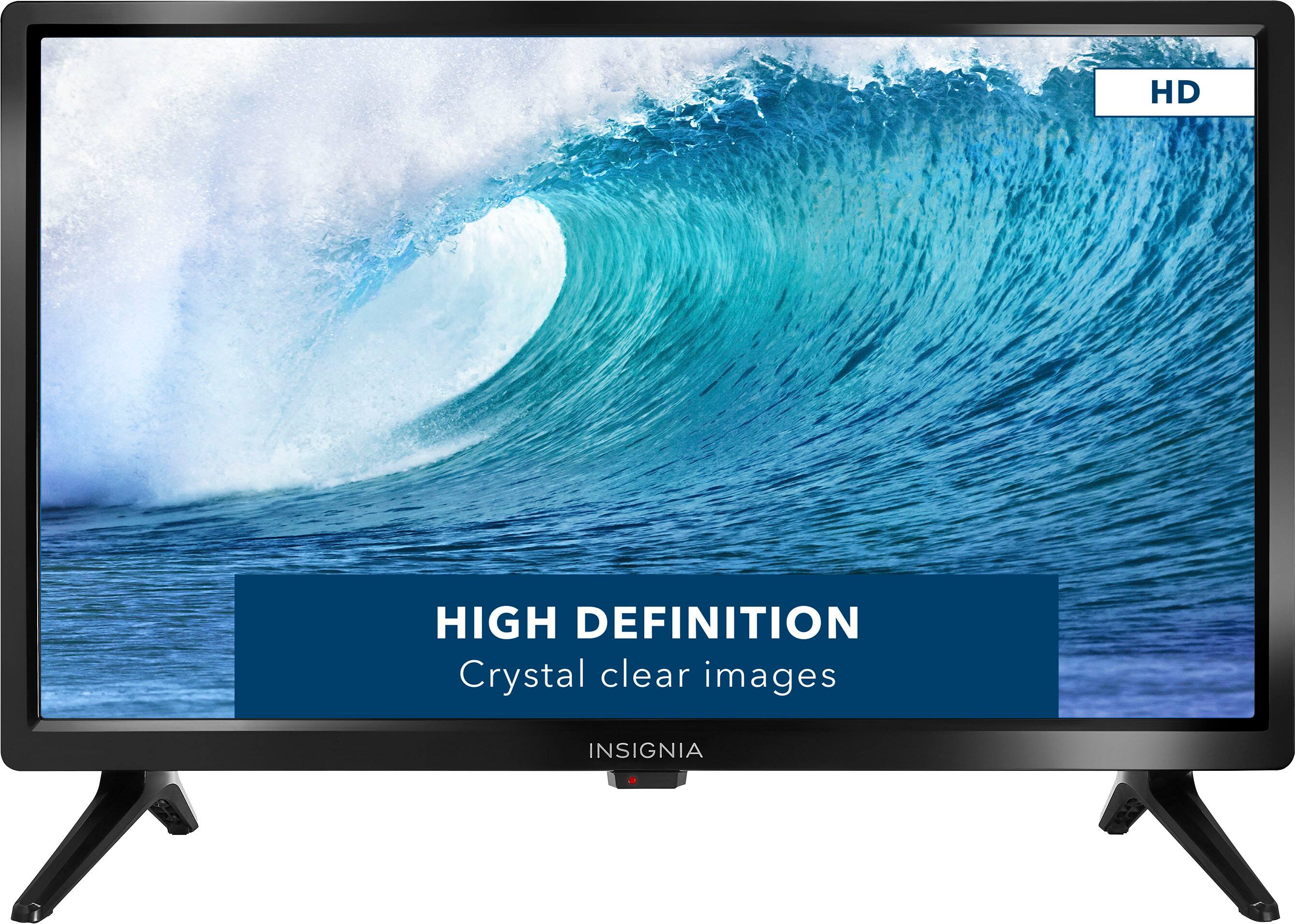
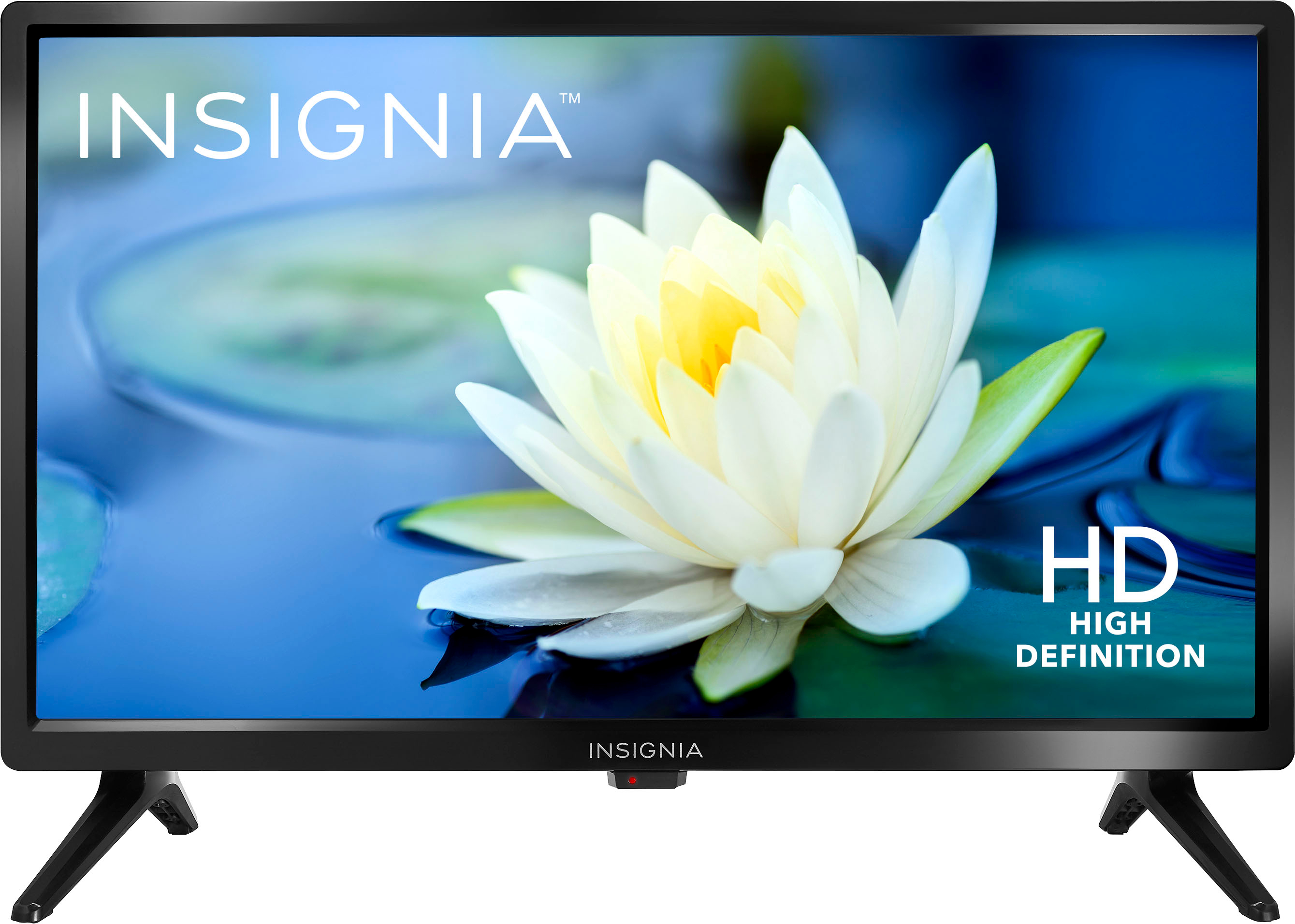
No, this TV has no smart function. If you have any questions or concerns, please use the link below to reach us and also you can contact this phone number 877-467-4289 for further assistance.
Insignia Products
Nikki
https://www.bestbuy.com/site/insignia-19-class-n10-series-led-hd-tv/6394757.p?skuId=6394757
A:AnswerHi,
If you have USB port, then you can play videos using USB and etc. If you have any questions or concerns, please use the link below to reach us and also you can contact this phone number 877-467-4289 for further assistance.
Insignia Products
Nikki
https://www.bestbuy.com/site/brands/best-buy-brands/pcmcat1596746025285.c?id=pcmcat1596746025285