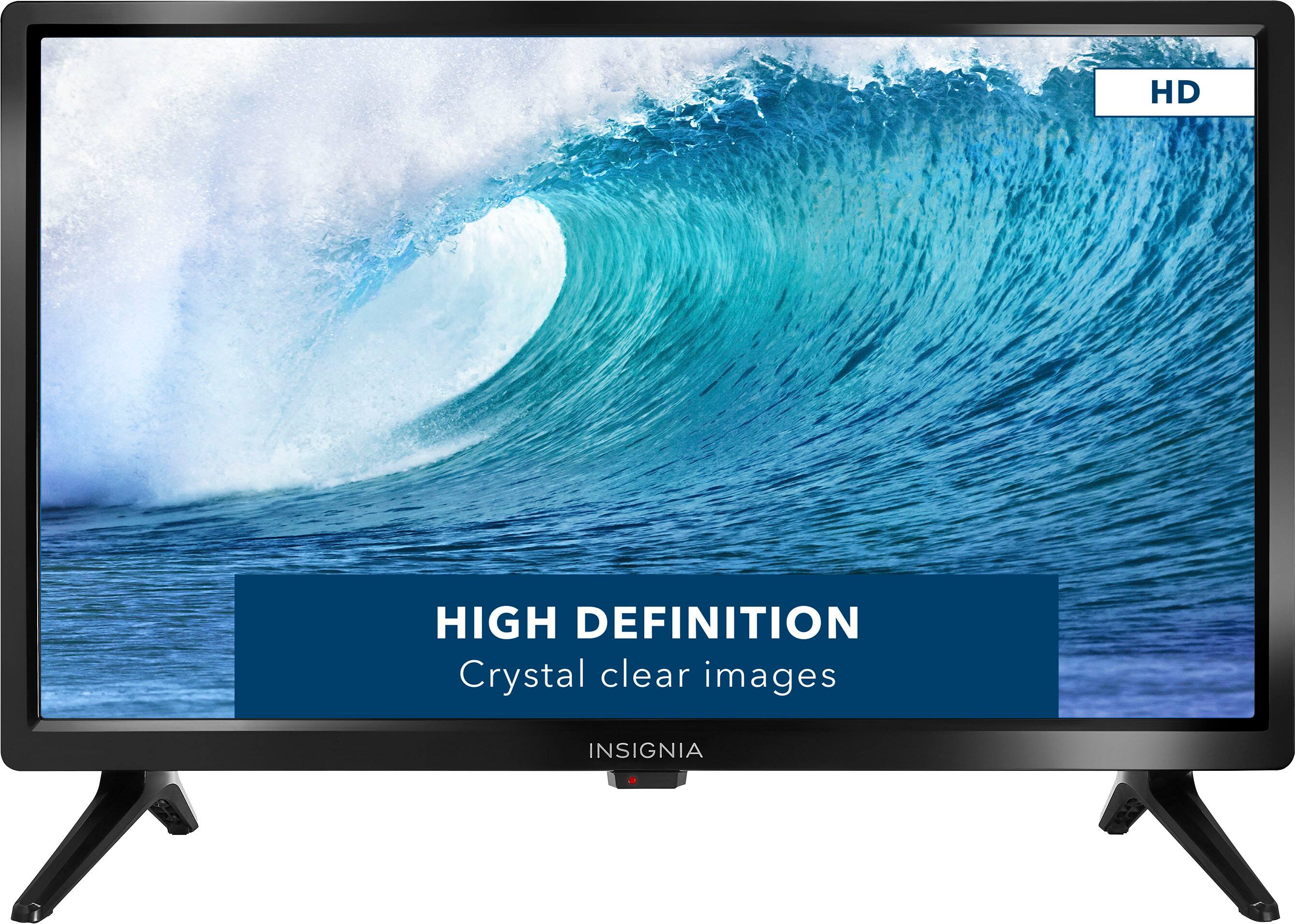
A:AnswerHi there, no this TV is not compatible with wifi since it is just a regular TV. If you want to get youtube on it, you can hook up fire stick on it.
Mariepel C.| Insignia Products
https://www.bestbuy.com/site/brands/best-buy-brands/pcmcat1596746025285.c?id=pcmcat1596746025285
A:AnswerHi There,
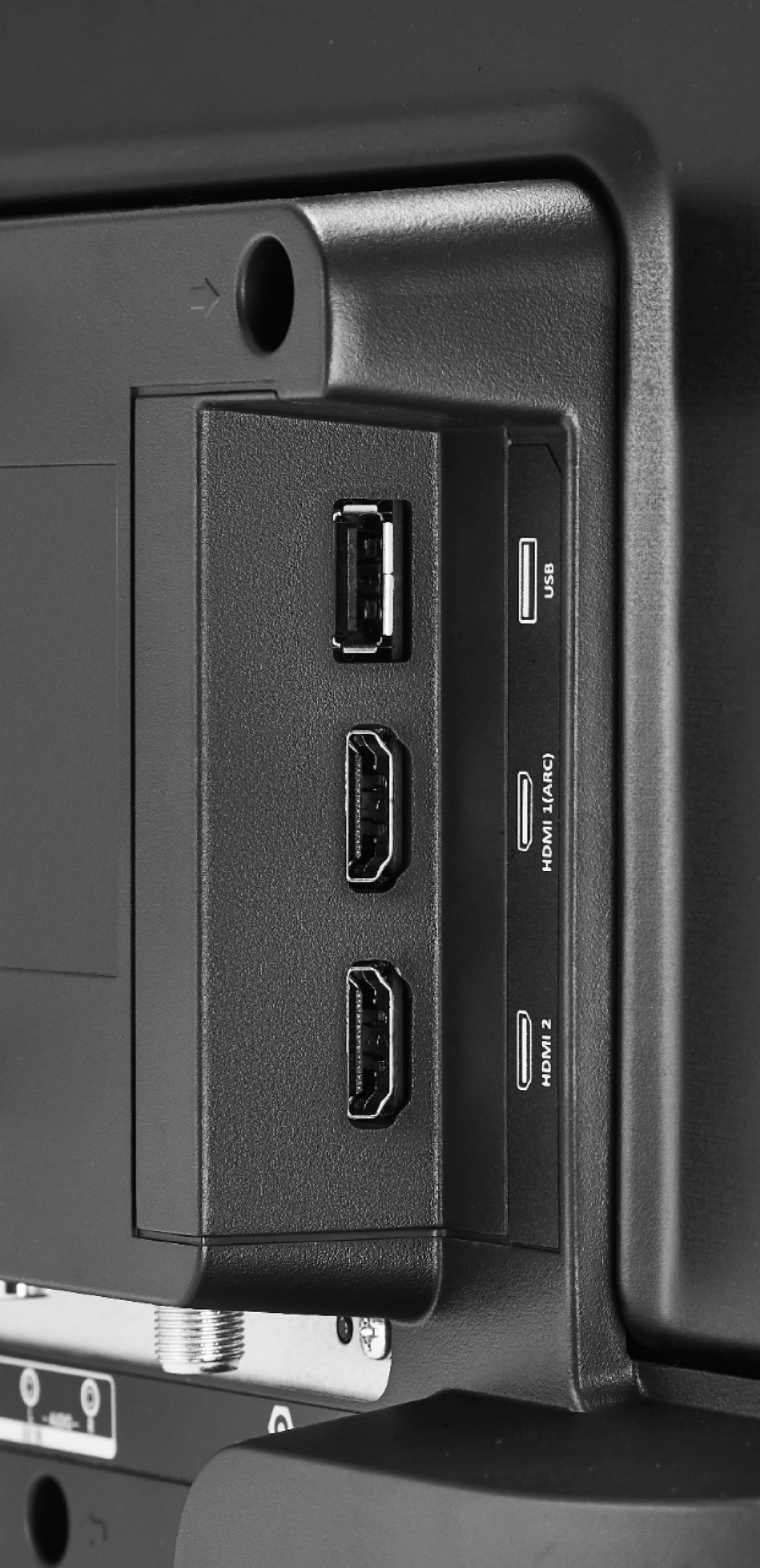
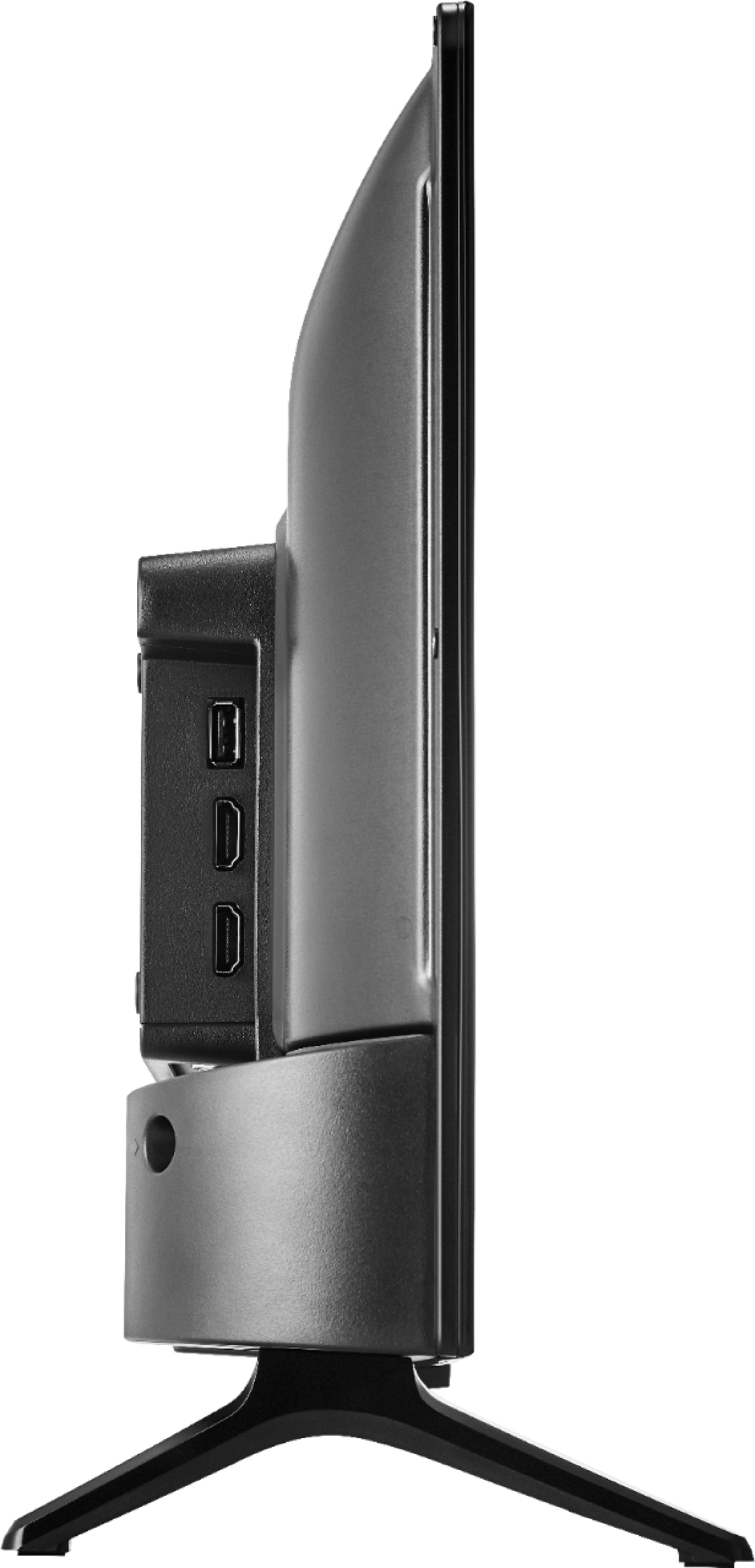
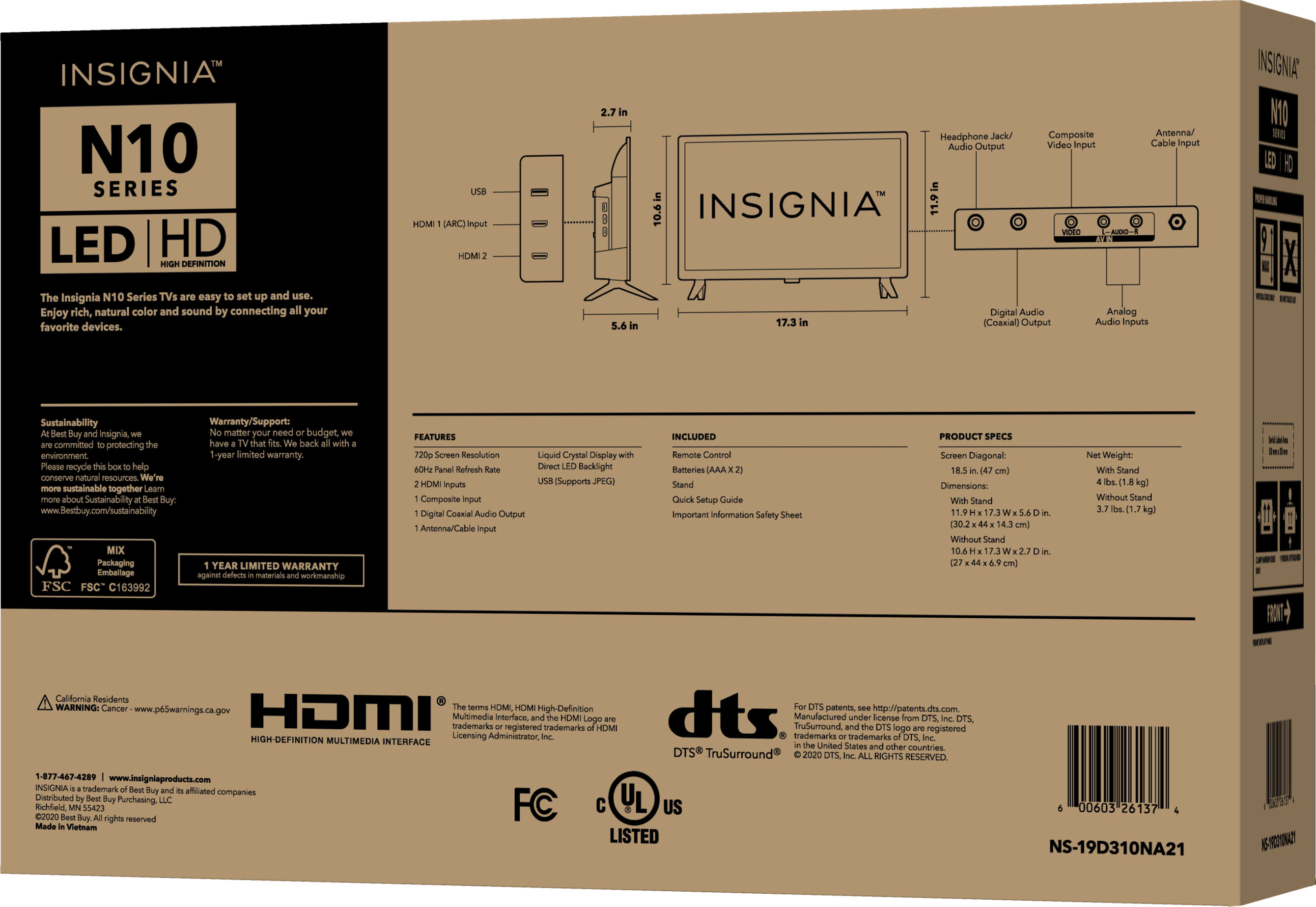
Supports HDMI ARC2, As long as the soundbar has an HDMI port that is compatible. Sends audio directly from the HDMI jack to a compatible soundbar or AV receiver, removing the need for an extra cable.
Ritchie |Insignia Support
https:https://www.bestbuy.com/site/brands/best-buy-brands/pcmcat1596746025285.c?id=pcmcat1596746025285
A:AnswerHello JB,
Yes you can connect a laptop to this TV as a monitor by using HDMI cable. Please follow the steps below:
1. Make sure that your TV’s power cord is unplugged and the computer is turned off.
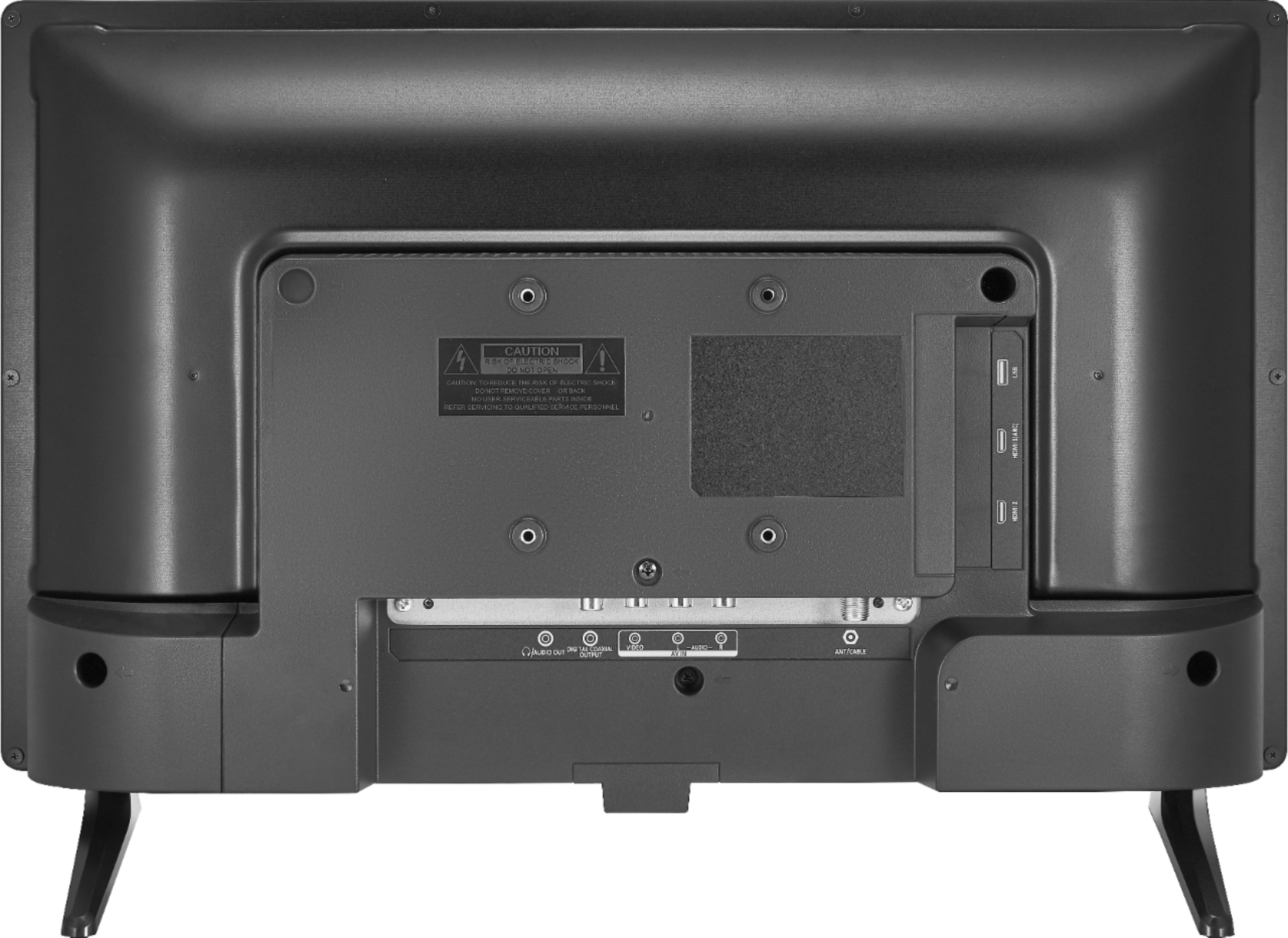
2. Connect an HDMI cable (not provided) to one of the HDMI jacks on your TV and to the HDMI out jack on the computer.
3. Plug your TV’s power cord into a power outlet, then turn on your TV and the computer.
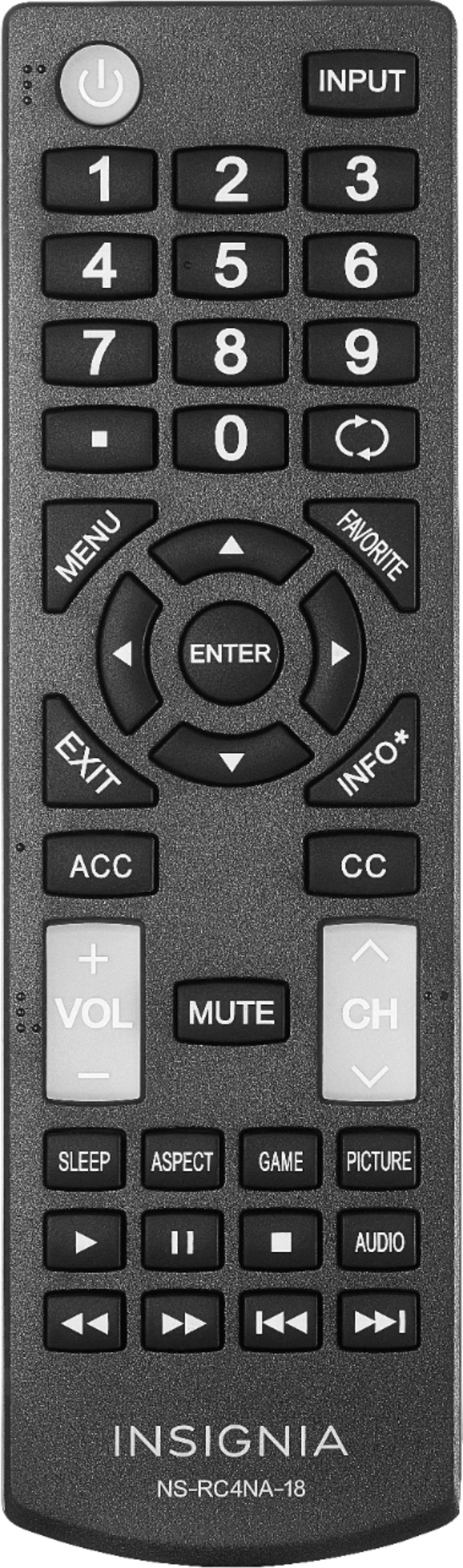
4. Press INPUT to open the INPUT SOURCE list, select the HDMI jack you connected the computer to, then press ENTER.
5. Adjust the display properties on the computer, if necessary.
For more questions and product support you may contact our customer service at 1-(877)-467-4289 Monday to Saturday 8am - 9pm CST.
Chelsea
Insignia Support
Please give us a visit at: https://www.bestbuy.com/site/brands/best-buy-brands/pcmcat1596746025285.c?id=pcmcat1596746025285
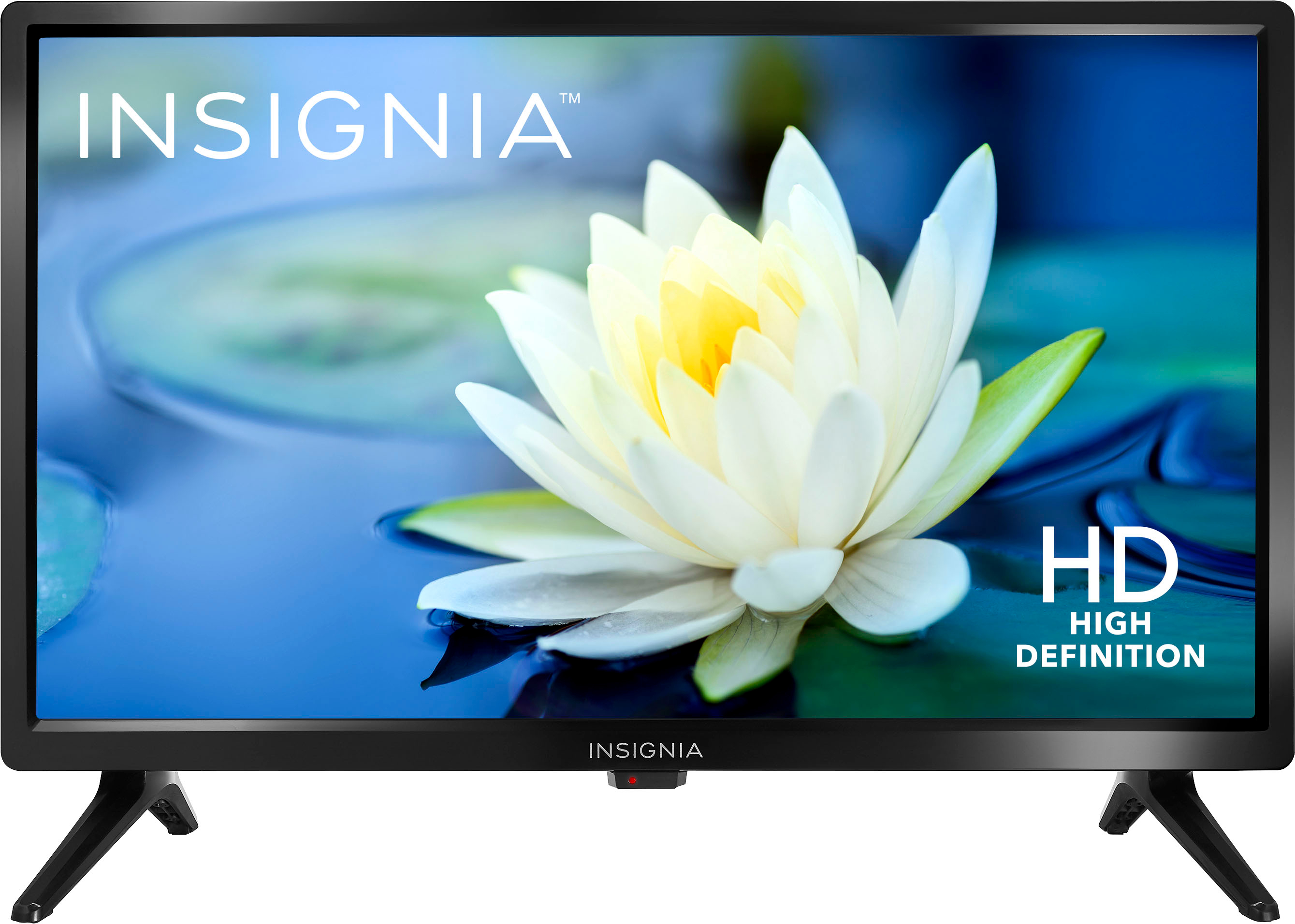
A:AnswerClear sound for small room, you will need a sound bar if you want ultra high quality audio. You may connect any HDMI device and works pretty well.
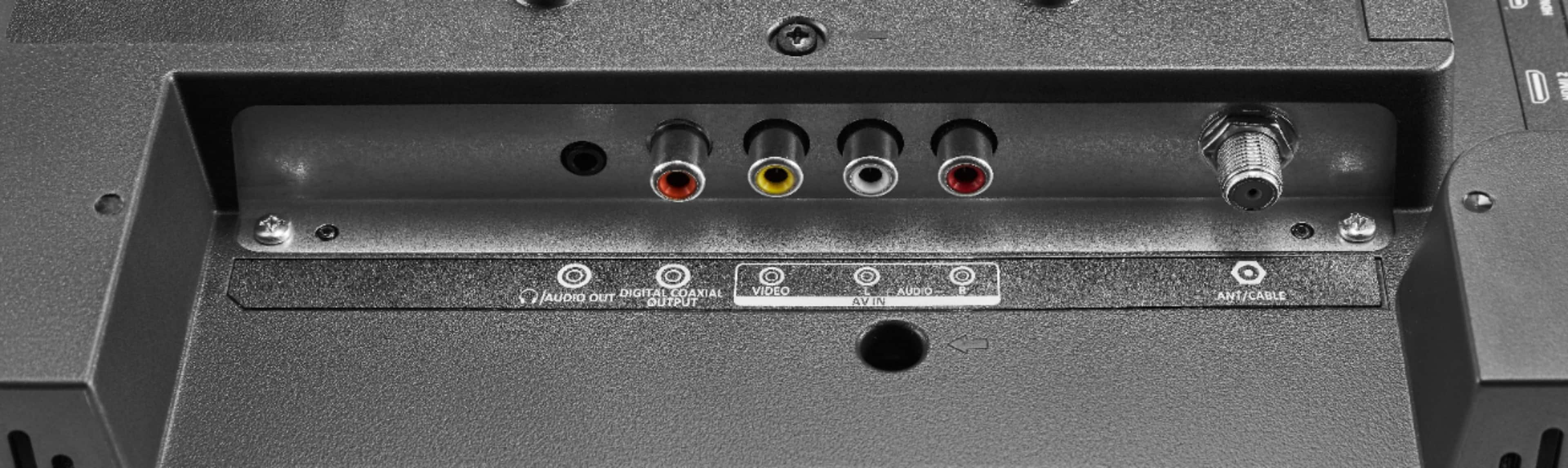
A:AnswerI'm not sure what you mean by a retro console, but I have hooked up an old vcr to it to watch some old tapes and it works just fine. Hope that answers your question
A:AnswerIt's pretty limited on the newer version of this. The old one had several buttons on the back, but this one just has the power button, which can also be used to select inputs (I think it's long press for power, quick press for input selection).
A:AnswerI think the answer to this question lies in the antenna, not the display. A good powered antenna close to a window will provide more channels in clarity, than one that is not powered and/or blocked. Also it depends on the local region channel lineup as well as topography. Good luck!
A:AnswerThis is not in itself, a 'smart' TV, It does not have a built in way of accessing wifi. You can attach a smart device (Roku, etc) as there is a single USB input.
A:AnswerHi Skippy,
You may display JPEG images from a USB flash drive. This TV does not support video playback from USB.
Insignia Products
Lisa
https://insigniaproducts.com
A:AnswerHad to pair the Comcast control with tv. I needed to call Comcast for this. It did take a while because there’s different steps that need to be done. But Comcast woman kept walking me thru until I got it paired. Didn’t have any idea how to do this! But she (Comcast) stuck with me