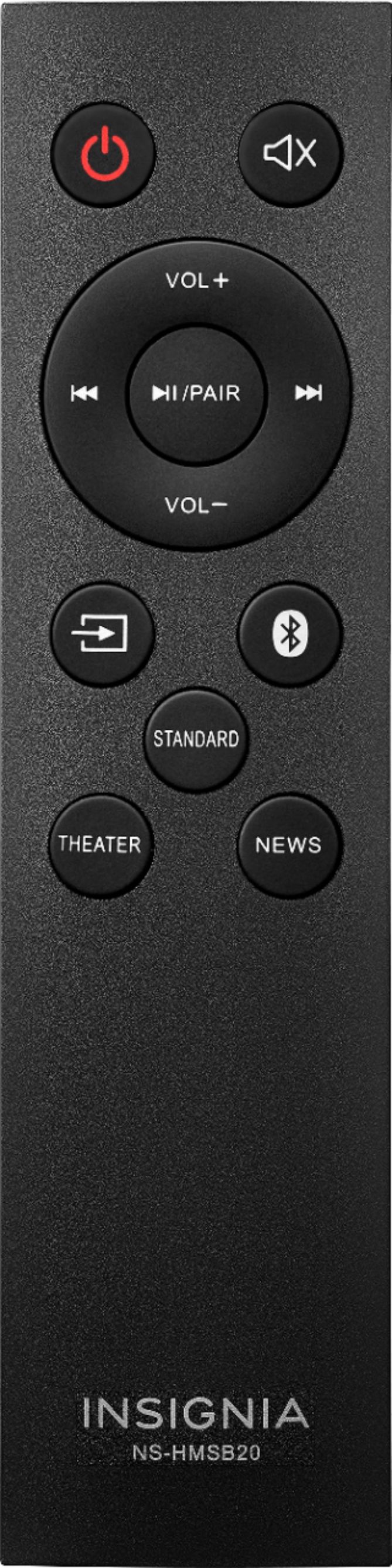
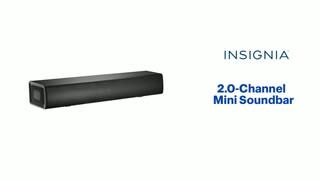
A:AnswerAccording to the manual, it will play WAV files from a USB stick. The manual states that the forward and back navigation keys on the remote are for when it is connected to a bluetooth device - so they are not explicitly saying whether it would work for devices on the USB. They also do not mention other file format which could possibly play. Manual is here so you can decide for yourself:
https://files.bbystatic.com/5QSwrbIaWd8J%2FyDVks%2F9Ag%3D%3D/NS-HMSB20_19-0591_WEB_V2_EN_Final%2Blr.pdf
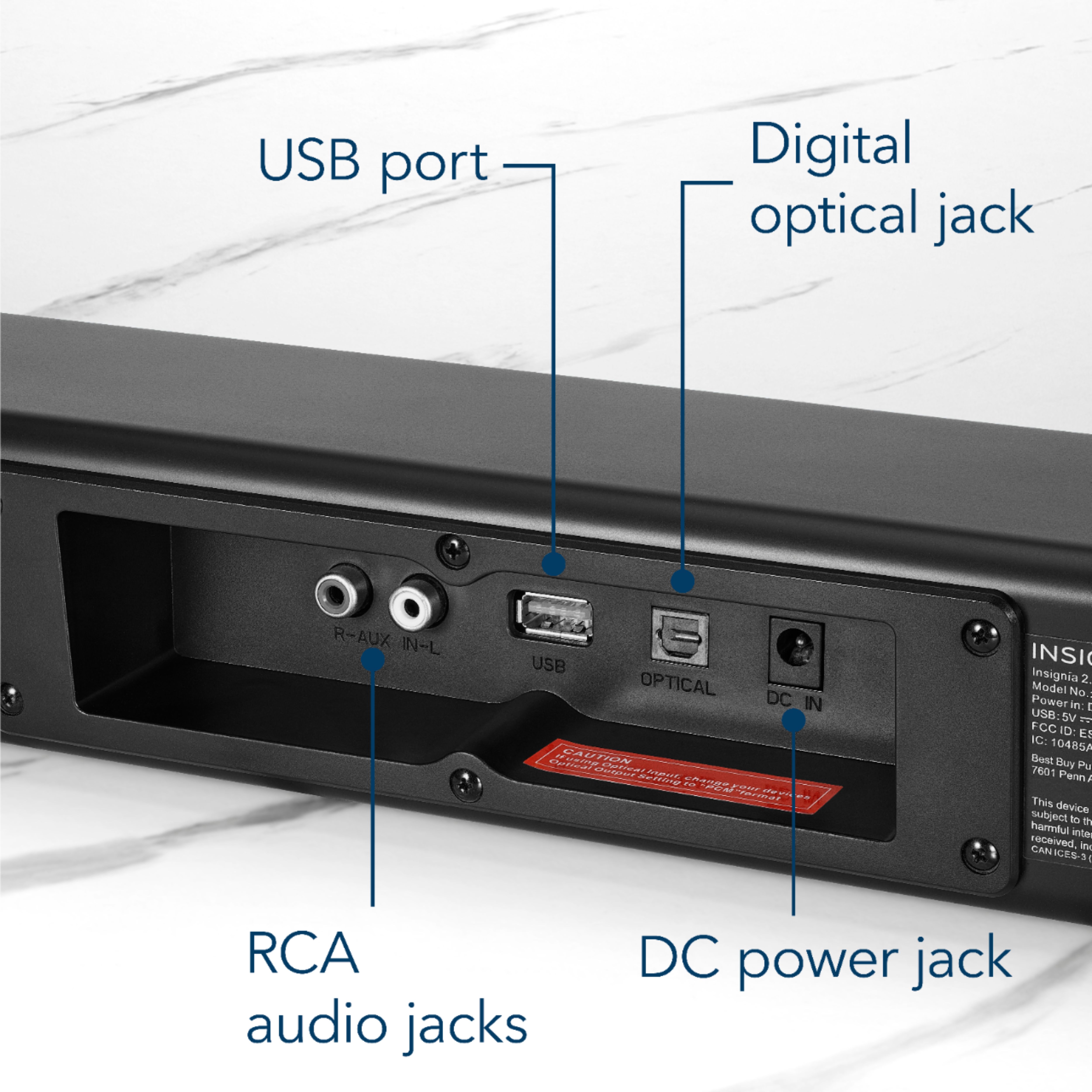
A:AnswerYes - it is supposed to come with an adapter to convert the 3.5mm stereo jack to RCA plugs which you can plug into the unit. Manual is here:
https://files.bbystatic.com/5QSwrbIaWd8J%2FyDVks%2F9Ag%3D%3D/NS-HMSB20_19-0591_WEB_V2_EN_Final%2Blr.pdf
A:AnswerNo actually the unit has 2 speakers on each side only about 18" but the way the speakers are set in the unit it gives very good sound. It either can be connected
to your RCA plugs (colored Red, Yellow and White push plugs on the back of you TV) or I connected mine right into the headphone jack (the audio plug on the back of the set). I think it can be hooked into a optical plug if your TV has one.
The sound is ok to good, it not even tinny or distorted and the sound quality is at a constant pitch which you can adjust....
Depending on where you have the sound bar it might vibrate if its not a on a solid surface.