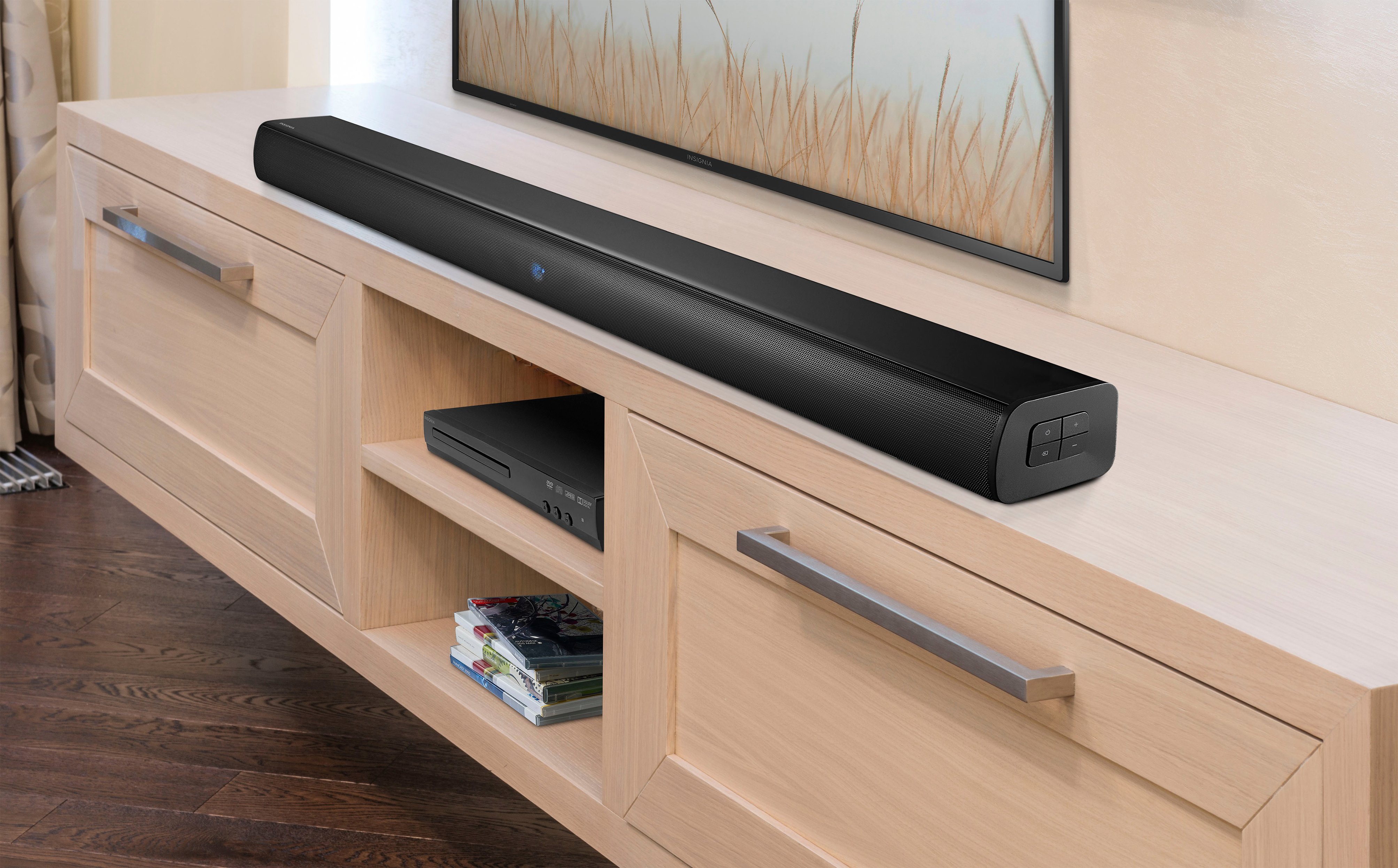
A:AnswerThank you for your inquiry! You can find a long HDMI 2.0 cable at several retailers, both online and in-store. Best Buy or Amazon offers a wide variety of HDMI 2.0 cables in different lengths, including options up to 50 feet or more; simply search for "HDMI 2.0 cable 50ft" or specify the exact length you need. Best Buy carries HDMI 2.0 cables in various lengths, and you can visit a store or check their website to see available options. Monoprice, known for their high-quality cables, offers long HDMI 2.0 cables which you can browse on their website. Newegg is another online retailer with a wide selection of HDMI cables, including HDMI 2.0 versions, where you can find different lengths and read customer reviews. Walmart also stocks HDMI 2.0 cables in various lengths, available on their website or at local stores. When selecting a cable, ensure it supports HDMI 2.0 to guarantee compatibility with your devices and desired features, such as 4K resolution and high dynamic range (HDR). It's important to look for a high-quality cable to avoid signal degradation over longer distances. Keith | Insinga Support https://www.bestbuy.com/site/insignia-2-0-channel-soundbar-black/6429414.p?skuId=6429414

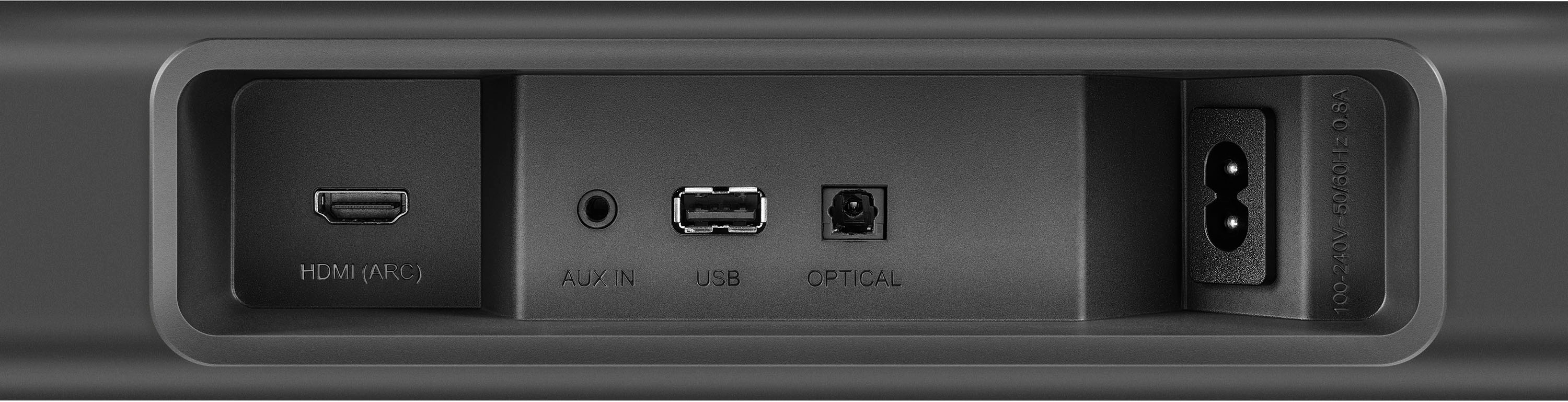
A:AnswerHi Tom12! Thank you for inquiring about our Insignia™ - 2.0-Channel Soundbar. If your TV has Auxiliary, Optical Digital Audio, or HDMI port, this soundbar should be compatible. If you are going to use HDMI or Optical Digital Audio cord, you may need to change the audio output of the TV to PCM format (typically found in the audio settings of the TV). I hope this helps. If you have further questions, don't hesitate to reach out. - James | Insignia Support | https://www.bestbuy.com/site/insignia-2-0-channel-soundbar-black/6429414.p?skuId=6429414
A:AnswerHello Jason,
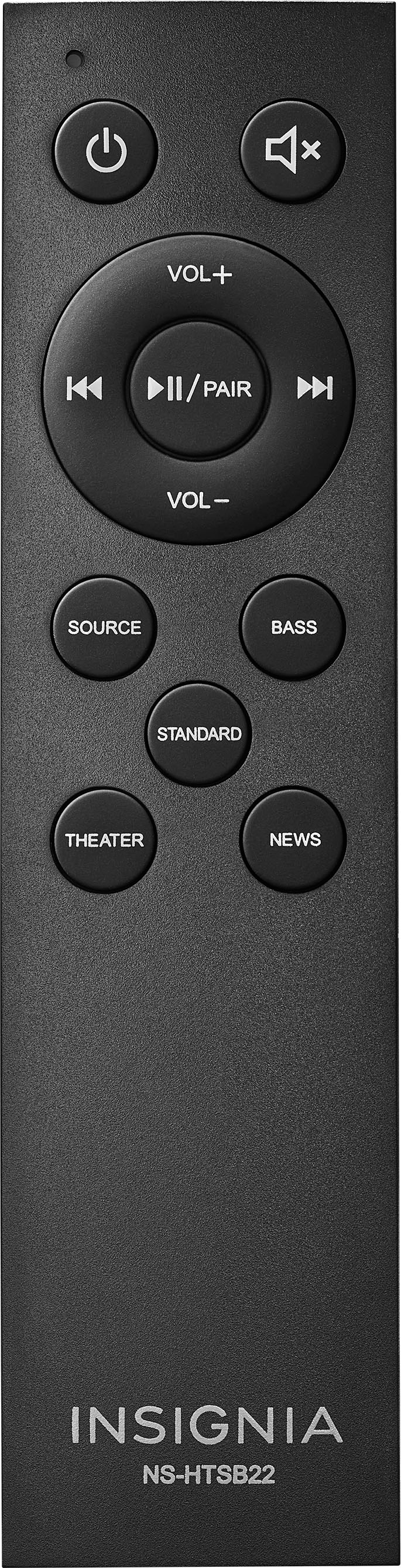
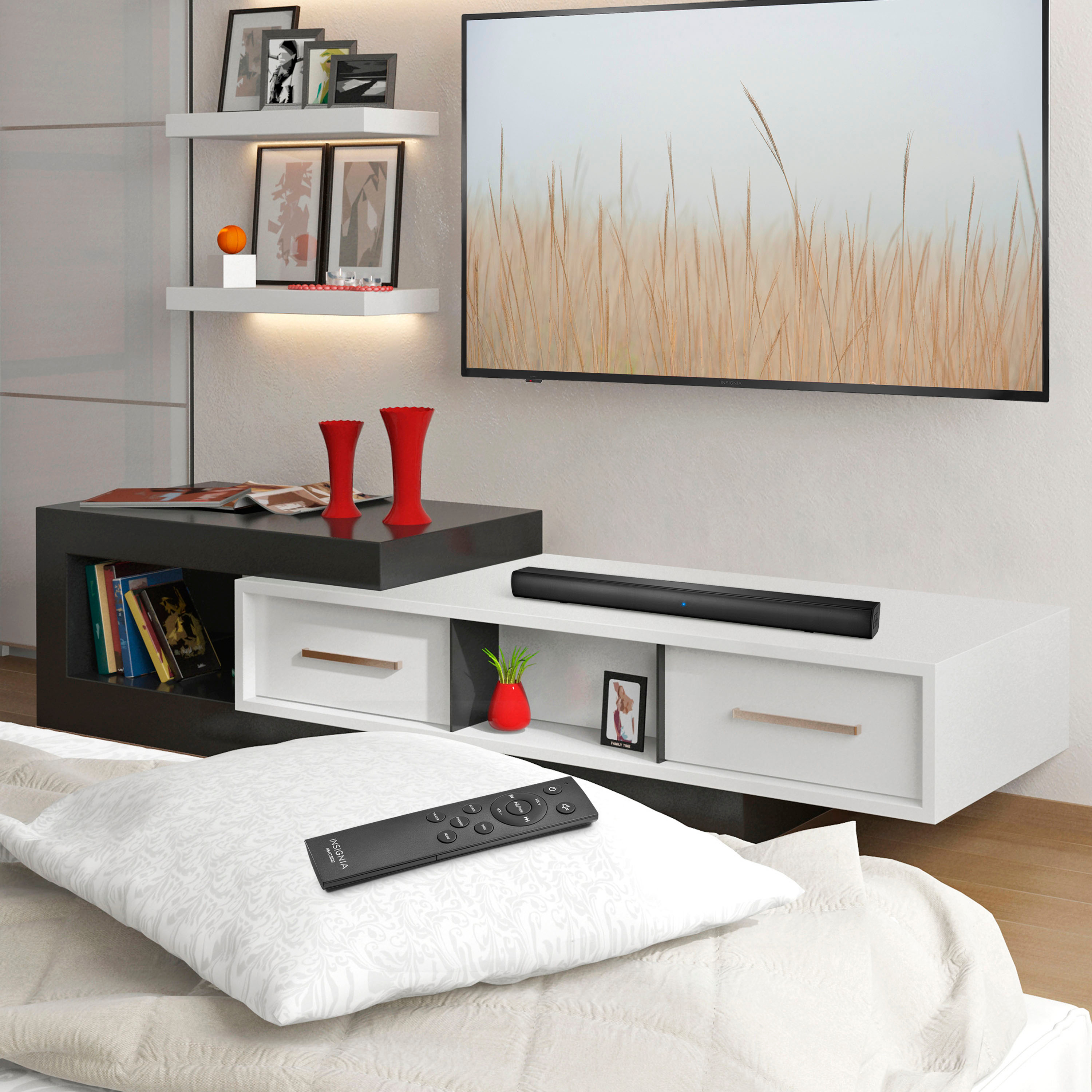
There is a possibility that the soundbar recognizes the TV remote control. Does the soundbar turns on using the TV remote? Please send us an email for further assistance at [email protected] or contact us at 1-(877)-467-4289 Monday to Saturday 8am - 9pm CST, and we will gladly assist you in the best way possible.
Chelsea
Insignia Support
Please give us a visit at: https://www.bestbuy.com/site/brands/best-buy-brands/pcmcat1596746025285.c?id=pcmcat1596746025285
A:AnswerWhile I have not tested with an Alexa myself, it should have no trouble connecting with any bluetooth enabled device, and from my experience an Alexa can do that just fine. So it would most likely work.
A:Answerneed to follow the confusing instructions. place the bar in pairing mode.. then use the remote it came with push the sound up button, then take the remote you want to use and hit the sound up button . the light will flash and repeat for all the commands you want set up. IMPORANT: the remotes must be inches from the sound bar in the center. if you still have issues..hit me up [email protected]
A:AnswerHi! To reset or unpair your Insignia 2.0-Channel Soundbar, you can usually do so by following these steps:
1. Turn off the soundbar and unplug it from the power source.
2. Check the soundbar's manual for specific instructions on how to reset or unpair the device.
3. Perform a factory reset by pressing and holding the reset button on the soundbar or using the remote control.
4. Once the reset is complete, the soundbar will return to its default settings and should be unpaired from any connected devices.
If you are still having trouble unpairing the soundbar, you may need to contact Insignia customer support for further assistance at 1-877-467-4289.
JC | Insignia Support https://www.bestbuy.com/site/insignia-2-0-channel-soundbar-black/6429414.p?skuId=6429414