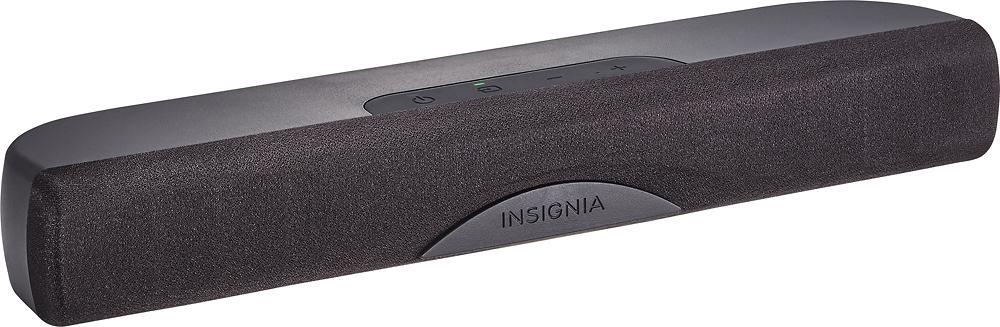
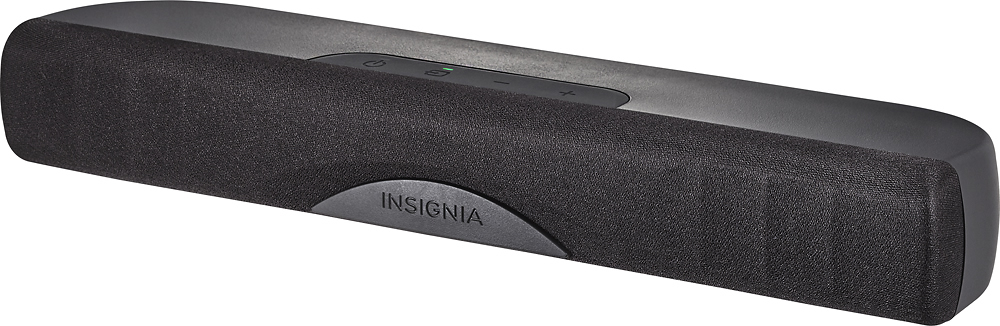
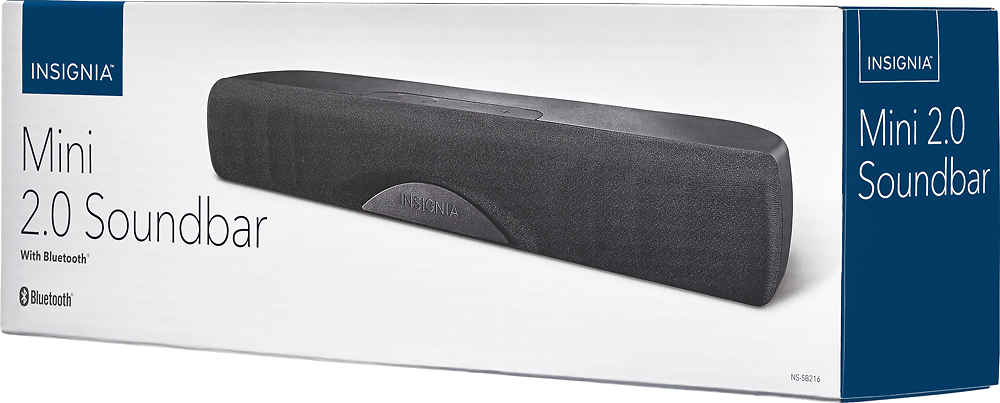
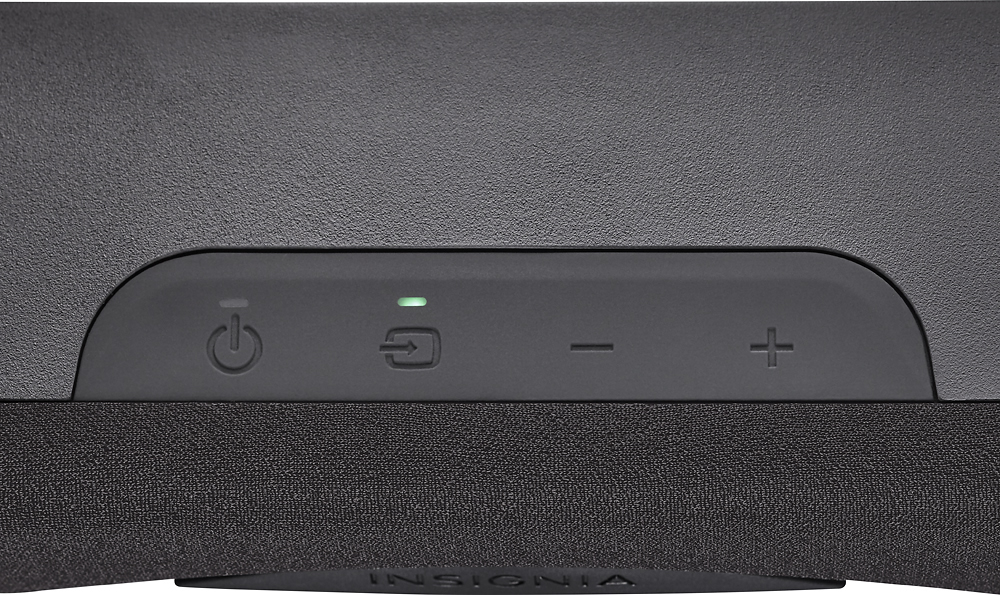
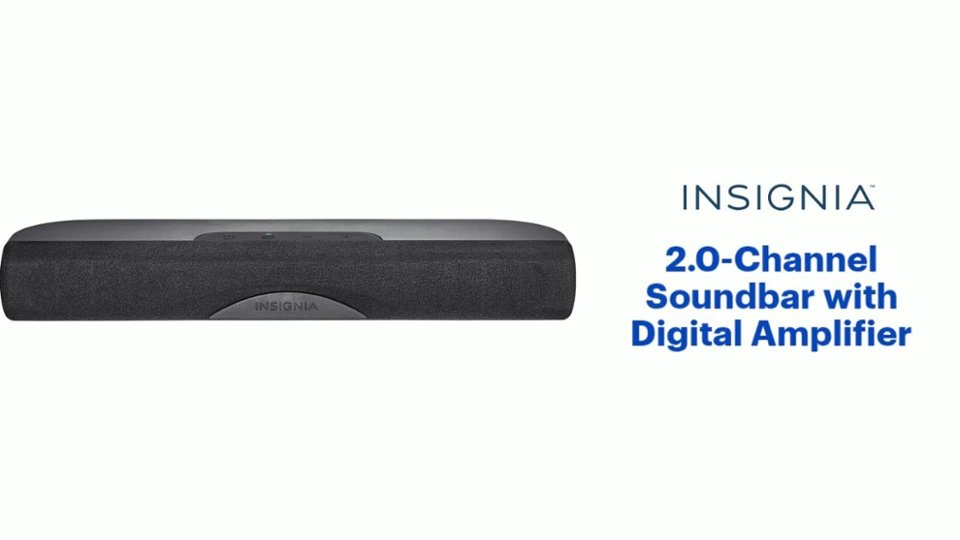
A:AnswerTry: Turning off TV and SOUND BAR and waiting about 30 sec. And possibly rehook up. Also check your TV settings with TV menu also make sure your actual TV is not muted.. one other thing pair your phone for Bluetooth and sound bar. And see if speaker has sound separate from TV.
A:AnswerThis has an Optical Out (TOSLINK) and RCA Stereo Jacks (Tip-Ring, Red and White). It's a 2.0 Soundbar, so this would be a major downshift in audio quality compared to Surround Sound.
A:AnswerYou must turn on the sound bar and set the input to RCA. I used the remote to do it all. If it doesn’t respond to the remote, the remote may have a bad battery.
A:AnswerHello, thank you for your interest in this soundbar. In answer to your question,
you can connect it to your Xbox One using a digital optical cable.
Deneb M.- Insignia Support
A:AnswerIt should work with any TV that has red and white audio output jacks, or a mini headphone jack, or optical output jack(optical cable needs to be purchased separately tho).
A:AnswerYes. And yes.. except not the digital cord. It comes with red white RCA plugs and extra plug in adapter and power cord and remote. It's also Bluetooth and easily pairs with your phone.
A:AnswerDon't know. This soundbar didn't work with my brand new tV using any kind of wire connection. It worked using Bluetooth but my new Samsung TV has no Bluetooth. I returned the product.
A:AnswerI have similar setup. If you have optical connection on TV I can verify it works with both DVD player and cable box. With optical cable the TV remote controls volume.
A:AnswerThe sound bars will all have the same name when you pair them but on most devices you can personalize the Bluetooth speaker's name as soon as they are connected to your phone or tablet