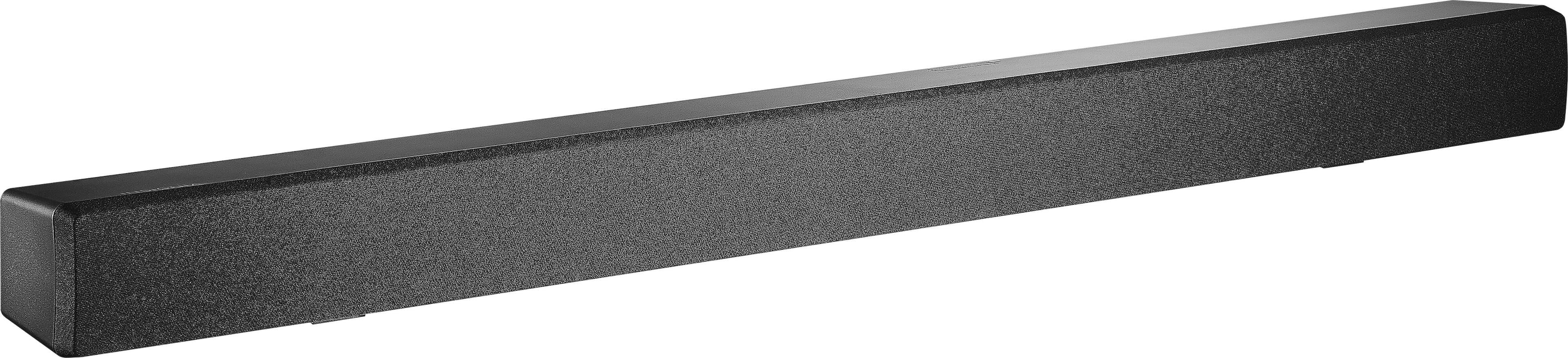
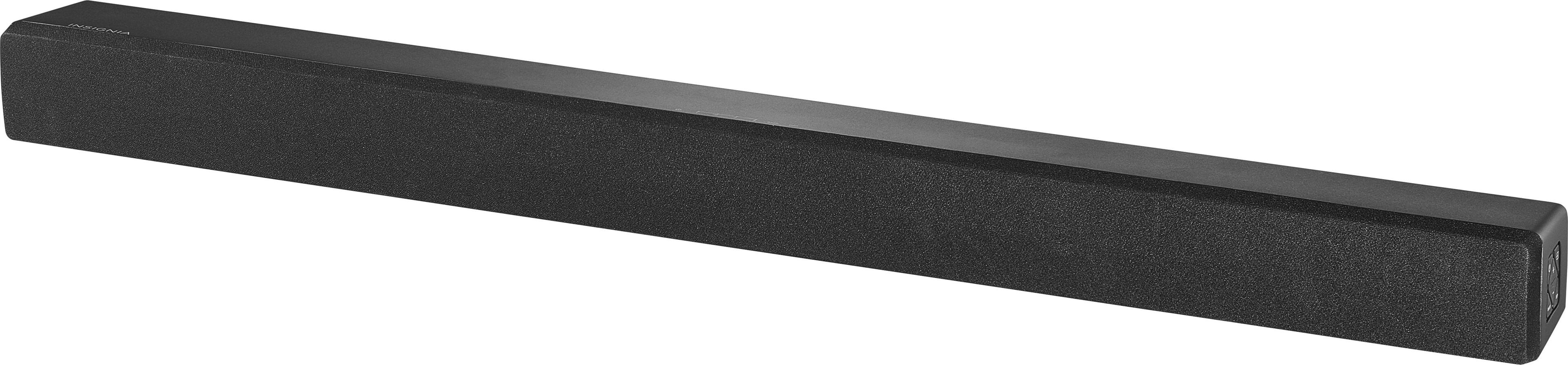
A:AnswerMy tv is a Samsung smart tv and the sound just wasn't that great on it either. This sound bar literally took me 5 minutes to set up, it's incredibly simple.
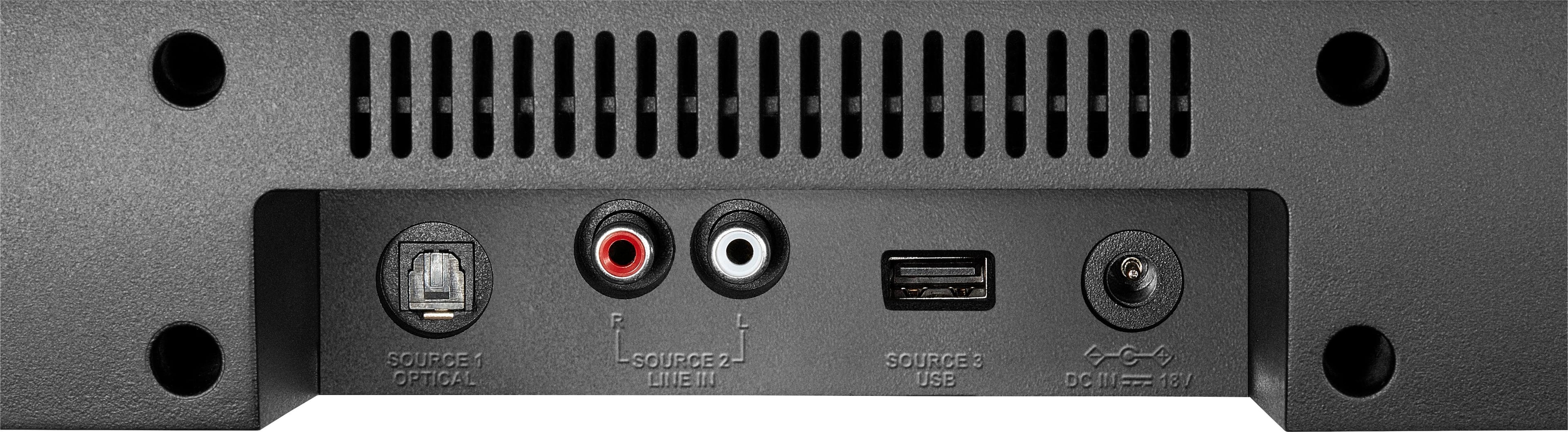
A:AnswerMaybe you need a optical cable something like this
https://www.bestbuy.com/site/searchpage.jsp?st=optical+audio+cable&_dyncharset=UTF-8&_dynSessConf=&id=pcat17071&type=page&sc=Global&cp=1&nrp=&sp=&qp=category_facet%3DSAAS%7EFiber+Optic+Cables%7Epcmcat175600050013&list=n&af=true&iht=y&usc=All+Categories&ks=960&keys=keys
A:AnswerAll I can say is good luck! We bought it to use with our tv (dish) and blue ray player. Sorry to say aren't making any progress with either one. Can get it to work then next day have to start all over again.
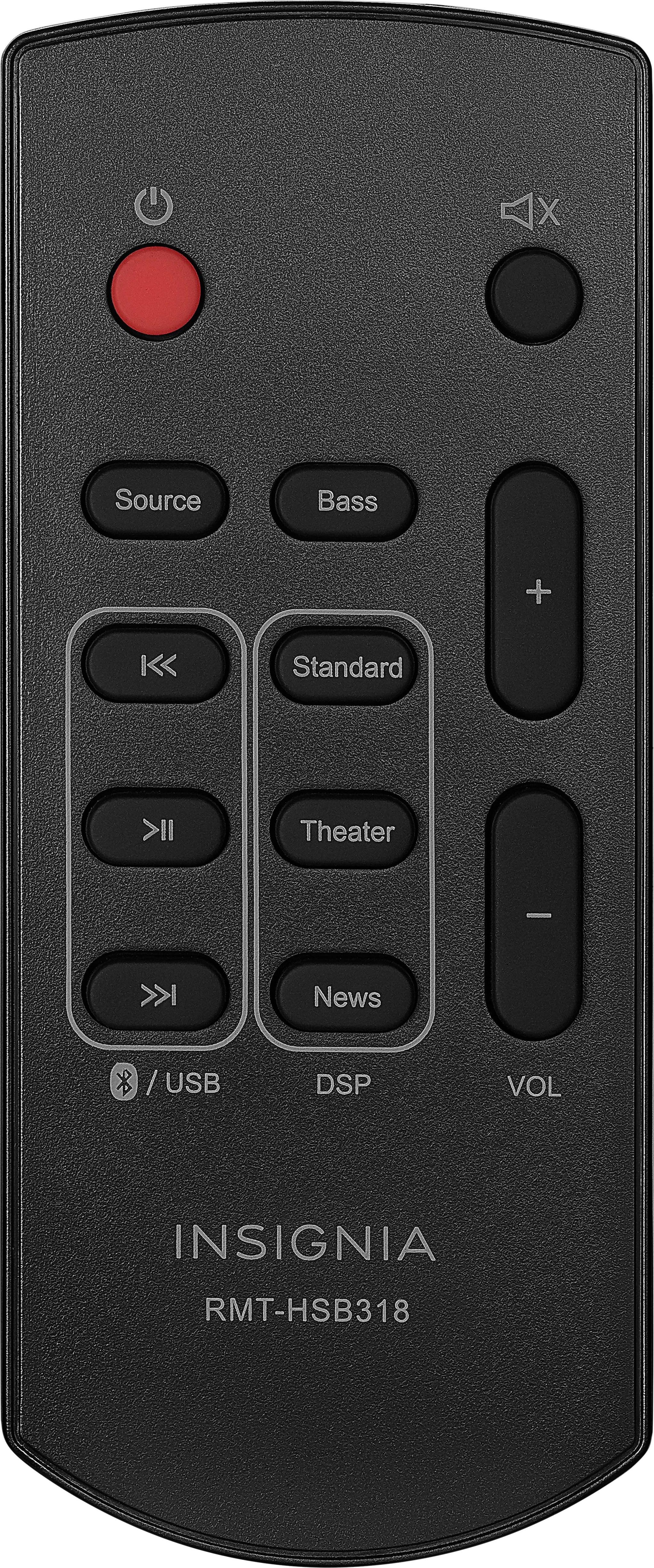
A:AnswerI got it to work with my DISH remote by using the learning mode that "learns" from the soundbar remote and setting it up as an AUX device. I then set the DISH remote so that the volume buttons operate the soundbar volume by default (rather than operating the TV volume by default). All of the instructions were in the manual for the DISH remote. Mine is a DISH 21.0 remote and the instructions were on page 24 (for the remote learning) and page 22 (for the DISH remote to control the soundbar volume by default). I have to admit, I also found a UTube video that helped me better understand the directions in the DISH manual.
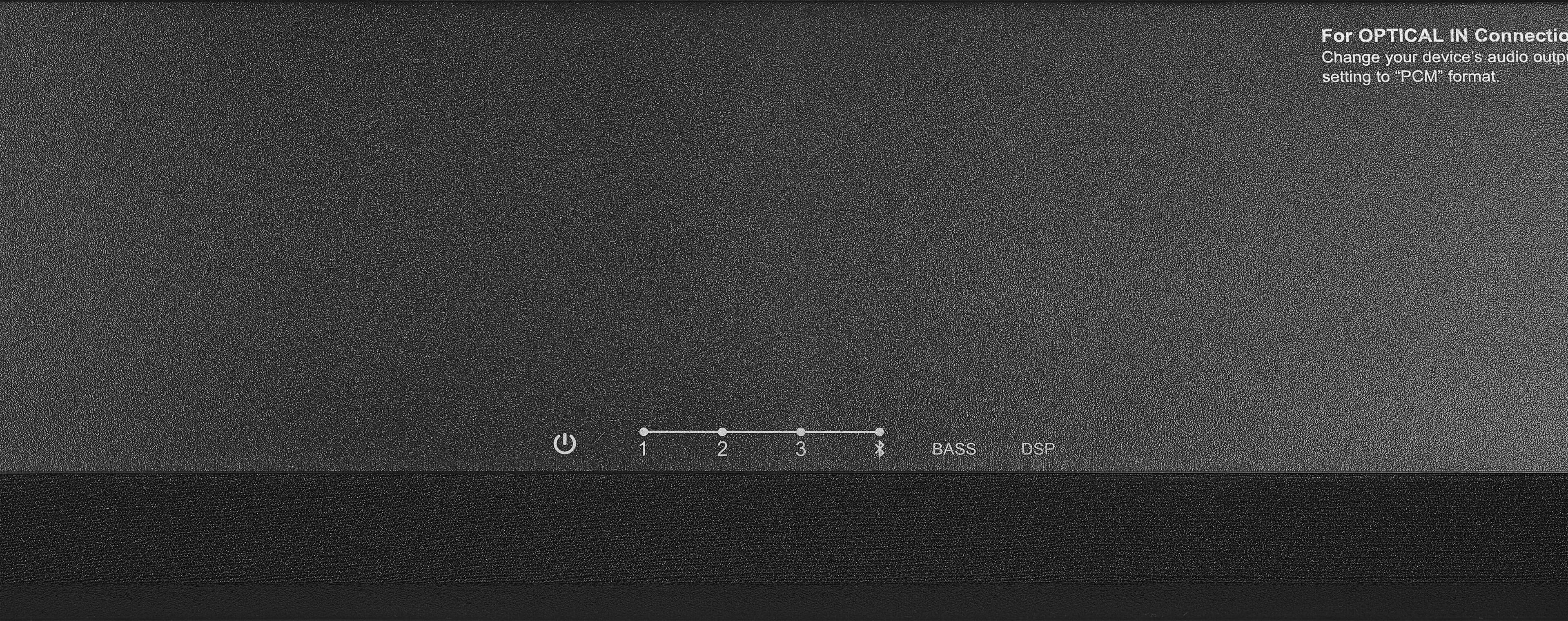
A:AnswerThis has a bass booster button that I would only use for music. The three sound "quality" buttons, Standard, Theater and News will probably give one that works best for her.
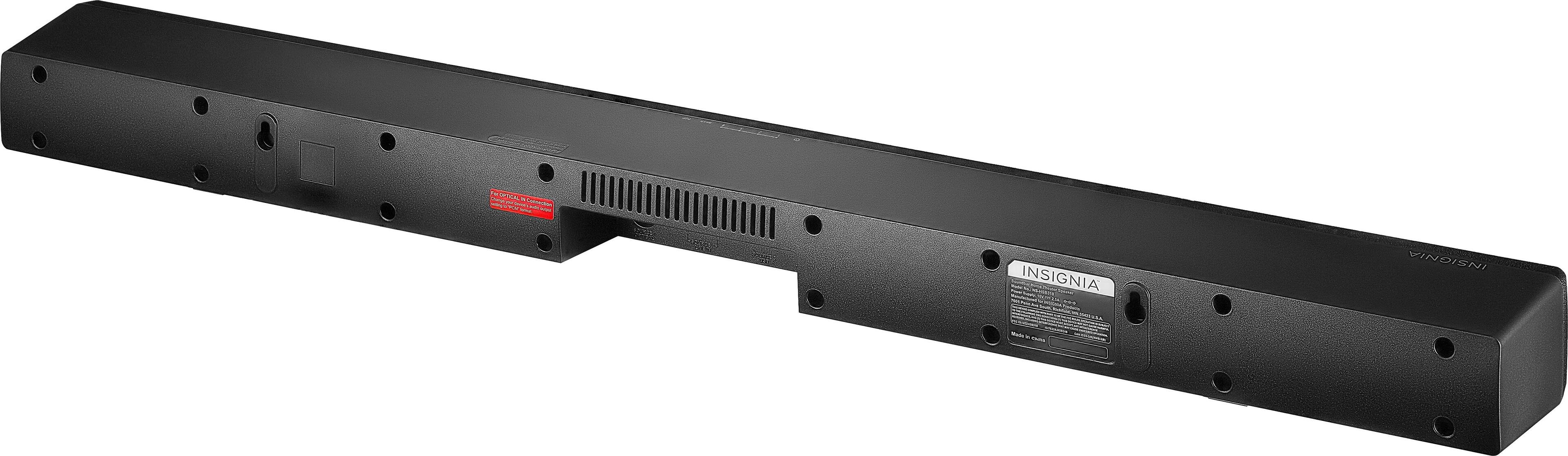
A:AnswerYes you can if you buy a mounting bracket. It will attach on the back of the tv and the speaker will hang just below the tv. We did it and it works just great.
A:AnswerHi, I bought this soundbar because of its price and I do not regret it. I have connected to my tv but I mostly use it to stream music via Bluetooth and I love it. I'm sure there are better speakers out there but for the price you can't beat it. Easy to connect and good sound.