A:AnswerStandby means that the device is not charging.
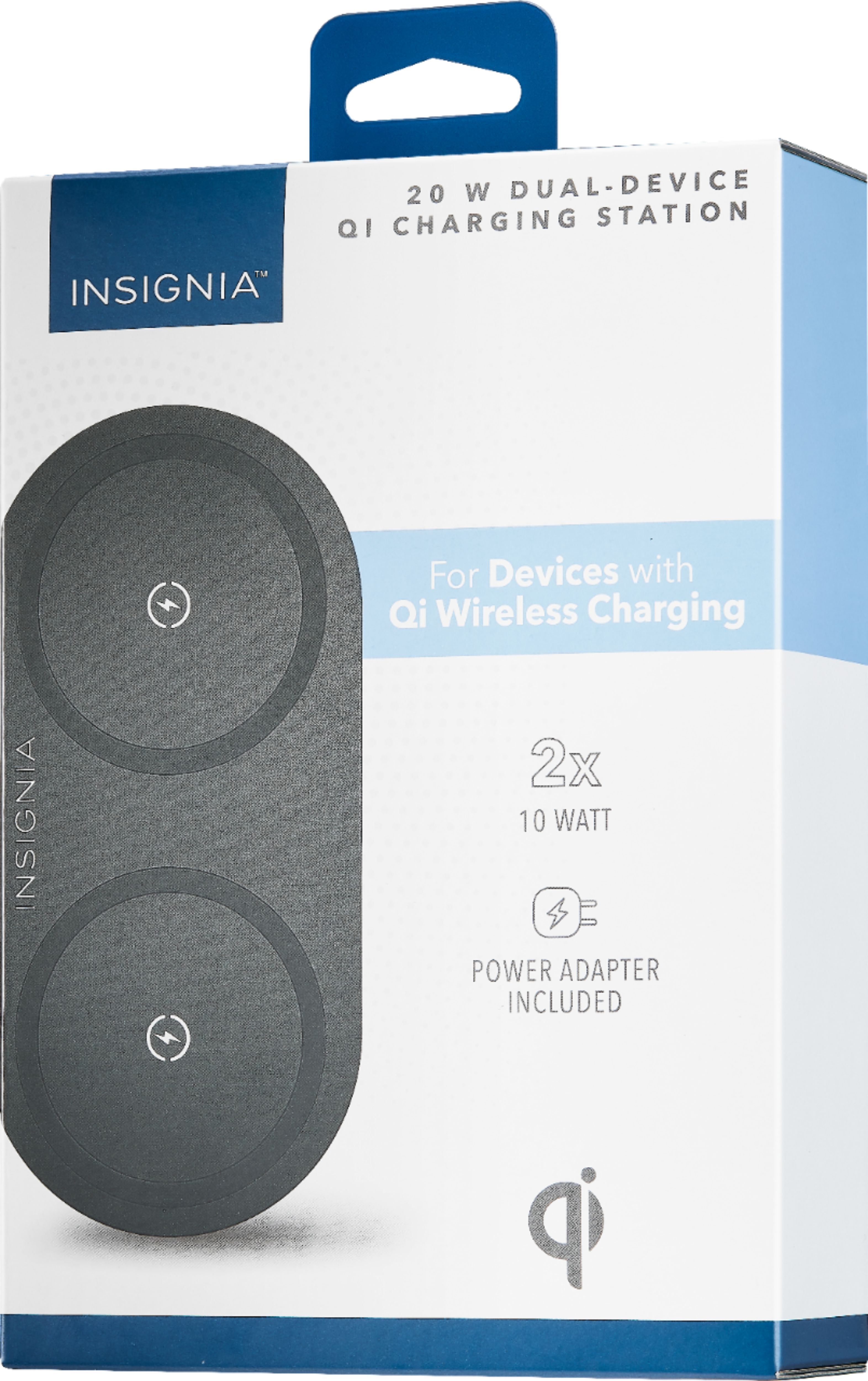
• Make sure that your device is Qi-enabled.
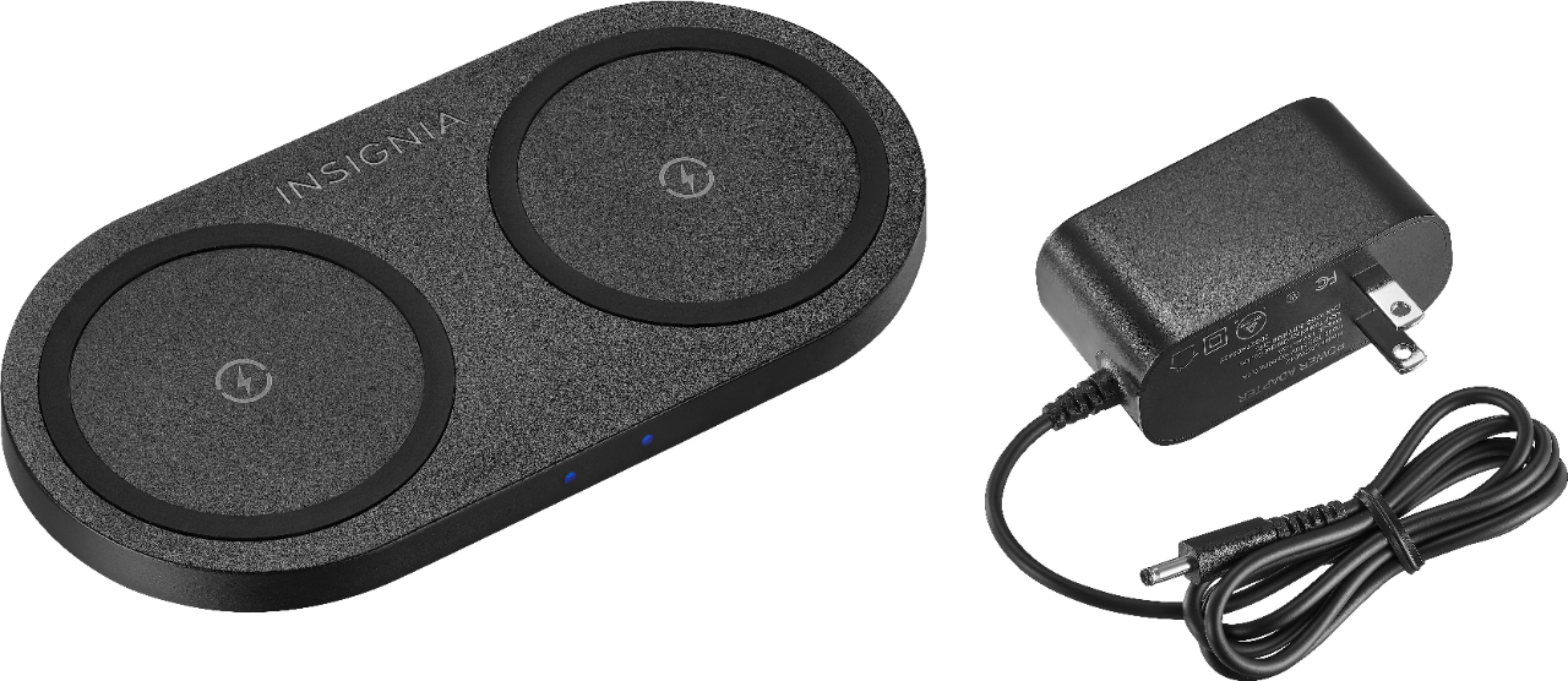
• Make sure that your charging station is connected to a working power outlet.
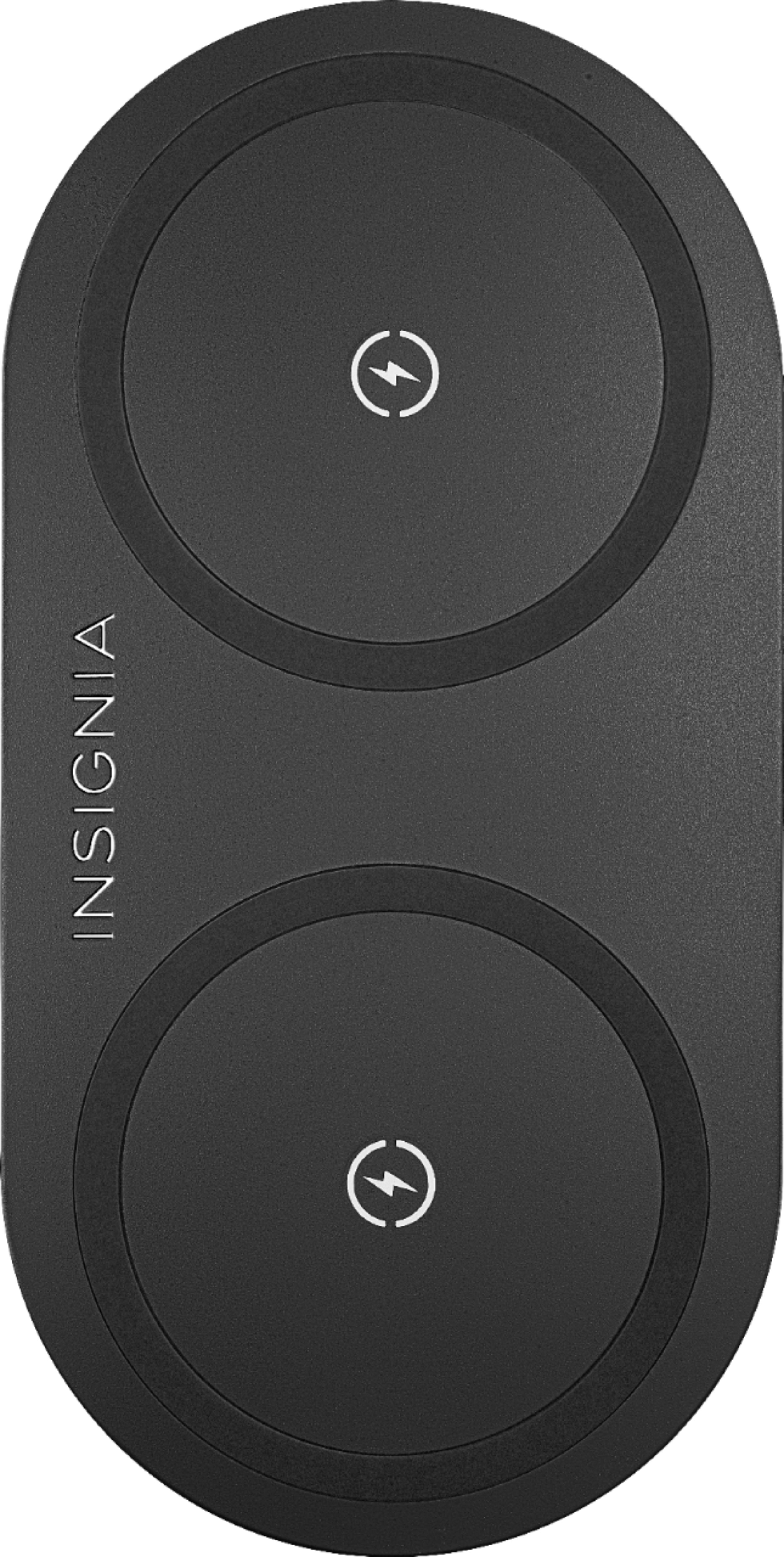
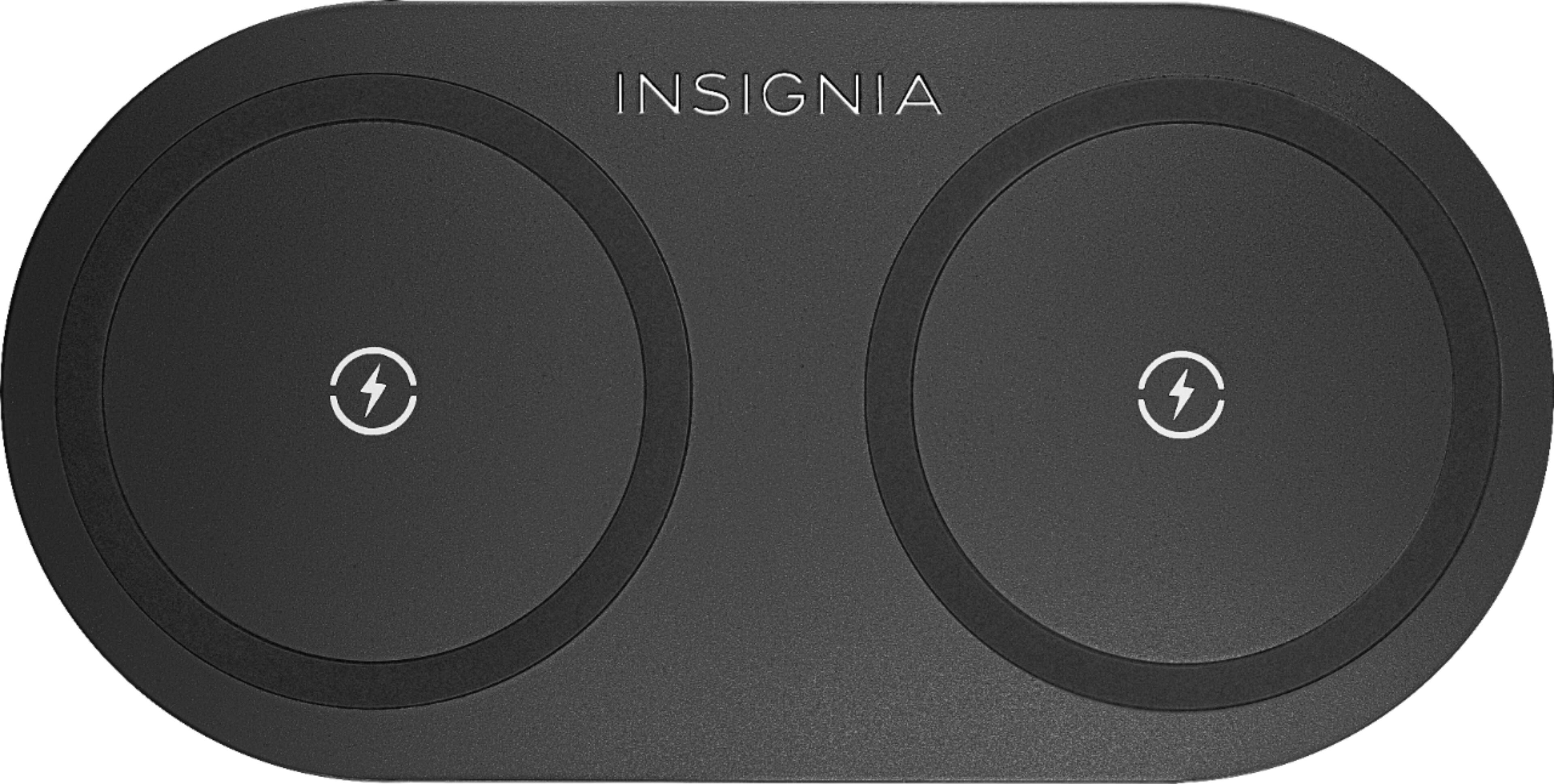
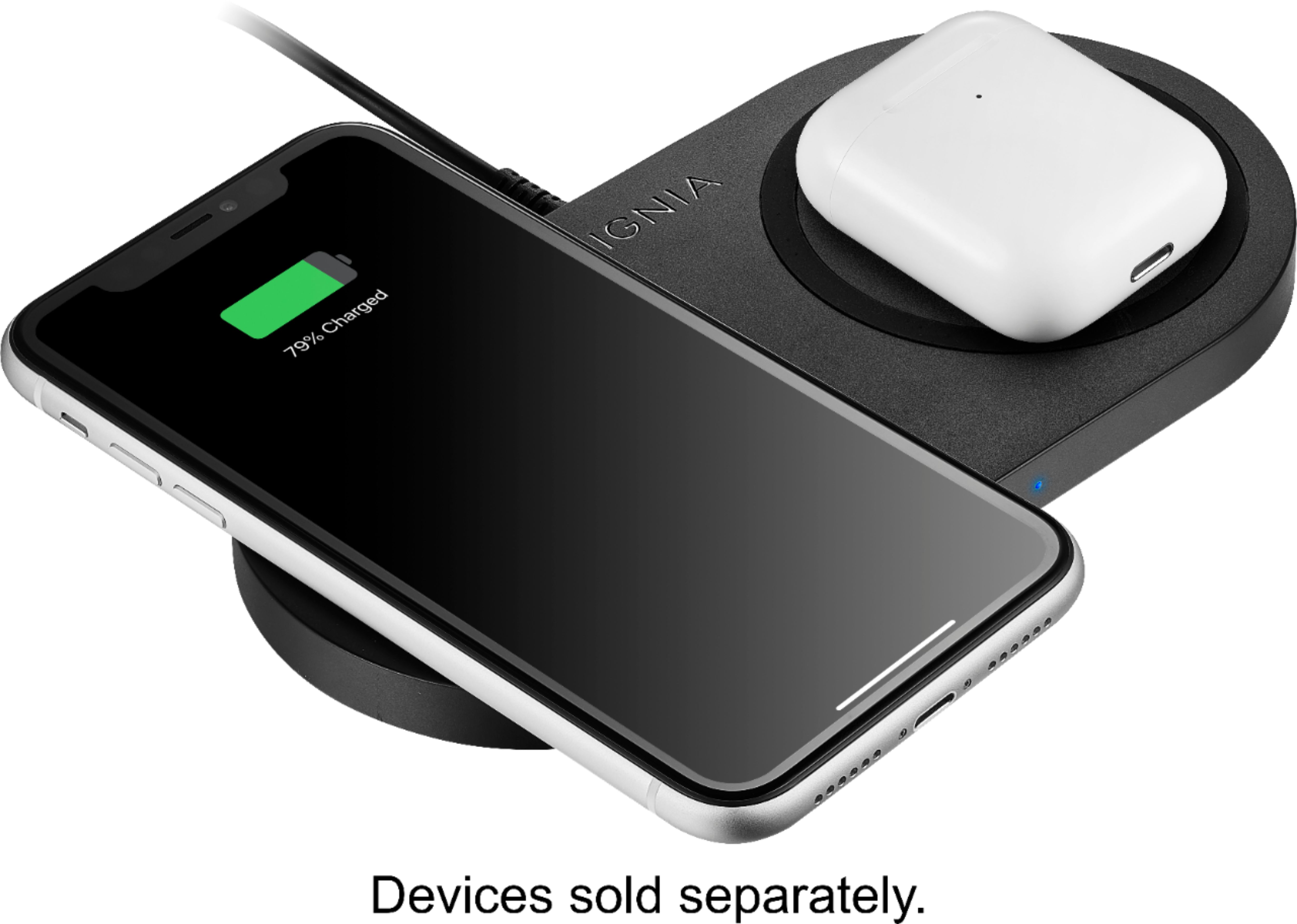
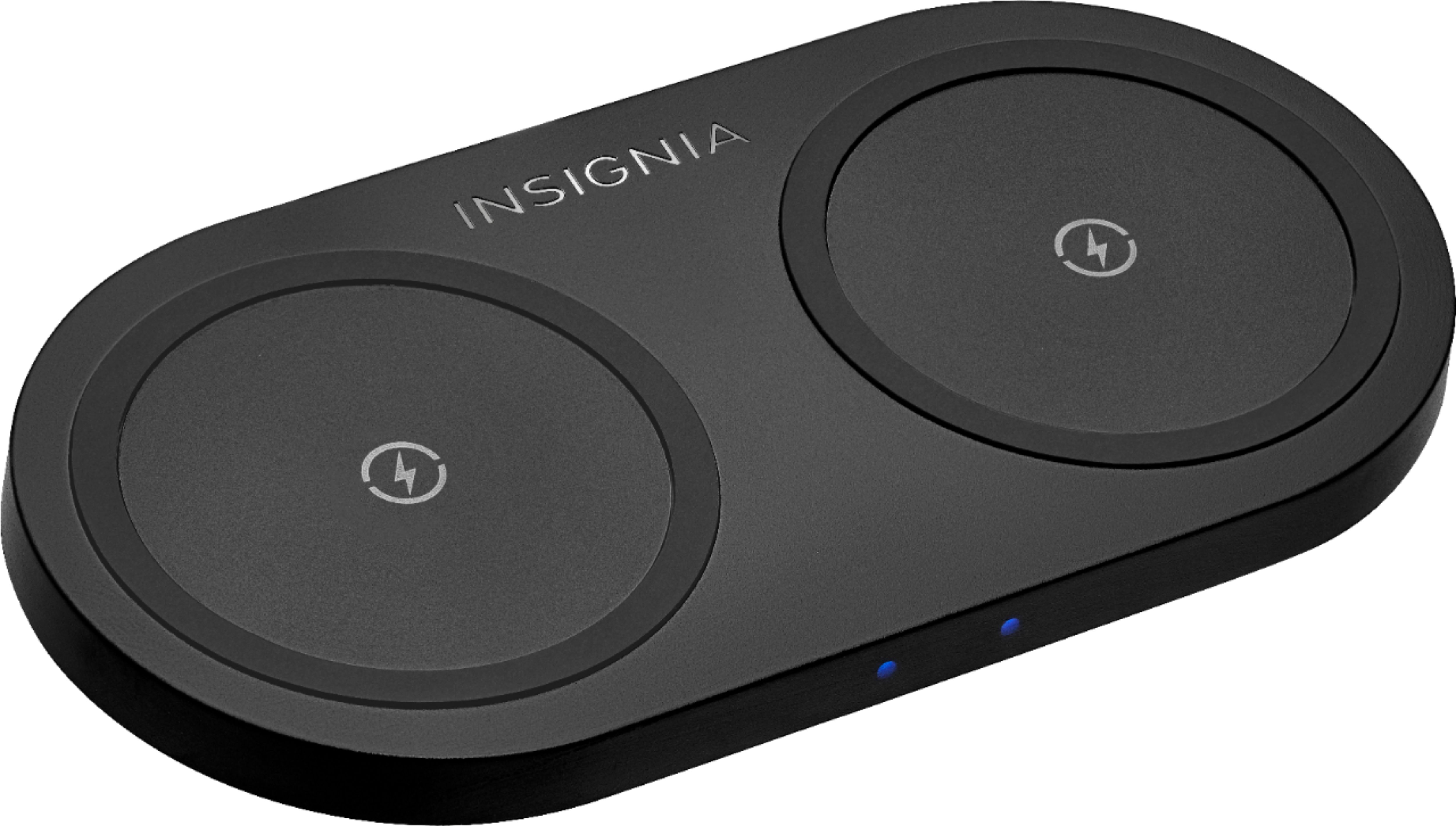
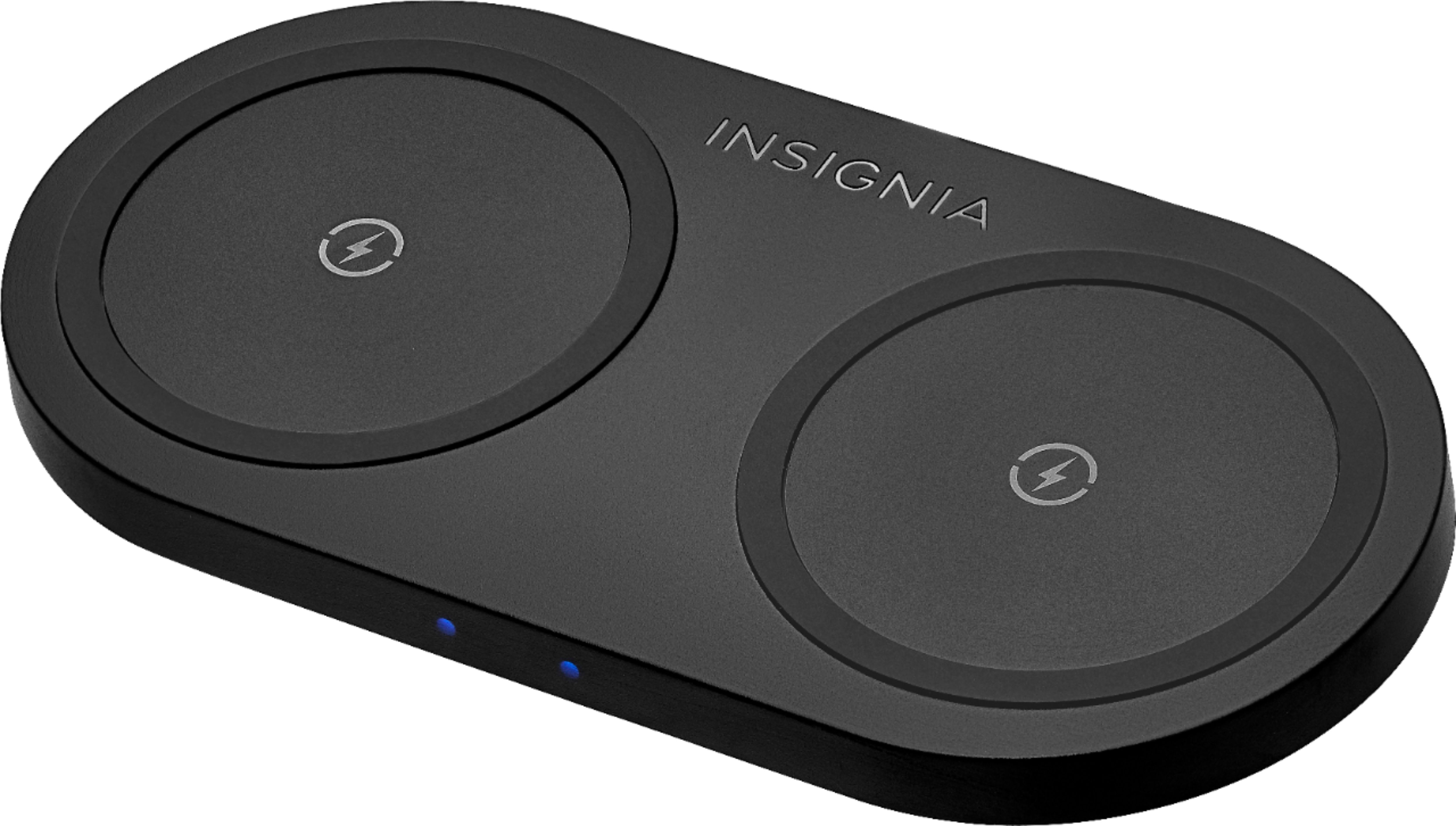
• Make sure that your device is positioned correctly on the charging pad.
• Make sure that there are no other objects on the charging pads.
• Remove your device’s case. It may be blocking the wireless signal.
A:AnswerThis wireless charging pad is compatible with most Qi-compatible devices.
Dina | Insignia Support | https://www.insigniaproducts.com/contact-us
A:AnswerHi shubho32,
Try doing the troubleshooting steps below:
• Make sure that your device is Qi-enabled.
• Make sure that your charging station is connected to a working power outlet.
• Make sure that your device is positioned correctly on the charging pad.
• Make sure that there are no other objects on the charging pads.
• Remove your device’s case. It may be blocking the wireless signal.
Insignia Products
Lisa
https://insigniaproducts.com
A:AnswerHello Kjohnson. Most common reason for a wirelessly charged phone to not charge when placed on a wireless charging pad is having it not sit on the charging part of the pad.
Mary II Insignia Products II https://www.insigniaproducts.com/contact-us
A:AnswerMake sure that your device is positioned correctly on the center of the charging pad. Make sure that there are no other objects on the charging pads. Remove your device’s case. It may be blocking the wireless signal.
A:AnswerPlease make sure that your charging station is connected to a working power outlet. Make sure that your device is positioned correctly on the charging pad.
Make sure that there are no other objects on the charging pads. Remove your device’s case. It may be blocking the wireless signal.