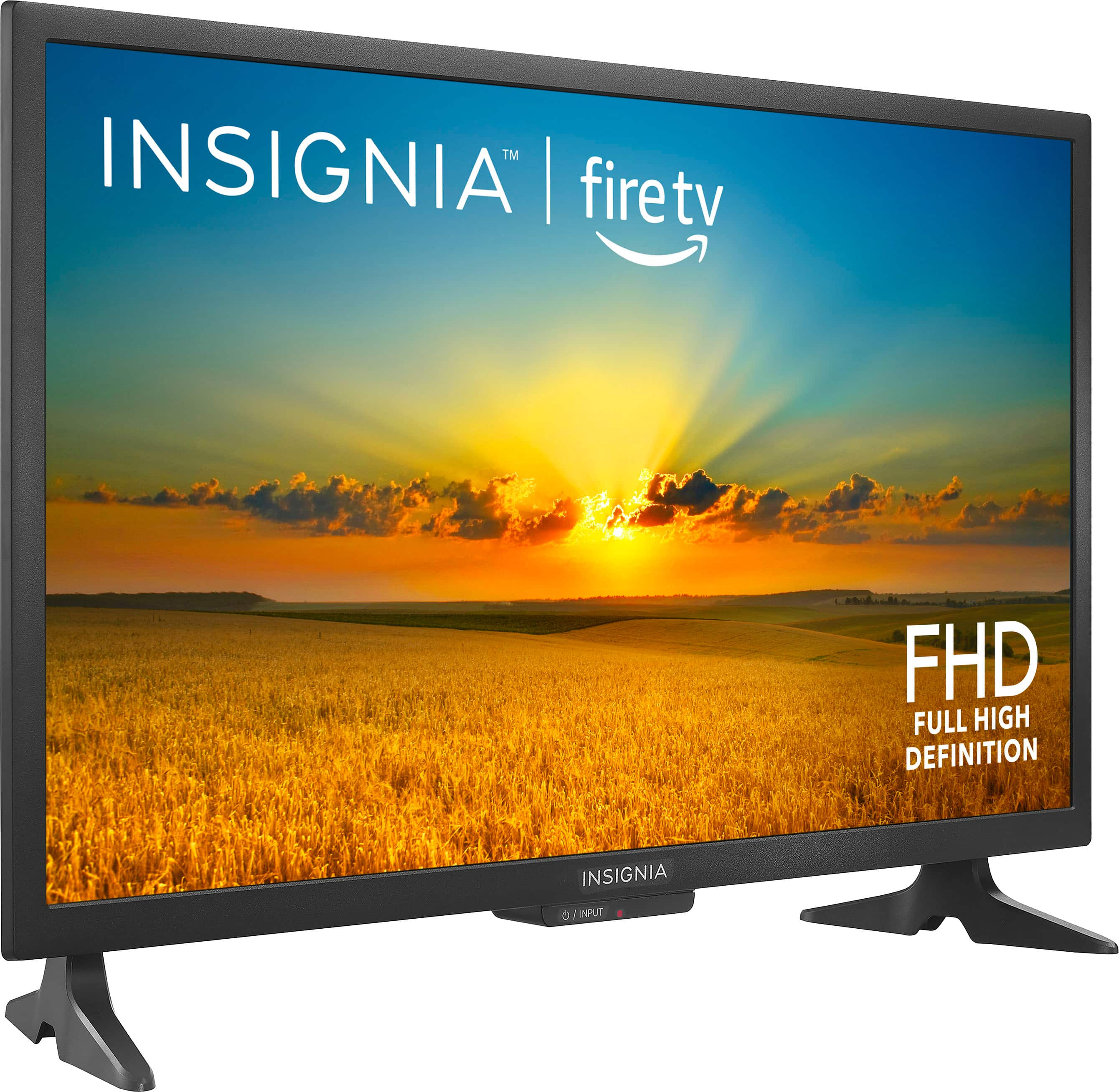
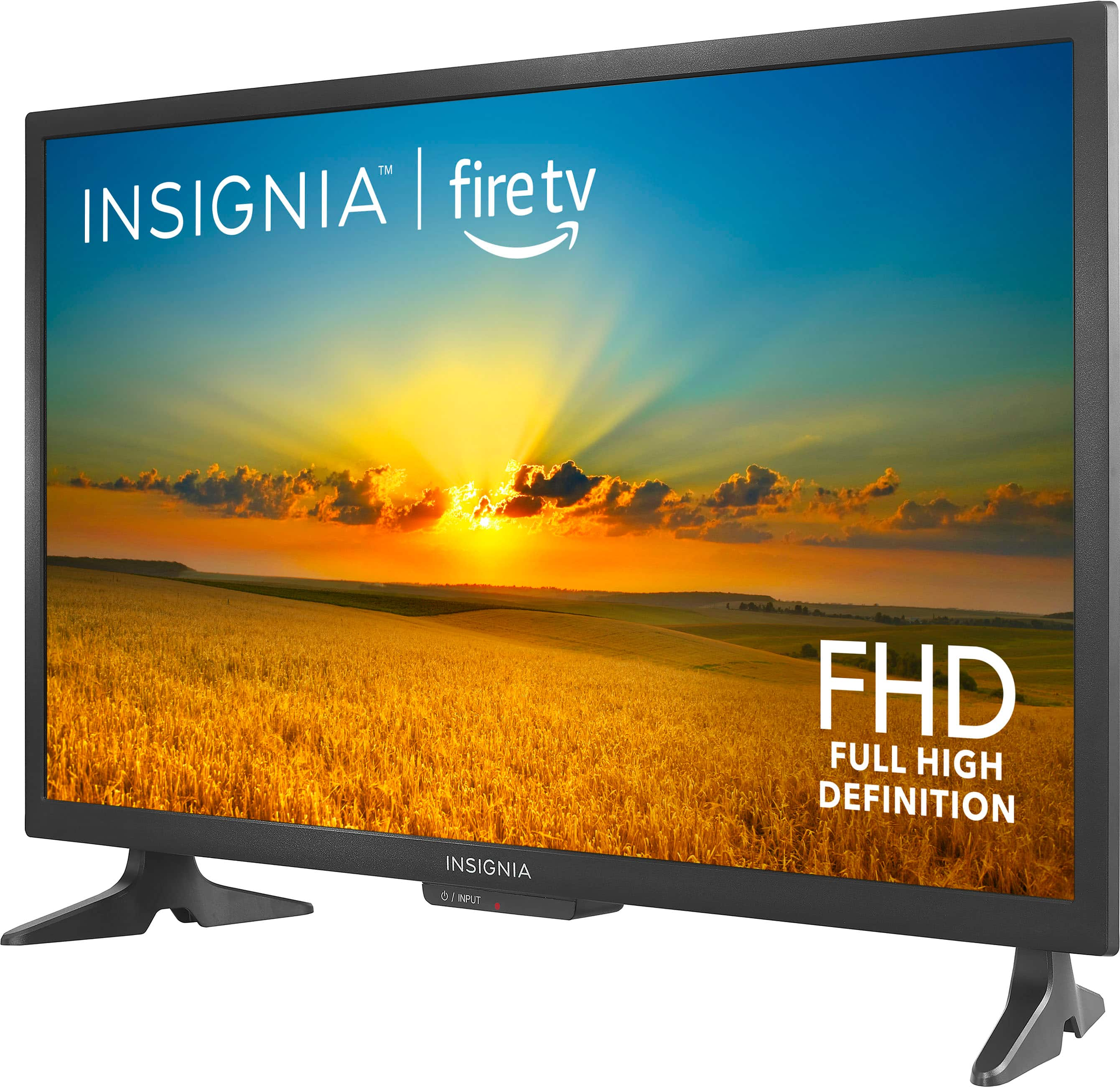
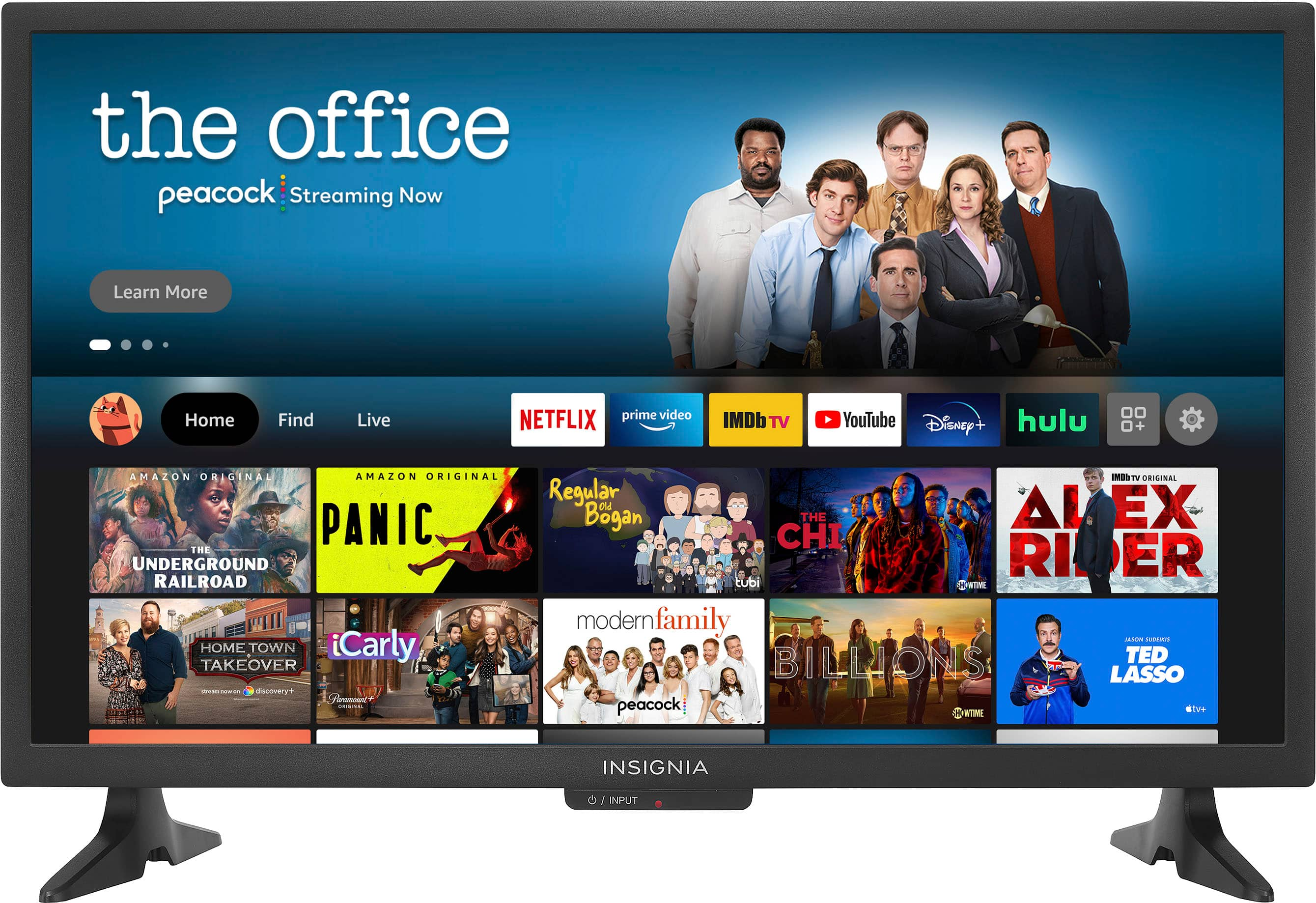
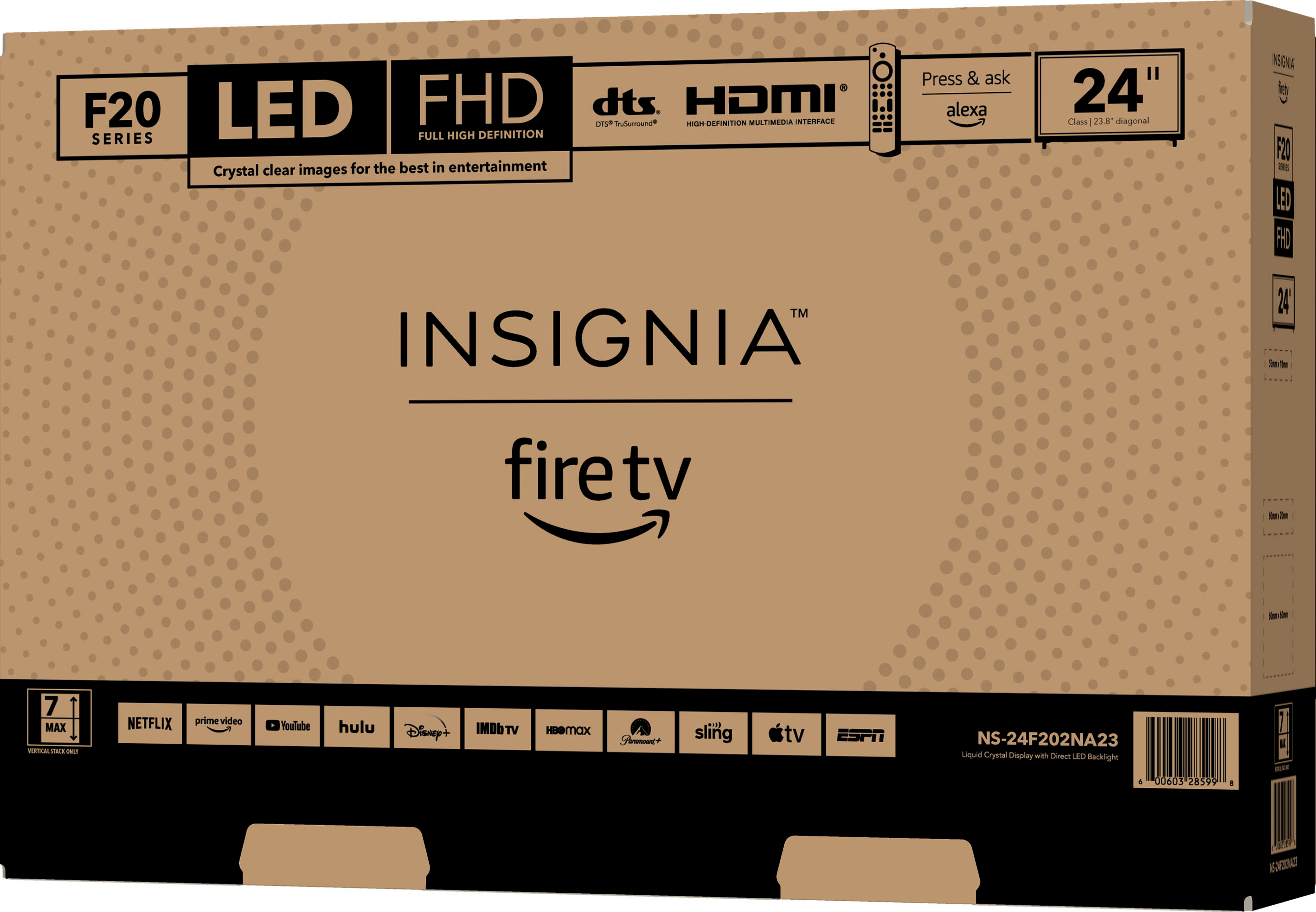
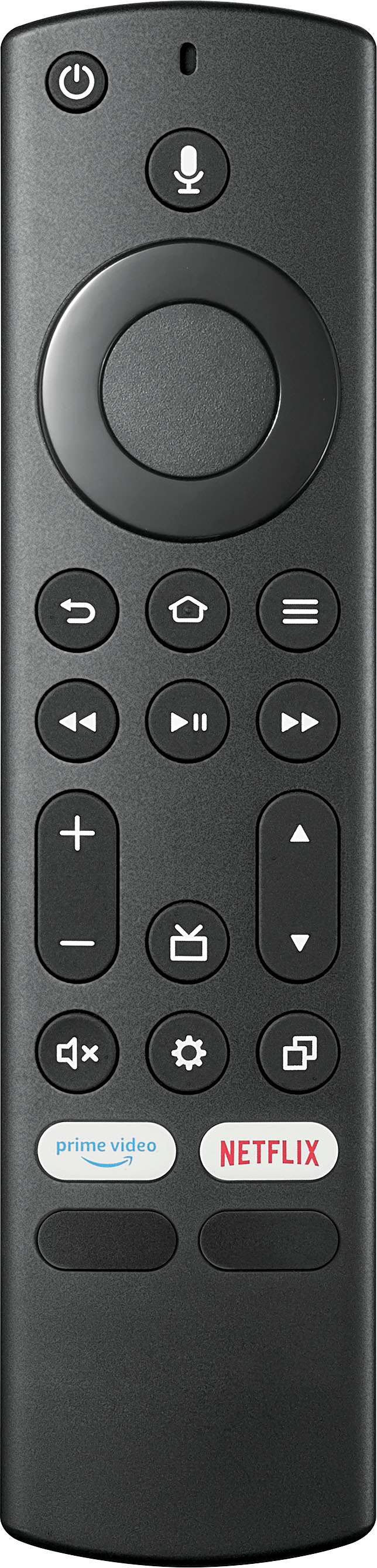
A:Answer Thank you for your inquiry! To control the color settings on your Insignia™ 24" Class F20 Series LED Full HD Smart Fire TV, start by pressing the Home button on your remote to access the main menu. Navigate to Settings and select it, then go to Display & Sounds. From there, choose Picture Settings, where you can adjust various settings such as Brightness, Contrast, Color, and Tint to your preference. If you need to reset the color settings to their default values, you can do so by selecting the Reset to Defaults option in the Picture Settings menu. Keith | Insignia Support