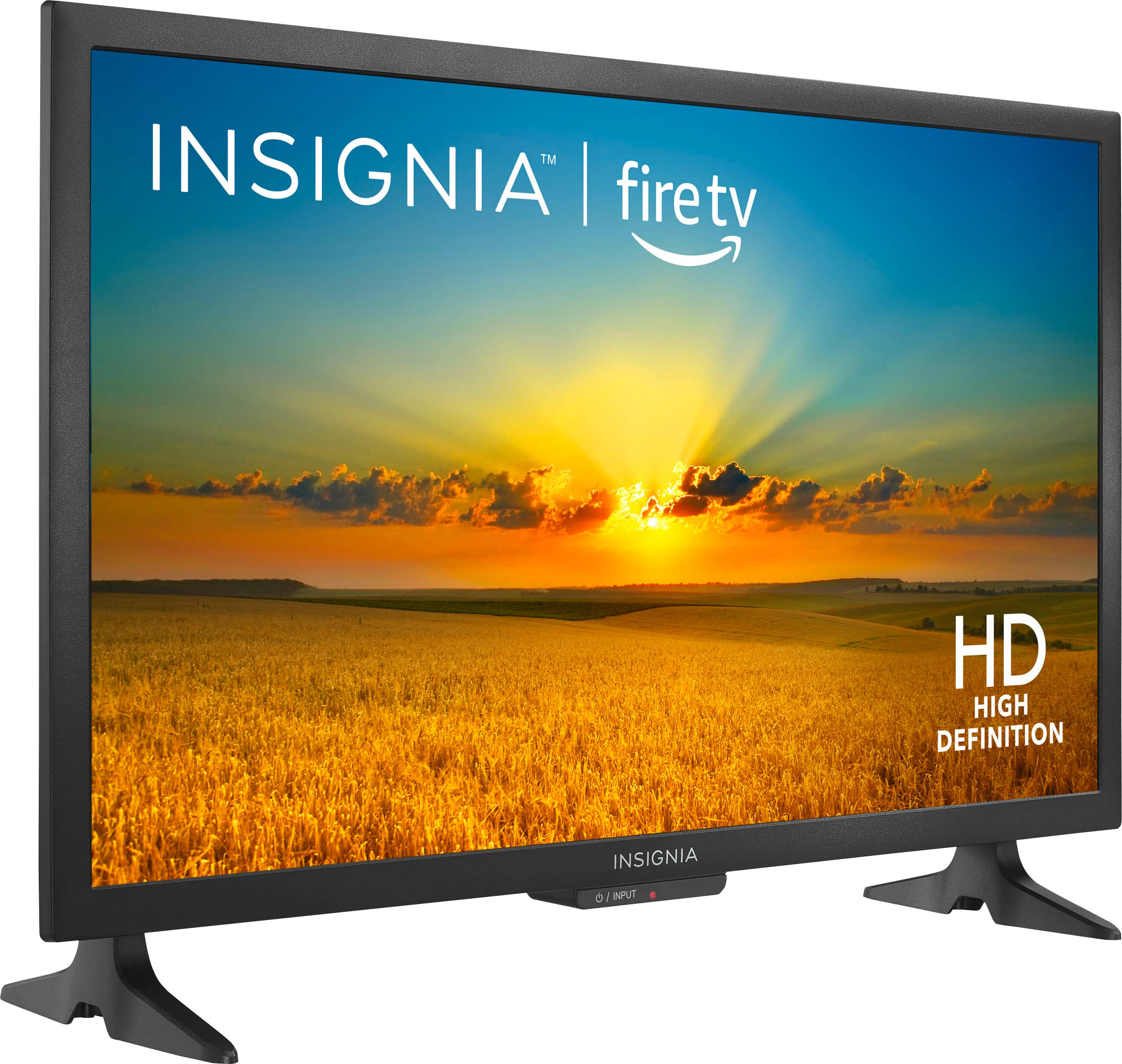
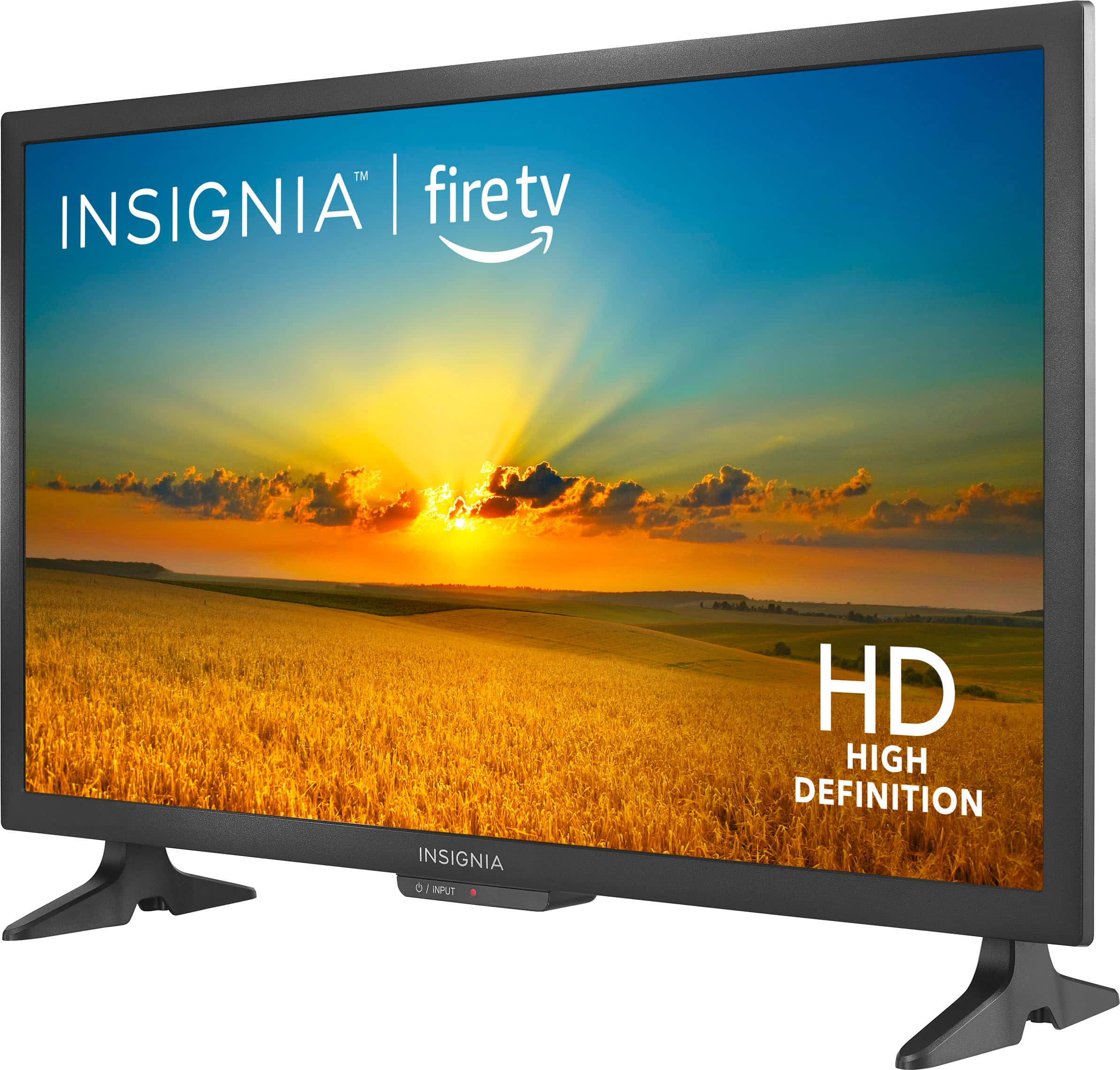
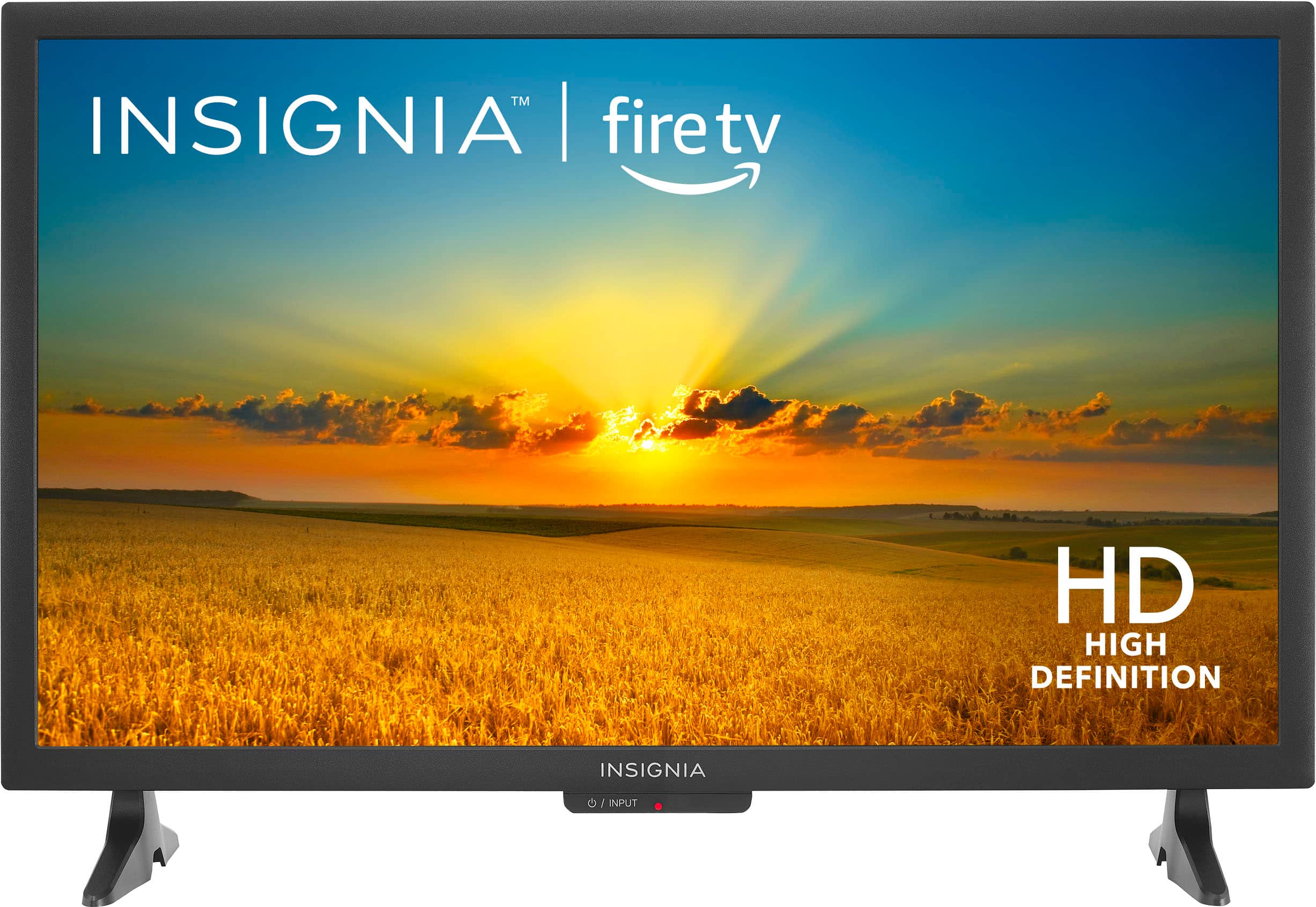
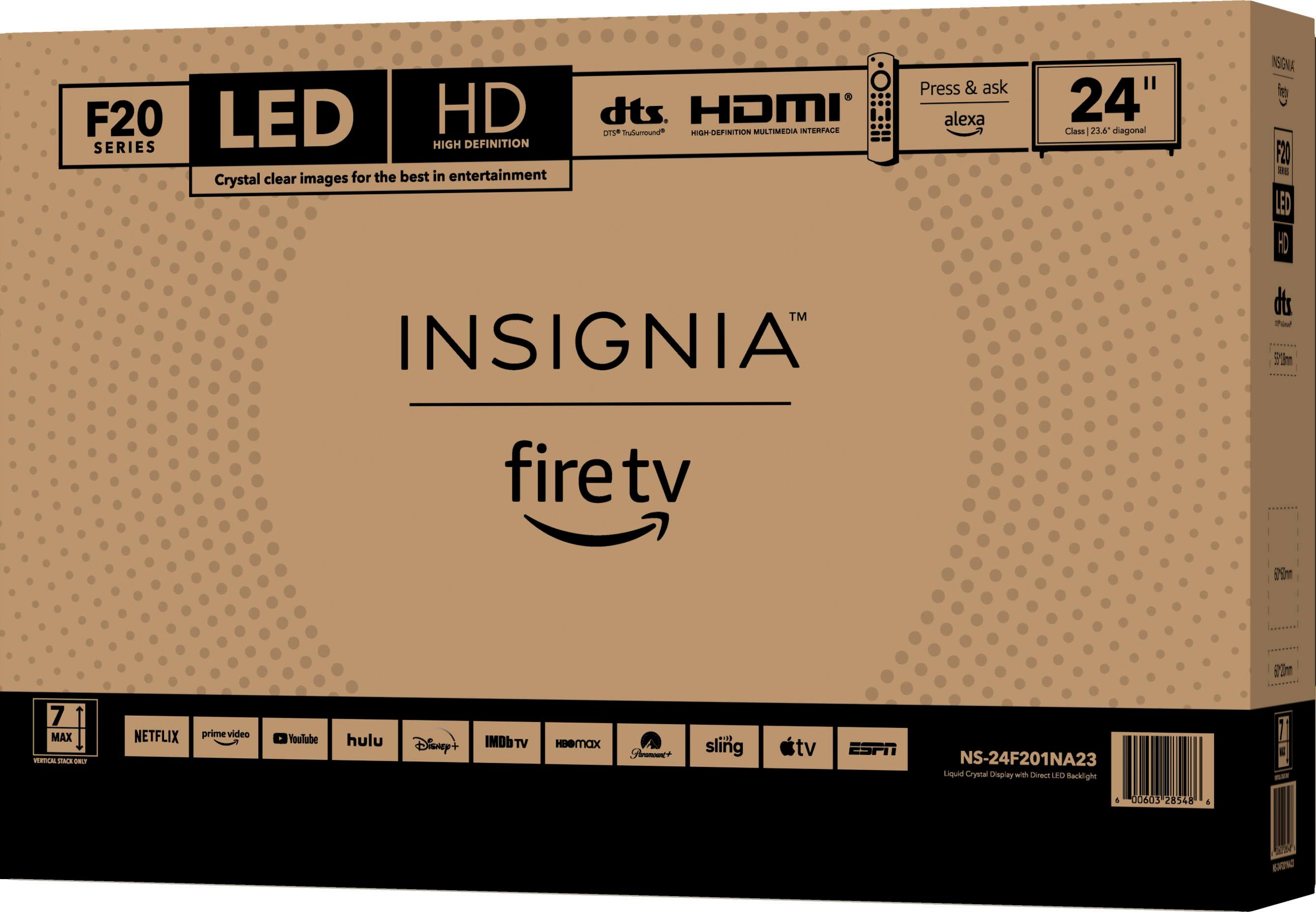
A:AnswerThank you for reaching out to us. We appreciate your interest in our product. The Insignia™ 24" Class F20 Series LED HD Smart Fire TV does not natively support Miracast or WiDi without a dongle. However, if you’re looking to cast content from your mobile device or laptop, you can use an external Miracast adapter or a compatible streaming device like a Fire TV Stick. These devices allow wireless screen mirroring and streaming, enhancing your viewing experience

-Paul | Insignia Support
https://www.bestbuy.com/site/insignia-24-class-f20-series-led-hd-smart-fire-tv/6491295.p?skuId=6491295
A:AnswerHi there,
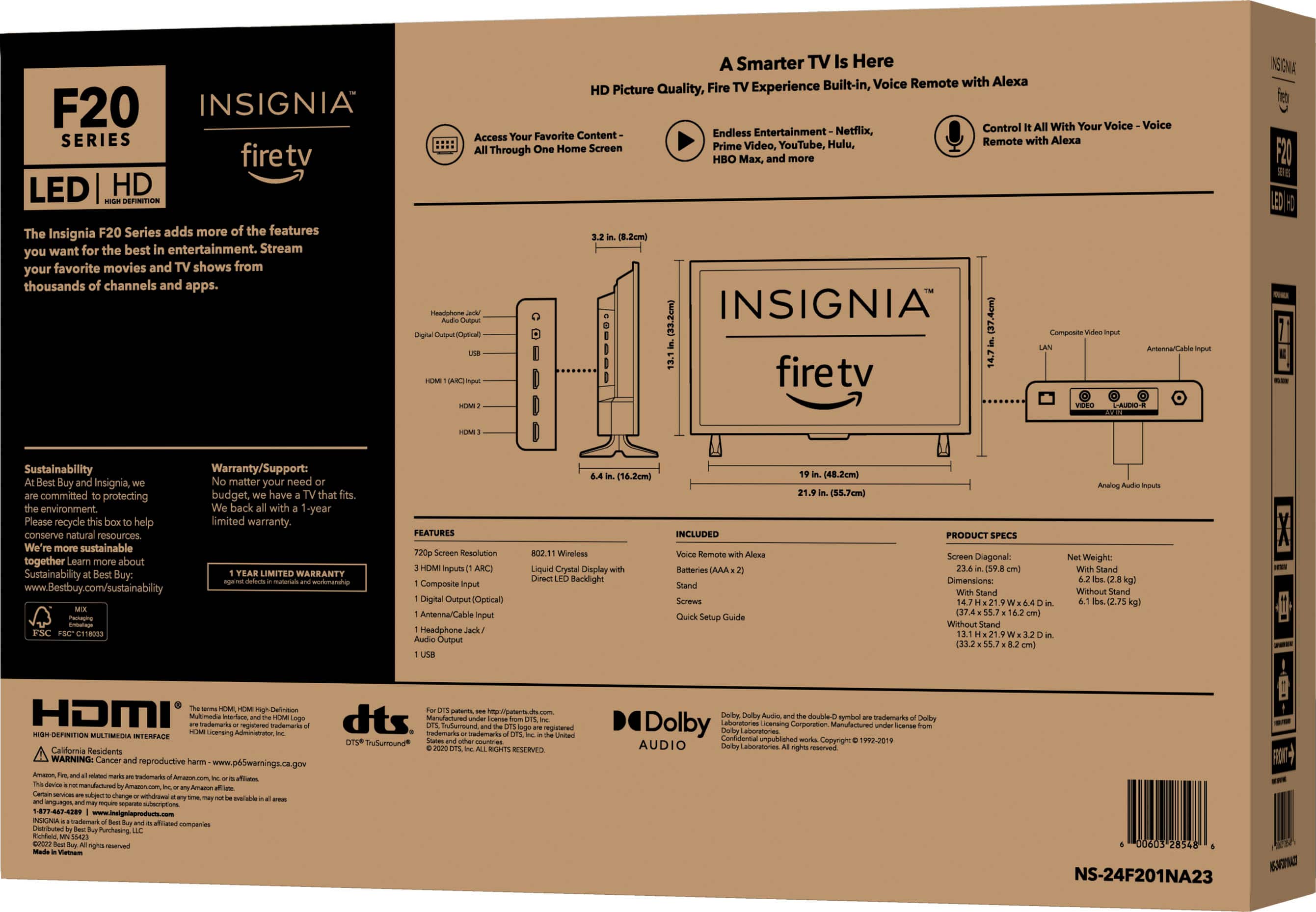
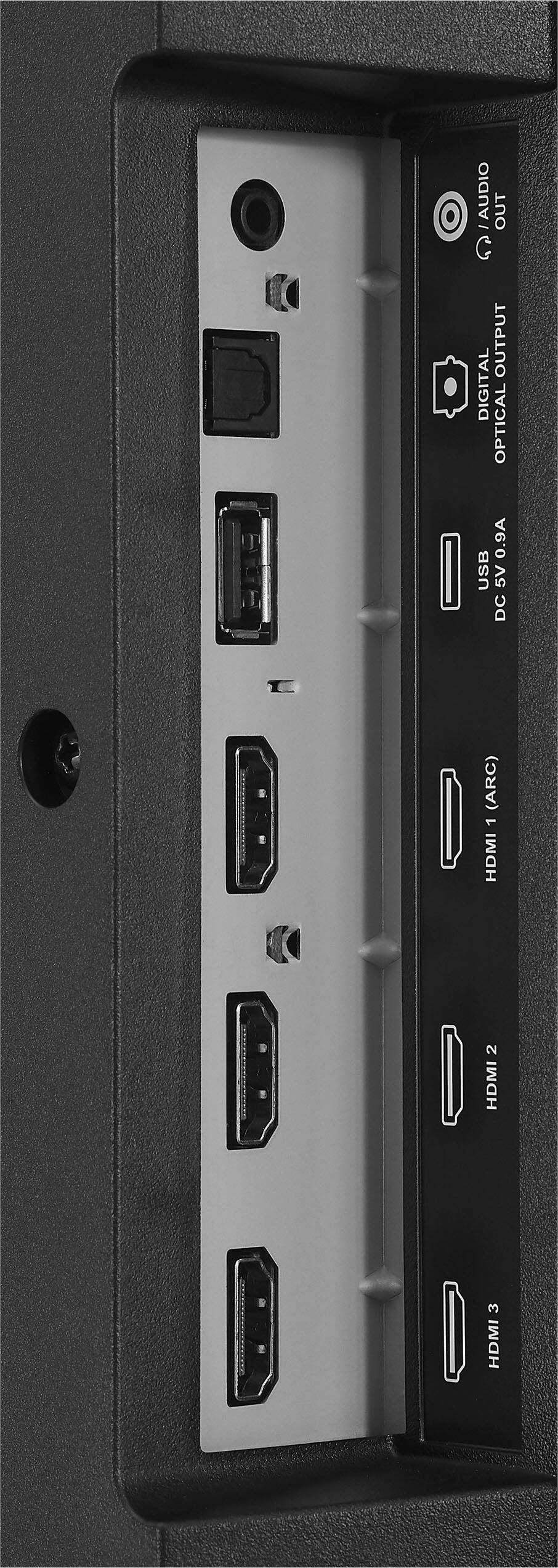
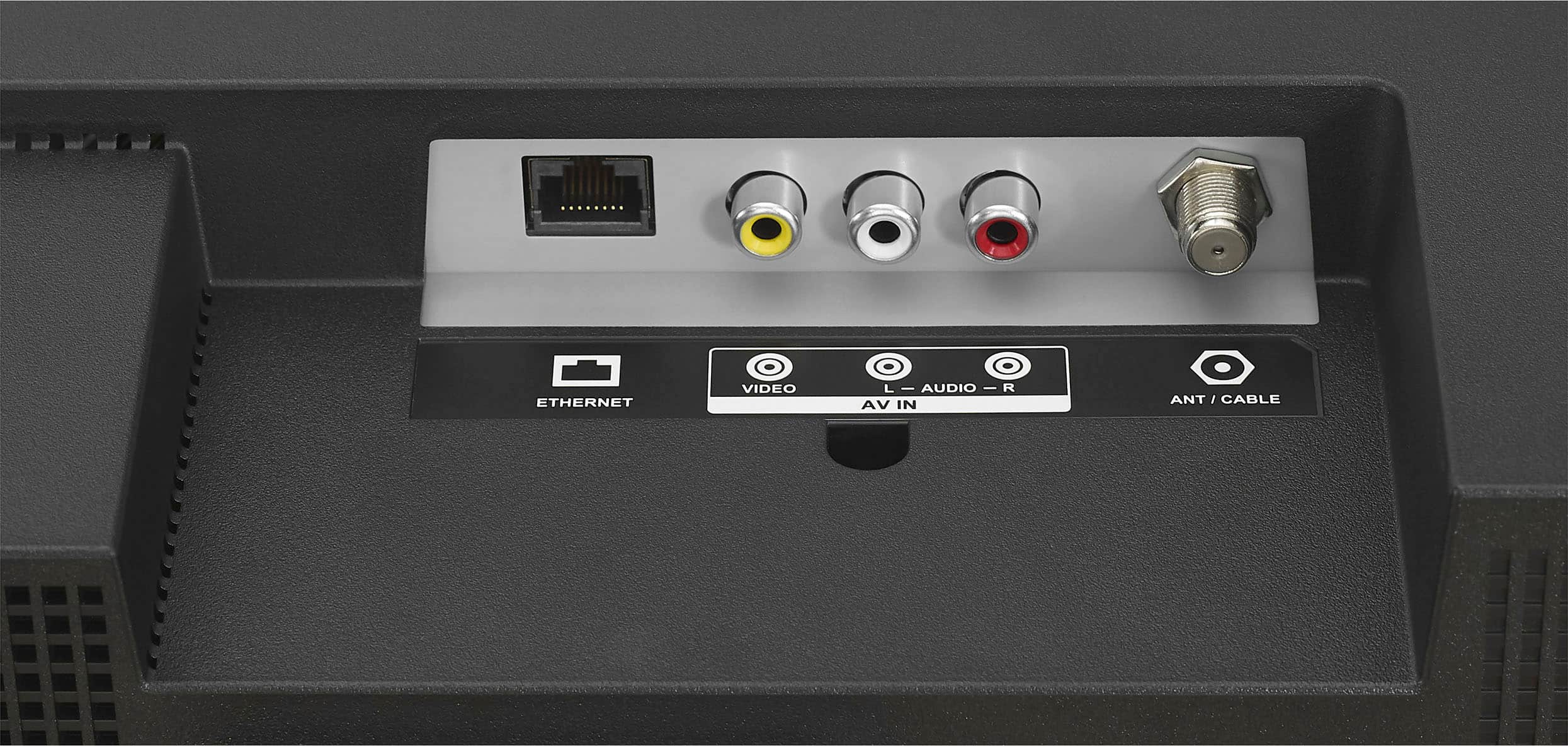
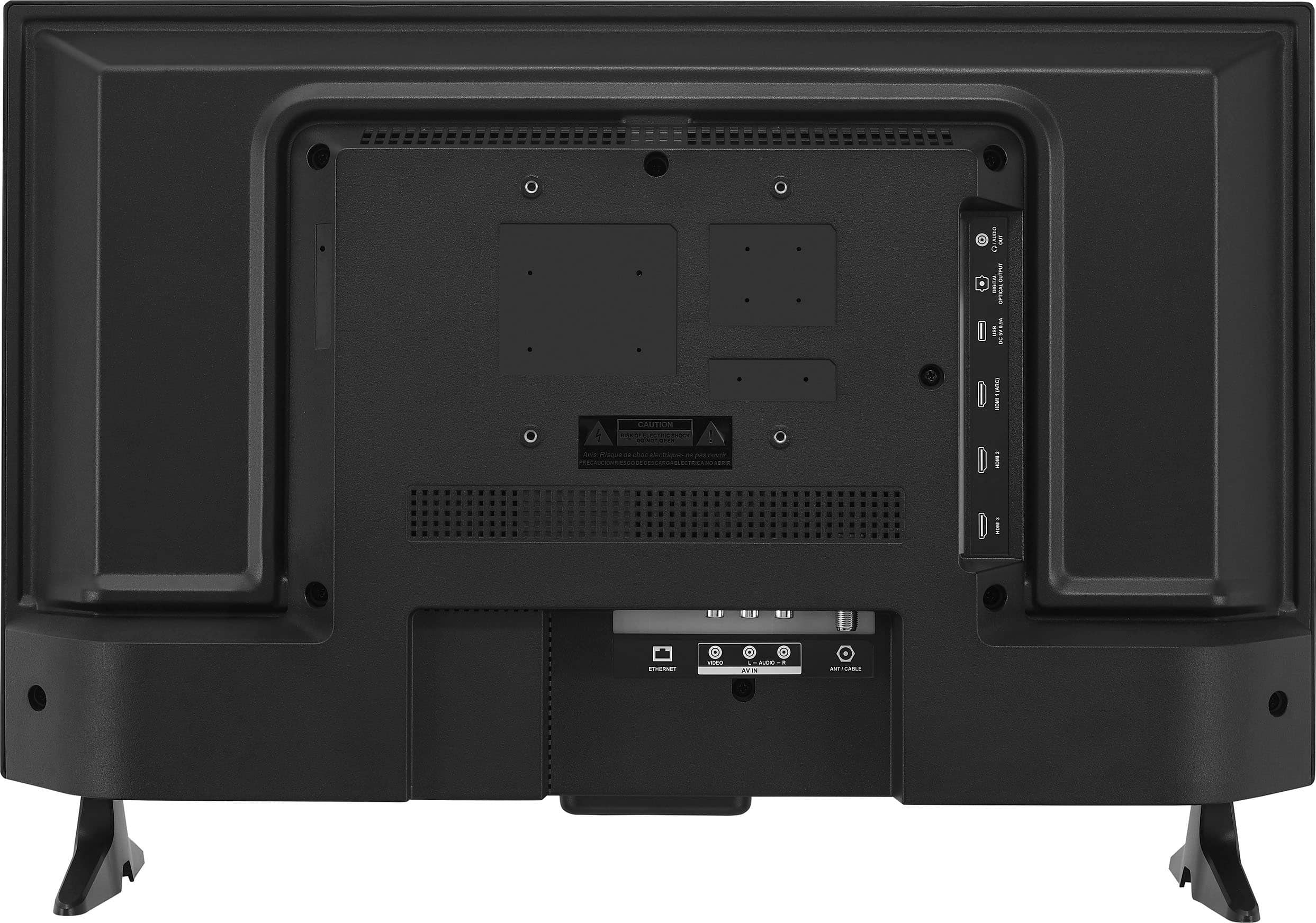
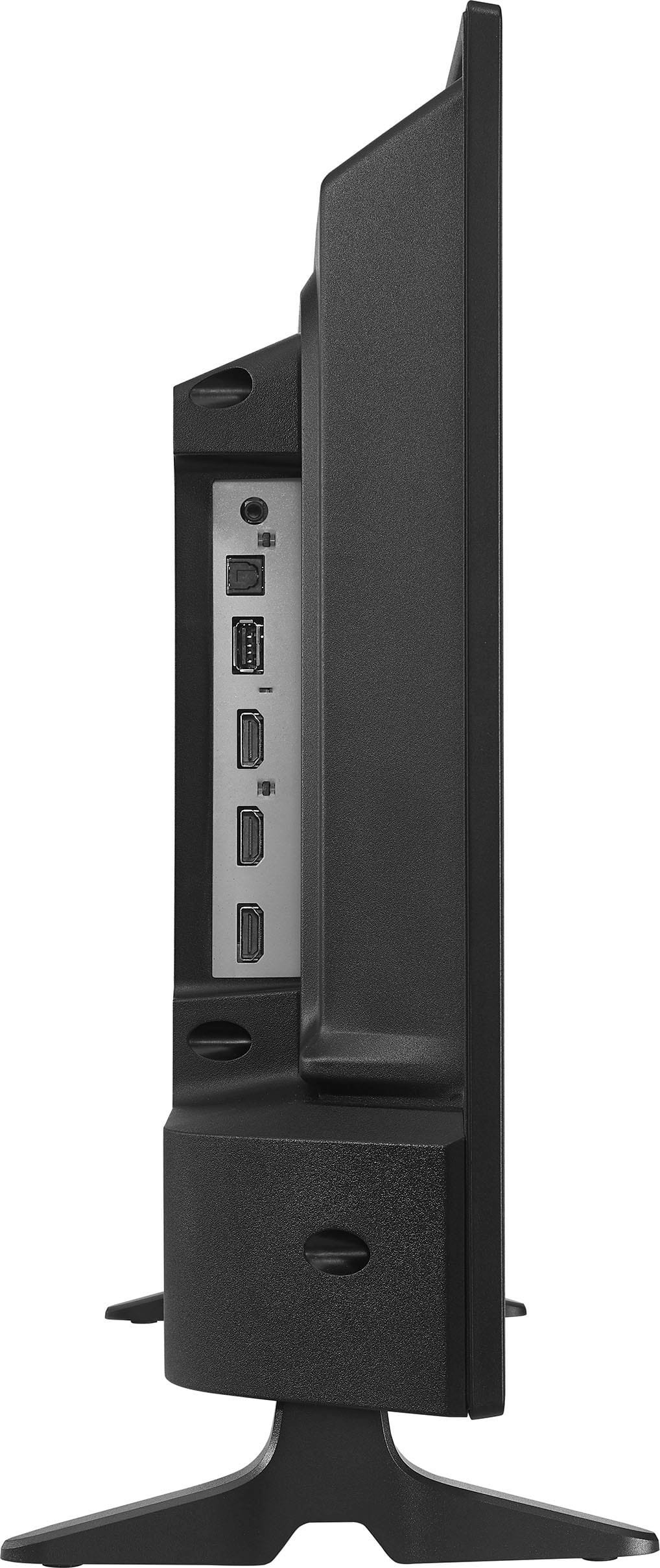
Yes, you can play MP4 video by connecting it to the USB port of the TV.
Insignia Support
Molina
https://www.bestbuy.com/site/brands/best-buy-brands/pcmcat1596746025285.c?id=pcmcat1596746025285
A:AnswerFrom what I have learned is that if your tvs are linked to your Amazon account and you watch something on an app you don’t own it will automatically set you up, even if you don’t want to be. You have to go into your settings on Amazon to deactivate whatever tv your not wanting to be linked to Amazon.
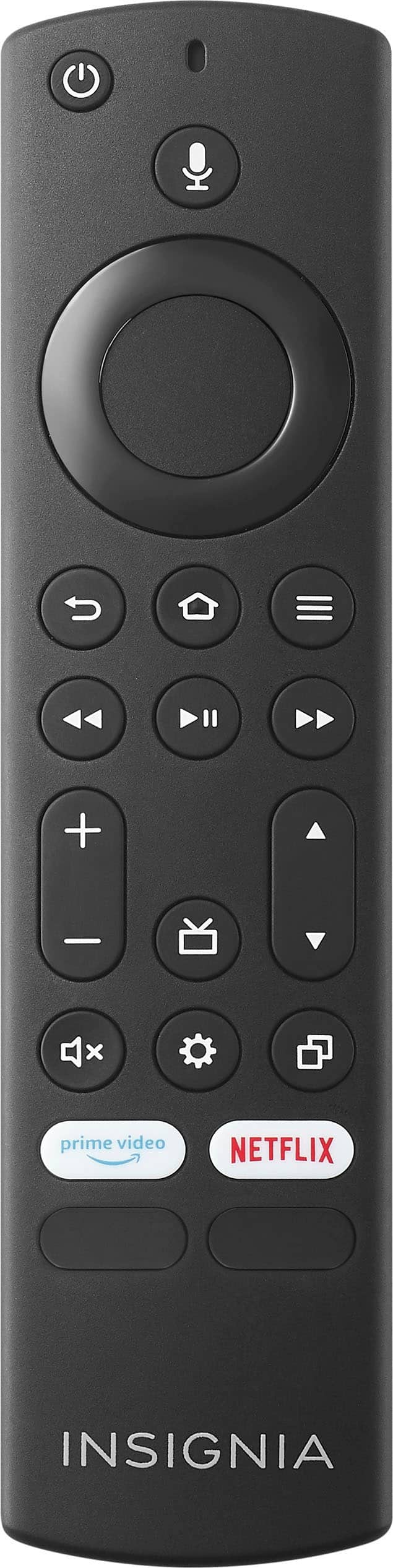
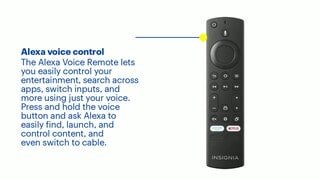
A:AnswerI have this TV and use it as both a monitor and TV. The remote allows you to access inputs through the Fire TV settings. It has HDMI inputs.
-Daniel
A:AnswerHi Molly, thank you for reaching out. Yes, it is possible to set up this TV without an internet connection. I hope this information is helpful, and if you have any further questions, please feel free to ask! - Carl | Insignia Support
A:AnswerHi Kalam, thank you for reaching out. Insignia Fire TVs generally come with 8GB of internal storage; however, you can expand this storage capacity by using a USB flash drive as external storage. - Carl | Insignia Support