A:AnswerYes, you can loop photos or videos using the USB Port but it requires a bit of setup since the TV’s built-in media player doesn’t natively support looping. Here’s how you can do it:
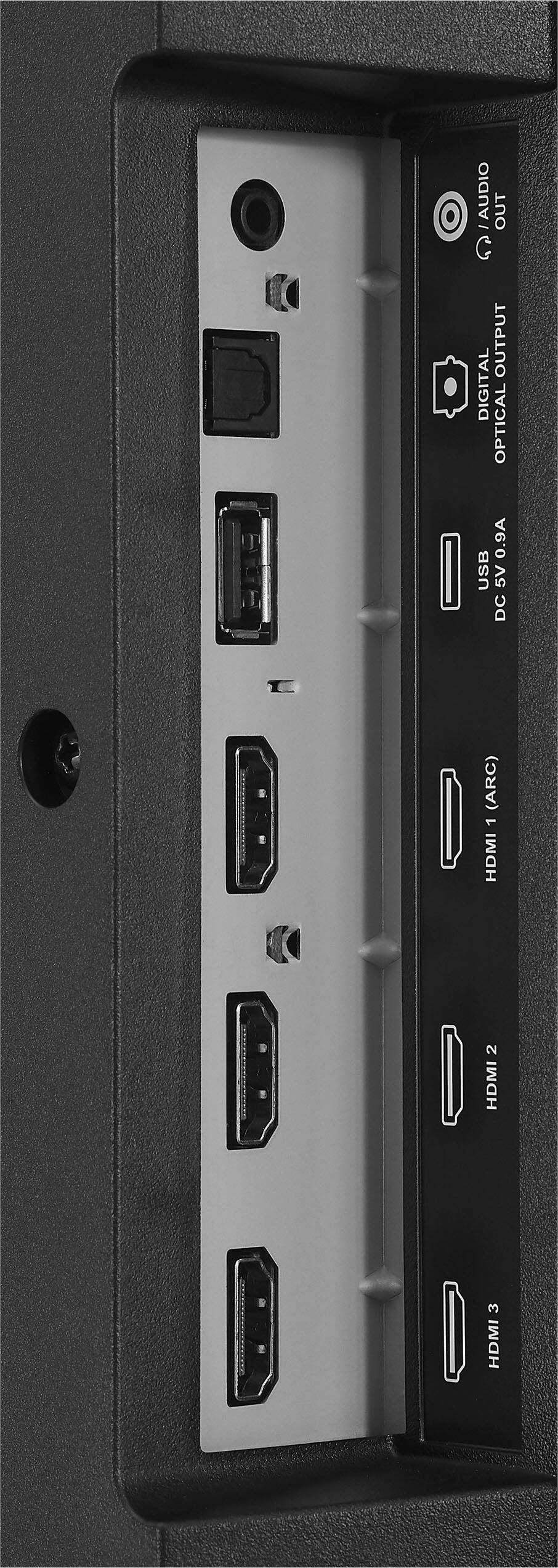
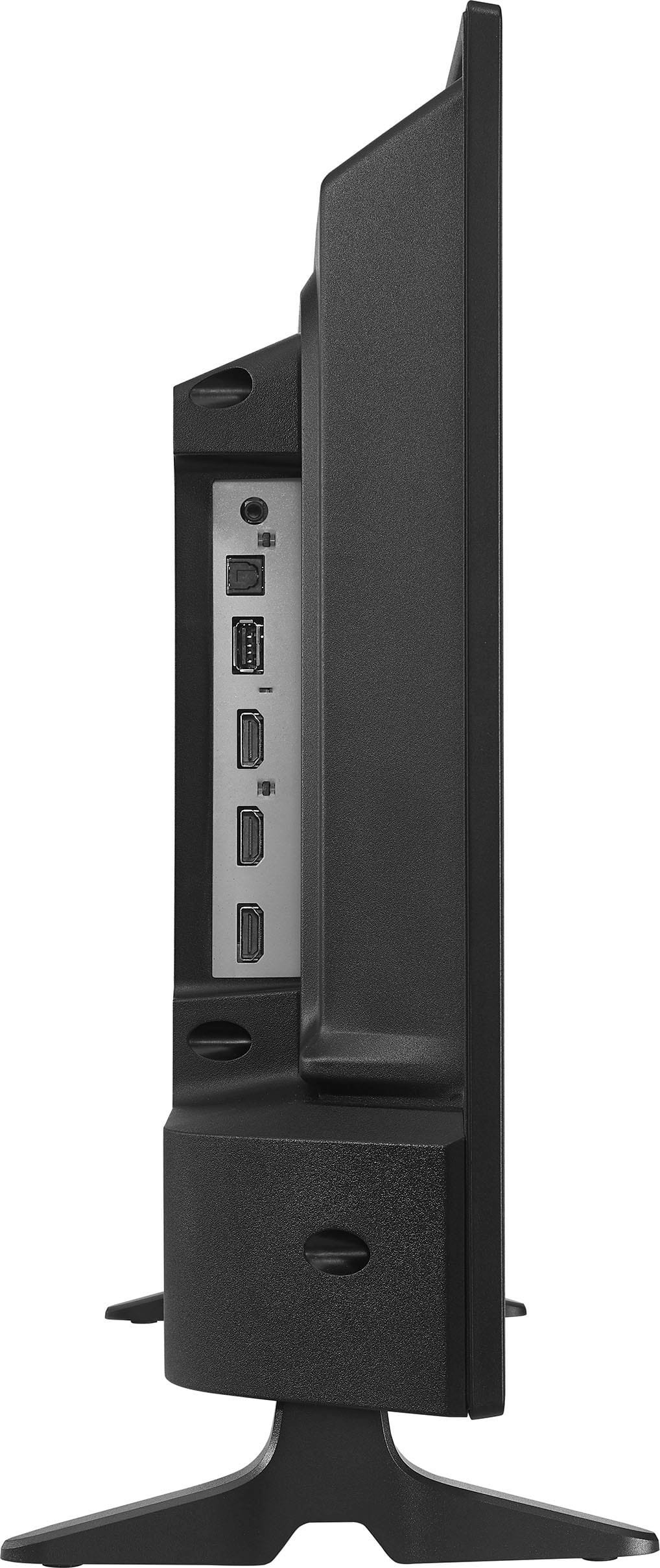
The TV has a USB port that allows you to play media files (like photos and videos in formats such as MP4, AVI, or JPG) from a USB drive. However, the default media player on the Fire TV platform is fairly basic and primarily designed for simple playback, without an explicit option to loop content. To enable looping, you’ll need to download a third-party media player app from the Fire TV Appstore that supports this feature. One popular option is VLC for Fire, a free app widely praised for its versatility.
After plugging your USB drive into the TV’s USB port, follow these steps:
1 Go to the Fire TV Appstore using the TV’s home screen.
2 Search for and download “VLC for Fire.”
3 Open the VLC app, grant it permission to access your USB drive, and locate your photos or videos.
4 VLC allows you to create a playlist from the files on your USB drive. Add your photos or videos to the playlist.
5 In VLC’s playback settings, enable the “Repeat” or “Loop” option (typically found in the playback controls or settings menu). This will make your content play continuously in a loop.
This workaround has been confirmed to work based on user feedback and technical details about the TV’s capabilities. The Insignia F20 Series supports USB media playback, and apps like VLC enhance functionality beyond the default player, which some users have noted flattens file structures and lacks advanced features like looping. With VLC, you can loop either a single file or an entire playlist, making it ideal for displaying slideshows of photos or repeating videos seamlessly.
So, while the TV itself doesn’t offer a built-in looping feature through its native interface, using VLC via the USB port gets the job done effectively! I hope this helps.
A:AnswerYes, the Insignia™ 24” Class F20 Series LED HD Smart Fire TV is UL approved. This means it has been tested and certified by Underwriters Laboratories (UL), a recognized safety organization, to meet specific safety standards for use in homes. This approval ensures the TV has passed checks for electrical safety, fire hazards, and other risks, giving you confidence in its reliability. Insignia, as a brand sold primarily through Best Buy, consistently ensures its products, including this model, carry UL certification, which is standard for consumer electronics in the U.S. market. You can typically find the UL mark on the TV’s packaging or in the user manual, though it’s not always highlighted in casual product descriptions. I hope this helps.
A:AnswerTo turn off the closed captioning on your Insignia™ 24" Class F20 Series LED HD Smart Fire TV, start by going to the Home screen. From there, navigate to the "Settings" menu using your remote. Once in the Settings menu, select "Accessibility" and then choose "Closed Captioning." Finally, turn off the closed captioning option. This should disable the closed captions on your TV. If you need any further assistance, feel free to ask! Patricia | Insignia Support
A:AnswerThanks for reaching out! For the Insignia™ 24" Class F20 Series LED HD Smart Fire TV, you'll need M4 screws to attach the TV stand. If the screws were missing from your box, I recommend contacting Best Buy customer service for replacements or visiting a local hardware store to purchase M4 screws.
If you have any other questions or need further assistance, feel free to reach out! -Ed | Insignia Support | https://www.bestbuy.com/site/brands/best-buy-brands/pcmcat1596746025285.c?id=pcmcat1596746025285
A:AnswerI was able to add a lot of apps to it I was able to install Netflix YouTube tick tock and some other apps that I cannot discuss in public for movies
A:AnswerYES,
I HAVE USED IT FOR RETRO CAR DRIVING GAME,
LAPTOP HAS DP PORT, SO I USED A DP END CABLE TO HDMI ADAPTER AND THIS INTO THE TV.
NOTE THE RETRO GAMES USE A LOWER RESOLUTION AND THE TV ONLY HAS HDMI IN,
SO IT WONT WORK FOR HIGH RES GAMES THAT NEED A DP CABLE. BUT FINE FOR RETO.
+++ THE LAPTOP CAN RUN 1080p ON THIS 720+++
YOU CAN SEE THE PIXELS BUT IT WORKS GOOD
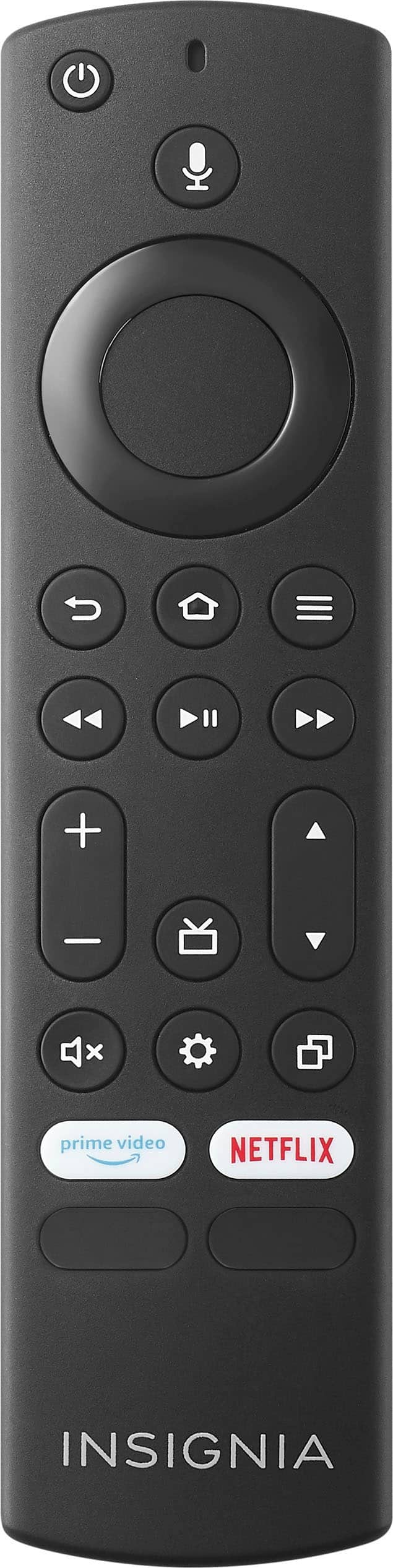
A:AnswerHello AlpineHeights! Yes, the Insignia™ 24" Class F20 Series LED HD Smart Fire TV (NS-24F201NA23) is compatible with the Logitech K400 Plus Wireless Touch Keyboard. This keyboard can be used to navigate the Fire TV interface, making it easier to search for content and control your TV. Jeth | Insignia Support. https://www.bestbuy.com/site/insignia-24-class-f20-series-led-hd-smart-fire-tv/6491295.p?skuId=6491295
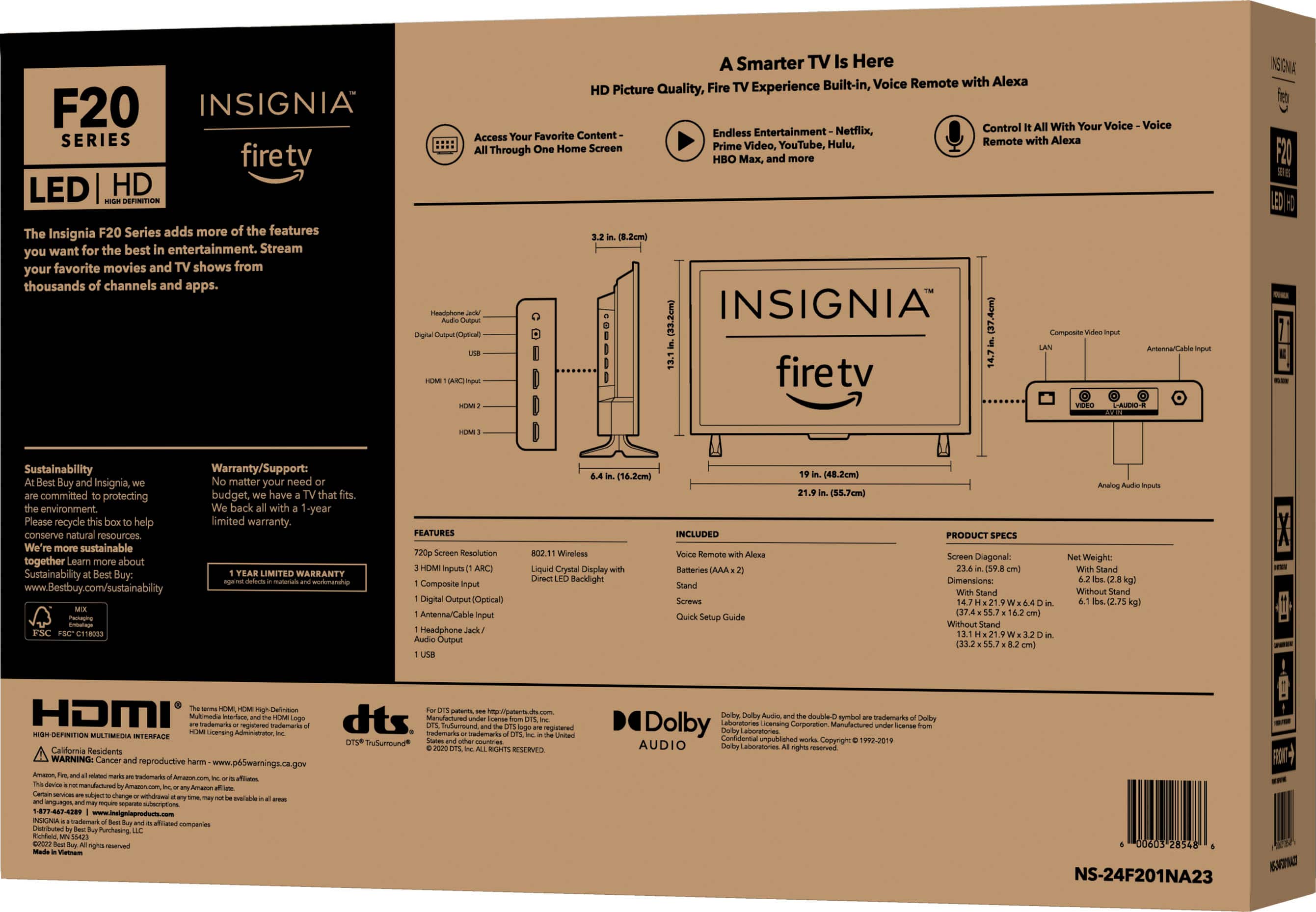
A:AnswerYES,
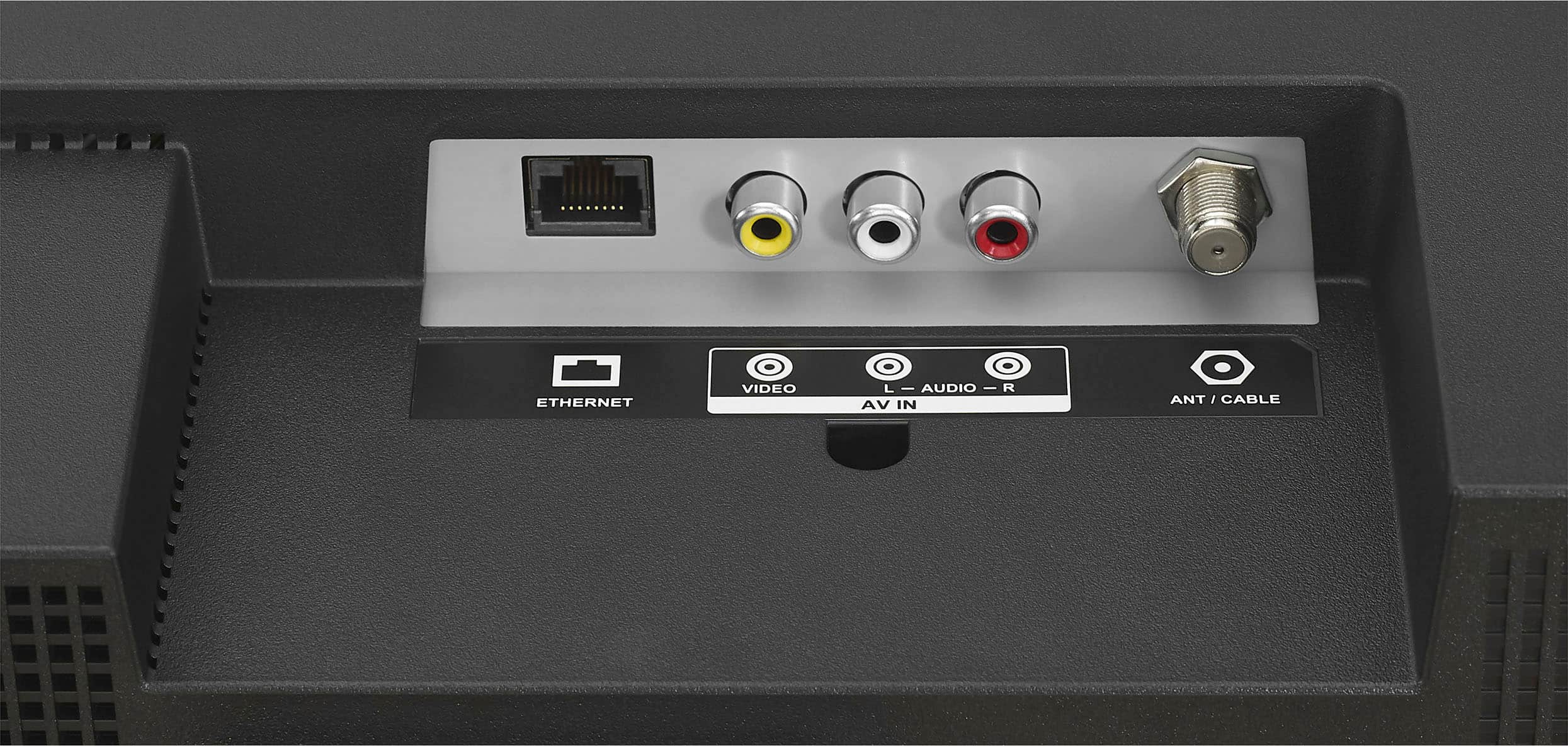
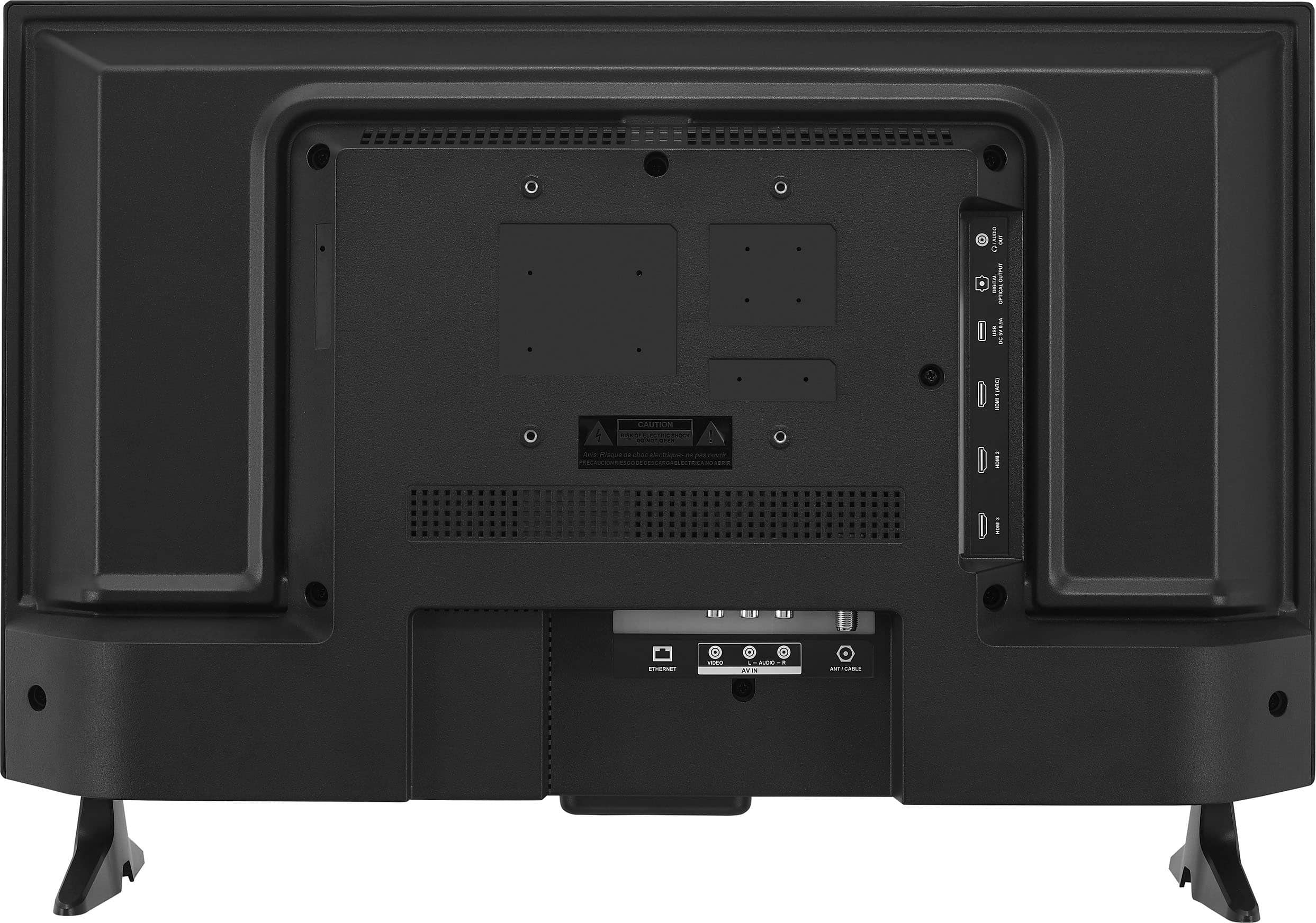
IT HAS THE OLDER RED WHITE YELLO JACKS,
AND THE HDMI PORT IF YOUR PLAYER HAS THAT,
JUST GET THE = CABLES AND SET THE INPUT TO THAT PORT ON THE TV.
A:AnswerThis HDMI cable (SKU:2059068) will work, but there are some factors to consider this is a 1.5' or 18" long HDMI cable. Factor in where the Apple TV 4K will sit in relationship to the where the TV is to choose the best length HDMI cable. https://www.bestbuy.com/site/rocketfish-4-4k-ultrahd-hdr-in-wall-rated-hdmi-cable-black/3720002.p?skuId=3720002