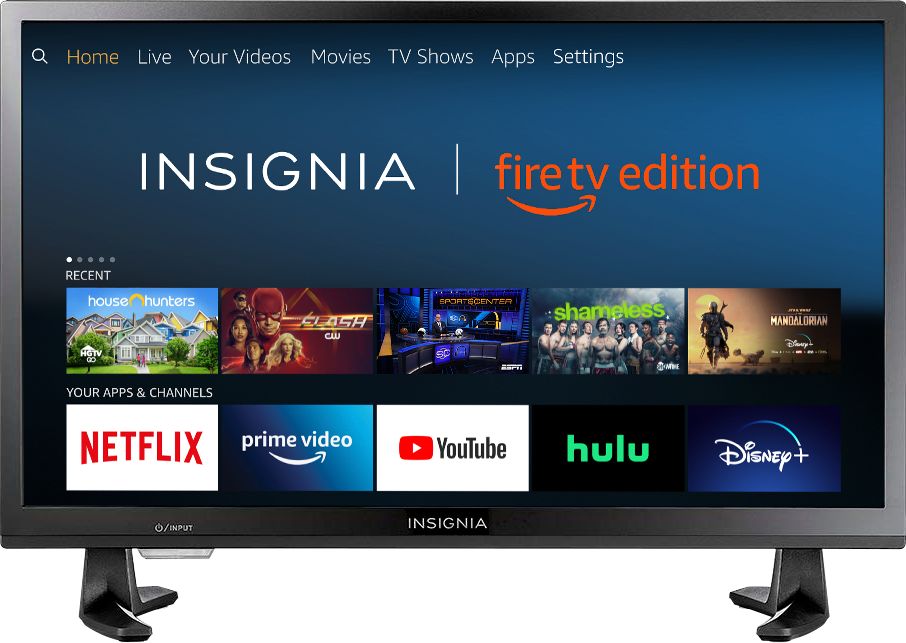
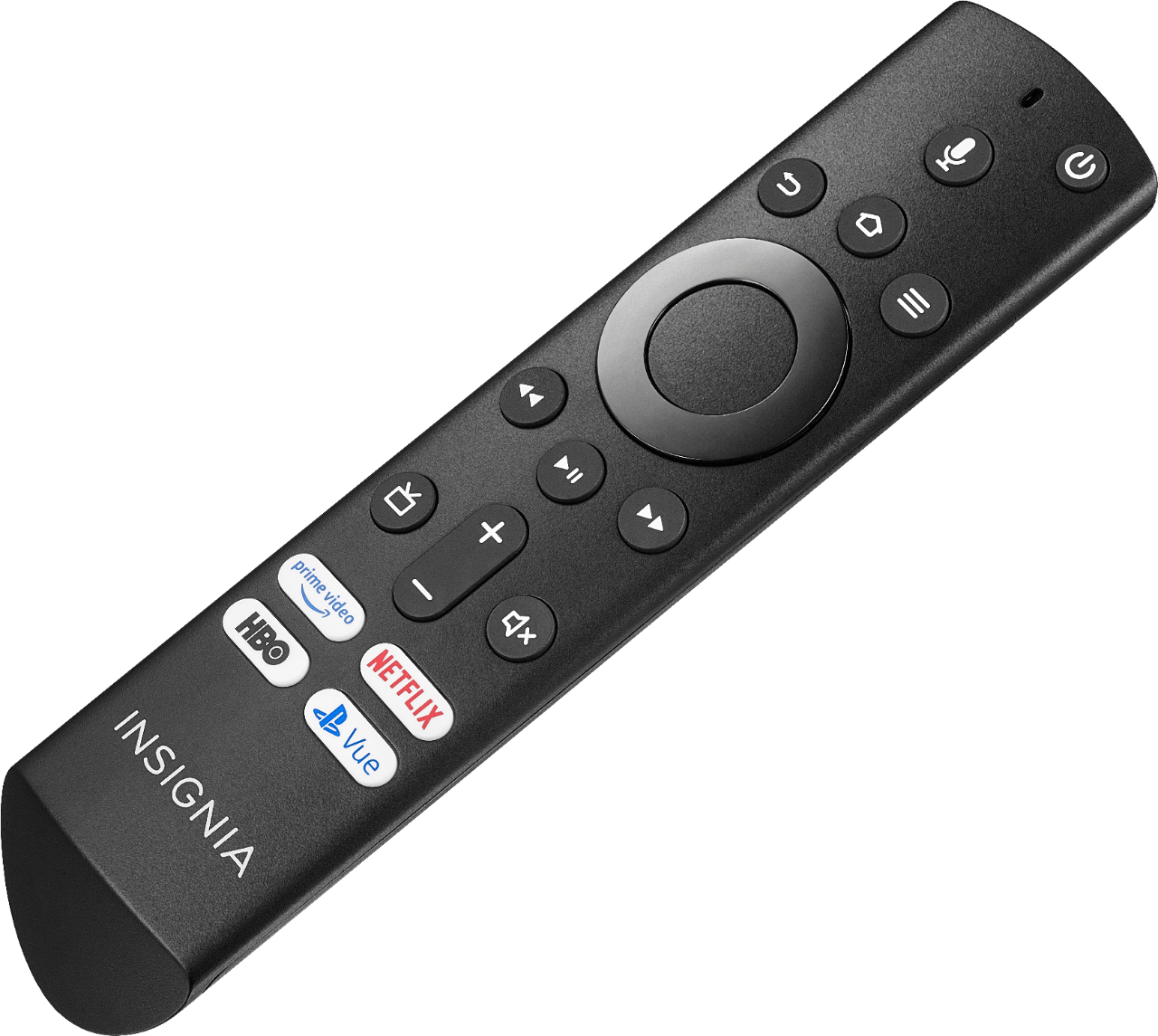
A:AnswerTo search for the app go Home and press the D-Pad left to search for the app.
Once you get the app just launch it and follow the on-screen instructions.
If you need personalized assistance, please call 1-877-467-4289 available from 8 am to 9 pm CT daily.
David M. - Insignia Support
A:AnswerThe TV supports the following DRM Digital Rights Management: Widevide L1/L3, PlayReady 2.5 and
HDCP 1.4. For more information, please visit: https://developer.amazon.com/docs/fire-tv/device-specifications-fire-tv-edition-smart-tv.html
David M. - Insignia Support
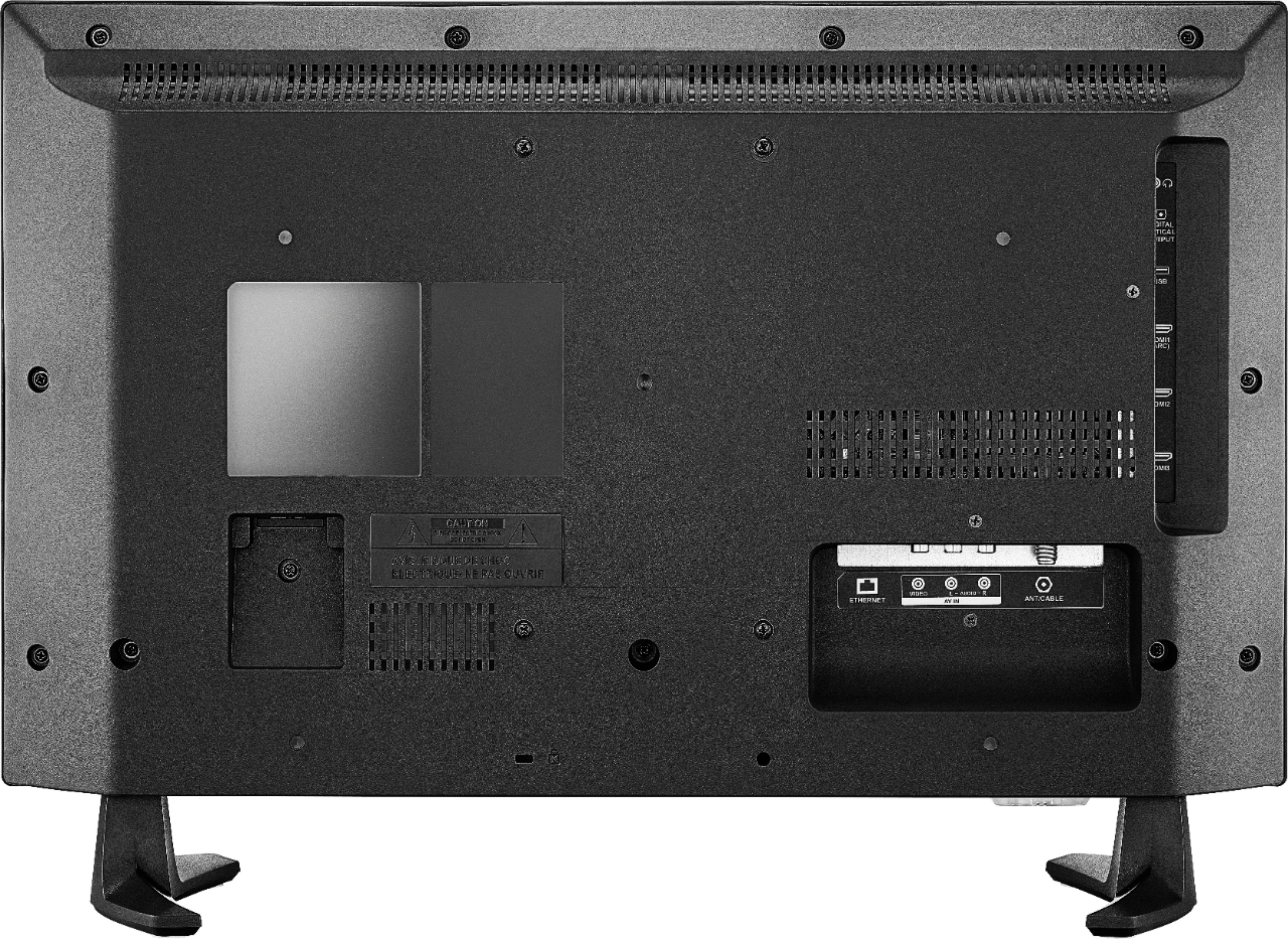
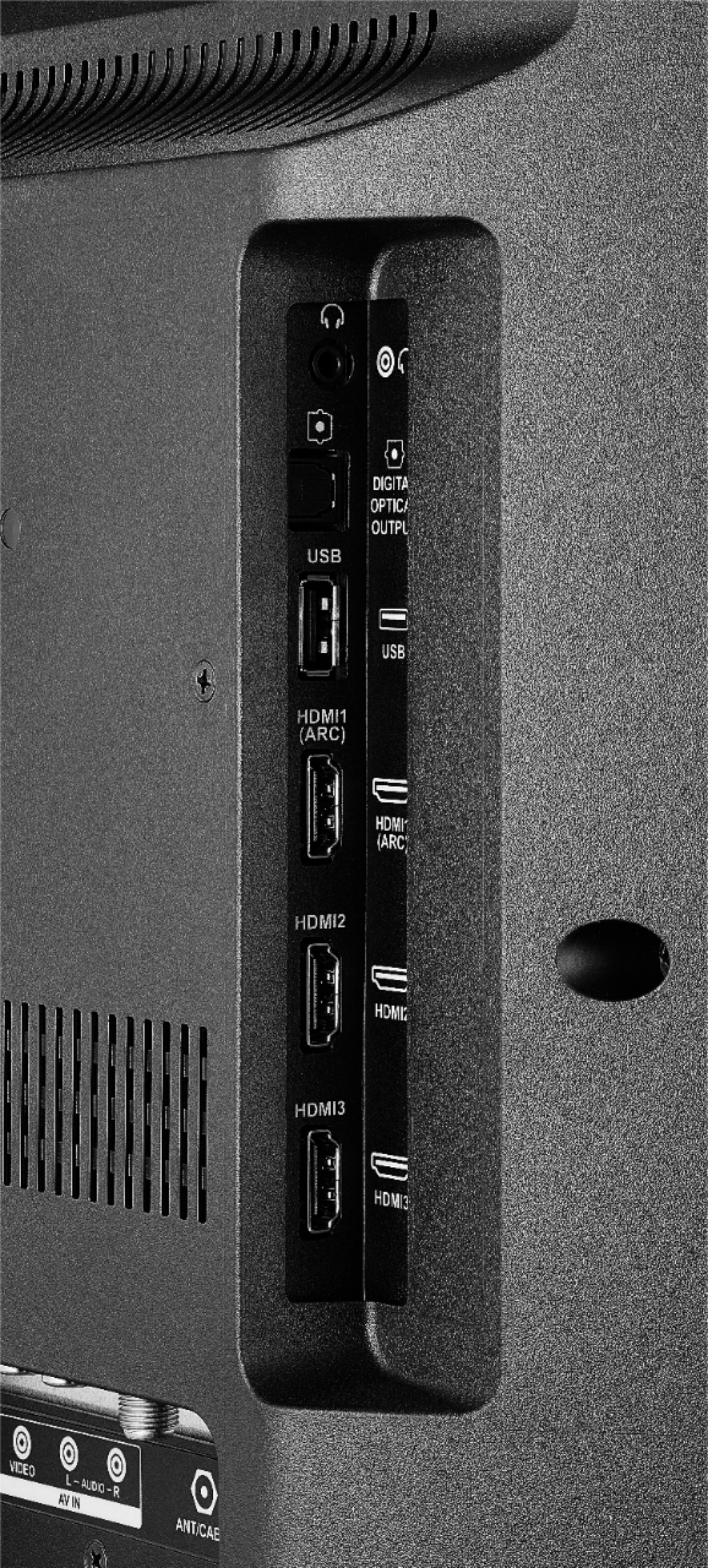
A:AnswerConnect your HD receiver to the TV using an HDMI cable.
For more information, please visit:
https://www.insigniaproducts.com/pdp/NS-24DF310NA19/6247347
David M. - Insignia Support
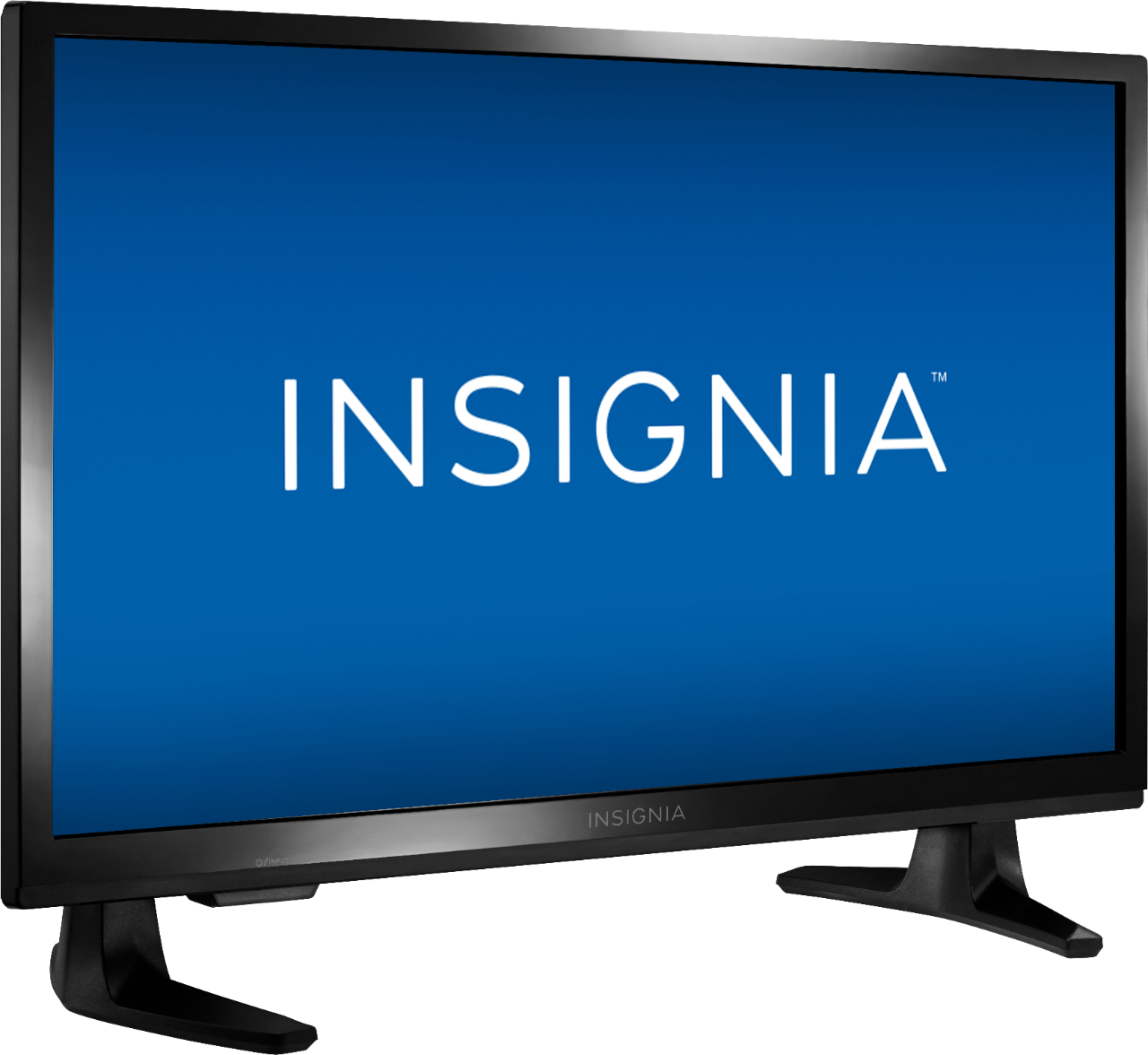
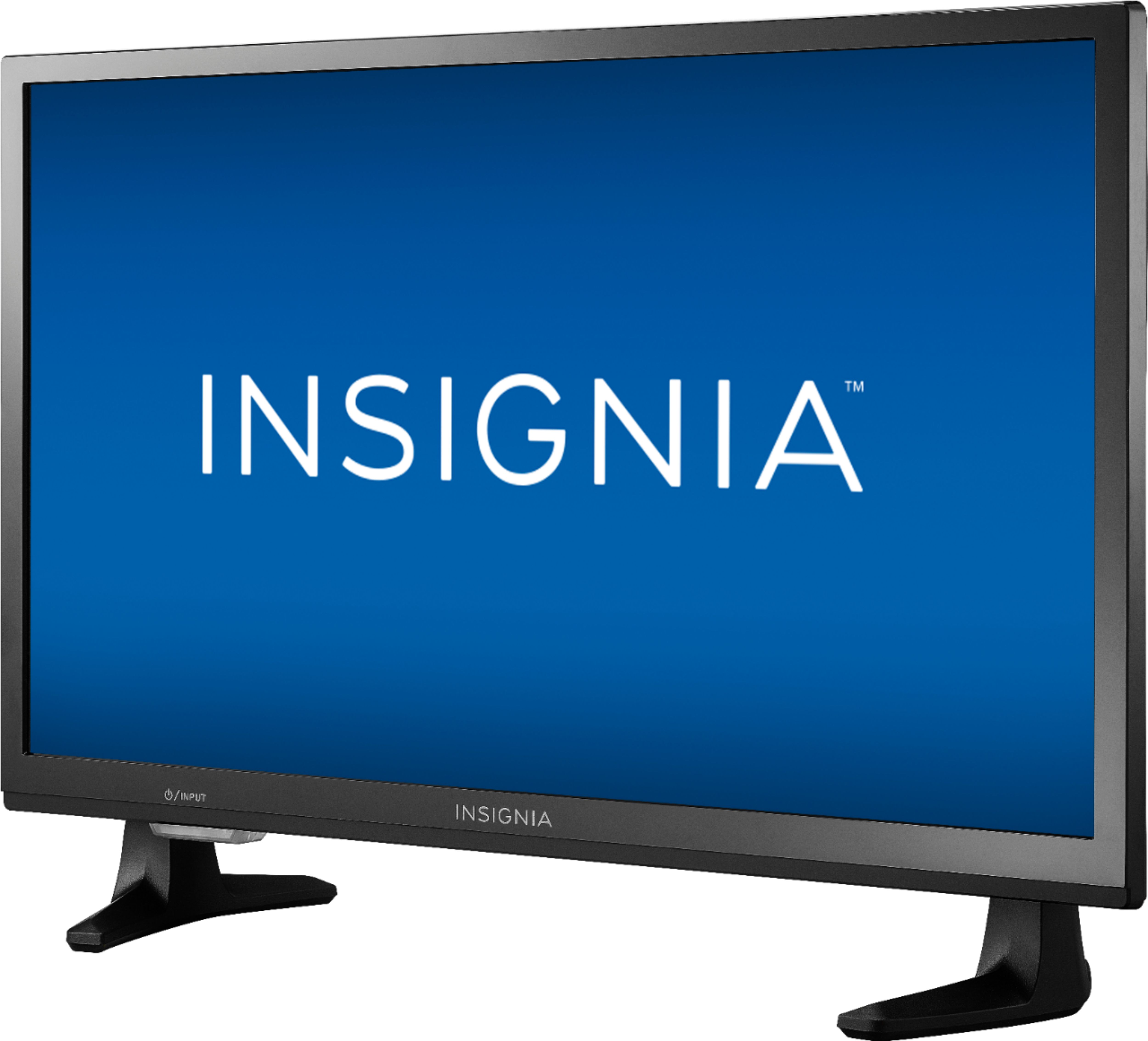
A:AnswerDimension
Product Height With Stand
15.3 inches
Product Width
21.9 inches
Product Depth With Stand
6.8 inches
Product Height Without Stand
13.5 inches
Product Depth Without Stand
2.7 inches
Product Weight With Stand
7.1 pounds
Product Weight Without Stand
6.8 pounds
A:AnswerI can confirm that you absolutely can connect this TV to Bluetooth. Replacing an older TV on our Sailboat and can connect to the onboard entertainment system which is Bluetooth enabled.
A:AnswerMine is wireless and I havent had any trouble with streaming apps. The signal goes through multiple walls and the router is at least 30 feet away.