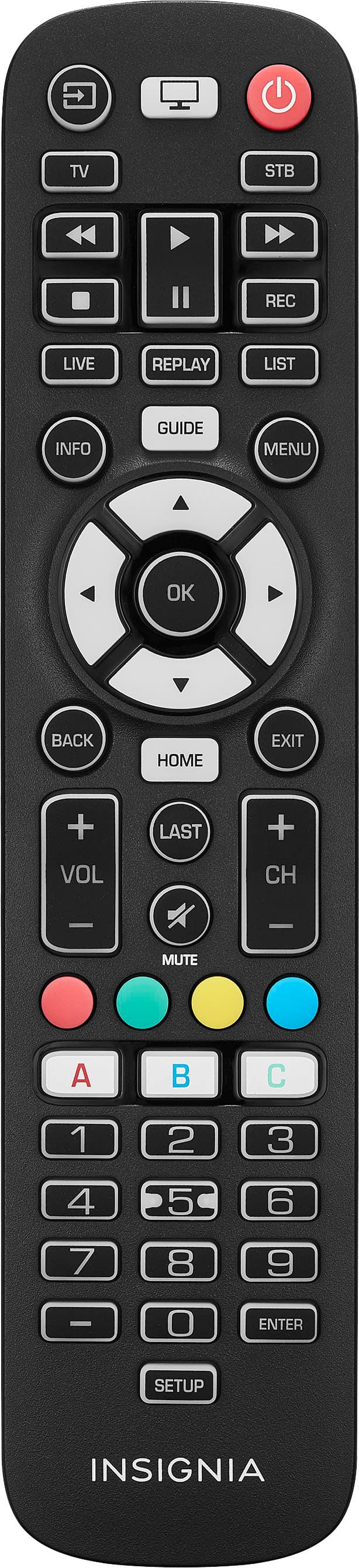
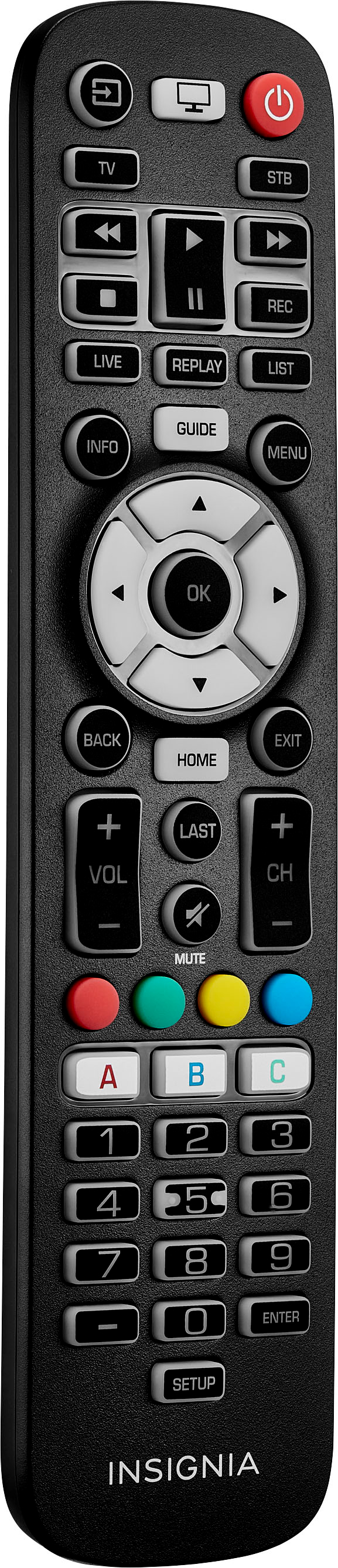
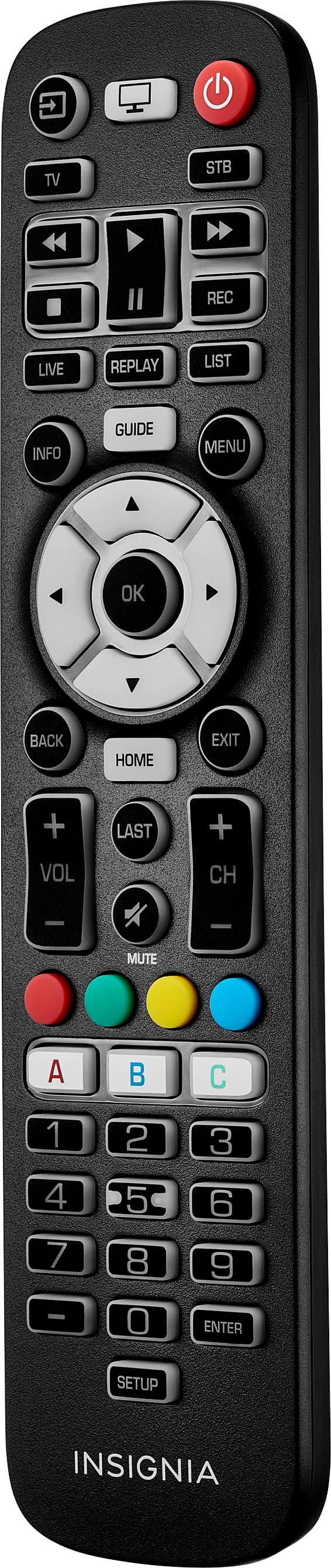
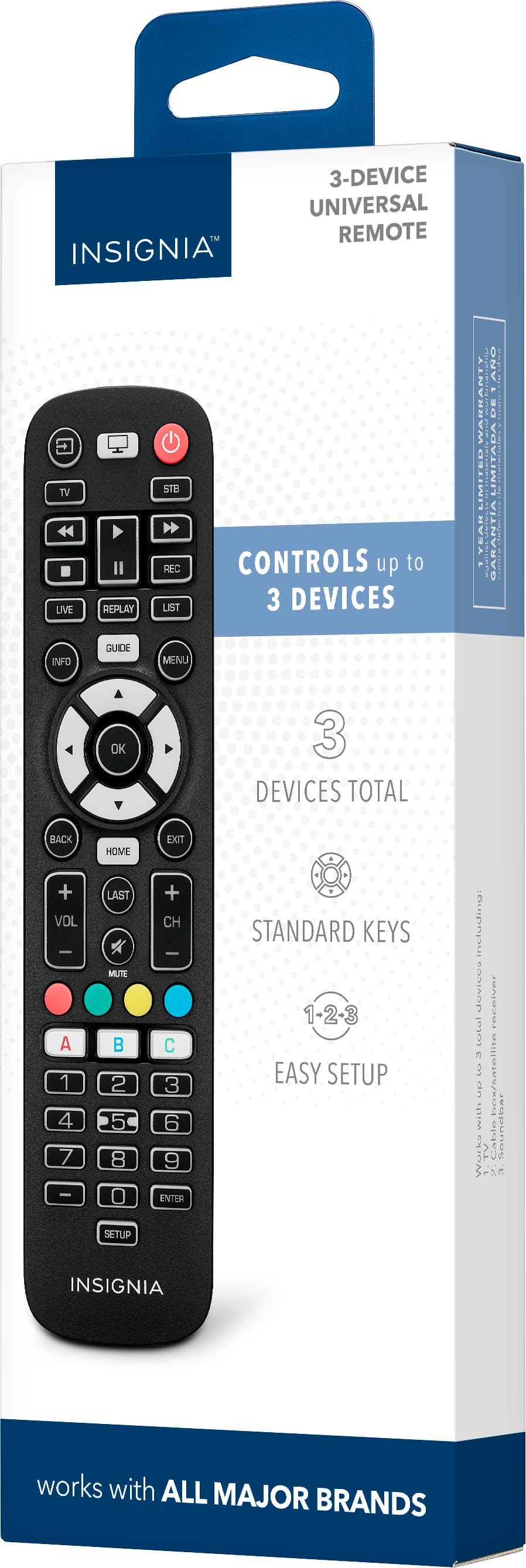
A:AnswerThank you for your inquiry! Yes, the Insignia 3-Device Universal Remote should be compatible with Sanyo TVs. It allows you to control various functions such as turning the TV on and off, adjusting volume, and changing channels. Just make sure to follow the instructions for programming the remote to your specific TV model. Keith | Insignia Support https://www.bestbuy.com/site/insignia-3-device-universal-remote-black/6495829.p?skuId=6495829
A:AnswerHi Curt! Thank you for your interest in our Insignia™ - 3-Device Universal Remote - Black. To answer your question, unfortunately, this remote is not compatible with your insignia ns-55f301na22. For more product information you can check the link below. |Angelica| Insignia Support |https://www.bestbuy.com/site/insignia-3-device-universal-remote-black/6495829.p?skuId=6495829
A:AnswerHi Insignia Customer, thank you for reaching out to us. Insignia - 3-Device Universal Remote - Black will work with Hisense TV's. For further assistance before buying this remote, kindly contact our Insignia Support Hotline at 877-467-4289. Gly | Insignia Support | https://www.bestbuy.com/site/insignia-3-device-universal-remote-black/6495829.p?skuId=6495829
A:AnswerHi there! Yes, the Insignia™ - 3-Device Universal Remote is compatible with TLC TVs. You can find the specific code for TLC TVs in the product datasheet or brochure to ensure compatibility with your TV. Jeth | Insignia™ Support. https://www.bestbuy.com/site/insignia-3-device-universal-remote-black/6495829.p?skuId=6495829
A:AnswerHi Liz! The Insignia™ 3-Device Universal Remote is a versatile option for controlling multiple devices, including TVs. If you don’t have the code, you can still set up the remote:
Power on your TV.
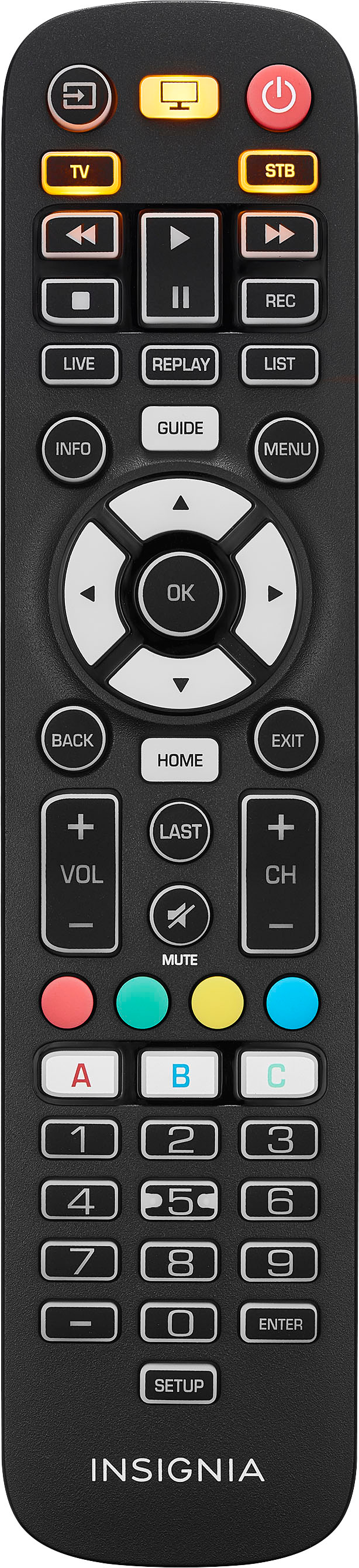
Press the “device” button (usually labeled “TV”) on the remote.
Press and hold the “setup” button until the LED light blinks.
Use the “CH+” and “CH-” buttons to cycle through available codes (if any).
When the TV responds (e.g., turns off), press the “OK” or “SEL” button to save the code.
Test the remote to ensure it controls your TV.
JC | Insignia Support https://www.bestbuy.com/site/insignia-3-device-universal-remote-black/6495829.p?skuId=6495829
A:AnswerI can recommend the Insignia™ - Replacement Remote for Insignia and Dynex TVs - Black as this compatible to your TV. -Ed | Insignia Support | https://www.bestbuy.com/site/brands/best-buy-brands/pcmcat1596746025285.c?id=pcmcat1596746025285
A:AnswerWe are excited to inform you that the Insignia™ - 3-Device Universal Remote is fully compatible with any Samsung TV. To make setup even easier, we have included the specific code for Samsung TVs in the brochure. Just enter the code provided and your remote will be ready to operate your Samsung TV seamlessly. Enjoy the convenience and simplicity of controlling your Samsung TV with our universal remote. Jeth | Insignia™ Support. https://www.bestbuy.com/site/insignia-3-device-universal-remote-black/6495829.p?skuId=6495829
A:AnswerHi Nick! Thank you for inquiring about our Insignia™ - 3-Device Universal Remote. Yes, this remote should work on your Mitsubishi Model WD 65731 TV. Simply follow these instructions:
1. Turn on your device and point the Insignia universal remote control at it.
2. Press the "TV" button on the remote.
3. Press and hold the SETUP button until the LED on your remote button blinks twice.
4. Enter the first four-number code listed for your brand (Mitsubishi: 1250, 1797). The LED blinks twice when the last number of the code is entered.
5. Point your remote towards your device and press the (power) button. If the device turns off, your remote is ready to use. If not, repeat steps 2-5 with the next code in the list.
You may refer to the user guide link below for complete instructions. I hope this helps. Let us know if you need further assistance. - James | Insignia Support | https://files.bbystatic.com/fQ5JwzPu4WMR0E0Pz388LA%3D%3D/User%2BGuide
A:AnswerHello JakeA32! Thanks for inquiring about our Insignia™ - 3-Device Universal Remote. Yes, you can use this to control your Toshiba 47L7200U. You just have to follow the pairing process for Toshiba Televisions outlined in the User Manual or in the link below. Let us know if you need further assistance. Have a nice day! - James | Insignia Support | https://www.bestbuy.com/site/insignia-3-device-universal-remote-black/6495829.p?skuId=6495829
A:AnswerHi BigBoi! Thank you for inquiring about our Insignia™ - 3-Device Universal Remote. Yes, this remote should be compatible with your E320-B2. Let us know if you need further assistance. Have a nice day! - James | Insignia Support | https://www.bestbuy.com/site/insignia-3-device-universal-remote-black/6495829.p?skuId=6495829
A:AnswerHi Jake, thank you for reaching out. We're happy to confirm that your TV is compatible with Insignia™ - 3-Device Universal Remote. For detailed information, including compatibility and features, we recommend referring to the product datasheet/brochure or on the manual available on BestBuy.com. You'll find comprehensive details about your TV and its compatible accessories listed there. If you have any further questions or need assistance, please don't hesitate to contact us. We're here to help. Jeth | Insignia™ Support. https://www.bestbuy.com/site/insignia-3-device-universal-remote-black/6495829.p?skuId=6495829
A:AnswerHi Lizzie! Thank you for your interest in purchasing our Universal Remote Control. Insignia™ 3-Device Universal Remote is compatible with the old Panasonic TC-26 LX70 LCD TV.
JC | Insignia Support https://www.bestbuy.com/site/insignia-3-device-universal-remote-black/6495829.p?skuId=6495829
A:AnswerHi there, Yes, it will work with your sony bluray home theatre BDV-E2100.
Rudson S.| Insignia Support. https://www.bestbuy.com/site/brands/best-buy-brands/pcmcat1596746025285.c?id=pcmcat1596746025285