DoorBOOsters are hereExclusions apply. Ends 11/2/25.Shop now

Skip to content
Gift Ideas
26 Cypress St
Williston, VT 05495
Opens at 9 am
Find Another Store
Main Content

Questions & Answers

Page Showing 81-100 of 275 questions
  • QuestionIs this remote compatible with the insignia fire tv model no.NS-43F301NA22?

    Asked by Tramell.

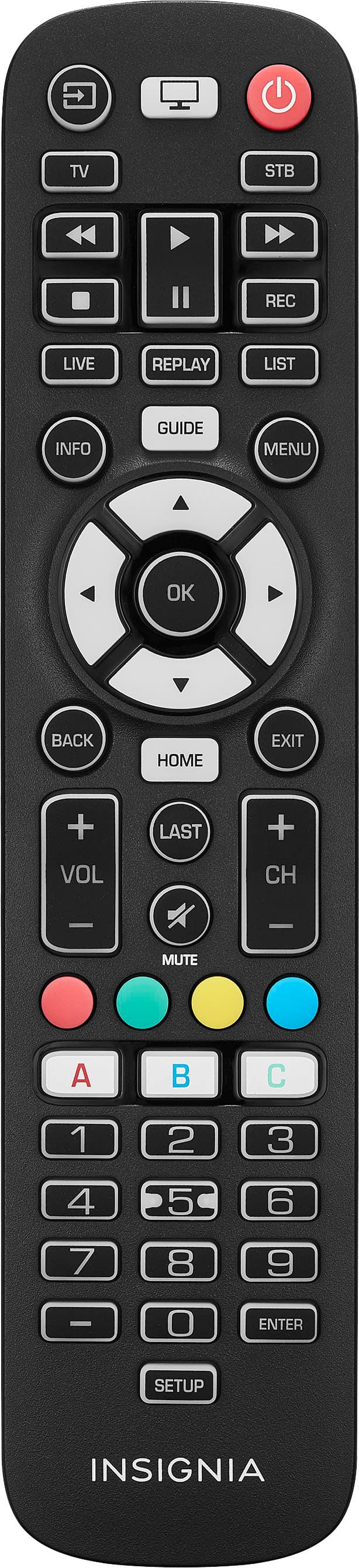
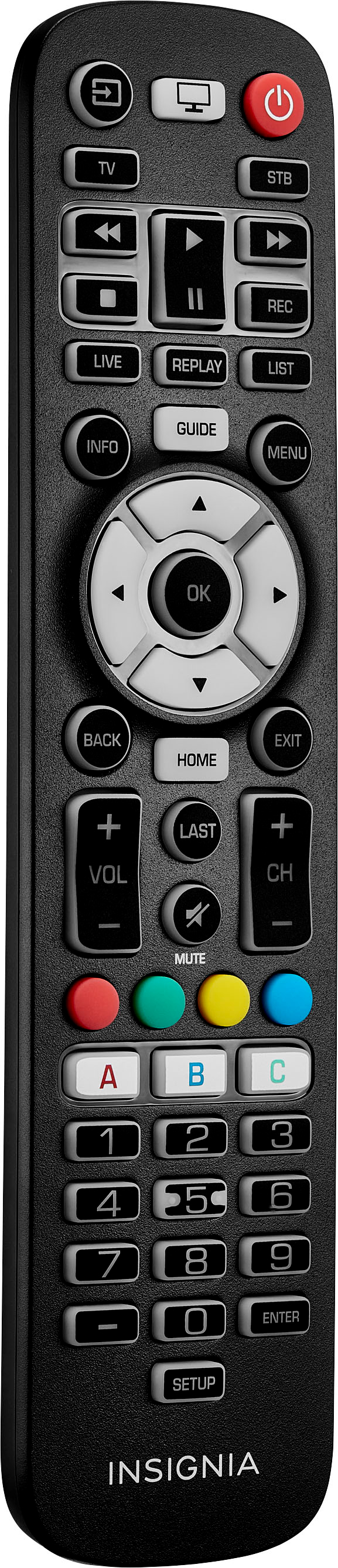
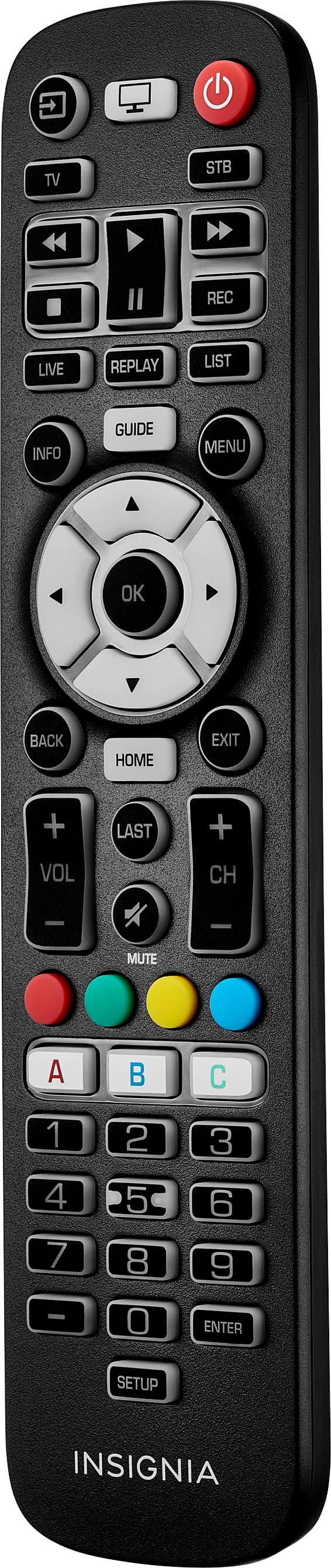
    • Answer Thank you for reaching out! Yes, this item is compatible with our Fire TVs. However, I would like to inform you that if you are purchasing this item specifically for the number buttons, please note that those buttons will not respond when changing channels, as they are intended for use with a set-top box. - Carl | Insignia Support

      Answered by InsigniaCustomerSupport

  • QuestionWill this pair to an xbox one?

    Asked by J.

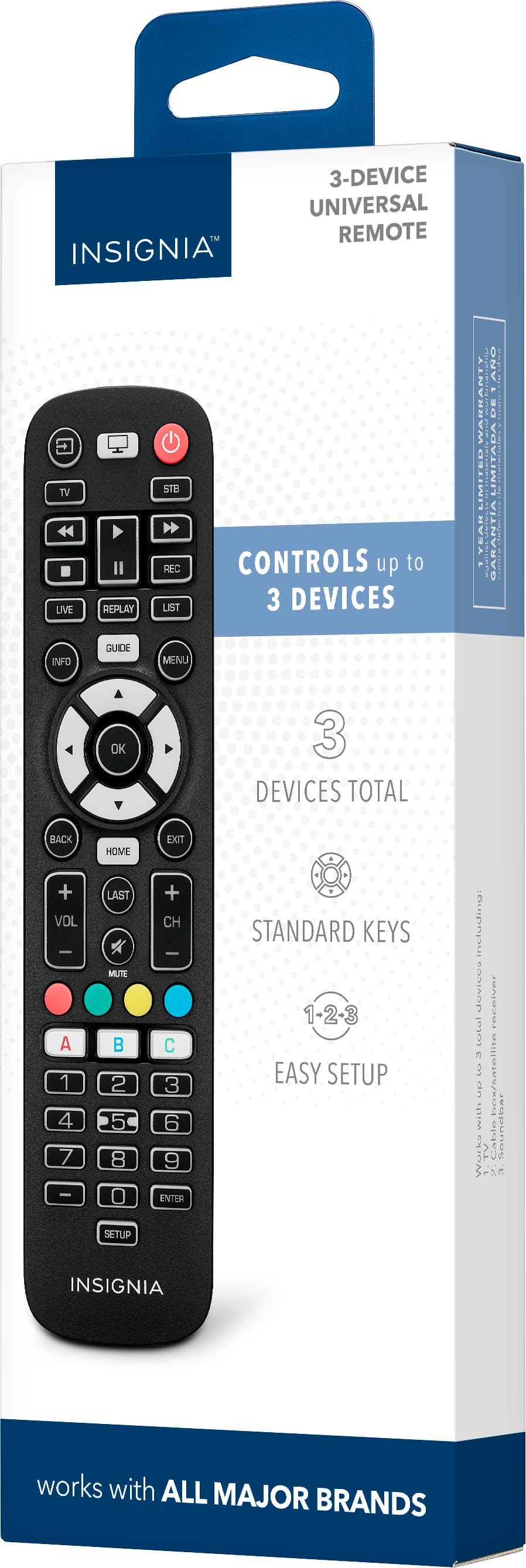
    • Answer Hello, Thank you for reaching out to us. I would like to inform you that our universal remote is not compatible with game consoles, as it can only be paired with TVs, sound bars, and cable/satellite receivers. I hope this information is helpful. Please feel free to reach out if you have any further questions. - Carl | Insignia Support

      Answered by InsigniaCustomerSupport

  • QuestionIs this compatible with the Xbox Series S?

    Asked by Anunzio.

    • Answer The Insignia™ 3-Device Universal Remote (Model: NS-RMT3D21) is designed to control a variety of devices, including TVs, soundbars, and streaming media players. However, it is not specifically designed to control gaming consoles like the Xbox Series S. For controlling your Xbox Series S, you might want to consider using the Xbox controller or the Xbox app on your smartphone, which can provide more comprehensive control over the console's features. If you have any other questions or need further assistance, feel free to ask!

      Answered by InsigniaCustomerSupport

  • QuestionWe received a Hisense smart tv from my in-laws and they lost the original remote. The tv is stuck in demo mode so I need a remote that will let me get to the settings and out of demo mode. Does this remote allow me to use the tv settings?

    Asked by Hisense.

    • Answer Yes, the Insignia™ 3-Device Universal Remote should work with your Hisense smart TV and allow you to access the settings to exit demo mode. This universal remote is designed to be compatible with a wide range of TV brands, including Hisense. If you need any further assistance with programming the remote or finding the correct code, feel free to ask! Ed | Insignia Support | https://www.bestbuy.com/site/brands/best-buy-brands/pcmcat1596746025285.c?id=pcmcat1596746025285

      Answered by InsigniaCustomerSupport

  • QuestionWill this remote with numbers work with Insignia Fire TV NS-43F301NA25?

    Asked by Anonymous.

    • Answer Hello! Thank you for reaching out. The number buttons on the remote are designed for programming with a set-top box. I hope this information is helpful. If you have any further questions, please feel free to ask. - Carl | Insignia Support

      Answered by InsigniaCustomerSupport

  • QuestionTHIS CONTROL WORKS WITH ns 43 f301 na 22

    Asked by ABUELA.

    • Answer Hello, Thank you for reaching out! Yes, this item is compatible with our Fire TVs. However, I would like to inform you that if you are purchasing this item specifically for the number buttons, please note that those buttons will not respond when changing channels, as they are intended for use with a set-top box. If you have any further questions, please feel free to ask. - Carl | Insignia Support

      Answered by InsigniaCustomerSupport

  • QuestionWill this work with Toshiba smart TV model :43V35MU

    Asked by Nick.

    • Answer Yes, the Insignia™ 3-Device Universal Remote is compatible with the Toshiba 43V35MU smart TV. This universal remote is designed to work with a wide range of devices, including most Toshiba smart TVs. If you need help setting it up or have any other questions about your home entertainment system, feel free to ask!

      Answered by InsigniaCustomerSupport

  • QuestionDoes this remote work with pioneer tv

    Asked by Ka.

    • Answer Hello! Thank you for reaching out. Unfortunately, this is not compatible with Pioneer TVs. I hope this answers your question.- Carl | Insignia Support

      Answered by InsigniaCustomerSupport

  • QuestionDoes this remote work with Toshiba 32C120U

    Asked by Darrell.

    • Answer We appreciate your interest in our Insignia - 3-Device Universal Remote. Yes, this remote is compatible with the Toshiba 32C120U. It is designed to work with a variety of devices, including many models from Toshiba. Ivy | Insignia Support

      Answered by InsigniaCustomerSupport

  • QuestionIs it backlit?

    Asked by BigB.

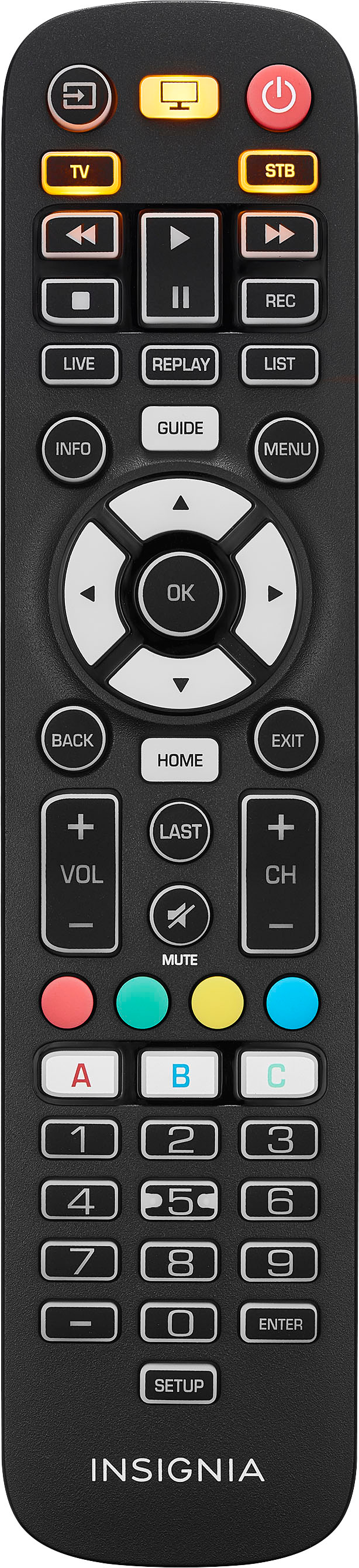
    • Answer Thank you for your Inquiry! The Insignia™ 3-Device Universal Remote in black does not have backlit keys. Keith | Insignia Support https://www.bestbuy.com/site/insignia-3-device-universal-remote-black/6495829.p?skuId=6495829

      Answered by InsigniaCustomerSupport

  • QuestionHow do I change tv channels on my insignia fire tv?

    Asked by Brenda.

  • QuestionWill this remote work on an insignia NS-50DF710A19?

    Asked by Anonymous.

    • Answer We can recommend the Insignia™ - Fire TV Replacement Remote for Insignia-Toshiba-Pioneer - Black (Model: NS-RCFNA-21) SKU:6418140 as replacement remote for the TV. -Ed | Insignia Support | https://www.bestbuy.com/site/brands/best-buy-brands/pcmcat1596746025285.c?id=pcmcat1596746025285

      Answered by InsigniaCustomerSupport

  • QuestionHi, will this remote work with an Insignia Fire Tv model NS-24F202NA23 and a Roku? I use the Roku and the TV together and id like to have one remote to control both devices.

    Asked by CBee315.

    • Answer Hello! Thank you for reaching out. Unfortunately, this remote is not able to control both of your devices, which are your Roku and your TV. I hope this information is helpful. If you have any further questions, please feel free to reach out again. - Carl | Insignia Support

      Answered by InsigniaCustomerSupport

  • QuestionIs this compatible with the Vizio V-series tv?

    Asked by Eliza.

  • QuestionWill this work on my Panasonic plasma tv

    Asked by Painter.

    • Answer Yes, the Insignia™ 3-Device Universal Remote is compatible with most major TV brands, including Panasonic. You can program it to work with your Panasonic plasma TV using the provided setup instructions. Here are the steps to set it up: 1. Turn on your device and point the Insignia universal remote control at it (if you are setting up a streaming device, make sure a movie or TV program is playing). 2. Press the device button you want to set up (for example TV). 3. Press and hold the SETUP button until the LED on your remote button blinks twice. 4. Press and hold the number button for your brand and device, as listed in the tables above (or example, 5 for a Panasonic TV). Your remote will send the power signal every three seconds. 5. Release the button as soon as your device turns off. The LED blinks twice and your remote will now operate your device. If you have any other questions or need further assistance, feel free to ask!

      Answered by InsigniaCustomerSupport

  • QuestionWill this remote work with FIOS ? I have a Samsung TV

    Asked by Bjg.

    • Answer Yes, the Insignia™ 3-Device Universal Remote is compatible with most major TV brands, including Samsung. It can also be programmed to work with FIOS set-top boxes. Here are the steps to set it up: 1. Turn on your Samsung TV and FIOS set-top box. 2. Press and hold the "Setup" button on the remote until the red indicator light stays on. 3. Press the "TV" button to program the TV, and enter the code for Samsung TVs. Common codes for Samsung are 12051, 10702, 10812, and 10178. 4. Press the "CBL" button to program the FIOS set-top box, and enter the code for FIOS. Common codes for FIOS are 33176, 30000, and 30003. 5. Press the "Power" button to test if the devices turn off. If they do, the setup is complete. If not, repeat the steps with a different code. This remote should give you full control over both your Samsung TV and FIOS set-top box. If you have any other questions or need further assistance, feel free to ask!

      Answered by InsigniaCustomerSupport

  • QuestionDoes this remote work for a 2024 Samsung 43" Class OLED 4K Q60D Smart TV? Model QN43Q60DAFXZA

    Asked by Ohiogirl.

    • Answer Yes, the Insignia™ 3-Device Universal Remote is compatible with most major brands, including Samsung. It should work with your 2024 Samsung 43" Class OLED 4K Q60D Smart TV (Model QN43Q60DAFXZA). The remote offers easy preprogramming for an effortless pairing process, so you won't need any codes. If you have any other questions or need further assistance, feel free to ask!

      Answered by InsigniaCustomerSupport

  • QuestionWill this remote replace a NS RC02U 10A remote?

    Asked by Marvin.

  • QuestionDoes this device work with an older (~ 12 years old) Insignia NS32D200NA14 TV? If not, is there another remote that works?

    Asked by NonNaperTechie.

    • Answer Yes, the Insignia™ 3-Device Universal Remote should work with your older Insignia NS32D200NA14 TV. Most universal remotes, including this one, are designed to be compatible with a wide range of TV models, including older ones. If you encounter any issues, you can use the auto-code search method to find the correct code for your TV. Alternatively, other universal remotes like those from GE or RCA are also compatible with Insignia TVs.

      Answered by InsigniaCustomerSupport

  • QuestionRe Remote. 22EO5K What is the code for Samsung smart TV. QN55QN90AAFXZA 4K What is the code for Hotwire Fusion+ Cable set top box I need to control both. THANK YOU.

    Asked by Anonymous.

    • Answer For your Samsung Smart TV (QN55QN90AAFXZA 4K), you can try the following codes for the Insignia™ 3-Device Universal Remote: - 10047 - 10054 - 10017 - 10154 - 10060 - 10812 - 10702 - 10178 - 10030 - 10056 - 10587 - 10766 - 10814 - 11060 - 11575 Unfortunately, I couldn't find a specific code for the Hotwire Fusion+ Cable set top box. However, you can use the auto-code search method to find the correct code: 1. Turn on the device you want to program. 2. Press and hold the "Setup" button on the remote until the red indicator light stays on, then release the button. 3. Press the device button (e.g., "Cable") on the remote. 4. Press and release the "Power" button repeatedly until the device turns off. 5. Press the "Enter" button to store the code. If you need further assistance or have any other questions, feel free to ask!

      Answered by InsigniaCustomerSupport