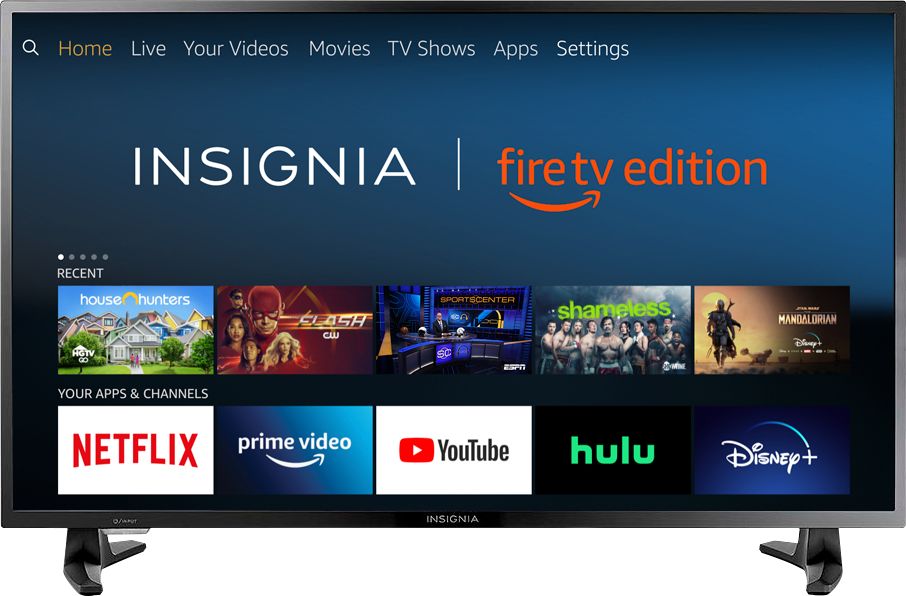
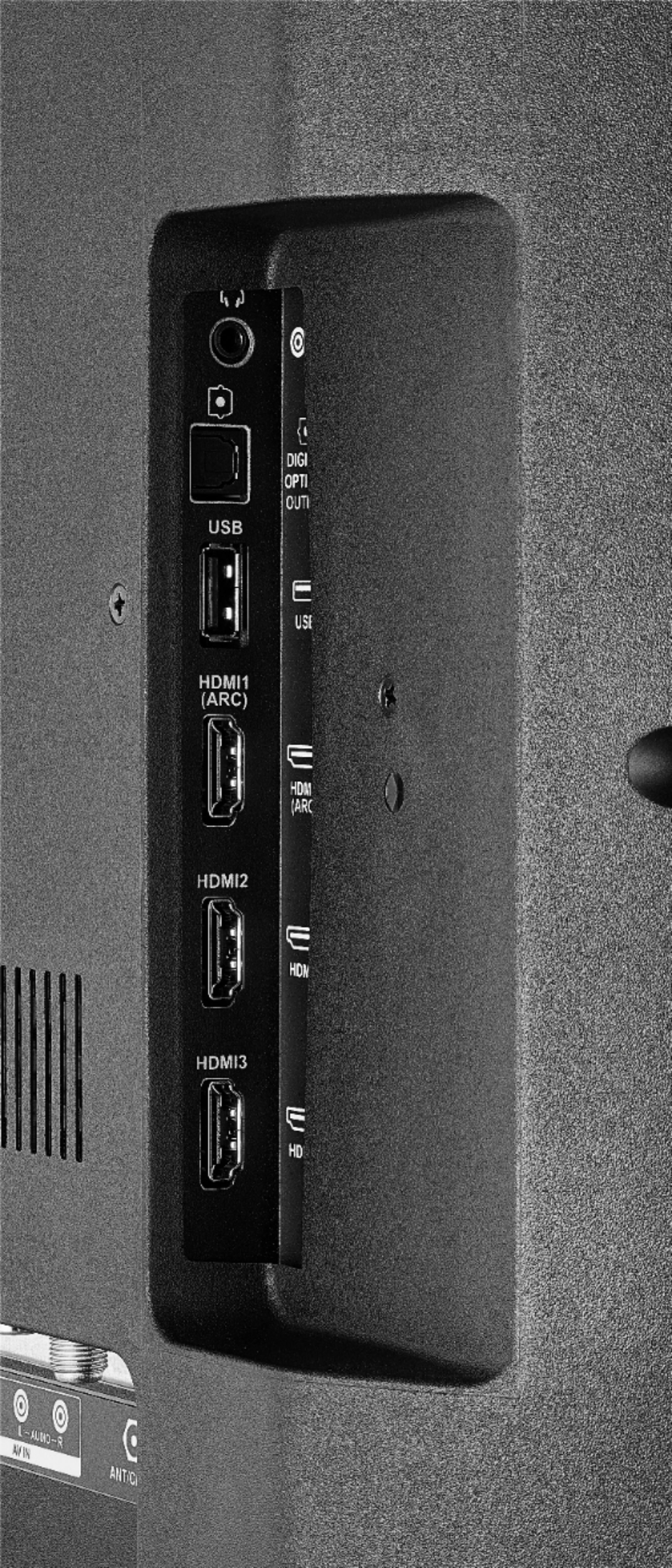
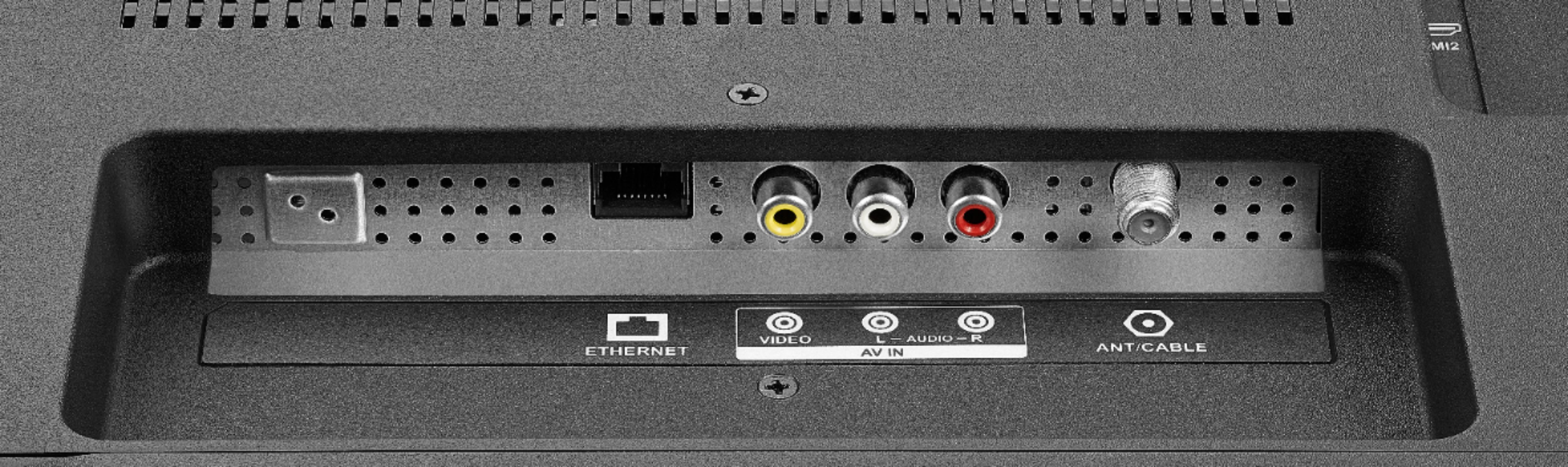
A:AnswerIt's the same menu as a fire stick. It does have inputs and you will be able to use cable just fine. Just go in setting and pick lat input on power up and you should be fine.
A:AnswerShe changes the channel fine for me. She’ll change it by channel number or by network. She’ll alao switch to whichever input you request (I.e. hdmi 1, etc). It’s super convenient. Sorry it’s not working for you:/
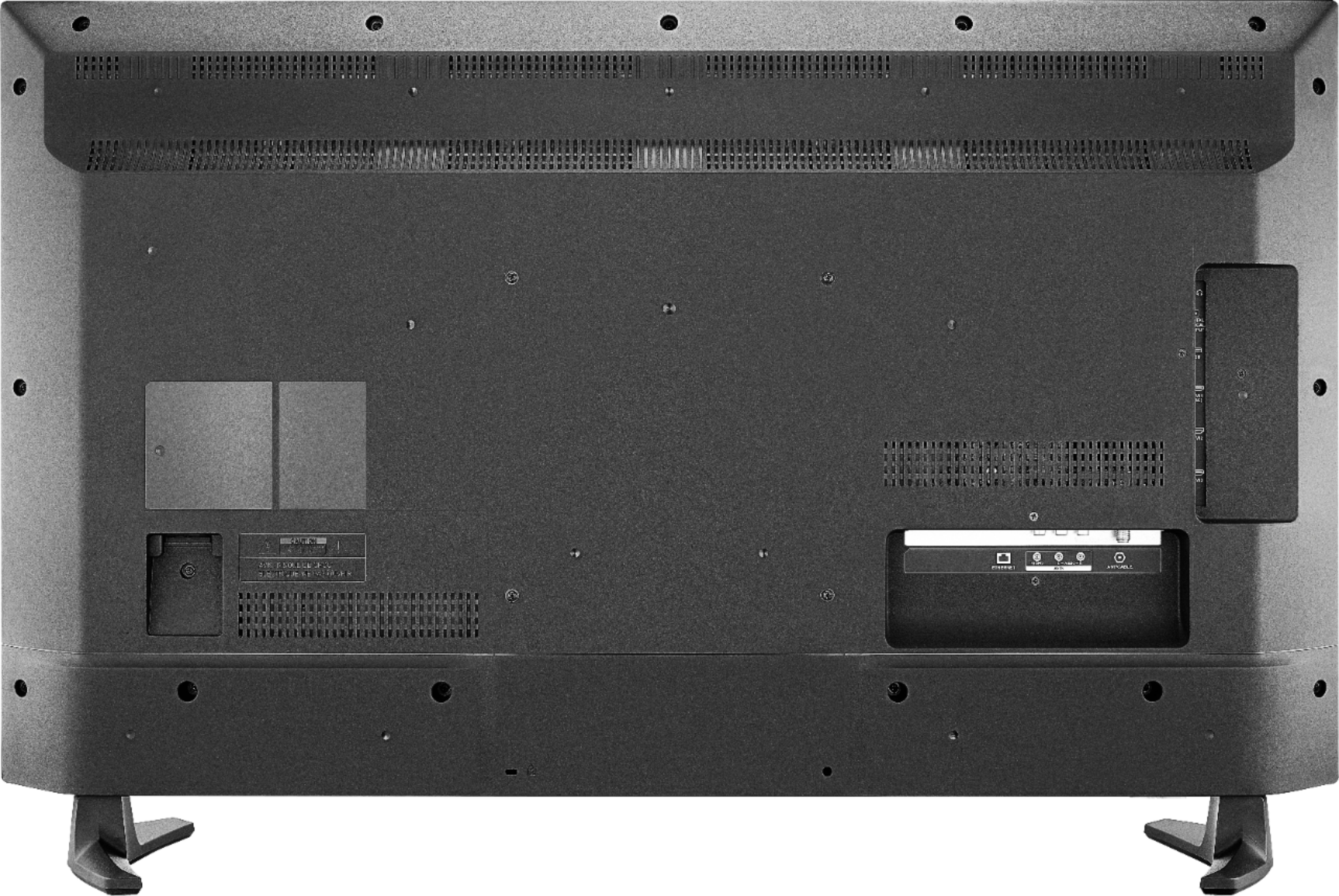
A:AnswerYou should be able to hook your FIOS device up to this TV in the same way it was hooked up to your old one . I just unhooked the cords from the back of my old TV and when I replaced it with this one hooked those same cords into the corresponding inputs. I have U-Verse. If you run into any trouble an internet search and/or a search on YouTube for a how to video to help are out there. You're not the first or last person who will need help with this. Your FIOS remote may need to be programmed to work with your TV too.
A:AnswerHere's how you'll find the mac number. Type ipconfig /all at the command prompt to check the network card settings. The IP number and MAC address are listed by ipconfig under IP Address and Physical Address. You can copy the Physical Address and IP Address from the command prompt by right-clicking in the command prompt and clicking Mark.
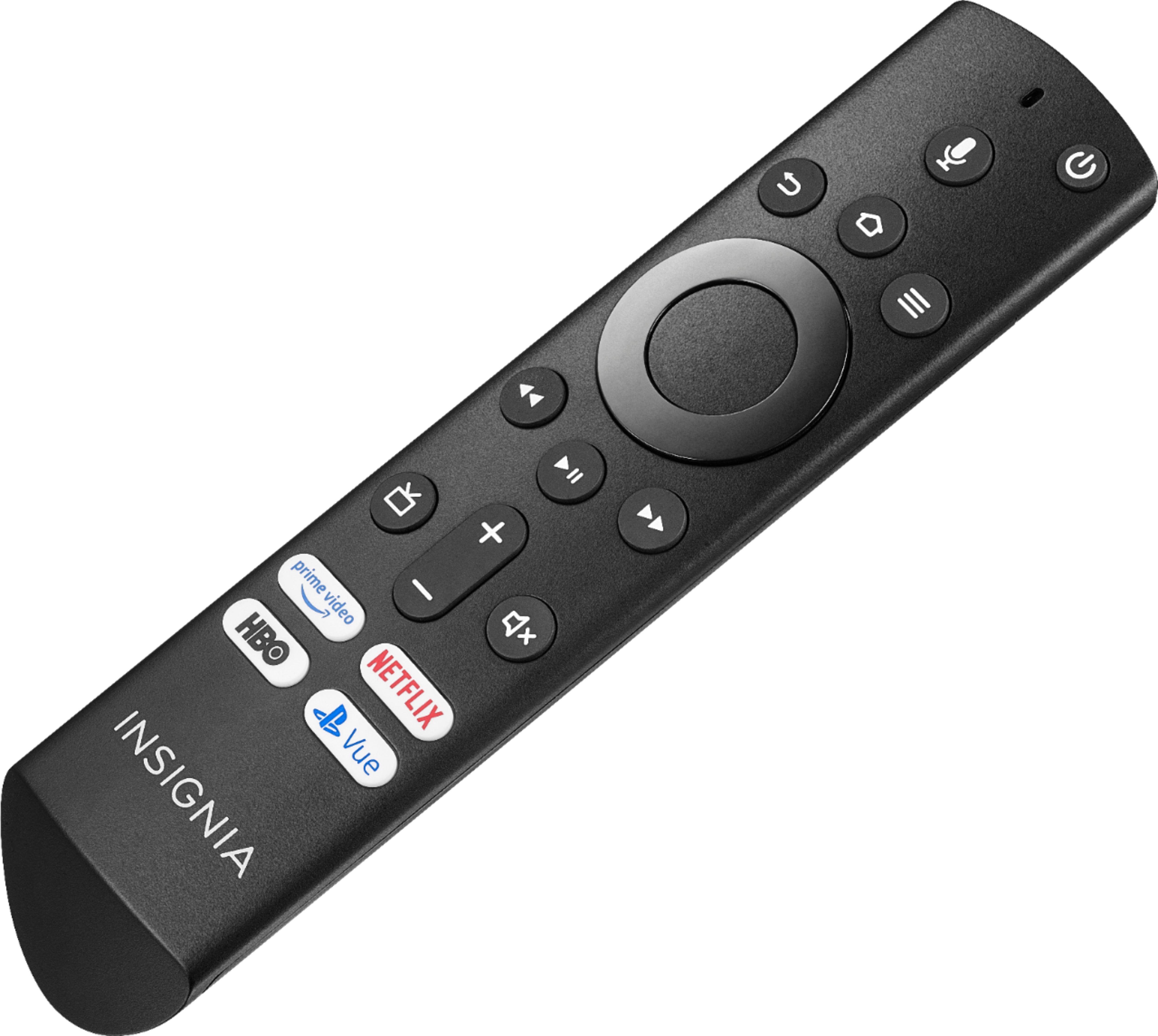
A:AnswerHello. With this TV we always recommend to use its own remote instead of a universal one, the Fire remote will allow you to enjoy all of its special functions. Also, if you want to turn the TV off using the universal remote you will always need to use the Fire remote to confirm that actions. Charles O. Insignia support.
A:AnswerThe YouTube TV app is now available for the Fire TV Edition television.
To see the list of supported devices, please visit: https://tv.youtube.com/welcome/
David M. - Insignia Support